

The Apple Watch display is built from highly durable materials such as Ion-X strengthened glass or sapphire crystal, designed to resist everyday wear while maintaining touch accuracy and visual clarity. Even so, oils from skin, sunscreen, sweat and dust can build up on the surface and around the edges if not cleaned regularly, which may eventually interfere with sensors or degrade the oleophobic (oil-repellent) coating over the long term. Regular maintenance helps preserve a crisp screen look and ensures accurate sensor readings over years of daily use.
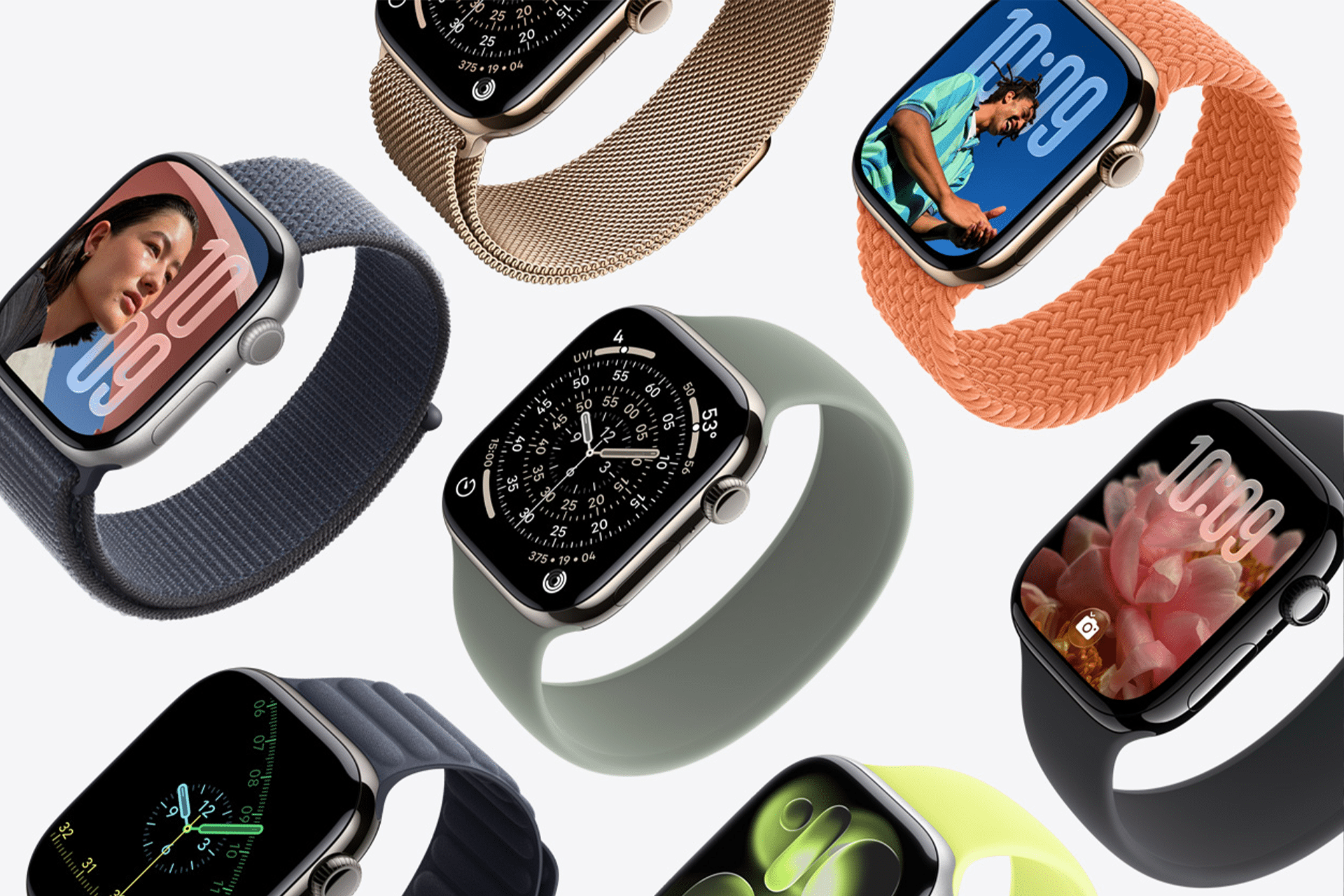
Gentle Cleaning Basics
Apple’s official guidance for cleaning your Apple Watch starts with turning the device off and removing it from the charger. Use a non-abrasive, lint-free cloth to wipe down the screen and body. If there are stubborn smudges or residue, lightly dampen the cloth with fresh water and then dry thoroughly with the dry side of the cloth. Apple explicitly advises against soaps, abrasive materials, compressed air, and ultrasonic cleaners as they can degrade surface coatings and potentially harm internal components.
Safe Water and Sweat Cleaning
Because most Apple Watch models are water-resistant (but not fully waterproof), mild exposure to water — such as sweat or rain — is typically safe. After activities that cause moisture buildup, gently rinse the watch under fresh, lukewarm water to help remove oils and debris, then use a lint-free cloth to dry the screen and back thoroughly. This practice helps maintain sensors and prevents residue buildup.
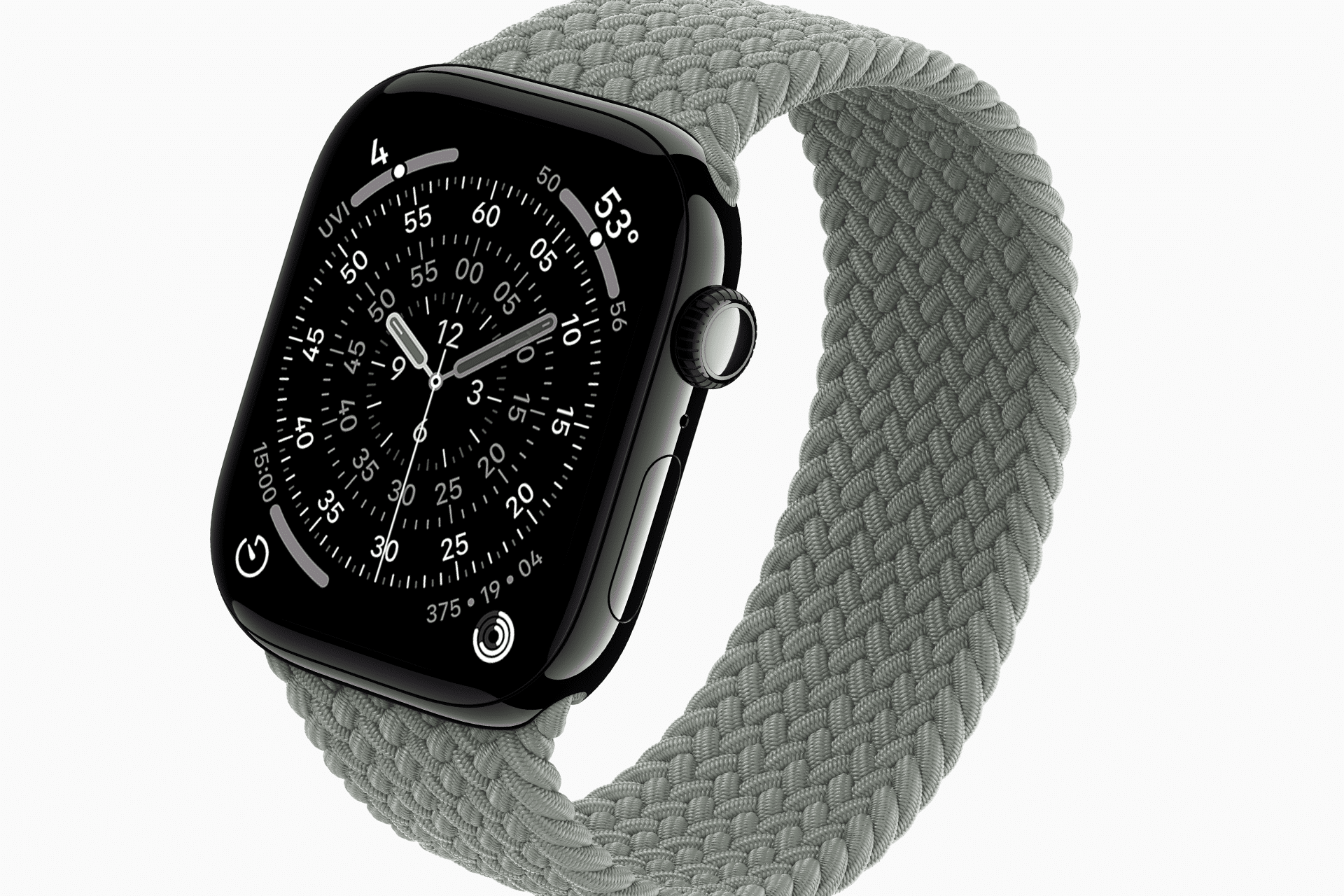
Cleaning Around the Digital Crown
Debris can accumulate around the Digital Crown and the edges of the watch face over time. Apple’s guidance recommends holding the Apple Watch under lightly running water and turning/pressing the Digital Crown to dislodge particles before drying with a lint-free cloth. This aids in keeping areas near the screen clean and prevents grime from migrating onto the display surface.
Avoiding Harmful Substances
Exposure to household chemicals, soaps, detergents, acidic foods, perfumes, insect repellent or lotions can wear down the screen’s protective layers, and those materials should be rinsed off promptly if they come into contact with the watch. After such exposure, a fresh water rinse and a dry cloth wipe help limit the impact on both the screen and underlying sensors.

Protective Practices and Daily Habits
Several simple habits help preserve your Apple Watch screen day to day. Wiping the screen with a microfiber or other lint-free cloth after workouts or prolonged wear keeps the surface clear of oils and sweat. Keeping the watch dry and storing it safely when not worn prevents unnecessary exposure to dust and debris. Avoiding extreme temperatures (both hot and cold) also helps protect internal components and maintain the watch’s optical clarity.
Professional Support for Screen Damage
Minor smudges and buildup are easily managed through regular care. However, if the screen has deep scratches, cracks, or touch functionality issues, Apple does not support consumer screen opening or polishing, and DIY cleaning products or abrasives are discouraged. Professional service via Apple Support or an authorized provider may be necessary for serious damage, ensuring that delicate internal components remain intact and operational.


