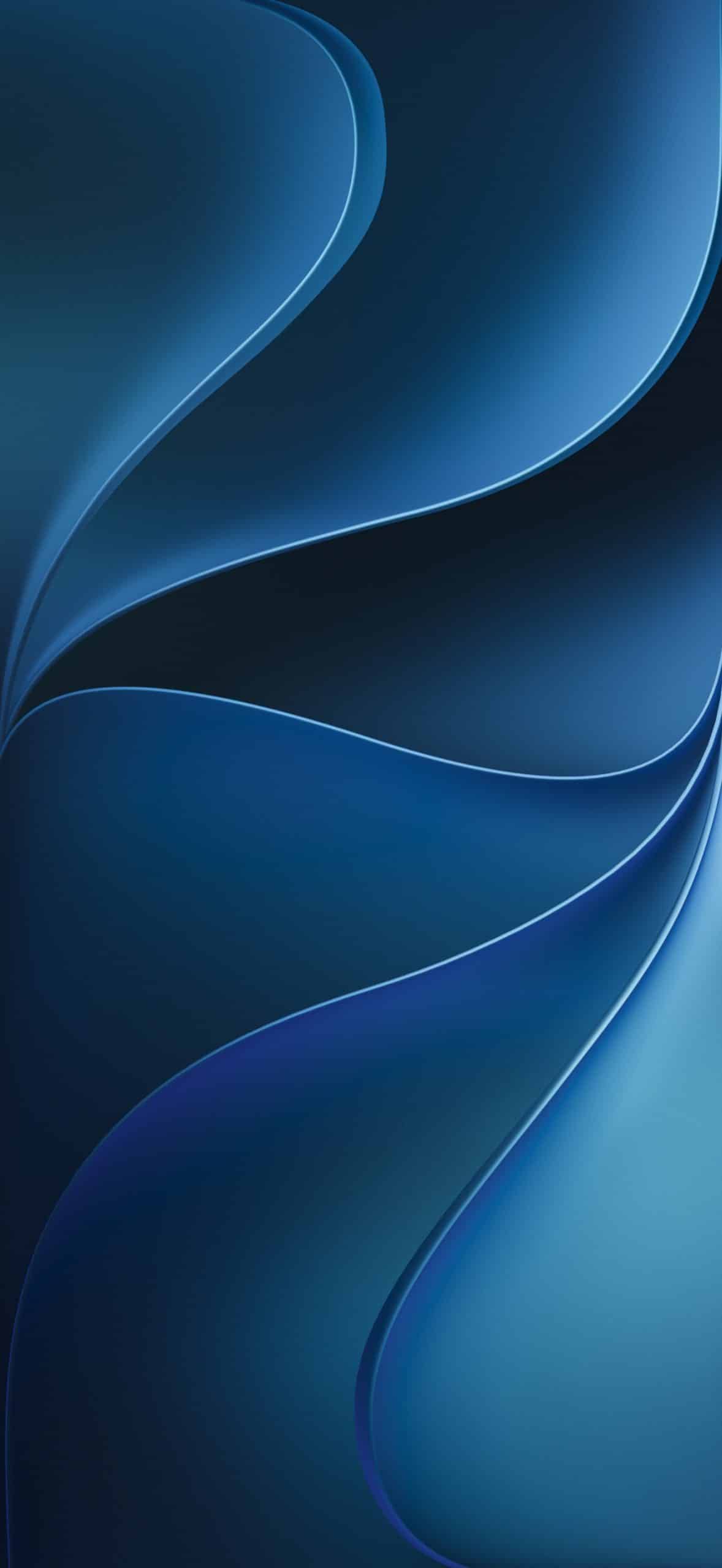
AppleMagazine is offering iOS 27 wallpapers for iPhone, giving readers an easy way to bring the WWDC26 visual style to their Lock Screen and Home Screen before Apple’s next iPhone software release arrives for the public.
The wallpapers are built around the glowing visual identity Apple used for WWDC26, with a dark background and a luminous Apple mark that matches the company’s renewed focus on Siri AI, Apple Intelligence, and a more fluid system design. Apple’s official event artwork was released for iPhone, iPad, and Mac, but this download is focused specifically on iPhone, with crops designed for a vertical screen and a cleaner fit behind the Lock Screen clock, widgets, notifications, and app icons.
It is a simple download, but it captures the mood of this year’s software cycle. WWDC26 has been shaped by AI, a rebuilt Siri, design refinements, and tighter ecosystem integration. The iOS 27 wallpaper brings that look to iPhone immediately, without requiring a developer beta or early software install.
iOS 27 Wallpapers Bring WWDC26 to iPhone
On iPhone, the design works especially well because the darker background helps the glow stand out. It also pairs well with OLED displays, darker icon layouts, Focus modes, and Lock Screen widgets. The wallpaper gives iPhone a fresh WWDC26 look without changing the software itself.
For readers who do not want to install iOS 27 betas, this is the safer way to get part of the new look now. Developer betas are meant for testing and can include app issues. A wallpaper brings the visual style without the risk.
iPhone-Focused Download
A good iPhone wallpaper needs more than a high-resolution image. It needs composition. The brightest part of the artwork should not fight the clock, widgets, Dynamic Island area, or app labels. It should also leave enough negative space for notifications and still look balanced when Depth Effect, tinting, dark icons, or Focus modes are active.
These wallpapers give readers a ready-to-use version made for the iPhone screen. That makes it easier to update the look of the device without manually cropping the original artwork or searching through several third-party variations.
The download also fits WWDC26 coverage, which has followed Apple’s software announcements across Siri AI, Apple Intelligence, iOS 27, Liquid Glass improvements, device compatibility, developer betas, and the wider market response to Apple’s AI direction.
A Siri-Inspired Look for Apple’s AI Year
The glowing design feels tied to Siri’s new role in Apple’s ecosystem. Siri is no longer being presented only as a quick voice command feature. WWDC26 repositioned the assistant as Apple’s main AI interface, with richer conversations, a dedicated app, a more natural voice, and deeper platform integration.
The wallpaper reflects that shift visually. It uses light, color, and depth in a way that matches Apple’s current design language, especially the company’s continued use of glow effects around intelligence, interface layers, and Liquid Glass.
That makes the wallpaper a small but recognizable symbol of Apple’s AI year. It does not add Siri AI to an older iPhone. It does not unlock iOS 27 features. It simply gives the device the visual atmosphere of the software cycle Apple is now building.
New Apple wallpapers have always been part of the excitement around major software releases. They let users refresh their devices early, even before the final update ships.
No iOS 27 Beta Required
iOS 27 beta builds are available for developers, but they are not intended for regular daily use on a primary iPhone. Early builds can affect battery life, app compatibility, performance, and stability.
A wallpaper is different. It is only an image, so users can save it, apply it to the Lock Screen, use it on the Home Screen, or pair it with a specific Focus setup. It brings the WWDC26 look to the iPhone without changing the operating system.
That makes the download appealing for users who want something new now but prefer to wait for the public release before updating. It is also useful for people with older iPhones that may support iOS 27 but may not receive every AI feature Apple showed at WWDC26.
The wallpaper gives everyone the same visual starting point, regardless of whether they are using the latest iPhone or a model from a previous cycle.
A Small Download With New Design Mood
WWDC26 has made clear that Apple’s software direction is becoming AI-centered, and more connected across devices. Liquid Glass refinements, Siri AI, Apple Intelligence, and platform-wide design updates all point to a system that relies more heavily on light, depth, translucency, and responsive surfaces.
The iOS 27 wallpaper captures that design mood in one image. It is dark enough to feel clean, bright enough to feel new, and simple enough to work on a busy iPhone screen. It does not overwhelm the Lock Screen, and it gives the Home Screen a more polished WWDC-inspired background.
It is not the biggest announcement of the week, but it is one of the easiest ways to make an iPhone feel fresh immediately.
For readers following every iOS 27 detail, the wallpaper is a visual bookmark for Apple’s next software cycle: glowing Siri AI, Apple Intelligence, refined design, and a renewed push to make iPhone feel smarter across the ecosystem.
Click the image to download the wallpaper:
Home Screen

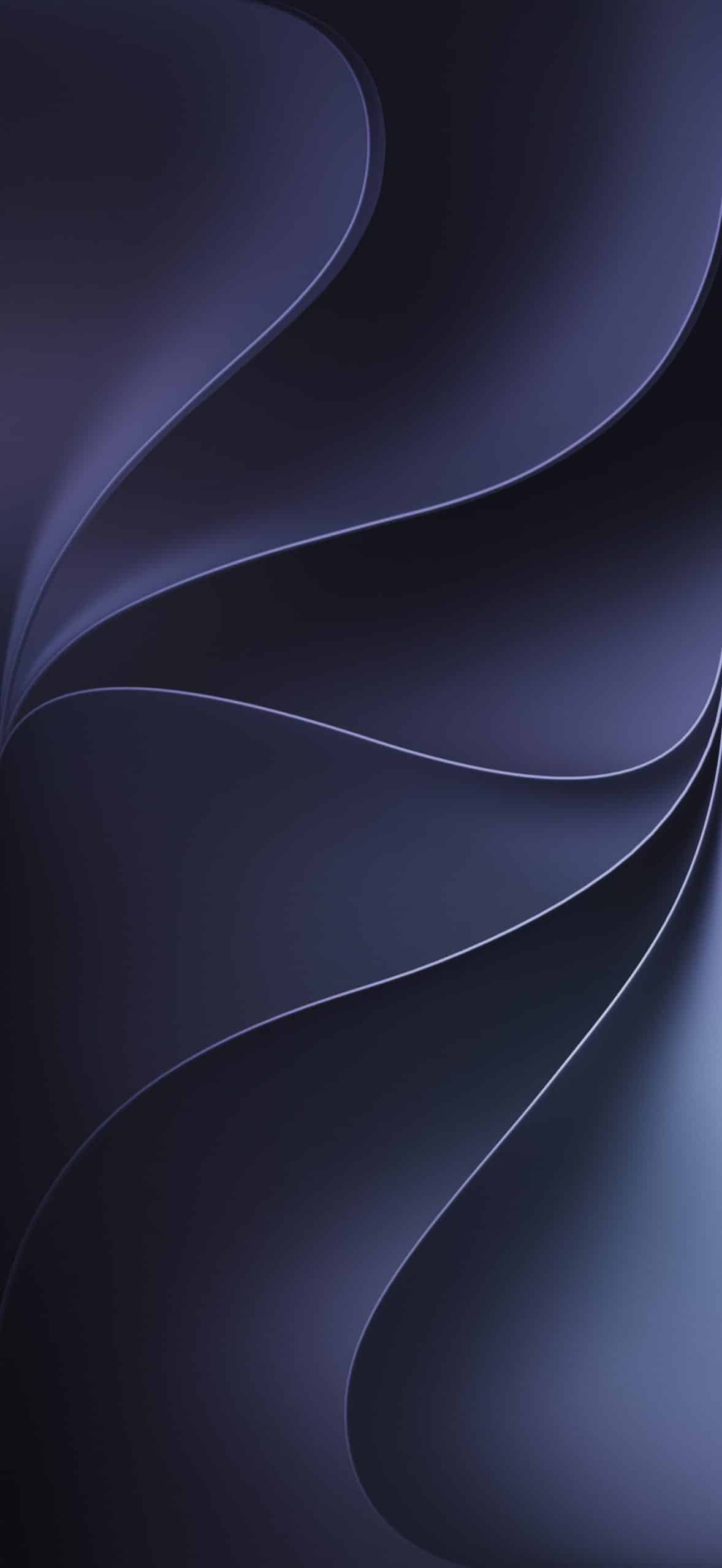
Lock Screen

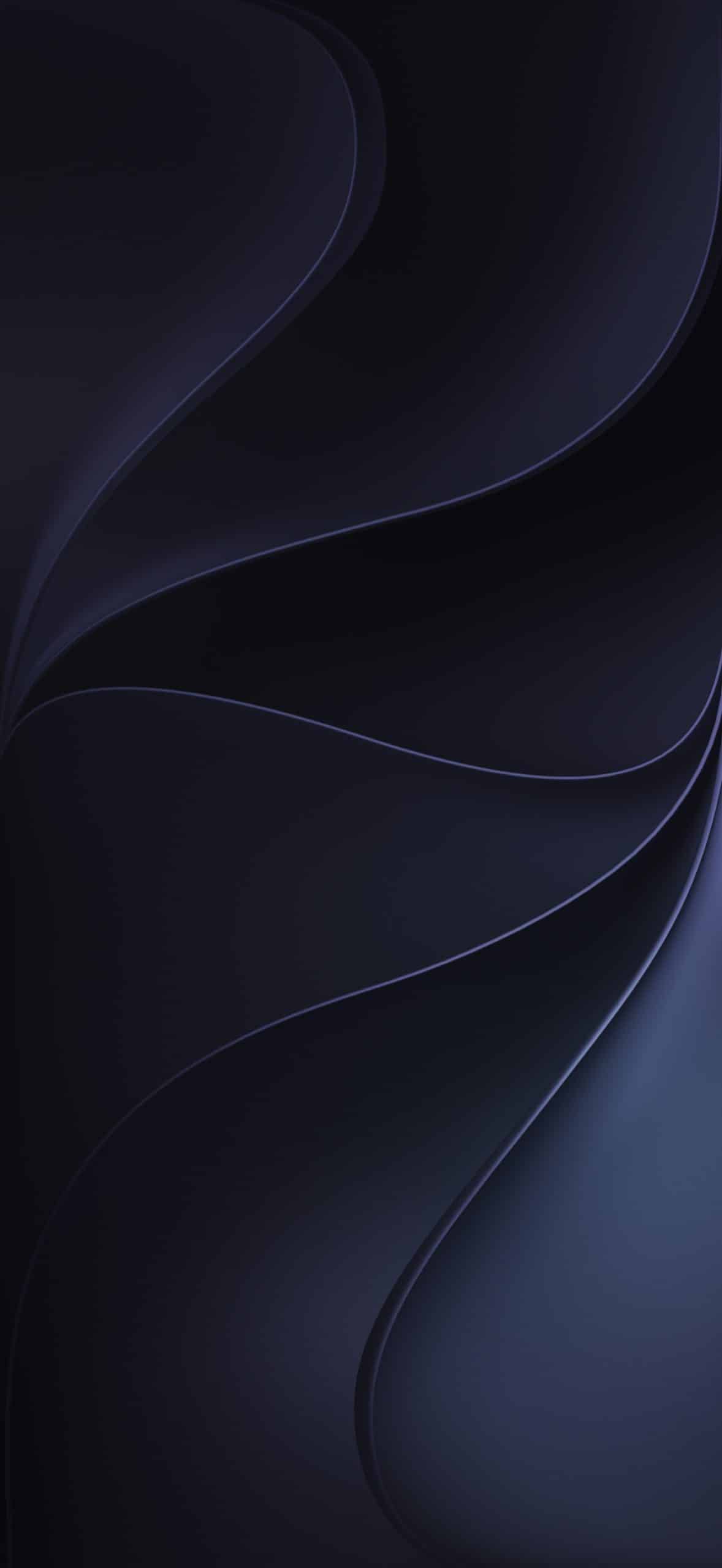
Dynamic


Color – Blue