

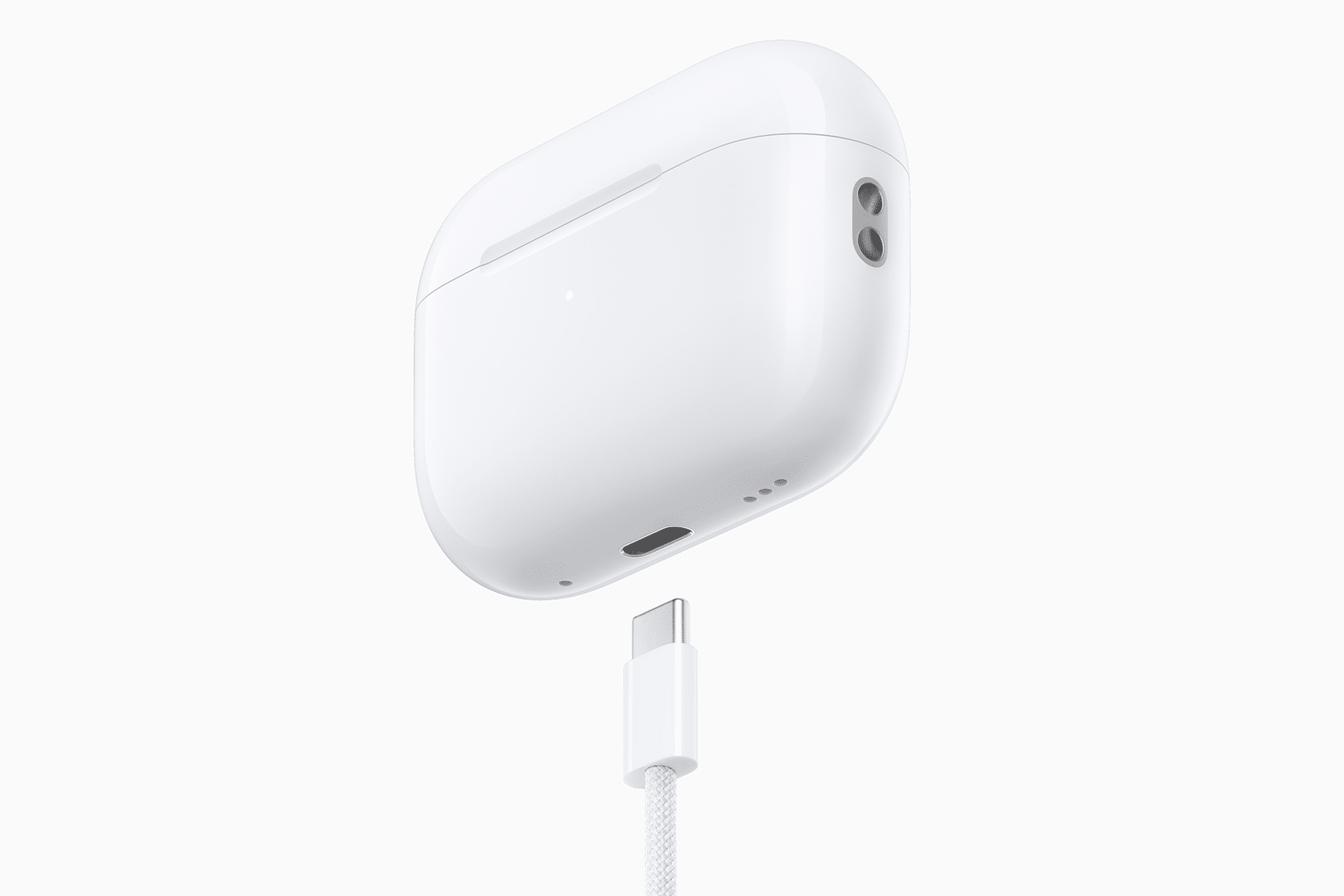
AirPods charging habits matter because the charging case is not just a storage box. It is the battery reserve that keeps the earbuds useful throughout the day. When the case battery ages, the entire AirPods experience changes: shorter listening sessions, more frequent charging, unreliable top-ups, and eventually a replacement or service decision.
Apple designs AirPods to be simple. Put the earbuds in the case, close the lid, and they charge. Plug in the case, place it on a supported wireless charger, or use MagSafe where available, and the case recharges. That convenience is the point, but small habits can still affect long-term battery health.
AirPods and their cases use lithium-ion batteries, which naturally age with time and charging cycles. Users cannot stop that process, but they can reduce avoidable stress. The main goals are simple: avoid excess heat, let Apple’s battery management features work, do not keep the case at 0% for long periods, and avoid treating 100% as the target every time.
Apple also includes Optimized Battery Charging on supported AirPods models to reduce battery wear by limiting how long AirPods spend fully charged. That feature learns from a user’s charging routine and waits to finish charging until closer to the time the AirPods are usually needed. On newer AirPods Pro, Apple also offers Optimize Charge Limit, which can limit charging when a full charge is not needed.
AirPods Charging Starts With Heat Control
The best AirPods charging habit is keeping heat under control. Batteries age faster when they spend too much time hot, especially while charging. AirPods are small, sealed devices, and the case has little room to manage heat compared with an iPhone, iPad, or Mac.
That means charging location matters. Leaving AirPods in a hot car, under direct sunlight, near a heater, or buried under blankets while charging can add unnecessary stress. Wireless charging can also generate more warmth than cable charging, especially if the case is misaligned on a charging pad.
For daily use, AirPods do not need special treatment. They just need reasonable conditions. Charge them on a desk, nightstand, or open surface. Avoid charging them in a pocket, under a pillow, or in any place where heat is trapped. If the case feels unusually warm, remove it from the charger and let it cool before continuing.
This is especially relevant for people who charge overnight. Overnight charging is normal, and Apple’s battery features are designed for routine charging. But placing the case somewhere cool and open helps more than leaving it on a hot wireless charger or near other warm devices.

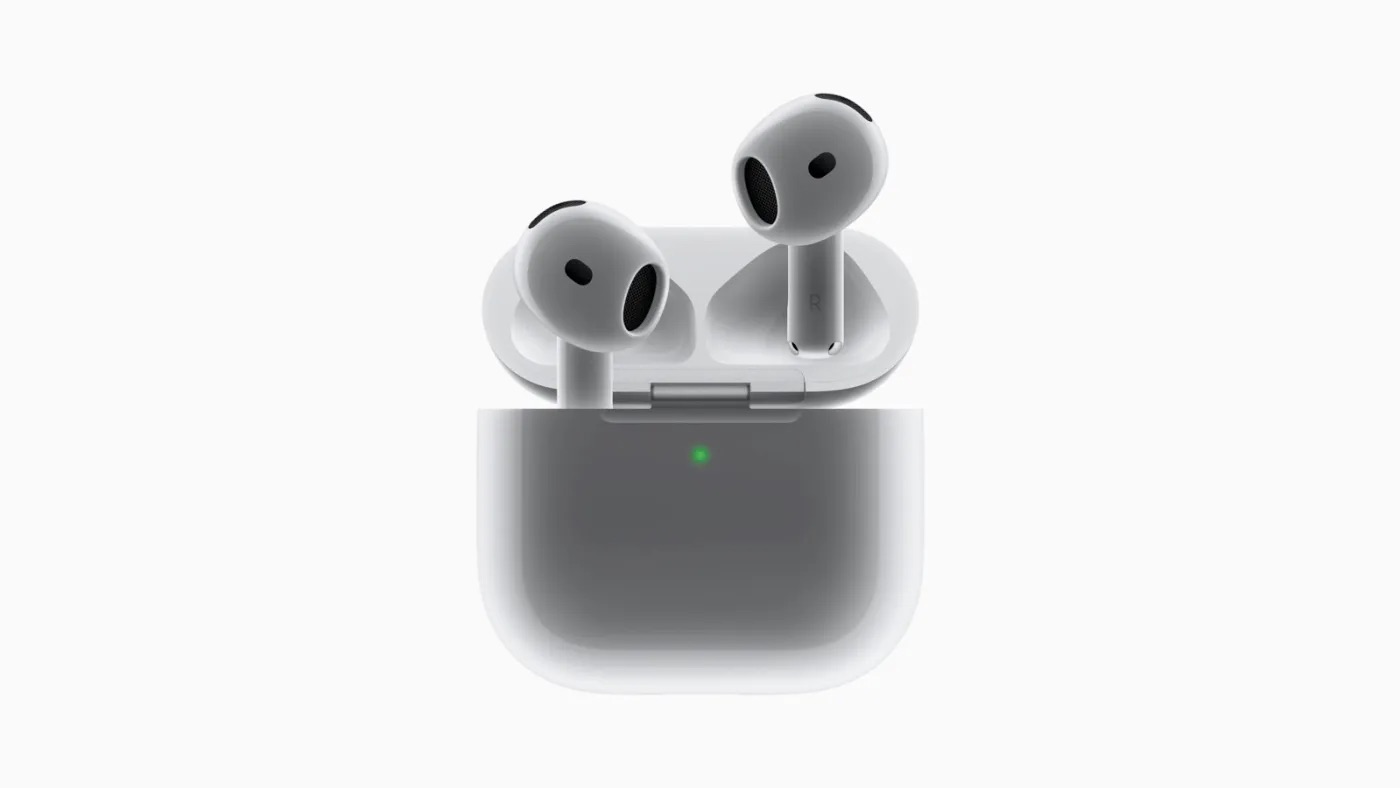
Use Apple’s Battery Features
Apple’s Optimized Battery Charging is the most useful built-in tool for AirPods longevity. Apple says the feature is designed to reduce battery wear and improve lifespan by reducing the time AirPods spend fully charged. It works on AirPods Pro and AirPods 3 or later, using the connected iPhone or iPad to learn the user’s charging routine.
For most people, the best habit is to leave this feature on. It may occasionally mean AirPods do not immediately charge to 100%, but that is intentional. The system delays the final part of charging until closer to when the user is expected to need them.
To check Optimized Battery Charging for AirPods:
Settings > Your AirPods > Battery > Optimized Battery Charging
AirPods Pro 3 also adds Optimize Charge Limit, which can reduce battery wear by limiting maximum charge when the system predicts a full charge is not needed. If a full charge is required for travel or a long day, Apple lets users choose Charge to Full Now when the battery status appears after opening the case.
To charge AirPods Pro 3 to full when needed:
Open the case near iPhone > Battery status card > Charge to Full Now
The practical advice is not to fight these features. Many users see a device pause below full charge and assume something is wrong. In many cases, it is battery management doing its job. A daily routine does not require a full 100% charge every time, especially for short commutes, calls, workouts, or office listening.
Avoid Long Periods at 0%
Keeping AirPods and the case completely drained for long periods is not good for battery health. A case that sits empty in a drawer for weeks or months may become harder to revive, and the earbuds can also lose charge while stored.
The better habit is to store AirPods with some charge if they will not be used for a while. They do not need to be full. A partial charge is enough for storage and gives the battery a safer starting point.
This matters for backup earbuds, travel sets, older AirPods, or AirPods kept in a bag. If a case is not used often, check it occasionally and recharge before it reaches empty. Apple’s support guidance also notes that AirPods Max should be kept in the Smart Case when not in use to enter an ultra-low power mode that helps preserve battery charge. The same principle applies broadly: storage habits affect how much battery remains when the device is needed again.


Do Not Chase 100% Every Day
A common battery habit is topping up every device to 100% whenever possible. AirPods make that easy because the case is always nearby. But for longevity, constant full-charge time is not ideal. Apple’s own battery features exist because reducing time spent fully charged helps battery lifespan.
That does not mean users should obsess over percentages. AirPods are meant to be used casually. The problem is not charging to 100% before a flight, workday, gym session, or long commute. The problem is keeping the case and earbuds full all the time when that charge is not needed.
A better routine is practical. Charge the case when it is low. Let Optimized Battery Charging manage the earbuds. Use Charge to Full Now only when a full charge is actually useful. Avoid repeatedly draining everything to zero, but also avoid treating 100% as a daily requirement.
For many users, the case can be charged every few days rather than constantly. The earbuds can go back in the case when not in use, because that is how AirPods are designed. The main adjustment is to avoid unnecessary heat and trust Apple’s charging logic.
Cable, MagSafe, and Wireless Charging
Cable charging is usually the most predictable way to recharge an AirPods case. It is less sensitive to alignment and often produces less wasted heat than a poorly aligned wireless charger. For AirPods cases with USB-C or Lightning, a cable is still the cleanest option when a reliable charge is needed.
Wireless charging is convenient, especially with MagSafe-compatible cases, but alignment matters. A case placed slightly off-center on a generic Qi pad may charge inefficiently or create extra warmth. MagSafe helps because the magnets align the case more precisely.
There is no need to avoid wireless charging entirely. The better habit is to use a reliable charger, keep the case aligned, and avoid charging in hot conditions. If a wireless pad makes the case consistently warm, switch to cable charging when possible.
Also avoid cheap or questionable chargers. AirPods cases are small and easy to charge with low power, but poor-quality chargers can be unreliable. Apple’s support pages explain how to charge AirPods and check battery status, and using a dependable cable or certified charging accessory is still the safer approach.
Clean Contacts and Check the Case
Charging habits are not only about battery chemistry. Dirt, lint, moisture, or debris can interfere with charging contacts inside the case or on the earbuds. If one AirPod stops charging properly, the issue may not be battery age. It may be contact alignment or debris.
The habit here is simple: keep the case clean and dry. Avoid putting AirPods in the case when they are wet. Check the inside of the case occasionally, especially if the earbuds are used during workouts or carried in dusty pockets and bags.
If AirPods do not charge, Apple recommends checking the charge status, making sure the case is charged, and confirming that the cable or charging pad works. If charging remains unreliable, Apple Support can help determine whether the earbuds or case need service.
Battery service is also part of the long-term picture. Apple says AirPods and the charging case may be eligible for battery service, and with AppleCare+ for Headphones, battery service is available at no extra charge if capacity drops below 80%. That does not prevent aging, but it gives users a repair path when the battery no longer performs well.


A Simple Charging Routine
The best AirPods charging habits are not complicated. Keep the case away from heat. Leave Optimized Battery Charging enabled. Use Optimize Charge Limit where supported. Do not store the case empty for long periods. Avoid unnecessary 100% charging when daily use does not require it. Use reliable chargers. Keep the contacts clean.
AirPods are designed for convenience, so the goal is not to micromanage every percentage point. The goal is to remove the habits that age the battery faster without adding much benefit. A case that charges in a cool place, uses Apple’s battery management, and avoids long periods completely empty is already being treated well.
For most users, that is enough. AirPods will still age, but better charging habits can help the case and earbuds stay useful longer before battery service or replacement becomes necessary.