Many people first think about AirPods as music devices, but over time they have quietly become powerful everyday hearing tools. Built-in accessibility features allow them to amplify voices, enhance conversations in noisy environments, and even help users understand their hearing profile through simple testing tools. These features are not limited to medical use; they are practical tools for daily situations such as crowded restaurants, busy streets, classrooms, meetings, or conversations across a large room.
One of the most useful features is Conversation Boost, designed to make the voice of the person in front of you clearer by focusing microphone direction toward them. This can make discussions easier in environments where background noise competes with speech. Another widely used feature is Live Listen, which turns the iPhone into a directional microphone transmitting sound directly to AirPods, helpful when someone is speaking from a distance or in a setting where clarity matters.
Testing Your Hearing With iPhone and AirPods
Apple devices include hearing-related accessibility tools that help users understand how they perceive different sound frequencies. The results are stored inside Health settings and can be used to personalize audio playback for clearer listening.
Settings > Accessibility > Audio & Visual > Headphone Accommodations
Inside this section, users can follow the guided process to customize sound levels based on listening preferences or hearing test results. Once enabled, audio playback automatically adjusts frequencies to improve clarity, especially for speech-heavy environments such as podcasts, calls, and voice messages.
Some regions also support dedicated hearing test integrations through Health features, where compatible results can automatically tune headphone output. When active, these adjustments remain consistent across music, calls, and system audio.

Activating Conversation Boost and Live Listen
Conversation Boost and Live Listen are especially useful for real-time listening enhancement. These features rely on AirPods microphones and iPhone processing to isolate and improve speech clarity without external equipment.
Settings > Accessibility > Audio & Visual > Headphone Accommodations > Transparency Mode > Conversation Boost
Once activated, Transparency Mode adapts to highlight voices in front of the listener, helping conversations remain understandable even in louder spaces.
For Live Listen:
Settings > Control Center > Hearing > Add Hearing Control
After adding the control, opening Control Center allows instant activation of Live Listen. Placing the iPhone near the speaker directs their voice into AirPods in real time, effectively extending listening distance.
Everyday Scenarios Where Hearing Tools Help
In daily routines, these features become practical rather than experimental. Students can hear instructors more clearly from the back of a classroom. Travelers navigating airports can listen for announcements without removing headphones. Family conversations across rooms become easier when Live Listen is enabled briefly. Even during video calls, personalized audio adjustments can make speech more intelligible, reducing the need to increase overall volume.
Restaurants and public gatherings are another common scenario. Instead of raising volume levels — which amplifies every surrounding sound — Conversation Boost focuses specifically on the person speaking, reducing listening fatigue during longer conversations.
Environmental Awareness and Safety
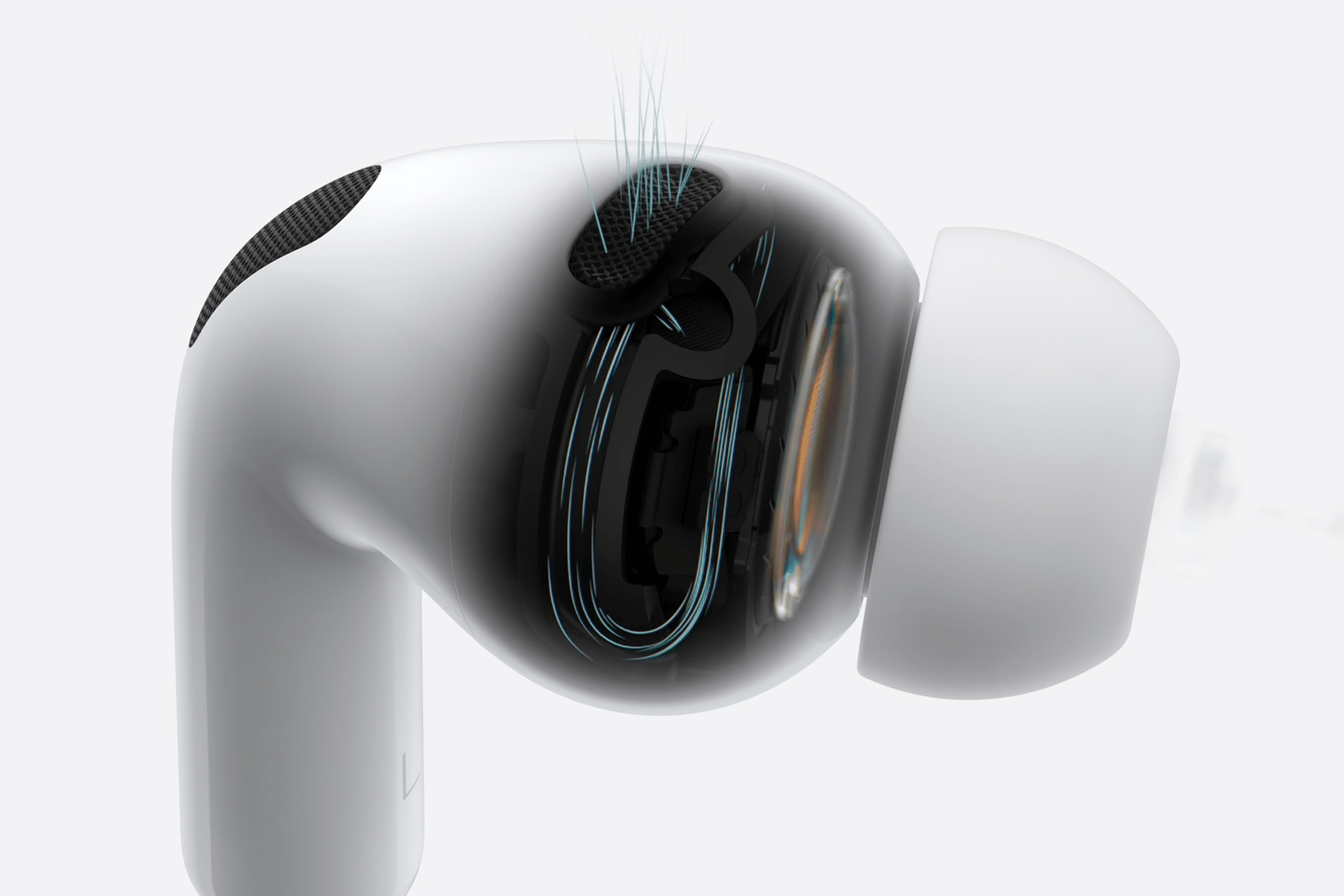
AirPods hearing tools also support environmental awareness features such as Sound Recognition on iPhone, which can alert users to specific sounds like alarms, doorbells, or running water while wearing headphones. This adds a layer of situational awareness, particularly useful when working, studying, or commuting while listening to audio.
Because the processing occurs directly on Apple devices, these listening features operate quickly without requiring additional accessories. Updates to iOS and AirPods firmware continue refining microphone processing, making voice detection and background noise handling progressively more accurate.
A Subtle but Powerful Shift in Everyday Listening
What makes these tools stand out is how naturally they integrate into routines. Instead of requiring specialized equipment, everyday headphones double as listening support systems available instantly whenever needed. Many users discover the benefits gradually — enabling a feature once for a noisy call, then keeping it active permanently because conversations simply become easier to follow.
AirPods hearing tools show how accessibility innovations often become universal conveniences. Features initially designed for assistance consistently evolve into daily enhancements that improve communication, awareness, and listening comfort across countless everyday situations.