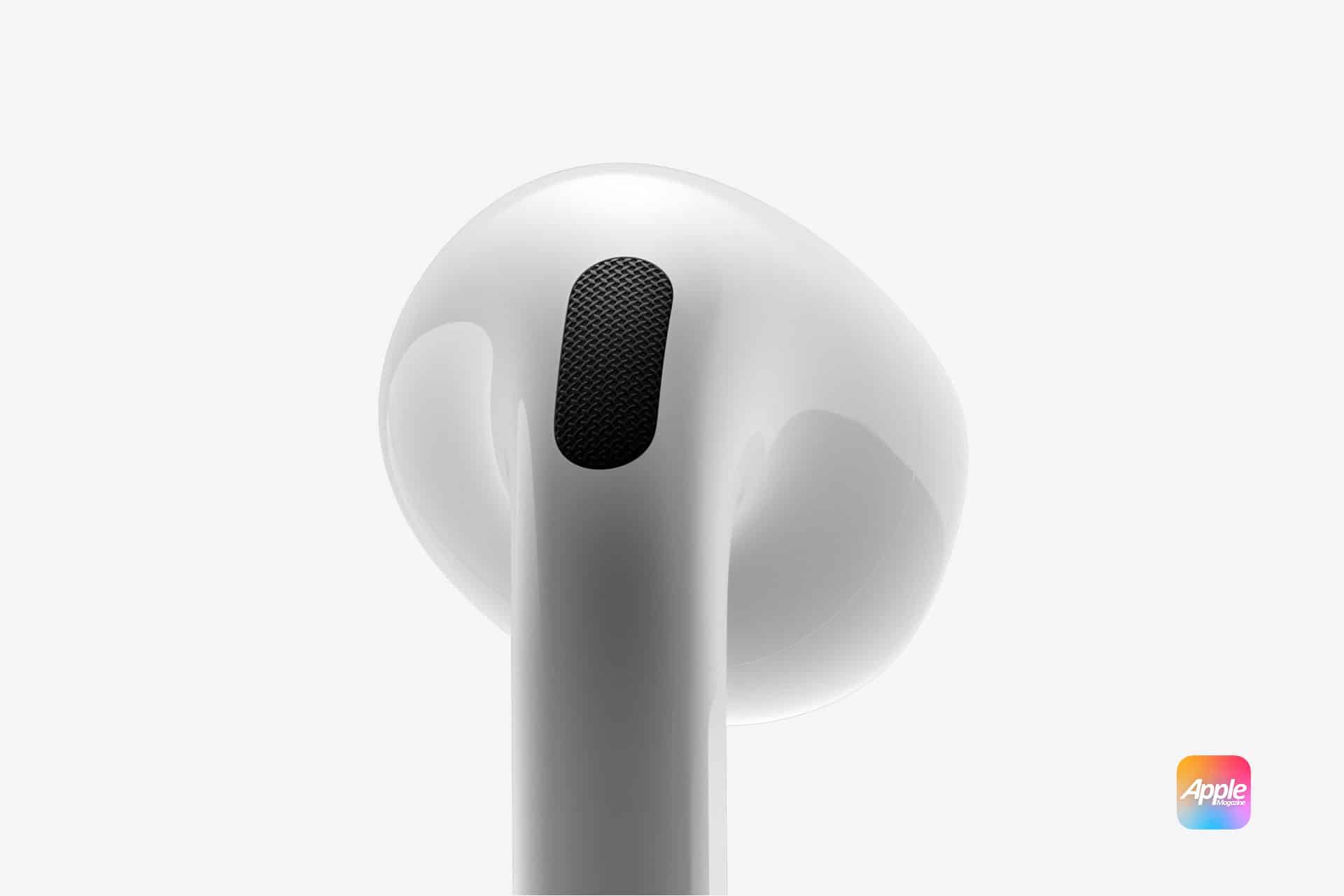
It can be confusing to see Find My report that your AirPods are “outside of case” when you know they’re not lost and are still charging, connecting, and working normally. This status doesn’t necessarily mean there’s a hardware problem. In most cases, it’s a temporary communication issue between the AirPods, their charging case, and Apple’s Find My network.
Why Find My Shows AirPods as Outside of Case
AirPods rely on small internal sensors and Bluetooth signals to report whether they’re in your ears, in the case, or nearby. If that signal doesn’t update correctly, Find My may think the AirPods are still out, even when the case is closed.
This can happen after software updates, long periods without opening the case, low case battery, or brief Bluetooth interruptions. Because the AirPods still connect and play audio, everything feels normal except for the incorrect status in Find My.
It’s also common for the case and earbuds to report different states, especially if the case battery is low or hasn’t synced recently.

When This Is Normal and When It’s Not
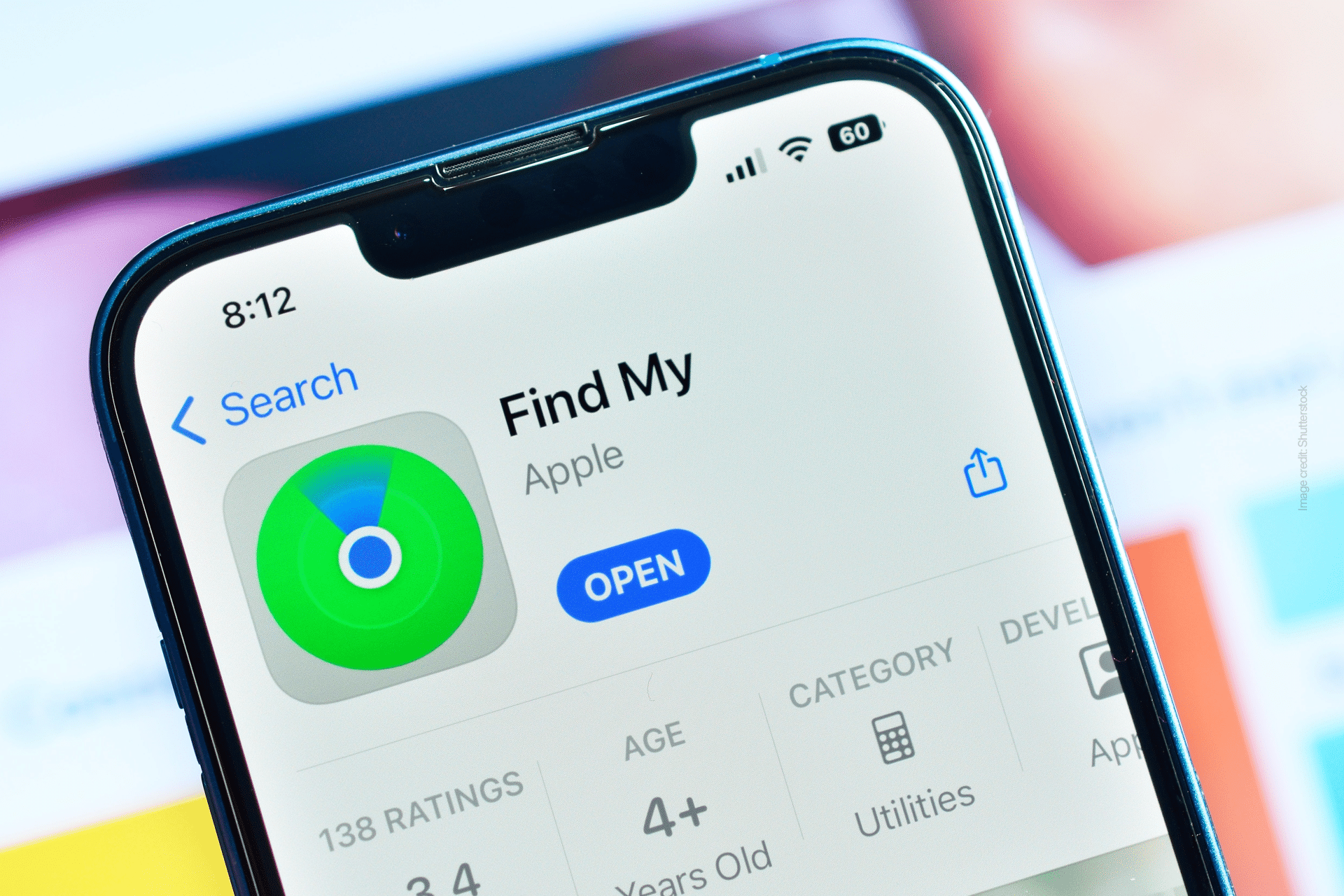
If you can still connect your AirPods, see their battery levels, and use all features, the “outside of case” message is usually harmless. Find My may simply be showing the last known state.
However, if the status doesn’t update for a long time, or if Find My stops tracking location correctly, it’s a good idea to reset your AirPods to refresh their connection with your Apple Account.
How to Reset Your AirPods to Fix the Issue
To reset your AirPods and resolve Find My status problems, follow these steps carefully:
Settings > Bluetooth > AirPods > Forget This Device
- Put your AirPods in their charging case and close the lid.
- Wait about 30 seconds.
- Open the lid and place the AirPods in your ears.
- On your iPhone or iPad, go to Settings > Bluetooth or Settings > [your AirPods].
If your AirPods appear, tap the info button next to them, then tap Forget This Device and confirm.
- Put the AirPods back in the case and keep the lid open.
- Press and hold the setup button on the back of the case for about 15 seconds, until the status light flashes amber, then white.
With the lid still open, bring the case close to your iPhone or iPad and follow the on-screen steps to reconnect.
After reconnecting, Find My usually updates correctly within a few minutes.
Apple ID and Find My Considerations
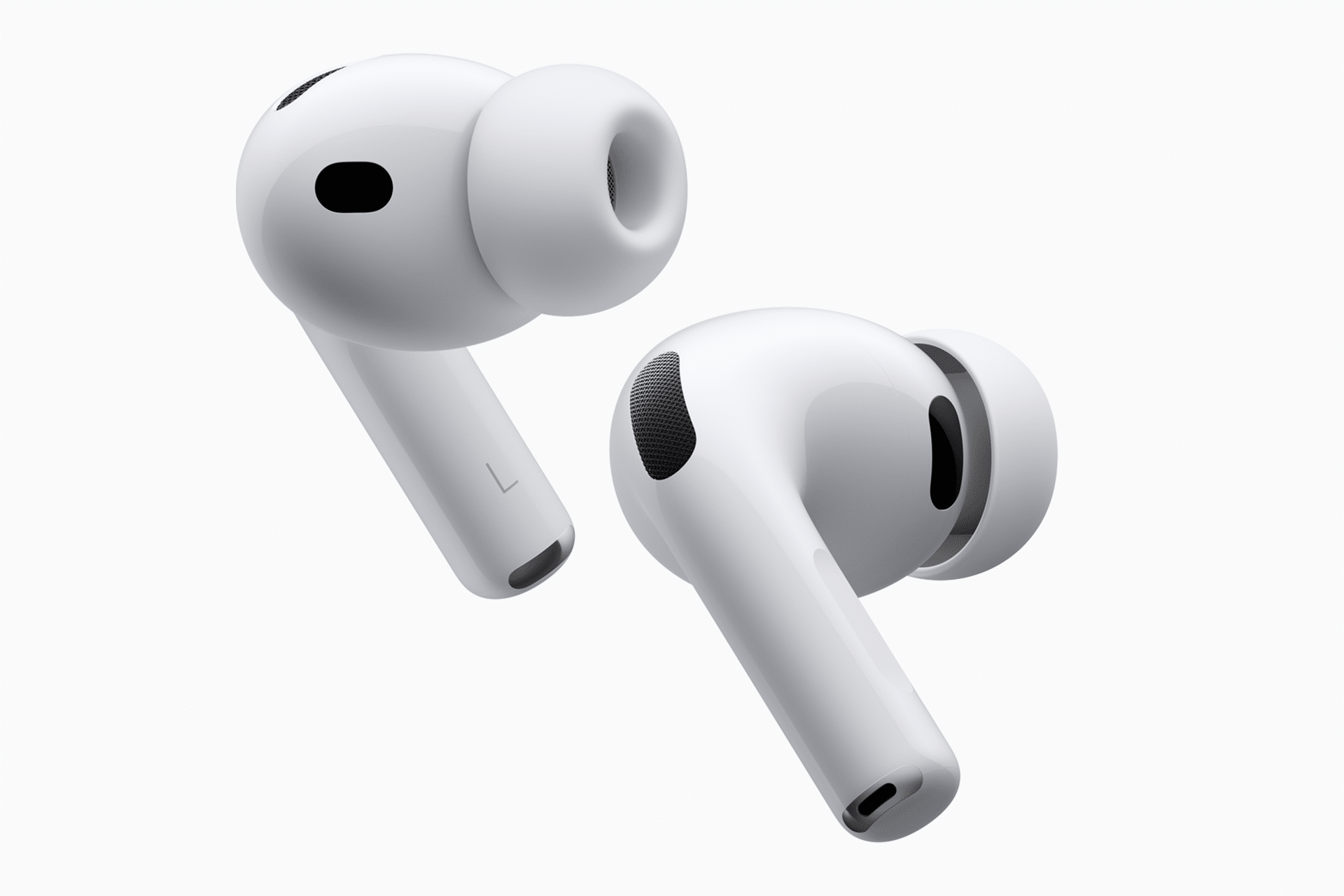
AirPods can only be linked to one Apple Account at a time. If the AirPods were previously used by someone else, they must be removed from that person’s Apple ID before Find My tracking works correctly for you.
This is especially important for AirPods Pro and newer models that rely more heavily on the Find My network for location reporting.
If the Issue Keeps Coming Back
If resetting doesn’t solve the problem, make sure your iPhone is running the latest version of iOS and that Find My is enabled for your Apple Account. Persistent issues may indicate a case battery problem or a firmware glitch that Apple Support can help diagnose.
In most situations, though, the “AirPods outside of case” message is a temporary sync issue rather than a sign that something is wrong.