

App Review rules are becoming more demanding after WWDC26, and developers should treat the latest guideline revisions as more than routine cleanup. Apple updated the App Review Guidelines and Apple Developer Program License Agreement on June 8, 2026, adding new language around safety, AI, app quality, Live Activities, developer identity, App Store Connect information, and emerging platform features.
The update arrives at a sensitive time. Apple is opening more system-level capabilities to developers through Apple Intelligence, Foundation Models, App Intents, Sensitive Content Analysis, Suggested Actions, Trust Insights, new Wallet and media APIs, and expanded analytics. Those tools can make apps more useful, but they also give developers more ways to mishandle user data, misrepresent features, spam system surfaces, or create unsafe experiences.
That is why the latest App Review rules feel like a compliance reset. Apple is not only inviting developers to build for the next generation of iOS, iPadOS, macOS, watchOS, tvOS, and visionOS. It is also clarifying that access to those tools comes with stricter expectations.
For developers, the practical message is simple: app submissions now need stronger product documentation, cleaner metadata, clearer age and safety controls, more careful AI disclosures, and better alignment between what an app claims and what it actually does.
App Review Moves AI Into the Compliance Center
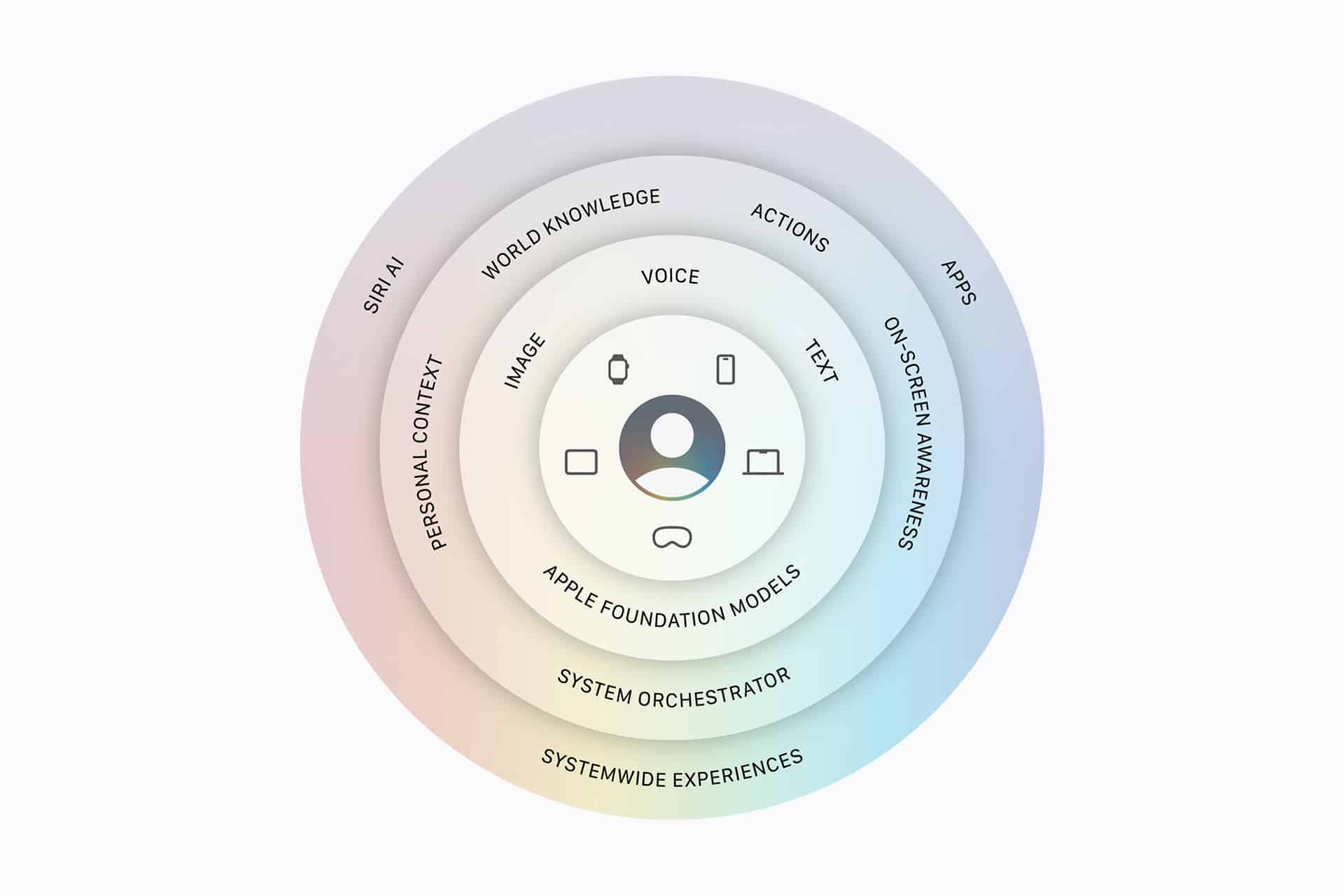
AI is now one of the biggest sources of App Review pressure. Apple’s updated developer agreement adds new and reorganized language for artificial intelligence and machine learning technologies, including Foundation Models and Apple models. That reflects Apple’s shift from isolated AI features toward a system-level AI platform.
Developers using Foundation Models, Apple Intelligence, Siri AI, App Intents, generated content, summaries, image input, or AI-driven actions need to review both technical behavior and policy exposure. An AI feature that works in Xcode can still fail review if it collects too much data, gives users unclear output, creates unsafe content, misuses Apple frameworks, or presents Apple model access inaccurately.
The pressure is especially high for apps that use third-party AI services. Apple’s guidelines already require developers to obtain user consent before sharing personal data with third parties. As AI features become more common, App Review may examine whether users understand what data is being sent, where processing happens, and what controls exist.
This also matters for “vibe coding” and app-building tools. AI has made it easier to generate apps quickly, but Apple still expects apps to be complete, useful, and compliant. Developers cannot treat AI-generated software as an excuse for thin functionality, copied interfaces, weak moderation, or unclear data practices.

Minor Safety Gets More Attention
Apple’s revised App Review introduction now puts more emphasis on kids and teens. That shift is part of a wider regulatory and platform trend: apps used by younger audiences are expected to provide age-appropriate experiences, stronger moderation, clearer ratings, and safer interaction design.
For developers, this goes beyond selecting an age rating in App Store Connect. Apps with chat, user-generated content, public profiles, creator tools, uploads, recommendations, location features, or social discovery need serious review before submission. Apple can question whether the app’s rating matches its real behavior and whether younger users are protected from inappropriate content or contact risks.
This is especially relevant for games, education apps, social apps, media apps, AI companion tools, creator platforms, and messaging features. App Review may look closely at reporting, blocking, moderation, content filtering, age gates, parental controls, and whether adult-oriented content is properly restricted.
The compliance burden is also moving into metadata. Screenshots, descriptions, privacy labels, age ratings, review notes, and onboarding flows should tell the same story. If an app claims to be family-friendly but includes broad user-generated content without strong controls, that mismatch can create review problems.
Live Activities and System Surfaces Face Limits
Apple also clarified that Live Activities may not be used to spam, phish, or send unsolicited messages. That change is important because Live Activities are powerful system surfaces. They appear on the Lock Screen, Dynamic Island, and other prominent places where users expect timely information, not marketing pressure.
Developers should use Live Activities only for real-time, user-relevant events. Deliveries, rides, timers, workouts, sports scores, travel status, food orders, and active sessions are natural fits. Promotions, persistent engagement prompts, vague reminders, or attention-grabbing messages are riskier.
The same principle applies to other Apple surfaces. Suggested Actions, Customer Engagement APIs, Wallet passes, notifications, widgets, and Siri-related experiences should not become hidden advertising channels. Apple is giving developers more ways to reach users inside the operating system, but the company is also making clear that system trust comes first.
For developers, the safest rule is that every system surface should serve a user-initiated purpose. If the feature exists mainly to pull the user back into the app without timely value, App Review may see it as abuse.
Quality and Duplication Remain Under Scrutiny
App Review rules around spam and app duplication remain a major pressure point, especially as AI tools make app creation faster. Apple has clarified parts of guideline 4.3, which has long been used to reject apps that are too similar to existing submissions, template-based products, or low-value clones.
This matters because the App Store can quickly become crowded with AI wrappers, simple content generators, duplicated utilities, and apps that differ only in branding. Apple wants apps that provide distinct value, reliable functionality, and a complete experience.
Developers submitting multiple related apps should be careful. A portfolio of near-identical apps may trigger spam concerns. A single container app, better segmentation, or clearer differentiation may be safer. Template apps need enough original functionality and content to justify their presence.
Quality also affects AI apps. A chatbot wrapper with generic prompts, weak safety controls, and unclear data handling may face more resistance than a product with a specific use case, strong onboarding, transparent processing, and meaningful user value.
App Store Connect Metadata Becomes a Risk Area
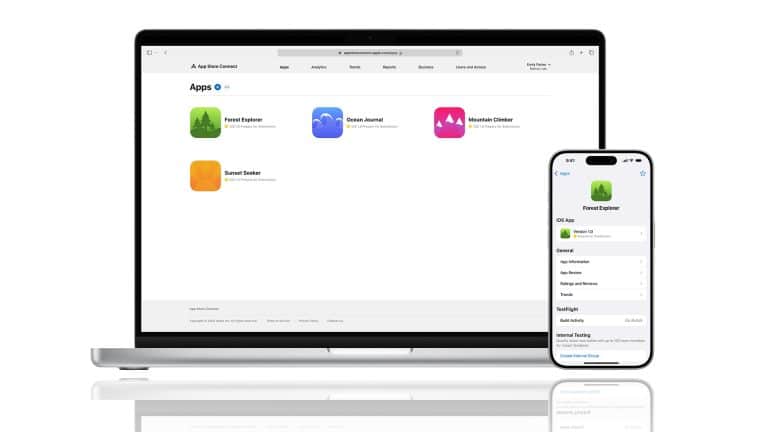
App Store Connect information is now more important because Apple’s developer agreement includes clarified requirements around providing app information and protecting minors. Developers should treat metadata as part of compliance, not marketing copy added at the end.
The app description should accurately explain features. Screenshots should match the current app. Privacy labels should reflect real data use. Age ratings should match content and interaction risks. Review notes should explain sensitive features. Subscription and in-app purchase details should be clear. Export compliance answers should be accurate. Contact and developer identity information should be current.
Bad metadata can delay or derail review even when the app functions correctly. If an app uses AI, sensitive content analysis, health-related data, financial features, location, user-generated content, or child-facing experiences, review notes should explain how the feature works and how users are protected.
This is also an internal workflow issue. The person submitting the app should not be guessing at privacy practices, AI data flows, or business rules. Product, engineering, legal, and compliance teams need to align before submission.

Developers Need a Pre-Review Process
The new App Review pressure makes a stronger pre-review checklist necessary. Before submitting, developers should confirm that the app’s features match its metadata, AI behavior is disclosed, data sharing is justified, minor-safety controls are documented, Live Activities are tied to real-time events, and system APIs are used only for their intended purposes.
Teams should also make sure the Account Holder has accepted the updated Apple Developer Program License Agreement. Apple often requires acceptance of new terms before developers can submit apps, create in-app purchases, or access certain App Store Connect functions. Waiting until release day can create avoidable delays.
This matters more for companies shipping across many platforms or regions. A feature accepted in one version may be questioned after a guideline change. A minor-safety issue may appear only after a new social feature launches. An AI feature may require updated privacy language. A Live Activity may need redesign if it looks promotional.
Developers should think of App Review as a product requirement, not only a gate at the end.
A Stricter App Store Era
Apple’s App Review rules are moving toward stricter accountability because apps are gaining more power inside the system. AI can generate and act. Live Activities can stay visible. App Intents can connect apps to Siri. Wallet passes can carry sensitive context. Customer engagement tools can reach users more directly. Minor-safety rules can shape entire app categories.
That creates more opportunity for developers, but also more exposure. Apple is likely to reward apps that are specific, useful, transparent, safe, and well documented. It is more likely to challenge apps that are vague, duplicative, spammy, unsafe for younger users, or careless with AI and personal data.
The WWDC26 revisions do not change the basic App Store bargain. Developers still get access to Apple’s users, tools, distribution, payment systems, and platform features. In return, Apple expects compliance with rules that protect users and preserve trust in the store.
The difference now is that the surface area is larger. More apps will use AI. More apps will ask for sensitive permissions. More apps will try to appear across system surfaces. More apps will be created quickly with AI tools. App Review is tightening because Apple’s platforms are becoming more integrated, and a weak app can now affect more than one icon on the Home Screen.
For developers, the safest path is to build compliance into the product from the start. The rules are not only about getting approved. They are becoming part of how modern Apple apps are designed.