Buying something from the App Store takes seconds. A double-click, Face ID confirmation, and the purchase is complete. That speed is convenient, but it also makes accidental charges possible. A subscription renews without notice. An in-app purchase is triggered unintentionally. A child confirms a payment on a shared device. Or an app simply does not function as described.
Apple processes all App Store billing directly through your Apple ID. That means refund requests do not go to the developer first. They go through Apple’s centralized billing system. Each request is reviewed individually. Refunds are not automatic, but the process is structured and transparent if followed correctly.
Before requesting a refund, confirm the charge details.
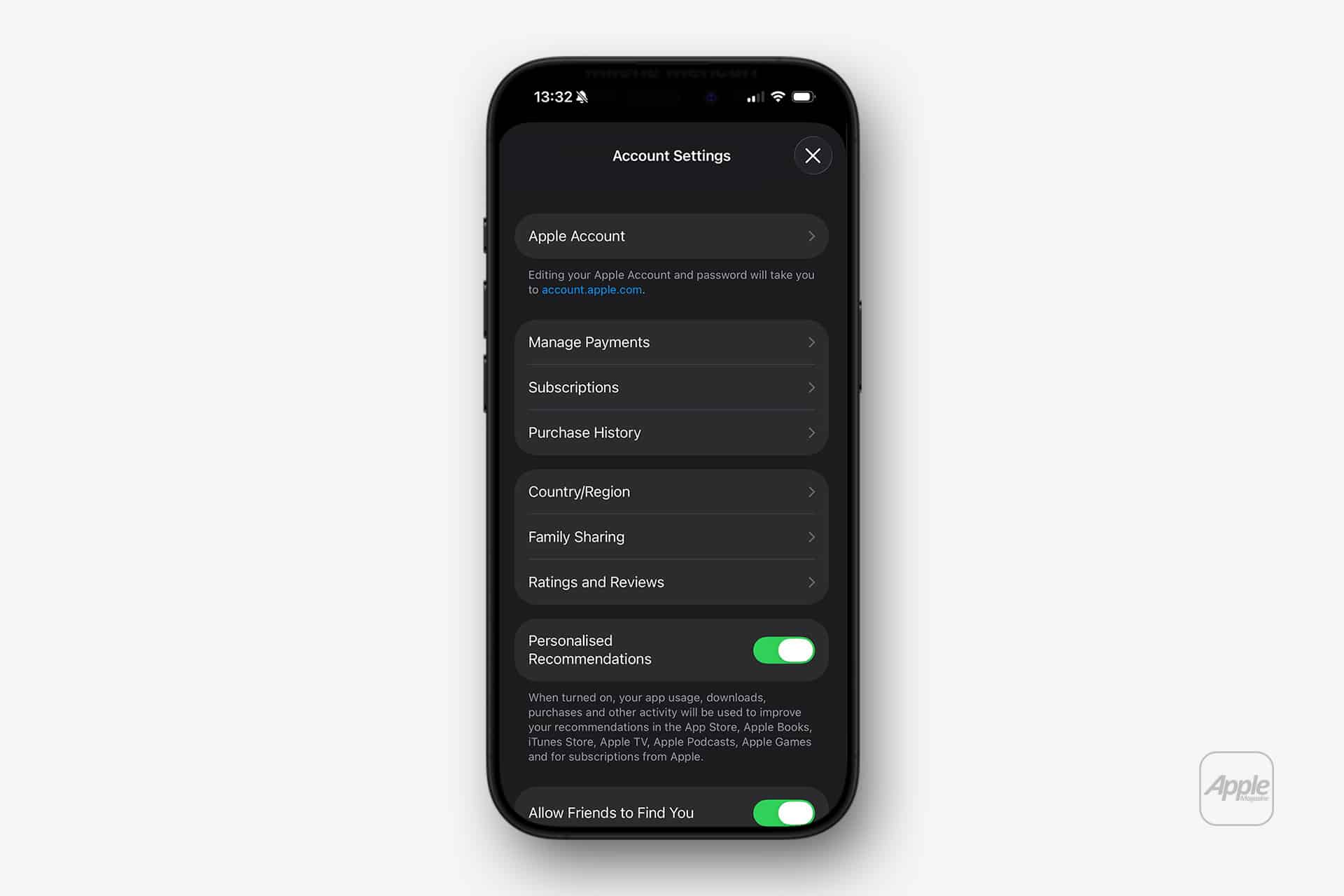
Settings > [Your Name] > Media & Purchases > View Account > Purchase History
Here you can see every recent transaction tied to your Apple ID. Sometimes a charge may appear unfamiliar because it uses the developer’s legal name rather than the app’s brand name. Reviewing purchase history avoids filing a request for something that may not be unauthorized.

How to Request an App Store Refund
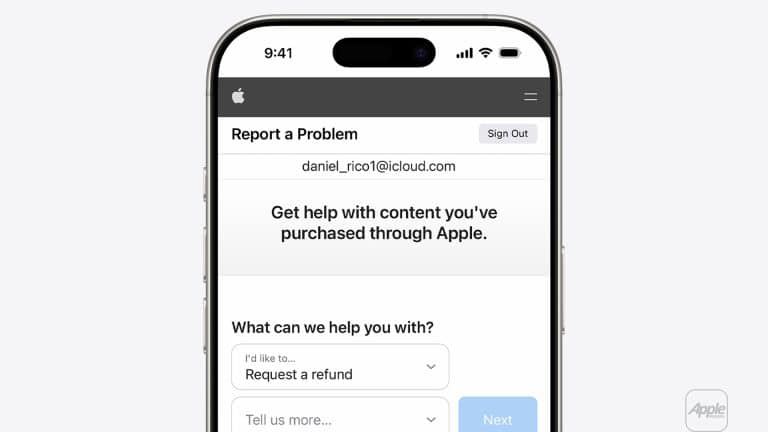
Refunds are submitted through Apple’s Report a Problem website.
Open a browser and go to:
reportaproblem.apple.com
Sign in with the Apple ID used for the purchase. After signing in, select the item you want reviewed.
“I’d like to” > Request a refund
Choose a reason that best matches your situation. Options usually include accidental purchase, subscription not intended, app not functioning as expected, or unauthorized transaction.
Once submitted, Apple reviews the request. Most decisions are communicated within one to three days, though complex cases can take longer. If approved, the refund returns to the original payment method. Processing time depends on your bank or card issuer.
Refunds for Subscriptions
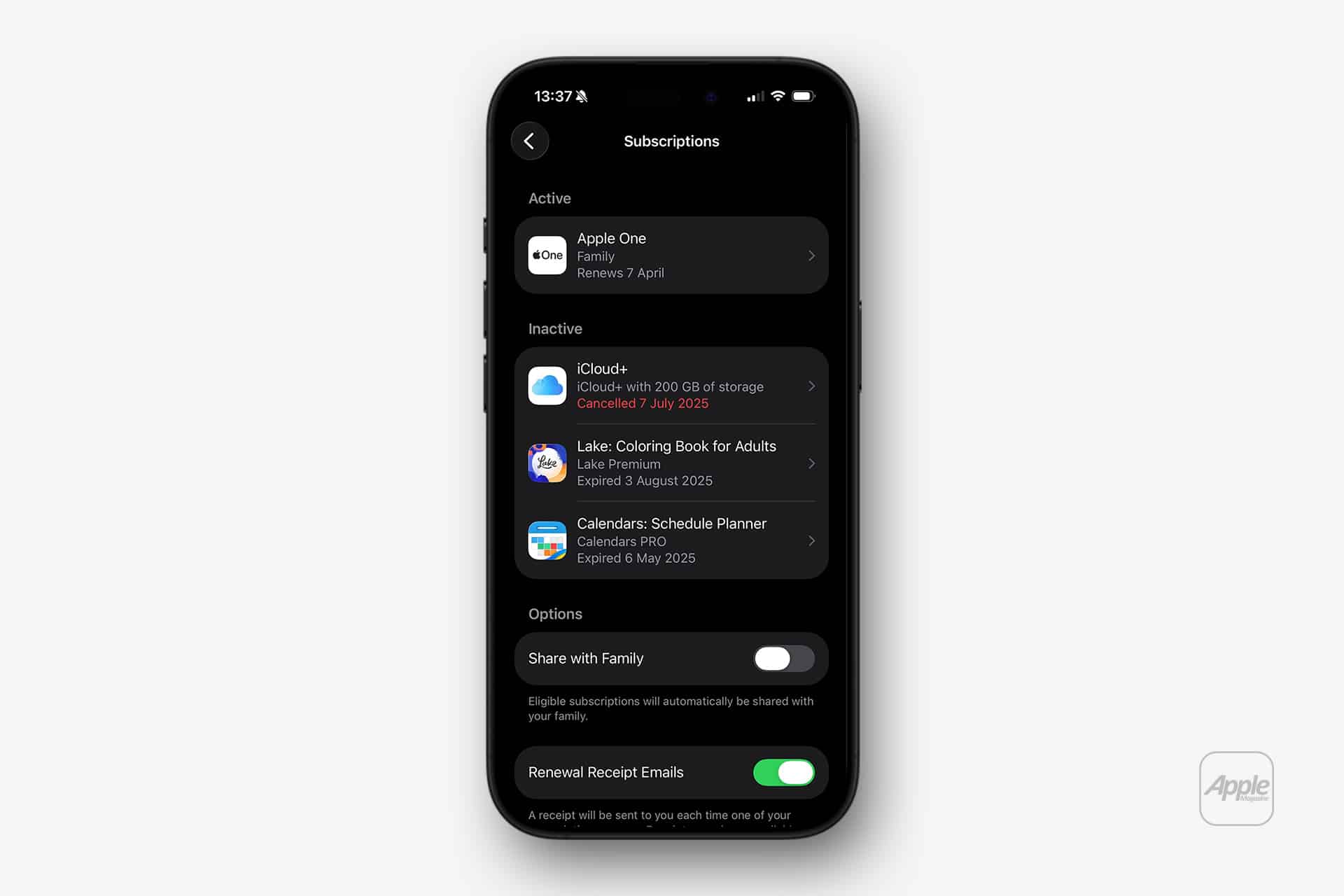
Subscriptions require careful handling. Canceling a subscription does not automatically generate a refund. If a renewal charge already processed, you must both cancel and submit a refund request.
To cancel a subscription:
Settings > [Your Name] > Subscriptions
Select the subscription and choose Cancel Subscription. After canceling, submit the refund request through Report a Problem if the billing was not intended.
Approval depends on timing and usage. If the subscription was heavily used during the billing cycle, a refund may be denied. Apple evaluates patterns to prevent repeated refund requests on recurring services.
In-App Purchases and Game Charges
In-app purchases inside games and apps are also eligible for review. If an item was purchased accidentally or content did not unlock properly, file a refund request using the same process.
For families using shared devices, enabling purchase safeguards helps prevent repeat situations.
Settings > [Your Name] > Family Sharing > Ask to Buy
Ask to Buy requires parental approval before a purchase completes. This setting is especially useful when children use iPhones or iPads tied to a family payment method.
Unauthorized Charges
If a charge appears that you do not recognize, verify that no one in your Family Sharing group made the purchase. If it is truly unauthorized, submit a refund request and consider changing your Apple ID password immediately.
Settings > [Your Name] > Sign-In & Security > Change Password
You may also want to review trusted devices and remove any unfamiliar ones.
Settings > [Your Name] > Devices
If fraud is suspected beyond an accidental purchase, contact your payment provider in addition to submitting the request.
What Cannot Be Refunded
Not all purchases qualify. Gift card redemptions are generally non-refundable. Some long-standing subscriptions or previously refunded items may be denied. Physical hardware purchased from Apple follows a separate return policy and does not go through Report a Problem.
Apple’s refund system is designed to balance customer protection with developer stability. When a mistake happens, the process is direct: confirm the charge, submit the request, wait for review. The outcome depends on timing, usage, and purchase history, but the pathway is consistent and centralized under your Apple ID.