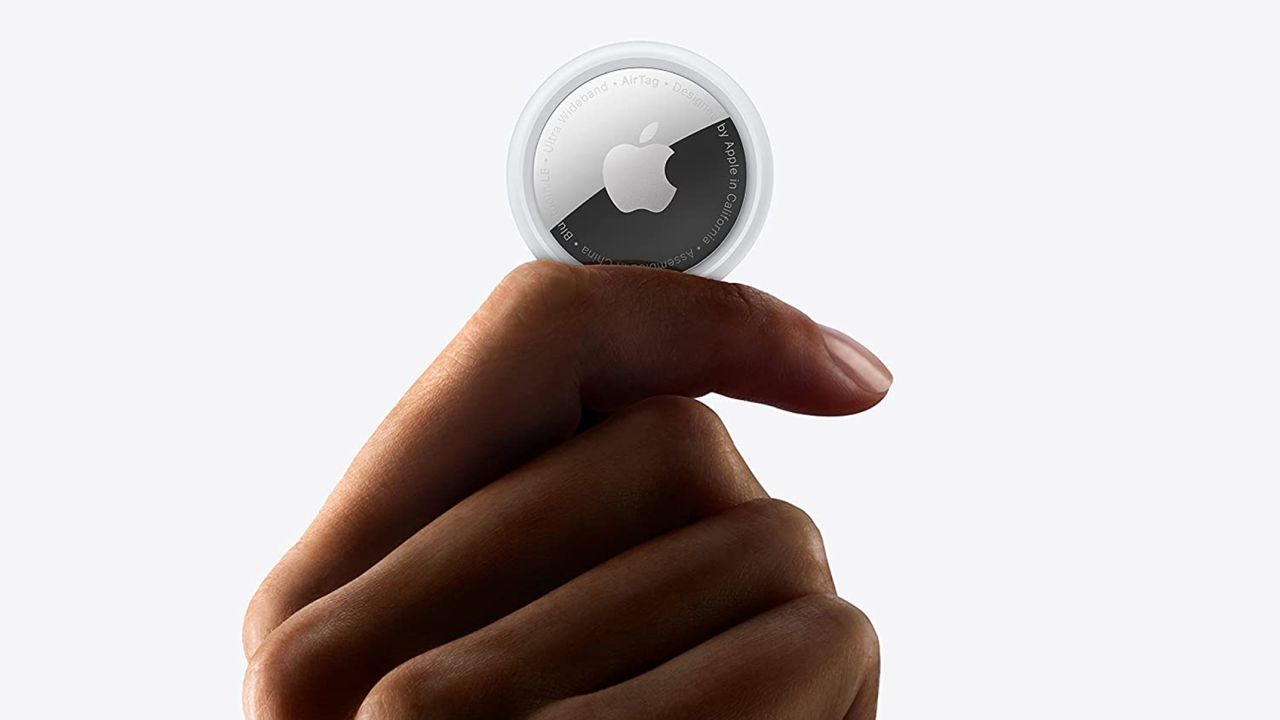
When planning a trip, most people think about flights, hotels, and packing lists. Yet one of the most useful travel tools fits in the palm of your hand. Apple AirTags are small, quiet, and easy to forget, until the moment they save you from losing something important.
Used correctly, AirTags add a layer of calm to travel. They don’t prevent loss, but they make recovery far more likely. From checked luggage to backpacks and wallets, they quietly work in the background so you don’t have to.
How AirTags Work While You Travel
AirTags rely on Apple’s Find My network, which uses nearby Apple devices to securely and anonymously update the location of your items. You don’t need cellular service or Wi-Fi on the AirTag itself. As long as other Apple devices are nearby, your item’s location updates automatically.
This makes AirTags especially powerful in airports, hotels, and cities, where Apple devices are everywhere. For travelers, it means visibility even when airlines, taxis, or hotels lose track of your belongings.
Workflow
iPhone > Find My app > Items > Add AirTag


How to Set Up AirTags Before a Trip
Setting up an AirTag takes less than a minute, but it’s best done before you leave home. Once paired, the AirTag stays linked to your Apple ID and appears automatically in the Find My app.
Name each AirTag clearly. Using labels like “Suitcase,” “Backpack,” or “Wallet” makes tracking faster when you’re moving through airports or hotels. You can also assign emojis for quick visual recognition.
After setup, test the AirTag by leaving it in another room and checking its location in the app.
Workflow
Find My > Items > Add Item > AirTag > Name and Register
Where to Hide AirTags When Traveling
Placement matters. An AirTag should be hidden enough to stay unnoticed but accessible if you need to replace the battery. Inside a suitcase, interior zip pockets work well. For backpacks, small inner compartments are ideal.
For wallets or purses, slim AirTag accessories help keep things discreet. When traveling with valuables like cameras or electronics, placing an AirTag inside the case adds another layer of security.
The goal is subtlety. You want the AirTag to travel with the item without drawing attention.
Workflow
Choose Item > Hide Securely > Test Location Update
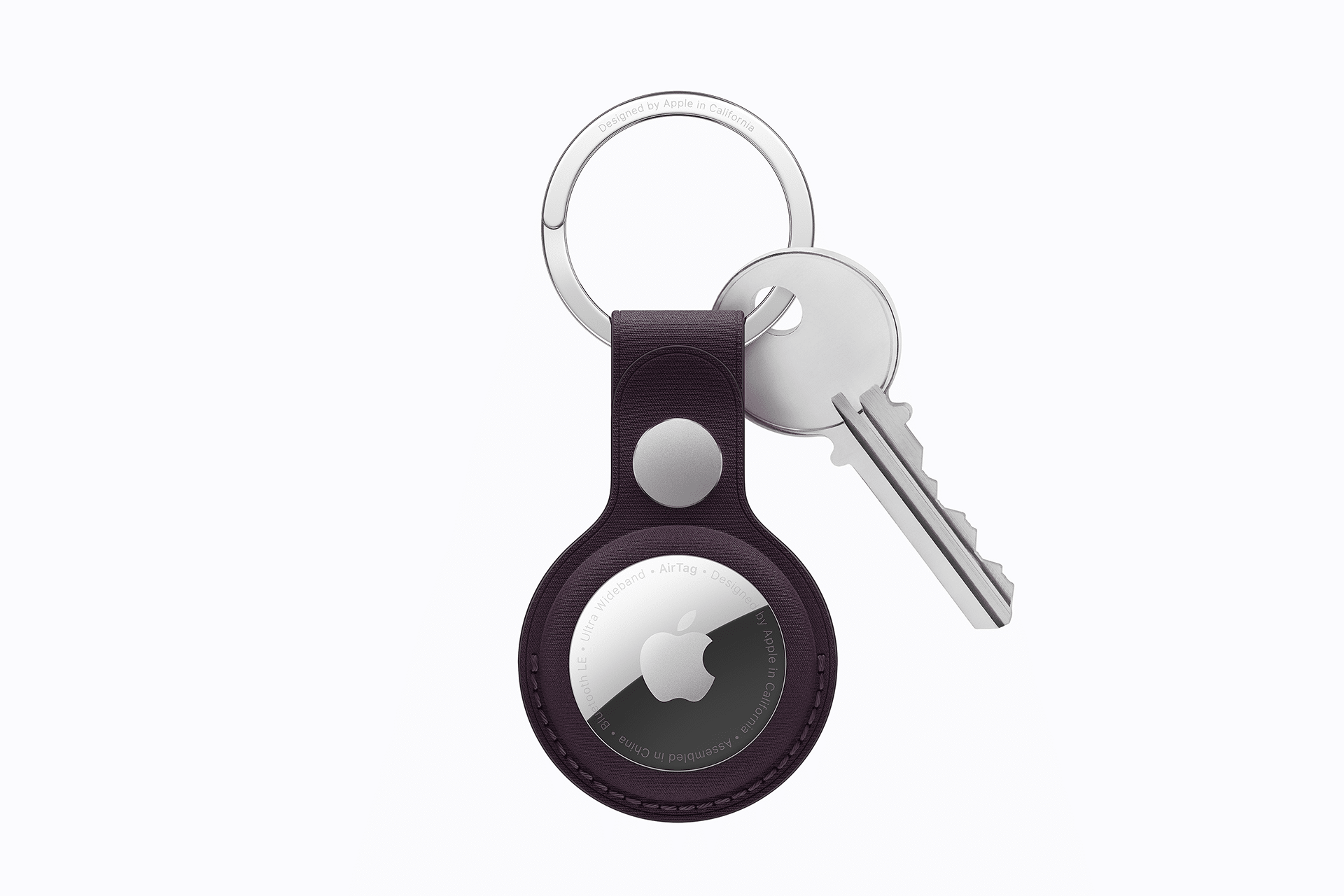
Tracking Your Items in Real Time
During travel, the Find My app becomes your control center. You can see where your luggage is while waiting at baggage claim or confirm that your backpack made it to the hotel.
If something goes missing, Precision Finding can guide you step by step when you’re nearby. You can also play a sound to locate items in hotel rooms or unfamiliar spaces.
For longer separations, Lost Mode allows you to add contact information so someone can reach you if the item is found.
Workflow
Find My > Items > Select AirTag > Find or Enable Lost Mode
Traveling With Peace of Mind
AirTags don’t replace common sense, but they reduce anxiety. Knowing where your belongings are lets you focus on the trip itself rather than constantly checking your bag or pockets.
Whether you’re flying internationally or taking a short weekend trip, AirTags quietly support you the entire way. Once you’ve traveled with them, it’s hard to imagine packing without them.