You don’t think about Bluetooth when it works. That’s the point.
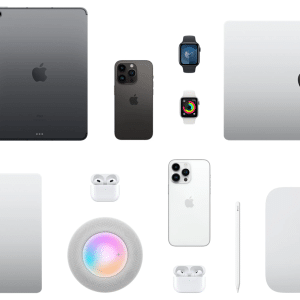
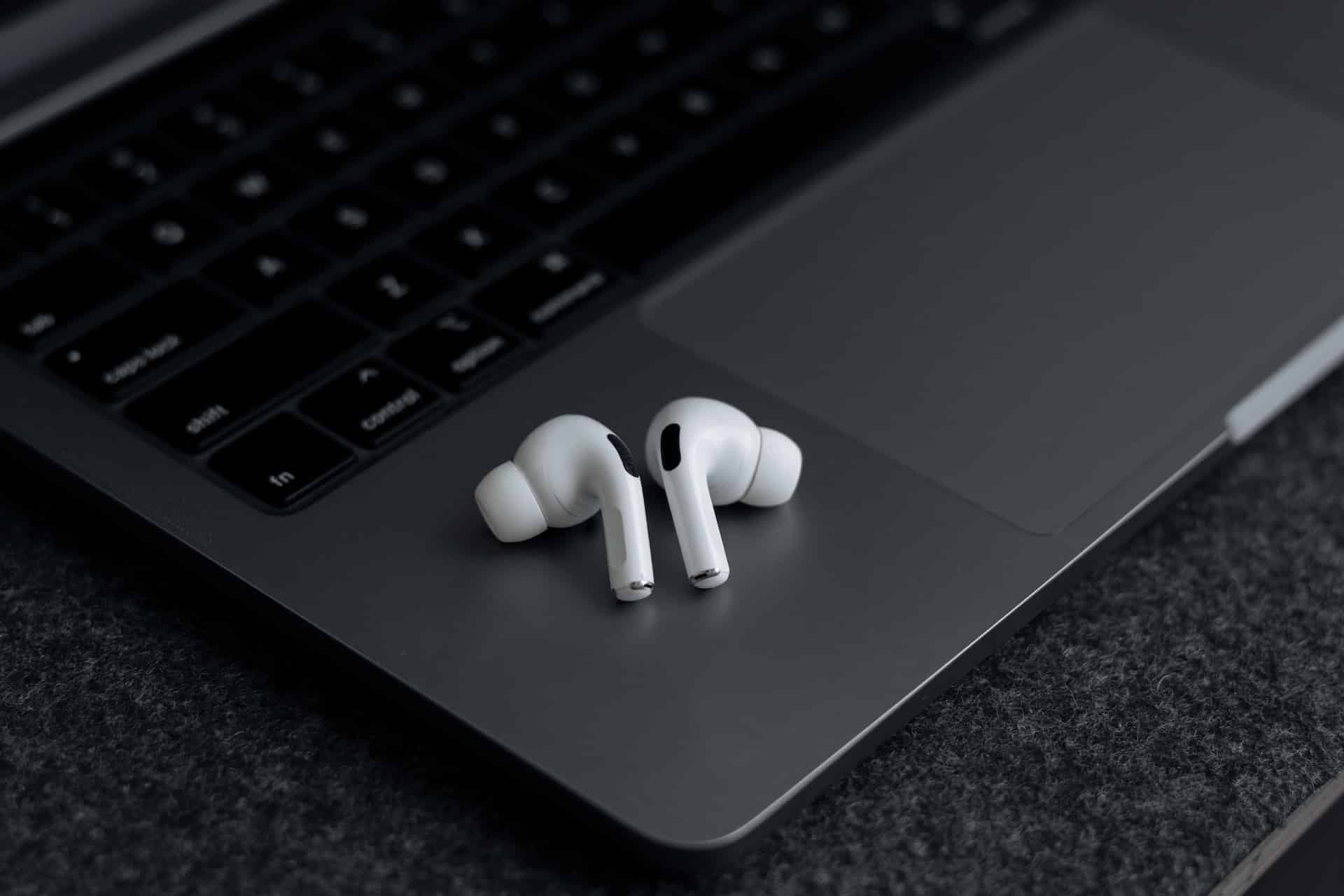
You open your MacBook and your AirPods connect. You answer a call on iPhone and the audio transfers without drama. You walk into the gym and Apple Watch unlocks your headphones. No pairing rituals. No random disconnects. It just happens.
Behind that simplicity is what we can call the Apple Bluetooth stack — the layered architecture Apple builds on top of standard Bluetooth protocols to control pairing, switching, encryption, and power management across devices.
This is not only about hardware chips. It’s software frameworks, firmware tuning, custom silicon, and tight operating system control working together.
Standard Bluetooth vs. Apple’s Layered Control
Bluetooth itself is a global standard. Every manufacturer uses it. But Apple doesn’t treat Bluetooth as a generic pipe for audio or data. It builds additional layers on top.
At the base level, Apple devices use Bluetooth Classic for audio and Bluetooth Low Energy (BLE) for signaling and background communication. BLE handles lightweight tasks like proximity detection, device discovery, and low-power sync.
On top of that, Apple adds system-level orchestration inside iOS, macOS, watchOS, and visionOS. That orchestration manages:
- Automatic pairing through iCloud
- Multi-device awareness
- Context-based audio routing
- Encrypted key exchange
- Power optimization
Because Apple controls the hardware and the operating system, it can tune radio behavior, timing intervals, and handoff logic with precision.
The Role of Custom Silicon
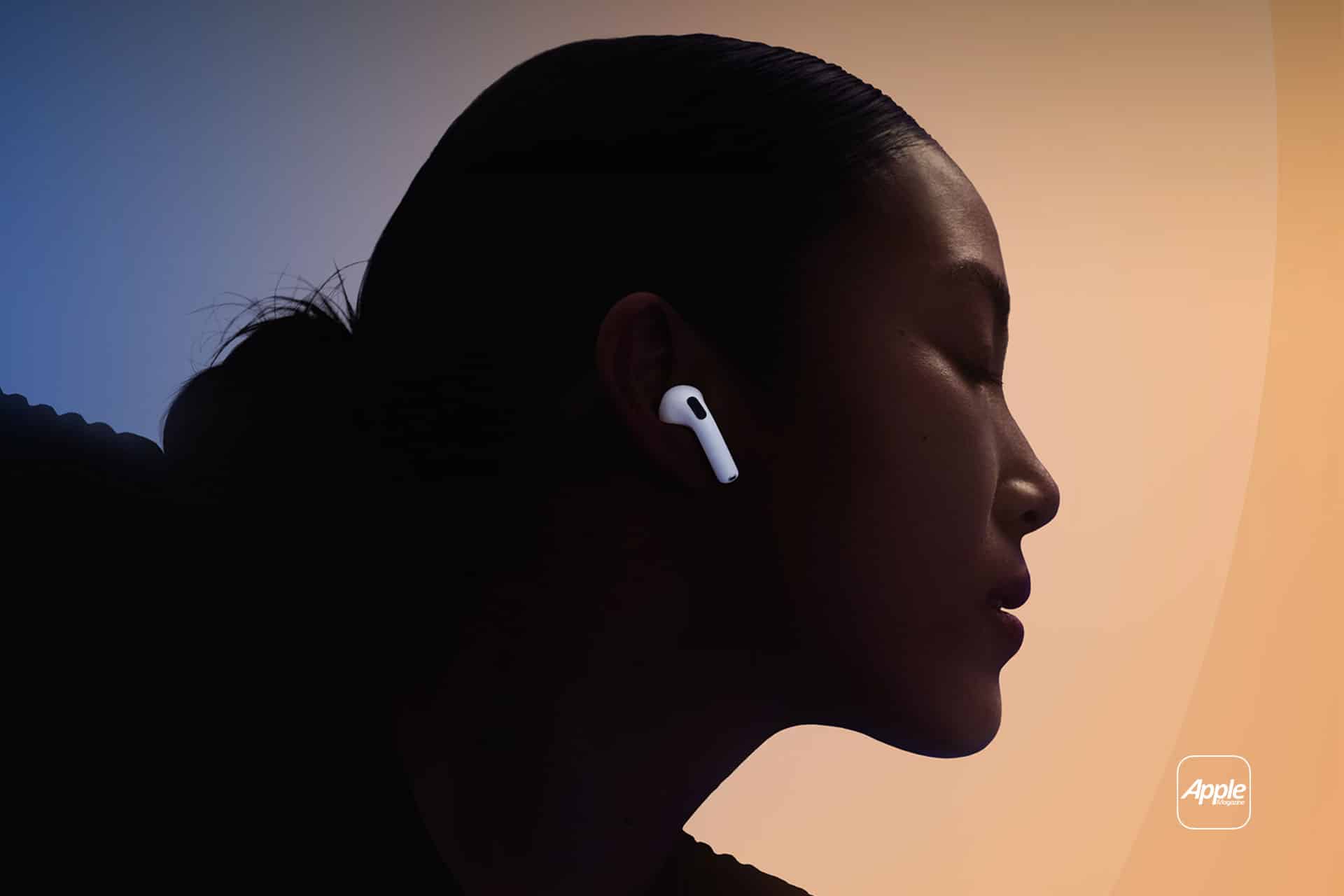
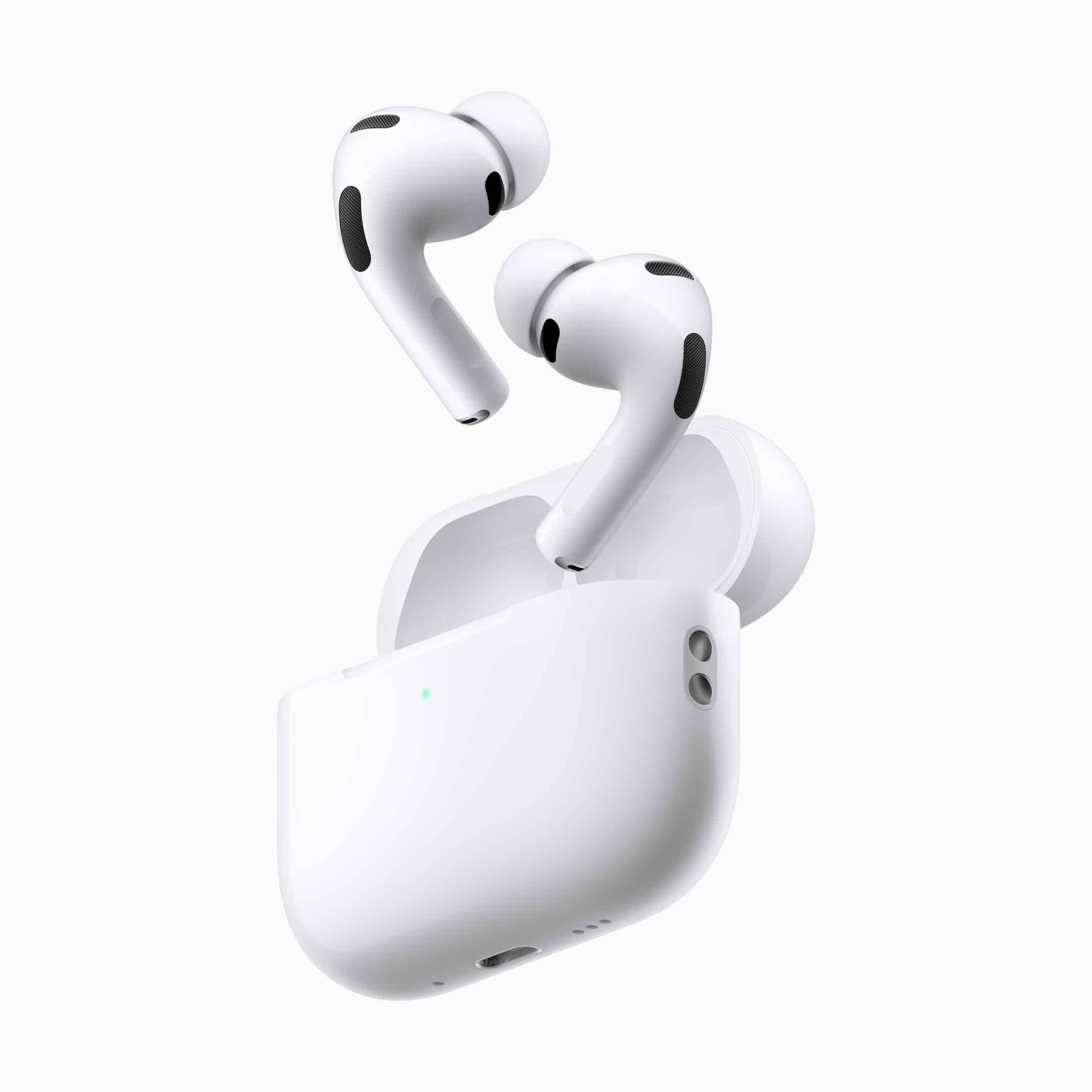
The Apple Bluetooth stack became noticeably stronger when Apple introduced custom wireless chips like the W1, followed by the H1 and H2 in AirPods.
These chips are not generic Bluetooth controllers. They integrate tightly with Apple’s software frameworks and iCloud identity system.
For example, when you open AirPods near an iPhone, BLE transmits a secure handshake tied to your Apple ID. That pairing information syncs across devices automatically via iCloud. Your Mac and iPad already “know” those AirPods.
No re-pairing. No manual discovery.
That is stack integration — hardware, firmware, cloud identity, and OS cooperating as one system.
Seamless Multi-Device Switching
Multi-device switching is where Apple’s Bluetooth stack shows its maturity.
When you pause music on your Mac and start a video on iPhone, your AirPods evaluate device activity. The system checks which device is actively producing media and where the user interaction occurred.
Instead of forcing you to switch manually, the stack negotiates priority.
This works because devices share state information through iCloud and Continuity frameworks. The Bluetooth link is only one part. Context awareness is the real driver.
That’s why switching feels immediate rather than random.
Continuity and Proximity Intelligence
Apple also uses BLE for proximity detection. Apple Watch unlocking your Mac is one example.
When the Mac senses a nearby authenticated Watch, encrypted credentials are validated. The Bluetooth stack handles proximity estimation and secure communication without exposing raw credentials.
Ultra Wideband (UWB), used in newer devices, enhances spatial precision. While not strictly Bluetooth, UWB works alongside BLE to refine location awareness, especially for AirTag and Find My features.
Together, these technologies create stable spatial awareness between devices.
Power Management and Stability
Bluetooth instability often comes from power mismanagement. Apple avoids this by deeply integrating radio behavior into its OS scheduler.
When devices enter low-power states, the Bluetooth stack reduces scanning intervals but keeps essential BLE signaling active. When active media starts, radio resources scale instantly.
You can see how this works in battery optimization:
Settings > Bluetooth > Select Device > Device Info
The system tracks usage patterns and adjusts background connectivity accordingly.
Because Apple tunes firmware and OS simultaneously, it avoids many third-party conflicts common on fragmented platforms.
Security Built Into the Stack
Security is another pillar. Pairing keys are encrypted and stored within the Secure Enclave when possible. Communication between devices uses rotating encryption keys. Even proximity-based unlock features rely on time-bound authentication tokens.
This prevents replay attacks and unauthorized device impersonation.
Bluetooth becomes not just a wireless link, but a controlled, identity-aware channel.
Real-World Stability
In daily life, this architecture matters in subtle ways.
Your AirPods don’t randomly connect to someone else’s iPhone. Your Apple Watch stays linked during workouts despite constant motion. Your iPad doesn’t interrupt a call happening on your Mac unless you interact with it.
That’s the difference between basic Bluetooth implementation and an ecosystem-aware Bluetooth architecture.
You rarely see it. You mostly forget it exists. But every stable connection between your Apple devices depends on that invisible coordination.