


Reading across multiple devices is part of everyday routines — starting a chapter on iPhone during a commute, continuing on an iPad at home, and reviewing highlights later on a Mac. Apple Books Sync ensures that reading progress, bookmarks, highlights, notes, and purchased titles remain aligned automatically, creating a continuous reading experience regardless of which device is in use.
This synchronization works through iCloud, updating reading activity silently in the background. When a book is opened on another device, the system offers the option to jump directly to the most recent page read elsewhere. Highlights, annotations, and bookmarks also appear instantly, making the feature particularly useful for students, researchers, and readers working with long-form material across different environments.


Enable Apple Books Sync
Settings > Apple ID > iCloud > Books > Sync This iPhone
Ensuring the Books toggle is active allows reading progress and annotations to synchronize automatically. This setting should be enabled on every device used for reading to maintain full continuity.
Keep library titles synced across devices
Settings > Books > Syncing > Reading Now & iCloud Drive
Activating syncing for Reading Now ensures the current reading position updates across all devices, while enabling iCloud Drive allows purchased books and personal PDFs stored in the Books app to remain accessible everywhere.
Download books for offline reading
Books App > Library > Select Book > Download
Downloaded books remain available even without an internet connection, making offline reading possible during travel or low-connectivity situations. Once the device reconnects, any new highlights, notes, or progress updates automatically synchronize with the rest of the library.

Cross-Device Annotation and Study Workflows
One of the most valuable aspects of Apple Books Sync is annotation continuity. Notes created on an iPad with Apple Pencil appear instantly on a Mac, where they can be reviewed alongside research materials. Highlights made on an iPhone during quick reading sessions become searchable across the entire library later, helping readers locate key passages quickly when revisiting material.
Students often benefit from reading a chapter on one device, highlighting key concepts, and later reviewing all highlights in a centralized list. Because the Books app maintains consistent formatting across devices, annotations remain organized even when switching between different screen sizes.
Managing Storage While Maintaining Sync
Readers with large digital libraries may choose to keep only frequently used titles downloaded locally while allowing others to remain stored in iCloud. Removing a downloaded copy from a device does not delete the book from the cloud library; it simply frees local storage while keeping the title available for future download. This approach helps balance storage efficiency with quick access to essential reading materials.
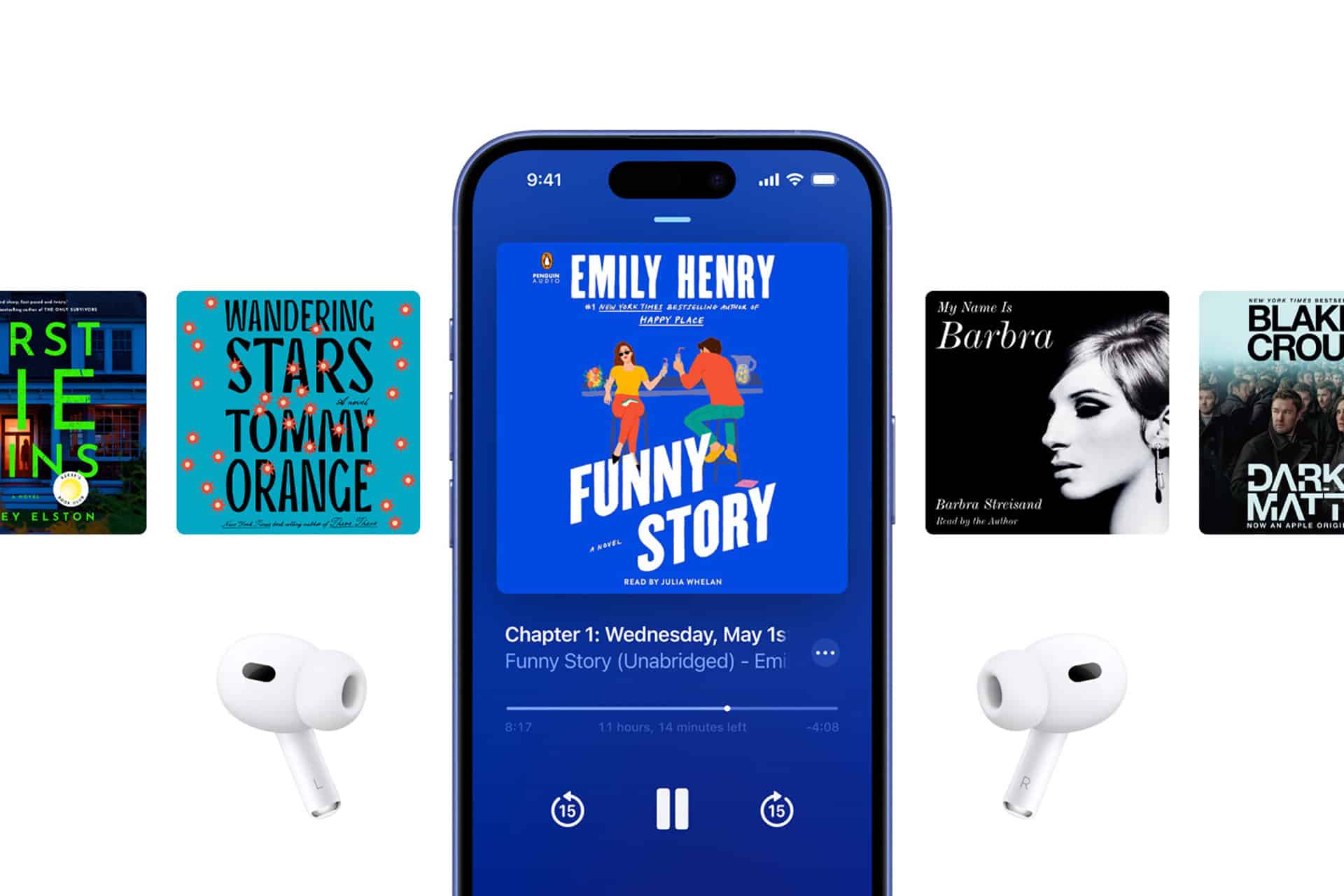
Build a Seamless Multi-Device Reading Routine
Once synchronization is active, the reading workflow becomes fluid. Starting a book on one device and finishing it on another requires no manual adjustments, and highlights remain consolidated regardless of where they were created. Over time, Apple Books Sync transforms the library into a unified reading environment where progress, annotations, and offline access operate automatically, allowing readers to focus entirely on the content rather than device management.

