

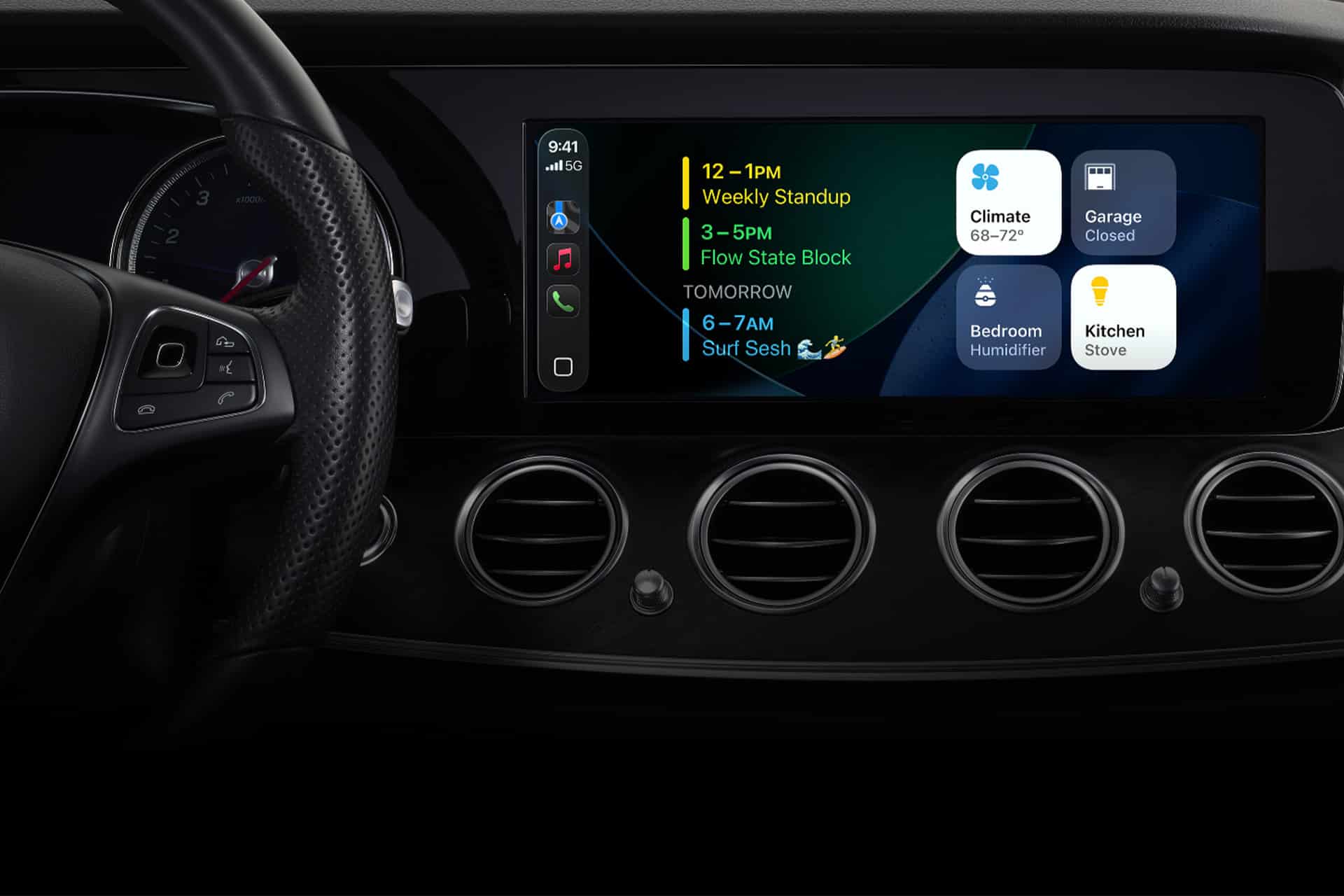
Apple CarPlay has gradually evolved from a simple mirrored interface into a structured driving environment designed to minimize interaction time while keeping essential information visible. The introduction of Apple CarPlay widgets reorganizes how drivers access navigation, communication, and media controls, presenting multiple functions on a single adaptive dashboard instead of forcing users to switch between full-screen apps.
This widget-based interface is built around the concept of glanceable information. Navigation directions remain visible while music controls, calendar reminders, or upcoming events appear in smaller contextual panels. The system dynamically adjusts depending on the apps currently active, the route being followed, and the device connected, allowing the dashboard to adapt automatically without manual rearrangement every time the vehicle starts.
How CarPlay Widgets Improve Navigation and Media Access
The most noticeable advantage of Apple CarPlay widgets is the ability to combine real-time navigation with secondary controls such as playback, calls, or notifications in a single layout. Apple Maps directions occupy the primary panel, while adjacent widgets display the currently playing audio, next calendar appointment, or incoming messages.
This approach reduces the need for repeated taps or app switching, particularly during long drives where users frequently alternate between music playback and route monitoring. Instead of opening the Music app to skip a track or launching Messages to respond to a notification, these actions can be handled directly from the widget dashboard with minimal visual interruption.
Drivers using third-party navigation or media apps also benefit from the widget layout. Many CarPlay-compatible applications integrate with the dashboard to present compact versions of their controls, maintaining consistency regardless of which services are being used. Over time, the system learns which apps are accessed most frequently and prioritizes them within the widget arrangement.


Customizing the Apple CarPlay Widget Dashboard
Although the widget layout adjusts automatically in many cases, users can customize how apps appear by organizing their iPhone CarPlay settings before connecting to the vehicle. Rearranging apps affects how widgets are prioritized, ensuring the most important functions appear first on the dashboard.
To reorganize CarPlay apps and influence widget placement:
Settings > General > CarPlay > Select Your Vehicle > Customize
From this panel, users can reorder supported apps, remove unused ones, or bring frequently accessed tools such as Apple Maps, Music, Podcasts, or Phone to the top of the layout. The widget dashboard then reflects this priority when the system generates the multi-panel interface inside the car display.
Drivers who frequently switch between vehicles can create different CarPlay layouts per vehicle profile, allowing commuting, travel, or shared-car environments to maintain independent configurations without affecting each other.
Communication Widgets and Reduced Interaction Time
Communication is another area where Apple CarPlay widgets simplify interaction. Incoming calls, message previews, and suggested replies appear in compact widgets rather than taking over the entire screen. Siri voice responses remain integrated into the layout, enabling hands-free actions while preserving navigation visibility.
Calendar widgets can also display upcoming meetings or reminders, offering contextual awareness without requiring the Calendar app to open fully. When combined with Driving Focus or notification filtering, only priority contacts or alerts appear on the dashboard, maintaining a streamlined interface that reduces unnecessary interruptions.
In daily commuting scenarios, this combination of navigation, playback, and communication widgets creates a consistent dashboard experience that requires fewer manual interactions. The driver remains aware of route progress, media playback, and key notifications simultaneously without cycling through applications or navigating multiple screens.
Vehicle Integration and Expanding CarPlay Widget Capabilities
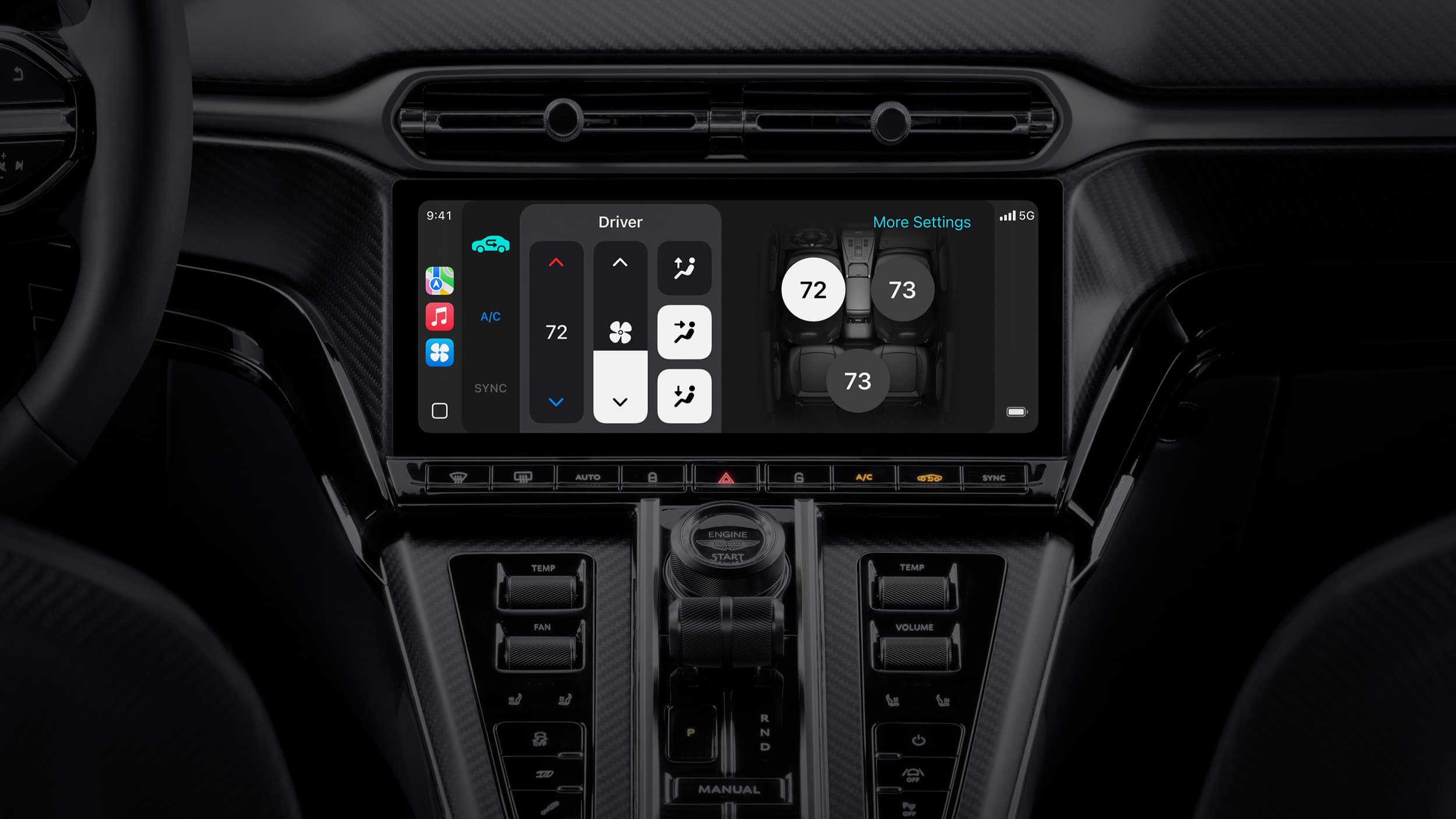
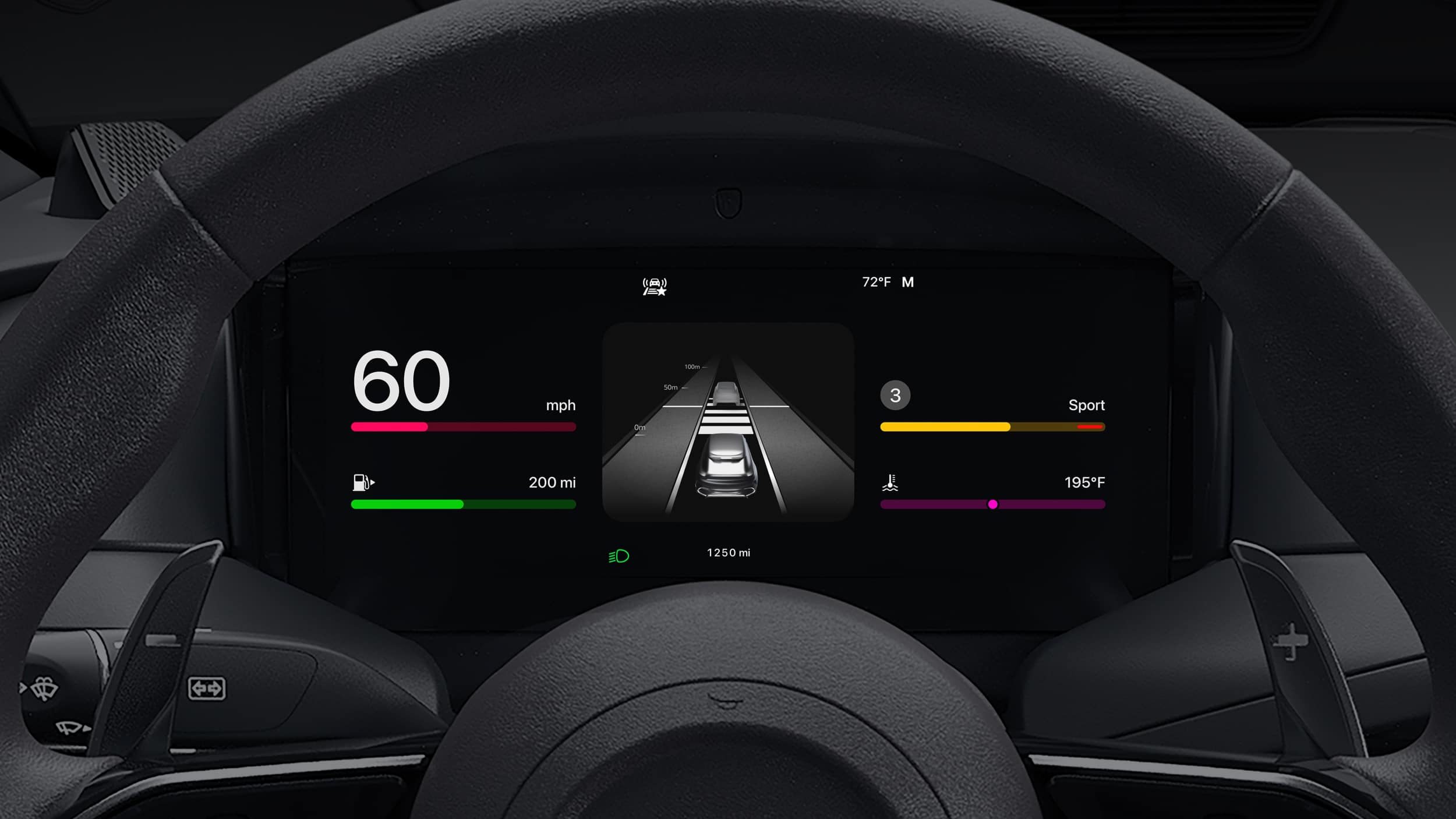
As automakers expand their integration with next-generation CarPlay systems, widgets are expected to interact more deeply with vehicle information such as fuel or battery levels, climate controls, and driving statistics. Some manufacturers already allow CarPlay dashboards to display vehicle-specific widgets alongside navigation and media panels, forming a unified driving interface that blends smartphone functionality with onboard vehicle systems.
Future CarPlay updates are likely to expand widget categories, allowing additional contextual panels tied to travel time predictions, charging stops for electric vehicles, parking reminders, and smart home automations triggered by arrival locations. Because the widget dashboard is designed as a flexible interface layer, new integrations can be added without redesigning the entire system.
The widget-based approach represents a shift from app-centric navigation toward contextual dashboards that surface the most relevant information automatically. By organizing navigation, audio, and communication tools within a single adaptive layout, Apple CarPlay widgets help transform the vehicle display into a continuously updating command center that aligns with real-world driving behavior.

