Apple Classroom has quietly become one of the most practical tools in modern digital education environments. Designed to work across iPad, Mac, and supported school management systems, the app gives teachers a simple interface to manage student devices, distribute learning materials, and guide classroom activities in real time. Instead of relying on multiple disconnected platforms, educators can organize lessons, open specific apps for students, and monitor participation from a single dashboard.
Schools adopting one-to-one iPad programs often discover that the real advantage is not only access to digital content but also the ability to coordinate learning activities quickly. Apple Classroom plays a central role in that coordination by allowing teachers to control workflows across an entire classroom while still giving students independence in their daily work.
How Apple Classroom Supports Lesson Planning
Planning lessons becomes easier when teachers can prepare digital assignments and distribute them instantly. Apple Classroom allows instructors to launch apps simultaneously across student iPads, open specific web pages related to the lesson topic, or assign reading materials stored in shared folders. This eliminates the need for printed instructions or repeated manual explanations, helping students begin activities faster.
Teachers can also organize students into groups directly inside the Classroom app. Grouping allows collaborative tasks such as shared presentations, research projects, or peer-review activities to run more smoothly. Students can work together using productivity apps like Keynote, Pages, or third-party collaboration tools, while the teacher monitors progress across the entire class environment.

Using AirDrop for Instant Content Distribution
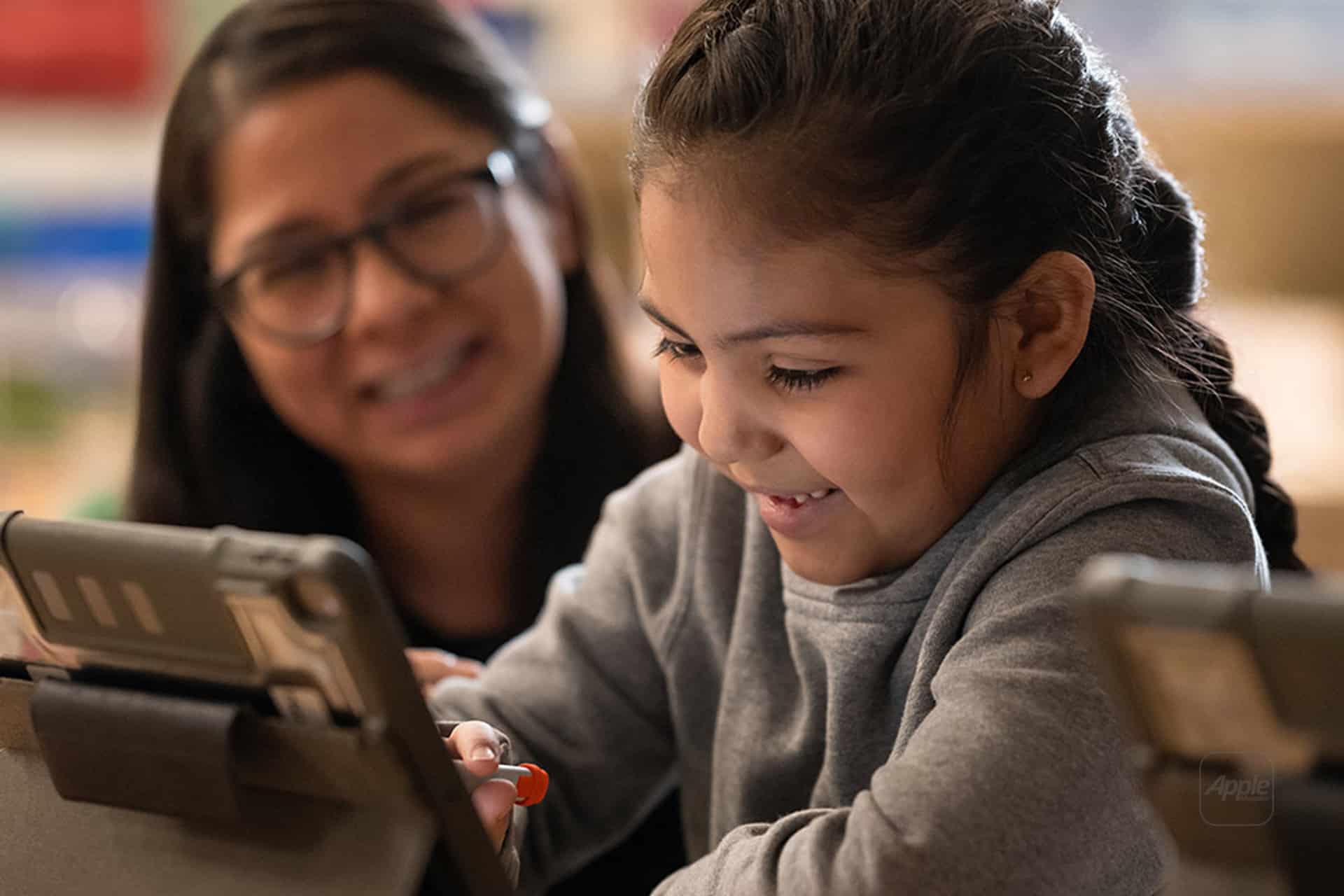
One of the most efficient features integrated into Apple Classroom is AirDrop distribution. Teachers can send worksheets, presentations, photos, or short instructional videos to every student device in seconds.
Settings > Classroom > Select Class > Share > AirDrop Materials
This workflow eliminates the delays often associated with email attachments or external file systems. Students receive materials immediately and can begin working without waiting for downloads or login steps. Teachers can also collect completed assignments using the same process, simplifying classroom submission routines.
Monitoring Student Progress in Real Time
Apple Classroom allows teachers to view which apps students are using during class sessions. This overview helps instructors understand how learners are engaging with the lesson and allows gentle guidance if a student becomes distracted. The feature is designed for educational supervision rather than strict device control, encouraging focused participation while maintaining flexibility in learning activities.
Teachers can also lock devices temporarily during explanations or demonstrations, ensuring that students focus on the instruction before returning to independent work. Once the explanation is complete, devices can be unlocked instantly, allowing the class to resume activities without interruption.
Collaborative Learning With Shared Apps
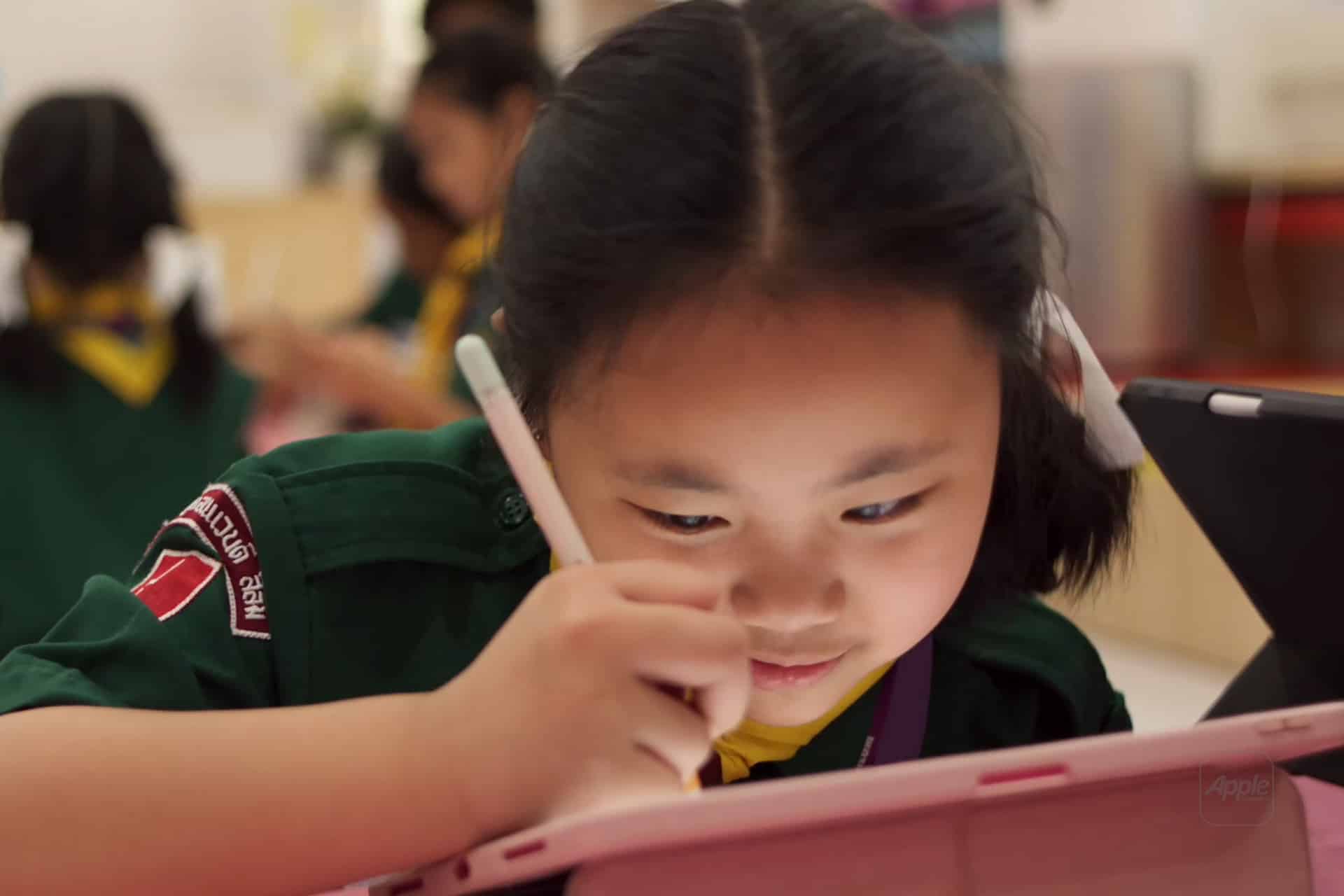
Many educational environments rely heavily on collaborative learning tools. Apple Classroom works alongside shared apps that support group writing, brainstorming, and project building. Students can participate in live editing sessions, create joint presentations, or contribute to shared research boards. The teacher remains able to observe progress, provide feedback, and assist specific groups when necessary.
For creative subjects such as digital art, filmmaking, or music production, Classroom also helps launch the appropriate creative apps simultaneously across devices. Students begin the same project environment at the same time, which simplifies instruction and reduces setup confusion.
How Schools Deploy Apple Classroom at Scale
Large school districts often deploy Apple Classroom through mobile device management systems, allowing classes to be preconfigured before the academic term begins. Student devices automatically appear in the correct class groups, enabling teachers to start using the platform immediately without manual setup for each session. This integration reduces technical overhead and ensures consistent classroom organization across multiple grade levels.
The system also works across Mac classrooms, allowing teachers using MacBook or iMac labs to apply the same management tools available on iPad. This cross-platform approach supports hybrid learning environments where different devices are used depending on the subject or project type.
Expanding the Role of Classroom Tech
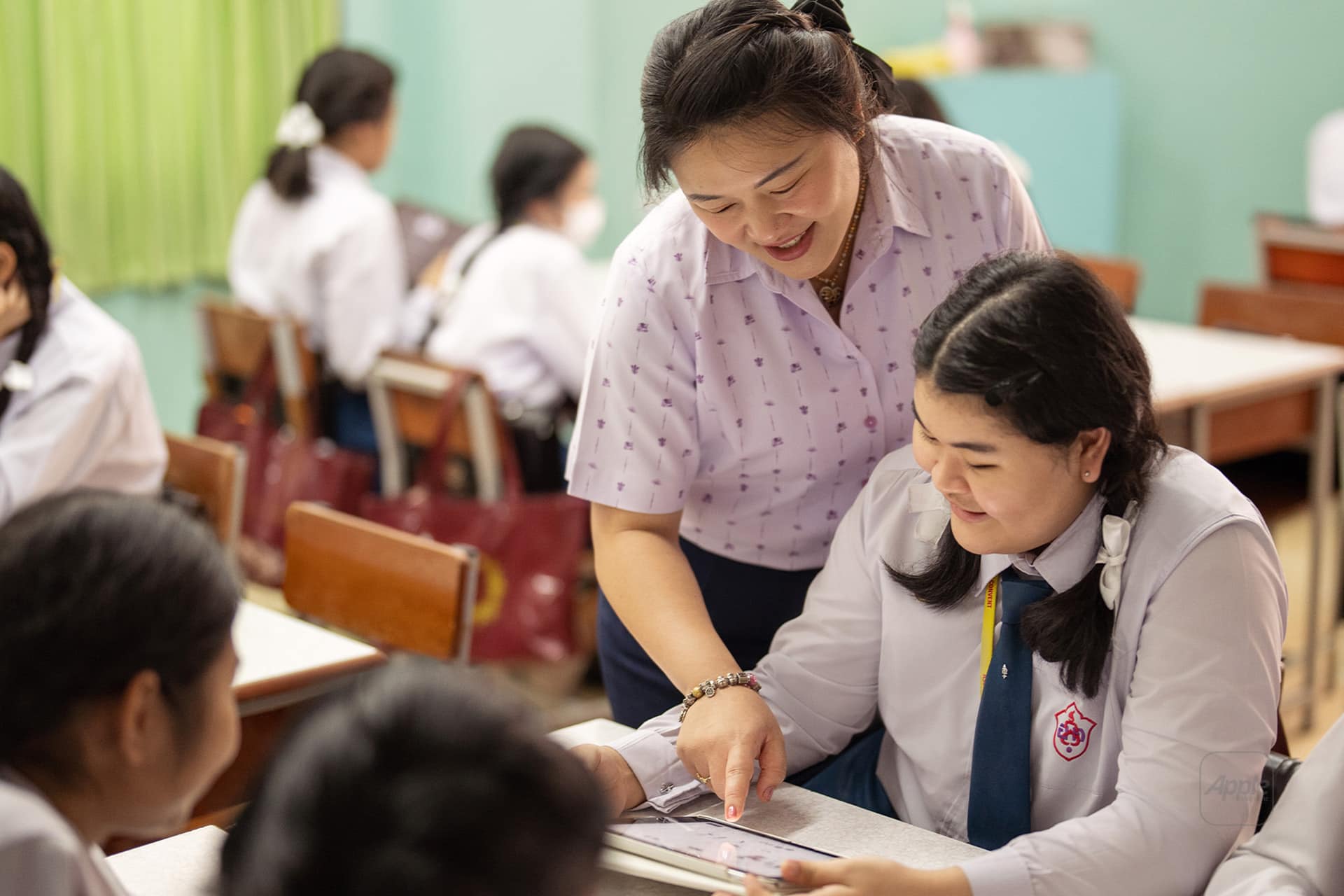
As education continues integrating digital tools, classroom management platforms play a growing role in shaping how lessons are delivered. Apple Classroom supports both structured instruction and collaborative exploration, giving teachers flexibility to adapt learning methods based on the subject, class size, and teaching style. Real-time device coordination, instant material sharing, and simplified monitoring tools allow more time to focus on teaching rather than device logistics.
In classrooms where iPad programs are already established, the Classroom app becomes the operational center of daily teaching routines, coordinating apps, assignments, and collaborative activities in a unified workflow that aligns digital learning tools with the pace of traditional classroom instruction.