

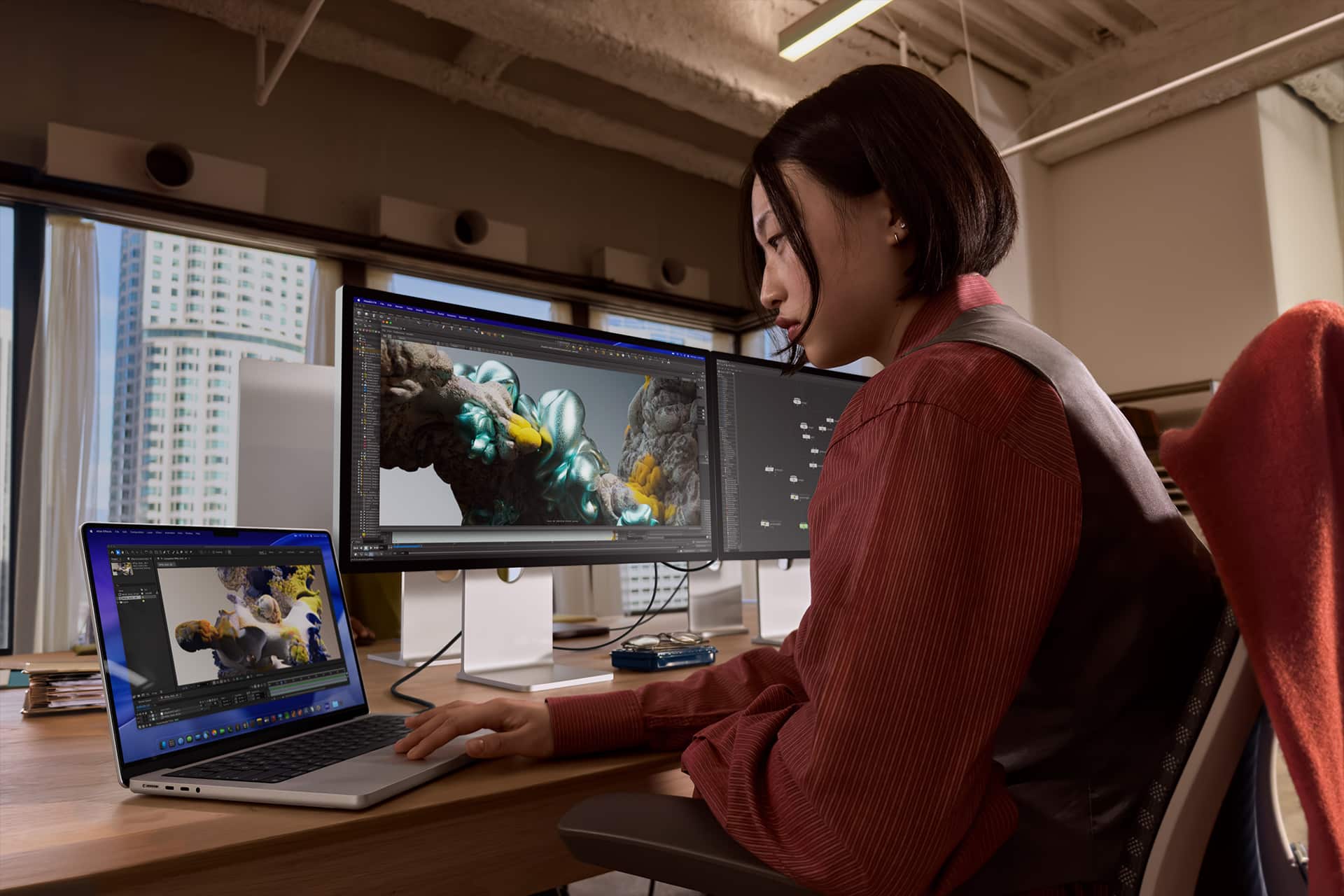
Apple desk setup cost can climb quickly when every major piece comes directly from Apple. A complete desk can start with the Studio Display, then add a Mac, Magic Keyboard, Magic Mouse, Magic Trackpad, and a HomePod or HomePod mini for sound. The result is clean, consistent, and deeply tied to the Apple ecosystem, but it also shows how much Apple’s design language costs when the entire workspace follows the same brand.
The Studio Display is the anchor of the setup. Apple’s 27-inch 5K display starts at $1,599 in the U.S., bringing a high-resolution panel, built-in camera, speakers, microphones, and Apple’s aluminum design to the desk. From there, the cost depends mostly on the Mac. A MacBook Neo creates the lowest-cost path. A MacBook Air makes the setup more balanced. A MacBook Pro adds stronger performance. A Mac mini keeps the desk compact and still relatively affordable. A Mac Studio turns the same display and accessories into a professional workstation.
For accessories, the simplified all-Apple set includes Magic Keyboard with Touch ID at $149, Magic Mouse at $79, and Magic Trackpad at $129. Some users will choose only the mouse or only the trackpad, but including both gives the most complete Apple desktop control setup. For sound, HomePod mini adds $99, while the full-size HomePod adds $299.


Apple Desk Setup Cost by Mac
The simplified totals below use U.S. starting prices and assume one Studio Display, Magic Keyboard with Touch ID, Magic Mouse, Magic Trackpad, and one speaker option. Prices can rise with more storage, memory, nano-texture glass, different Studio Display stands, a numeric keyboard, additional HomePods, AppleCare+, adapters, or third-party desk accessories.
|
Setup Option |
Mac Starting Price |
Studio Display |
Magic Keyboard |
Magic Mouse |
Magic Trackpad |
With HomePod mini |
With HomePod |
|---|---|---|---|---|---|---|---|
|
MacBook Neo Desk |
$599 |
$1,599 |
$149 |
$79 |
$129 |
$2,654 |
$2,854 |
|
MacBook Air Desk |
$1,099 |
$1,599 |
$149 |
$79 |
$129 |
$3,154 |
$3,354 |
|
MacBook Pro Desk |
$1,699 |
$1,599 |
$149 |
$79 |
$129 |
$3,754 |
$3,954 |
|
Mac mini Desk |
$799 |
$1,599 |
$149 |
$79 |
$129 |
$2,754 |
$2,954 |
|
Mac Studio Desk |
$1,999 |
$1,599 |
$149 |
$79 |
$129 |
$3,954 |
$4,154 |
The MacBook Neo setup is the cheapest way to build a full Apple desk around Studio Display while still keeping the option to unplug and move with the laptop. At about $2,654 with HomePod mini, it gives users the look and feel of a premium Apple workstation while relying on Apple’s most affordable MacBook as the computer. It is the most accessible version of the idea, especially for students, light productivity, writing, browsing, calls, and general Apple ecosystem use.
The Mac mini setup is the cleaner desktop alternative. At about $2,754 with HomePod mini, it costs slightly more than the MacBook Neo version but creates a more traditional permanent workstation. It is the best low-cost choice for users who do not need a portable computer and want the Studio Display to function as the main screen every day.
The MacBook Air setup is the best balanced option for most users. At about $3,154 with HomePod mini, it costs more than the Neo or Mac mini versions, but it gives stronger Mac performance, excellent portability, and a cleaner long-term fit for everyday work, writing, web publishing, media management, school, and lighter creative tasks.
The MacBook Pro setup moves the desk into a more serious performance tier. At about $3,754 with HomePod mini, it makes sense for users who want a portable Mac that can also drive a polished desktop workspace for heavier workloads, including coding, design, video editing, photography, large documents, multitasking, and more demanding Apple Intelligence features.
The Mac Studio setup is the most powerful version of the simplified all-original Apple desk. At about $3,954 with HomePod mini or $4,154 with HomePod, it turns the desk into a professional workstation built for sustained performance. It is the best fit for users who do not need portability and want the strongest desktop Mac option below the Mac Pro.
HomePod mini or HomePod for Desk Sound
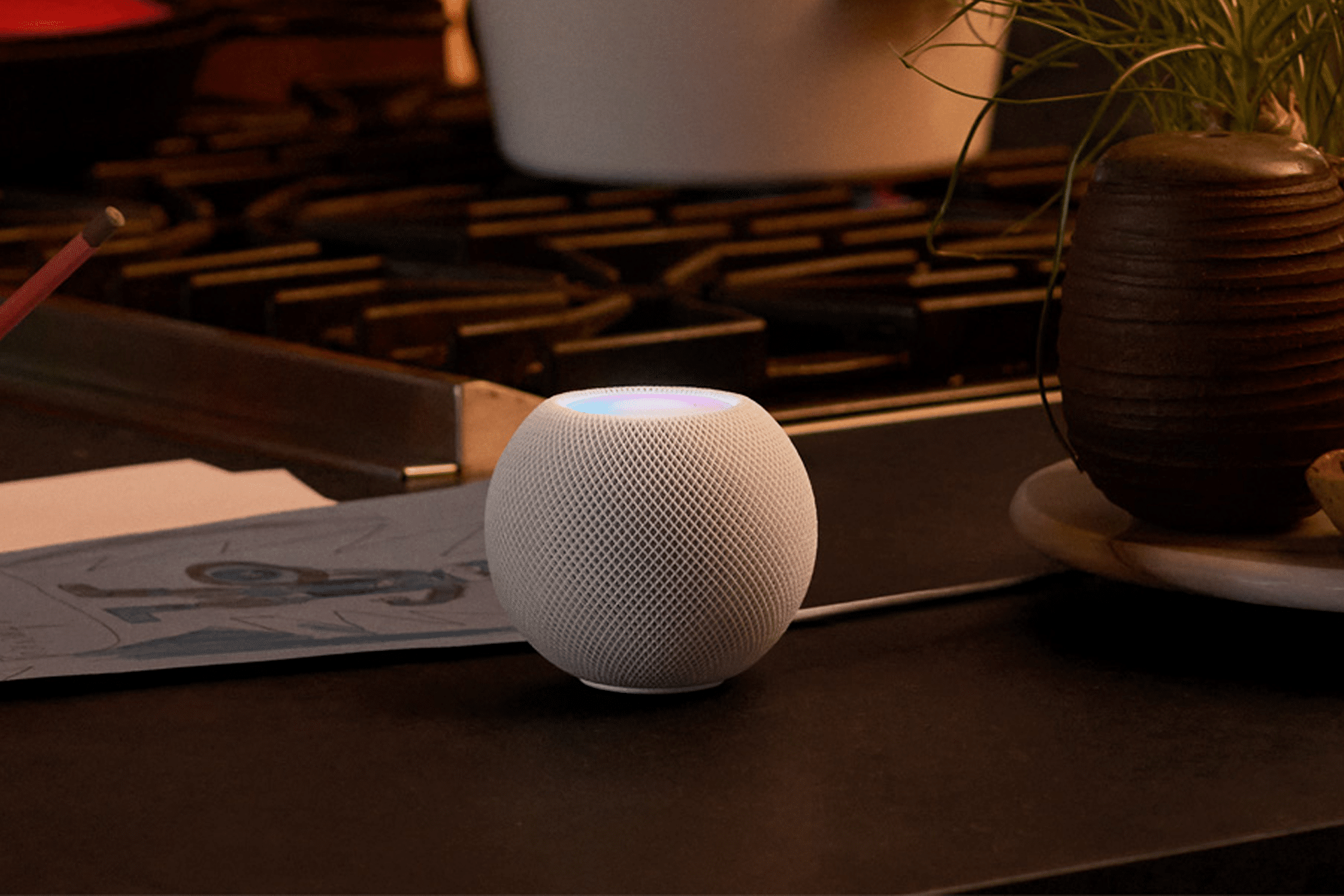
The audio choice changes the setup less than the Mac, but it still affects the final feel of the desk. HomePod mini is the practical add-on. At $99, it gives Siri, AirPlay, smart-home controls, compact sound, and a small footprint. It works well for background music, podcasts, calls, reminders, and a desk that already has the Studio Display’s built-in speakers.
HomePod is the more premium choice. At $299, it adds fuller sound, stronger bass, room-sensing audio, and a more serious music experience. It makes more sense for a desk placed in a bedroom, office, studio, or living space where the speaker is used beyond work hours.
A single HomePod mini keeps the Apple desk setup cleaner and cheaper. A full-size HomePod makes the setup feel more complete as a media and work space. A stereo pair would improve sound further, but it also changes the cost story quickly: two HomePod minis add $198, while two HomePods add $598.
The Studio Display already includes a six-speaker sound system with Spatial Audio support, so a HomePod is not strictly required for basic desk audio. The speaker becomes more useful when the user wants Siri, AirPlay, smart-home access, or music that can continue independently of the Mac.
What the All-Apple Setup Really Costs
A complete original Apple desk is less about buying one computer and more about buying into a hardware language. The Studio Display creates the visual center. The Mac defines the performance level. Magic Keyboard, Magic Mouse, and Magic Trackpad keep the controls consistent. HomePod or HomePod mini adds sound and Siri. Together, the setup becomes a clean Apple workstation rather than a mixed collection of parts.
The lowest practical all-Apple setup in this simplified model is the MacBook Neo version with HomePod mini at about $2,654. The strongest simplified setup is the Mac Studio version with HomePod at about $4,154. Most users will likely land between those points, with Mac mini and MacBook Air offering the best balance between cost, performance, and long-term usefulness.
The real cost can rise quickly with upgrades. Studio Display options such as nano-texture glass or different stands add more. Mac memory and storage upgrades can add hundreds or thousands of dollars. A numeric Magic Keyboard, a second HomePod, AppleCare+, adapters, external storage, stands, docks, and desk accessories can push the total much higher.
The most sensible version depends on what the desk is meant to do. MacBook Neo is the budget Apple look. Mac mini is the clean desktop value. MacBook Air is the everyday sweet spot. MacBook Pro is the portable power setup. Mac Studio is the full workstation. The same Studio Display and Magic accessories can scale across all five, which is the real strength of building the desk around Apple’s own ecosystem.