

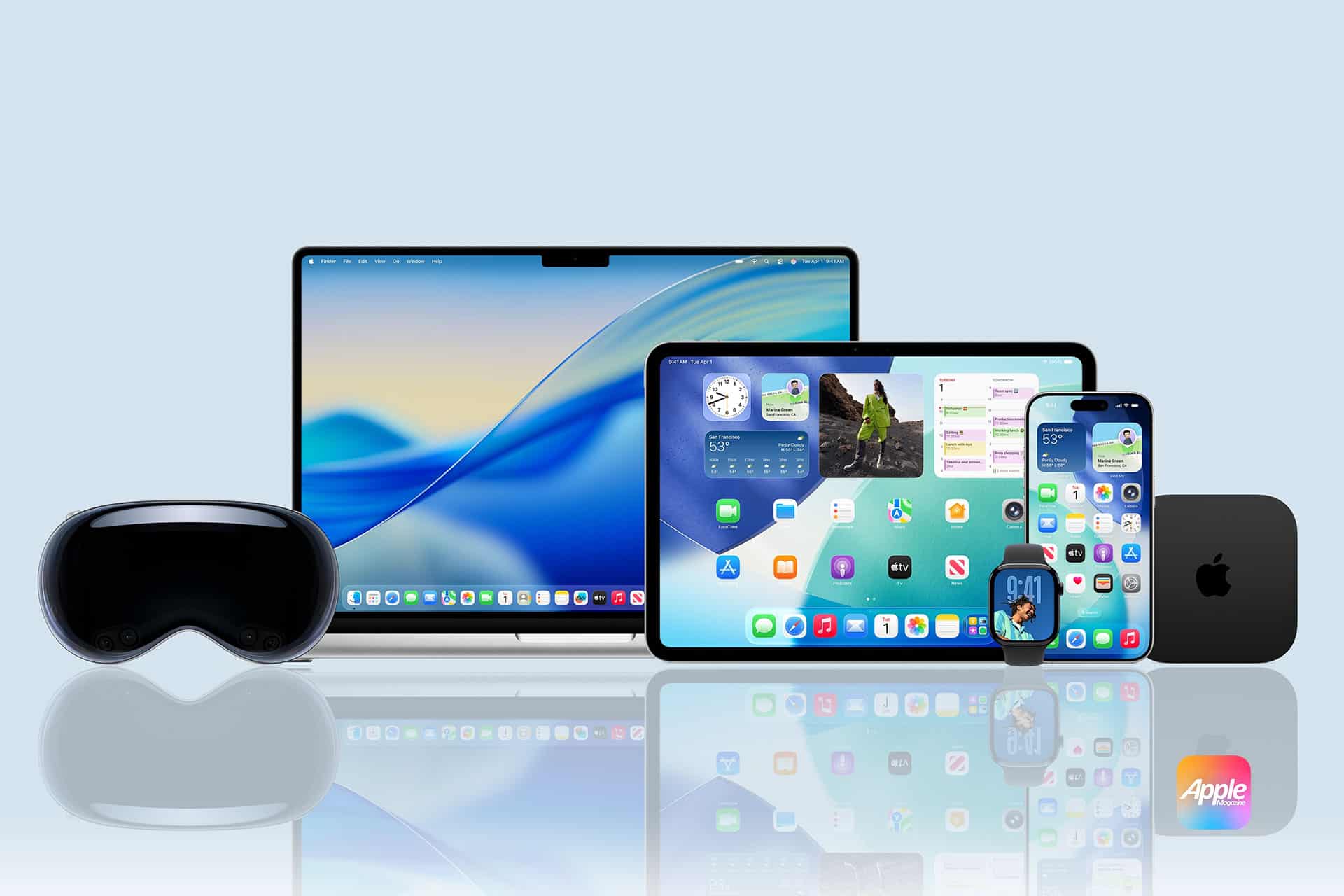
When an iPhone displays a floating animation the moment AirPods are opened nearby, the process appears simple. A tap confirms connection. Within seconds, audio routes correctly, battery levels appear, and the device becomes part of the Apple ecosystem.
Behind that smooth interaction is a structured encrypted handshake process that combines Bluetooth discovery, hardware authentication, and iCloud-based device association.
Proximity Detection and Initial Discovery
The pairing process begins with low-energy Bluetooth broadcasting. Accessories such as AirPods continuously emit a secure, short-range identifier when in pairing mode. The iPhone scans for compatible identifiers in the background.
When the system detects a nearby Apple-certified device, it triggers the visual pairing card. This interface appears only if the hardware identifier matches Apple’s internal authentication standards.
The proximity requirement prevents unintended remote pairing attempts. The device must be physically near the host iPhone, typically within a few feet.

Encrypted Authentication Exchange
Once the user taps Connect, the encrypted handshake begins.
The iPhone and accessory exchange cryptographic keys using Bluetooth Low Energy (BLE). This exchange is not a simple device ID comparison.
It includes:
- Hardware authentication certificates
- Temporary session keys
- Secure challenge-response verification
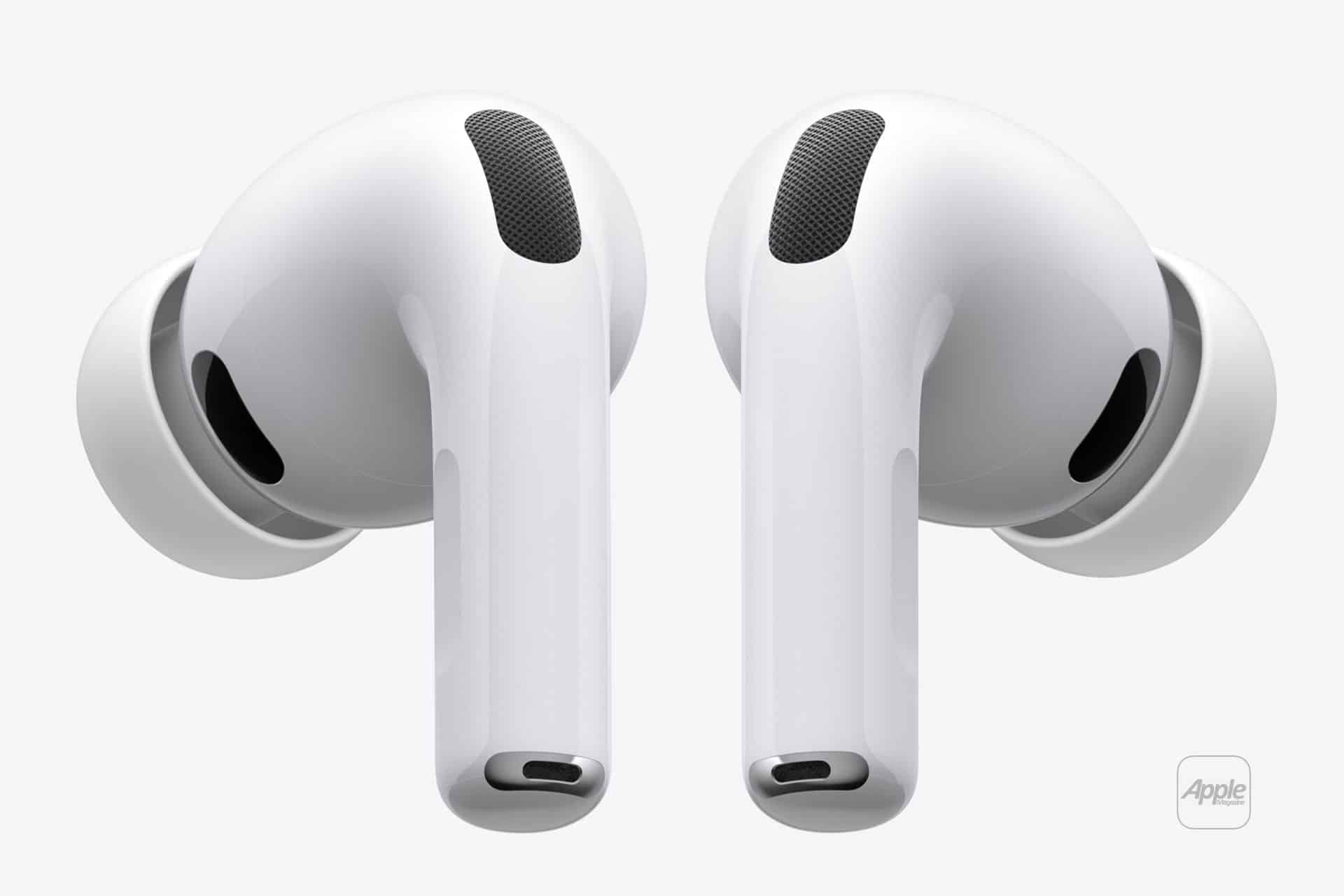
Apple accessories contain secure elements or authentication chips such as H1, H2, or S-series chips. These chips generate unique cryptographic signatures that the iPhone validates.
If authentication succeeds, the devices establish an encrypted communication channel. All subsequent data, including audio transmission and control signals, flows through this secure connection.
This prevents impersonation attacks and ensures only verified Apple-certified accessories complete the pairing process.
iCloud Association and Multi-Device Sync
After encryption is established, the pairing extends beyond the local device.
The iPhone associates the accessory with the user’s Apple ID through iCloud. This is why AirPods or an Apple Watch automatically appear on a Mac or iPad signed into the same account.
The process works as follows:
- Accessory authenticates with iPhone
- iPhone registers accessory to Apple ID
- iCloud securely syncs pairing metadata
- Other devices retrieve pairing credentials
This eliminates the need to manually pair the same accessory with each device.
For example, once AirPods are paired to iPhone, they automatically appear in:
System Settings > Bluetooth on Mac
Settings > Bluetooth on iPad
The encrypted credentials allow trusted devices to establish secure sessions without repeating the full initial handshake.

Apple Watch Secure Pairing
Apple Watch pairing includes additional verification steps due to deeper system integration.
When pairing Apple Watch:
Open Watch app on iPhone > Start Pairing
The camera scans a dynamic pattern displayed on the watch screen. This visual pairing step ensures physical possession of the device during setup.
Behind the interface, the process includes:
- Mutual certificate validation
- Secure enclave key exchange
- Encrypted Wi-Fi and Bluetooth provisioning
The Apple Watch stores pairing keys within its Secure Enclave. The iPhone does the same. Communication between the two devices remains encrypted at all times.
If the watch is erased or removed from the Apple ID, activation lock requires account authentication before it can pair again.
Accessory Authentication and Chip-Level Security
Apple’s pairing architecture relies heavily on hardware-level security.
Chips such as:
- H1 and H2 (AirPods)
- U1 (Ultra Wideband proximity awareness)
- S-series (Apple Watch)
These chips handle identity verification and encrypted key generation.
This hardware authentication distinguishes Apple accessories from standard Bluetooth devices. Generic Bluetooth pairing lacks certificate-based verification and iCloud propagation.
The encrypted handshake ensures:
- Device authenticity
- Encrypted communication
- Protection against spoofing
- Seamless ecosystem integration
Continuity Across the Ecosystem
Once paired, Apple devices maintain encrypted session continuity. Switching audio from iPhone to Mac does not require a new pairing process. The trusted credential exchange already exists in iCloud.
When proximity changes — for example, placing AirPods in ears while using Mac — the system identifies the active device and securely reroutes audio.
The pairing handshake is not repeated each time. Instead, session-level encryption refreshes automatically using stored credentials.
The simplicity of Apple device pairing is the visible layer of a multi-stage cryptographic process. Proximity detection triggers authentication. Secure hardware verifies identity. Encrypted keys establish communication. iCloud propagates trust across devices.
The floating animation lasts seconds. The encrypted handshake behind it operates continuously, ensuring that instant pairing remains both seamless and secure across the Apple ecosystem.
