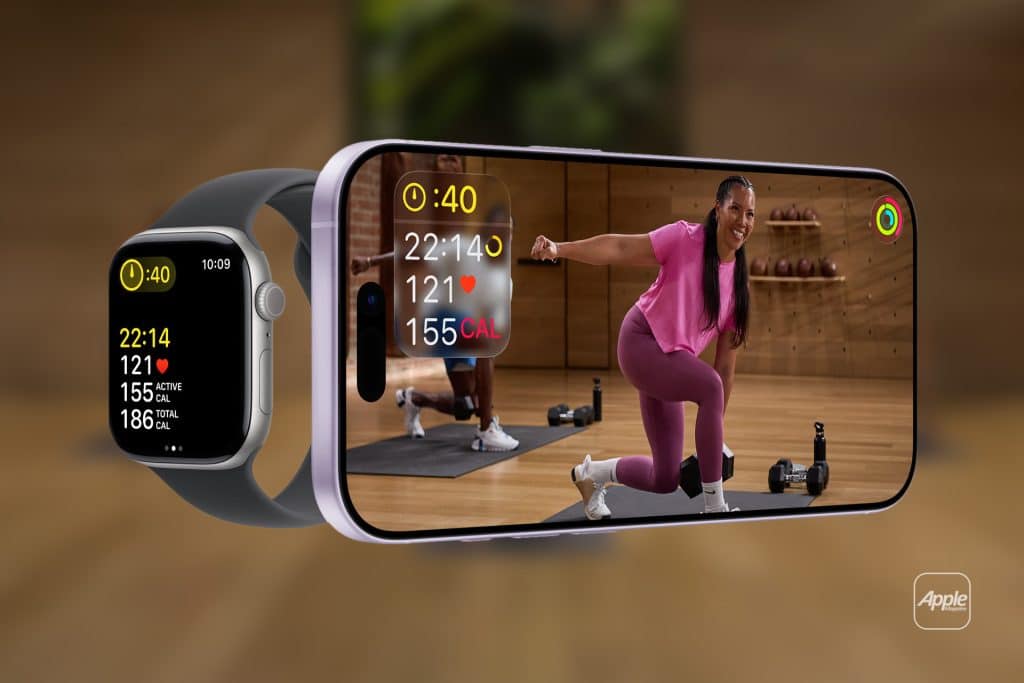
Apple Fitness+ requires an active Apple Fitness+ subscription and a compatible Apple Watch. The service works seamlessly with Watch models running the latest watchOS and pairs with iPhone, iPad, or Apple TV for workout display and interaction. Once connected, Fitness+ uses your Apple Watch data — heart rate, calories burned, activity rings, and time — to tailor suggestions and real-time feedback for every workout.
Fitness+ uses your Apple Watch to personalize every session. While you follow a workout on your screen, your heart rate and progress rings display live on the screen, helping you stay motivated and track improvements over time.
Subscribing and Activating Apple Fitness+
To get started with Fitness+, first make sure your Apple Watch and iPhone are updated to the latest software versions.
Settings > General > Software Update
Once up to date, subscribe and activate Fitness+ through the Fitness app:
Fitness app > Fitness+ tab > Tap Try It Free or Subscribe > Sign in with your Apple ID > Choose your plan
After subscribing, simply open a Fitness+ workout on iPhone, iPad, or Apple TV and make sure your Apple Watch is nearby. The Watch automatically pairs with the Fitness+ session and begins sending live metrics.


Personalizing Your Fitness+ Experience
Apple Fitness+ is designed to adapt to your progress and interests. After your first few workouts, the app begins recommending sessions based on your activity profile, exercise preferences, and performance trends. You can refine your personalization further using preferences and filters.
Fitness app > Fitness+ tab > Choose workout category (e.g., Strength, HIIT, Yoga) > Filter by trainer, duration, music genre
You can also set fitness goals that match your schedule — short 10-minute workouts on busy days or longer sessions when you have extra time. Apple Fitness+ recommends workouts that help close your Activity rings and balance cardio, strength, and recovery throughout the week.
Live Metrics and Real-Time Feedback
One of the standout features of Fitness+ with Apple Watch is live metrics. When you launch a session, your Apple Watch heart rate and movement data appear in real time on the screen of your iPhone, iPad, or Apple TV. You’ll see:
- Heart rate zones
- Active calories burned
- Time elapsed vs. goal
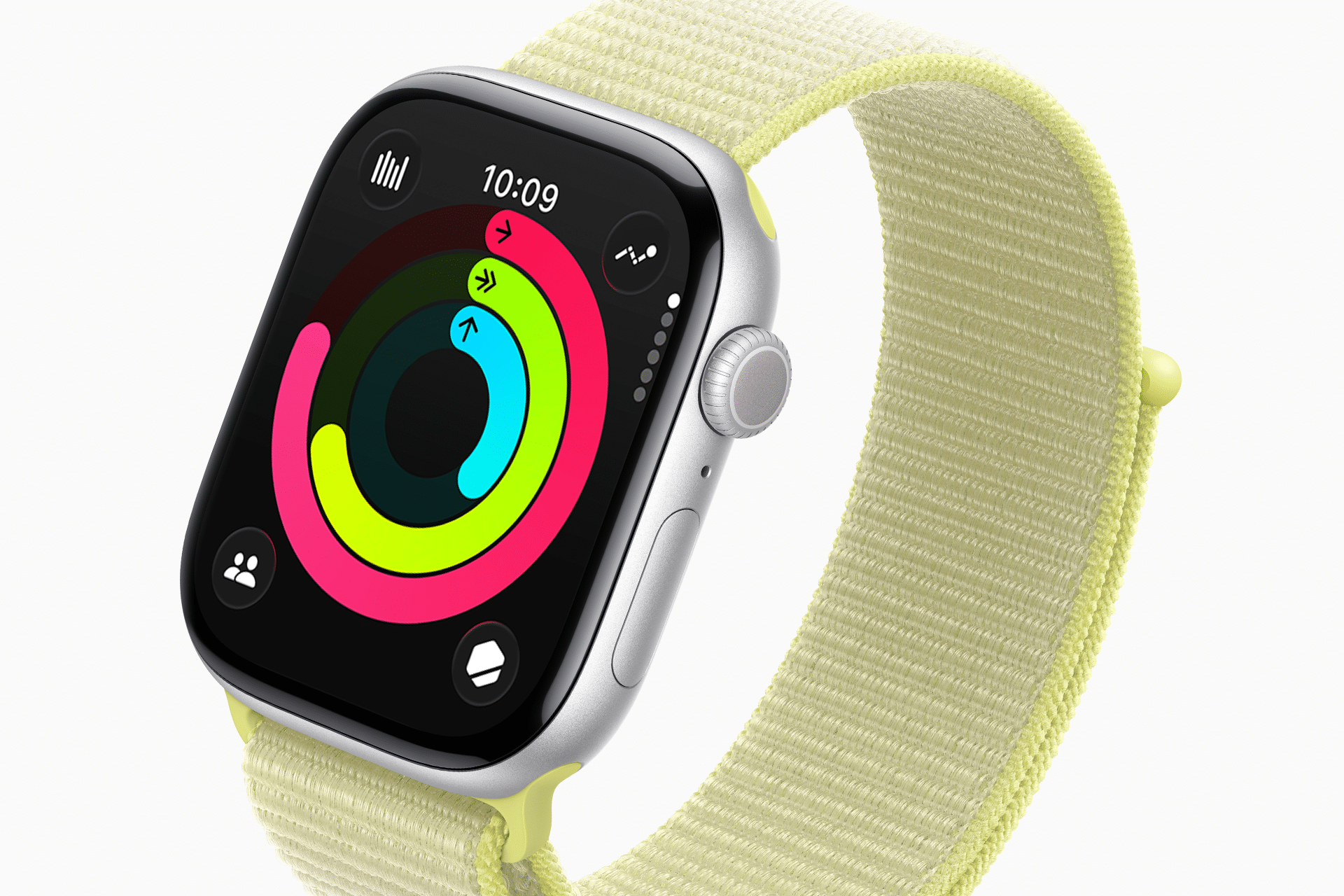
- Activity rings progress
This visual feedback not only keeps you accountable, it also creates friendly competition with yourself. Workouts with real-time Apple Watch data feel more immersive and goals more reachable.
Customizing Fitness+ Notifications
Fitness+ helps keep you on track with helpful reminders and summaries.
Fitness app > Profile > Notifications > Turn on Fitness+ Suggestions and Progress Updates
Notifications can remind you to try a new workout, celebrate milestones, or nudge you to close your rings when you’re close.
Sharing Progress and Workouts
If you enjoy friendly competition or shared goals, Apple Watch lets you share activity progress with friends and family.
Fitness app > Sharing > Add Contacts to share rings and workouts
Seeing progress streams from friends can motivate you to stay consistent and try new challenges.
Apple Fitness+ also integrates with Music and Apple TV, letting you control music or stream workouts big-screen while your Watch tracks performance in the background.
Staying Safe and Getting Started Right
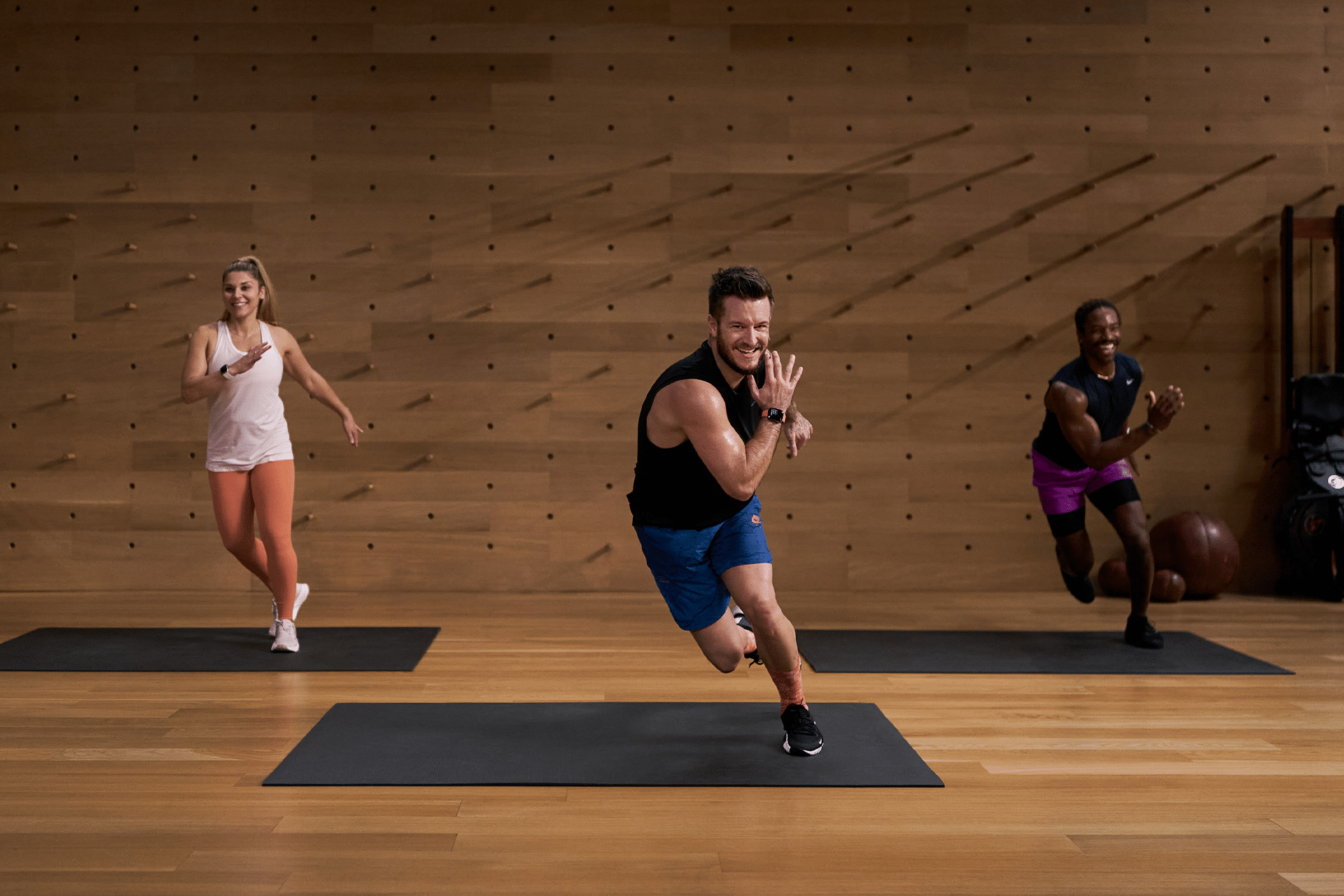
Before you start a new workout, take a moment to warm up and make sure your Apple Watch is snug but comfortable. Fitness+ is designed for most fitness levels, but if you’re new to exercise, start with shorter sessions and grow gradually.
Apple recommends checking your health profile and goals regularly so your suggestions stay aligned with what you want to achieve.