

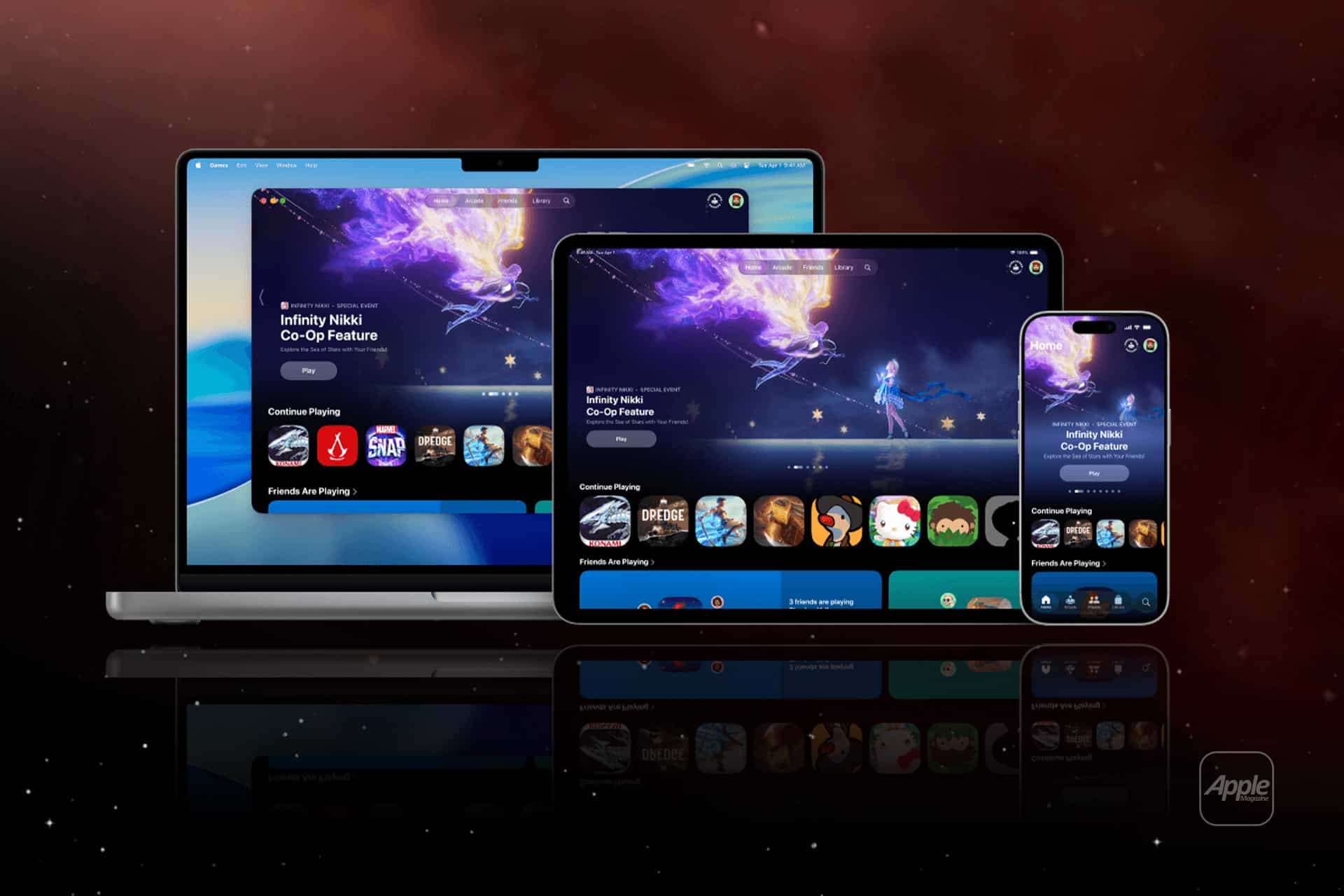
Gaming inside the Apple ecosystem no longer lives on a single screen. Apple Games now extend across iPhone, iPad, Apple TV, and Mac, allowing players to move between devices without restarting progress or adjusting to new control systems. The experience is structured around continuity rather than isolated hardware.
A player might begin a session on iPhone during a commute, continue on iPad at home, and later pick up the same game on Mac or Apple TV. The transition happens through shared Apple ID authentication, Game Center integration, and cloud-based saves.
How Progress Sync Works Across Devices
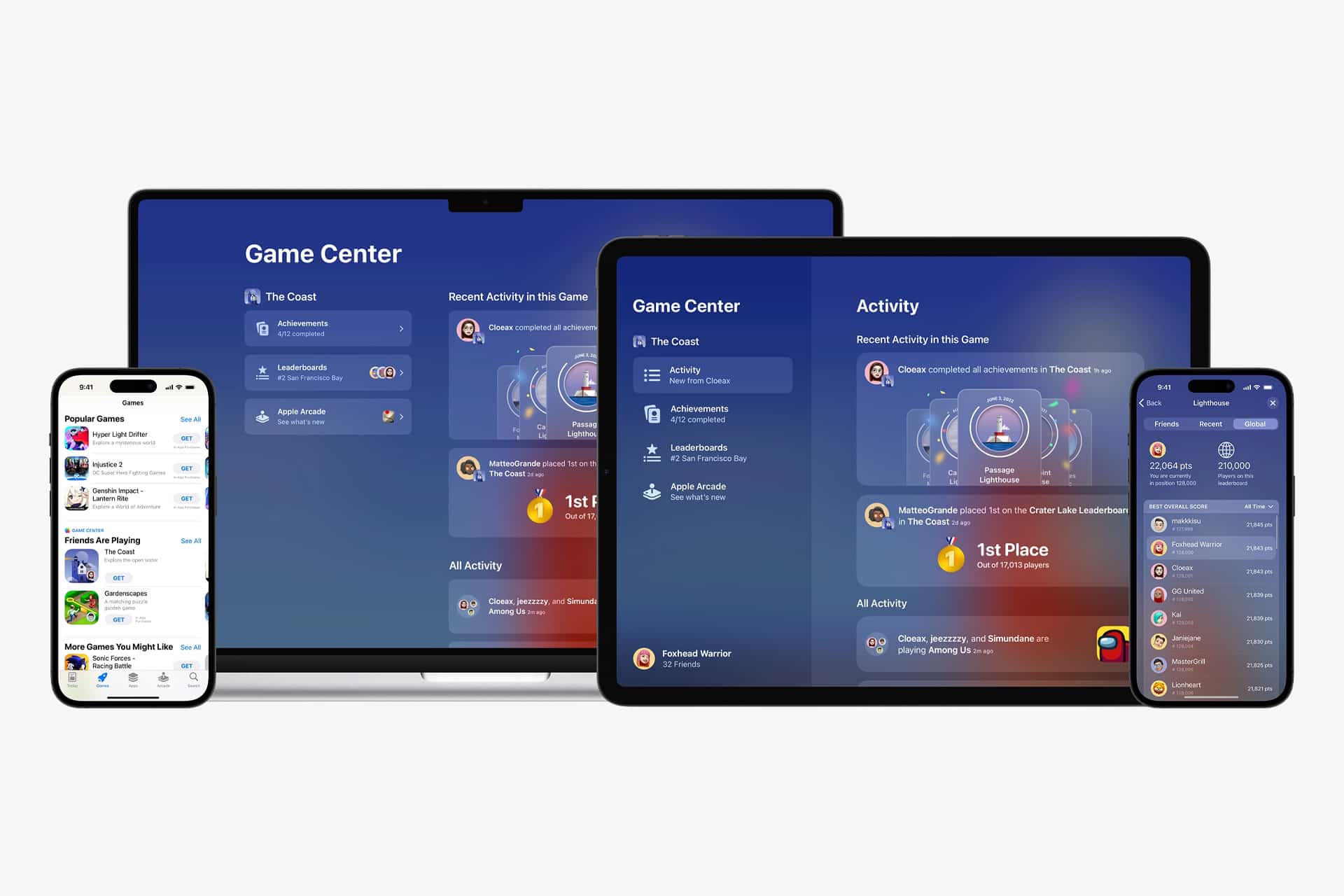
Game Center remains central to cross-device gaming. When signed in with the same Apple ID, supported titles automatically synchronize progress through iCloud.
On iPhone or iPad:
Settings > Game Center > Sign In
On Mac:
System Settings > Game Center > Sign In
Once enabled, compatible games store achievements, leaderboard positions, and saved progress in the cloud. When the game is opened on another Apple device logged into the same account, the saved state loads automatically.
There is no manual export or file transfer required. Developers integrate Game Center APIs to support cross-save functionality, and most Apple Arcade titles are built around that structure.

Apple Arcade as the Cross-Platform Core
Apple Arcade plays a significant role in Apple Games continuity. The subscription service ensures that participating titles are available across iPhone, iPad, Mac, and Apple TV without additional purchases.
A game started on iPhone can be resumed on Mac with the same progress. Apple Arcade standardizes distribution and cloud saving across platforms.
Controller support further reduces friction. Many Apple Arcade games support:
- PlayStation controllers
- Xbox controllers
- Bluetooth gamepads
Pairing a controller works across devices.
On iPhone or iPad:
Settings > Bluetooth > Select Controller
On Apple TV:
Settings > Remotes and Devices > Bluetooth
Once paired, the controller reconnects automatically when switching devices signed into the same Apple ID.

Apple Silicon and Unified Performance
Apple silicon strengthens the Apple Games ecosystem by aligning architecture across devices. iPhone and iPad chips share design foundations with Mac processors. This reduces porting complexity and allows developers to optimize performance consistently.
Games built for Apple silicon Macs can share codebases with iPad versions. Performance scaling becomes more predictable. Graphics APIs such as Metal operate across platforms, enabling visual consistency.
While hardware capabilities differ, the underlying architecture narrows the performance gap between mobile and desktop gaming within the ecosystem.
Apple TV as a Living Room Extension
Apple TV expands Apple Games into the living room. With controller support and Apple Arcade integration, it functions as a console-style experience.
Signing into the same Apple ID ensures that progress carries over from handheld devices. A player can begin a session on iPhone and continue on Apple TV without resetting achievements or levels.
The interface adapts to larger displays, but the game state remains unified.
Mac Gaming Within the Same Framework
On Mac, Apple Games benefit from larger displays, keyboard and mouse support, and expanded performance headroom on higher-end Apple silicon models.
Many iPad games are available directly on Mac through shared App Store listings. Developers can choose to distribute a single universal purchase across iPhone, iPad, and Mac.
Downloading a previously purchased game on Mac requires no additional payment if the developer supports universal distribution.
Mac App Store > Purchased > Download
Progress synchronizes automatically when Game Center is enabled.
Unified Experience, Different Contexts
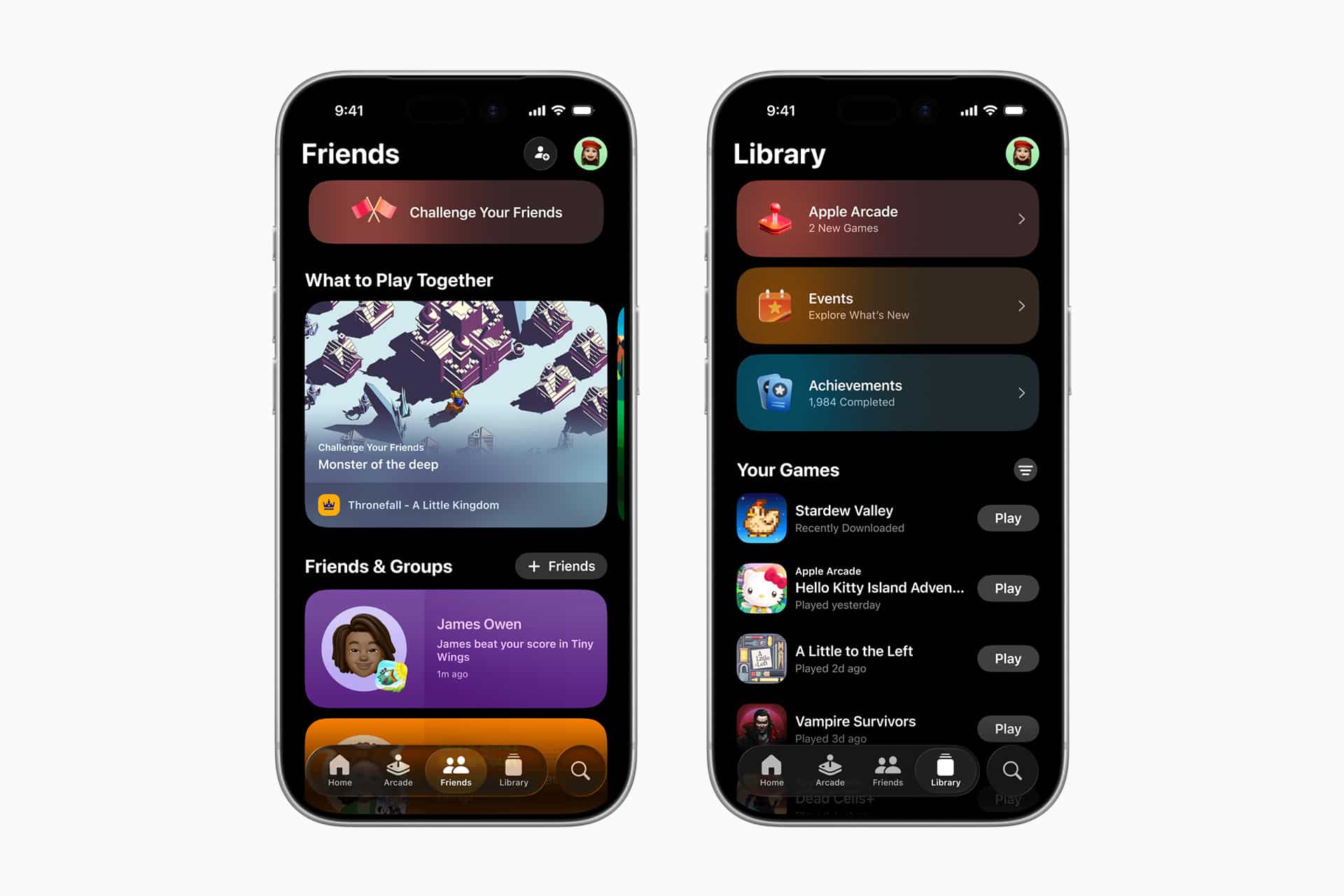
Apple Games do not replicate console ecosystems directly. Instead, they emphasize device continuity.
A short gaming session fits naturally on iPhone. A longer session moves comfortably to iPad or Mac. Multiplayer sessions can transition to Apple TV for shared viewing.
The ecosystem design reduces barriers between devices. Rather than treating each screen as separate, Apple structures gaming around account-level identity.
Cloud saves, shared subscriptions, controller pairing, and Apple silicon compatibility create a framework where switching hardware does not interrupt gameplay.
As more developers integrate Game Center and cross-save features, Apple Games continue to operate less as isolated apps and more as part of a unified system. The same Apple ID anchors progress, achievements, and purchases across devices.
Gaming inside the Apple ecosystem functions through continuity: start anywhere, resume anywhere, and maintain the same profile, progress, and access across iPhone, iPad, Apple TV, and Mac.
Links