

Apple haptics are one of the least visible parts of the company’s product experience, yet they shape how a device feels every day. A tap that lands with a small pulse, a watch alert that nudges the wrist, a keyboard that gives a tiny response, or an interface action that confirms itself through touch can make software feel more physical, precise, and trustworthy.
Haptics rarely receive the same attention as display quality, camera upgrades, chip performance, or battery life. That is partly because good haptics are not meant to dominate the experience. They are meant to disappear into it. The user does not stop to think about the vibration pattern after pressing a control. The action simply feels complete.
Apple has used that idea across iPhone, Apple Watch, Mac trackpads, AirPods, and Vision Pro. The company’s design guidance treats haptics as one form of feedback alongside sound, color, text, animation, and visual state changes. The best use is not random vibration. It is a tactile signal that helps the user understand what happened, where attention is needed, or whether an action succeeded.
That makes haptic design a quiet layer of usability. It turns glass, aluminum, sensors, and software into something the body can read.
Touch Feedback Makes Software Feel Less Abstract
Modern Apple devices rely on flat surfaces. iPhone has no physical keyboard. Apple Watch uses a tiny screen. Vision Pro depends on eyes, hands, and spatial interface cues. AirPods have stems and touch controls with minimal physical movement. Even the Mac trackpad creates much of its click sensation through engineering rather than traditional travel.
Haptics help solve the problem created by smooth surfaces and invisible controls. When a user presses, scrolls, selects, drags, confirms, receives an alert, or completes a gesture, tactile feedback gives the action a physical edge. It tells the hand that something happened.
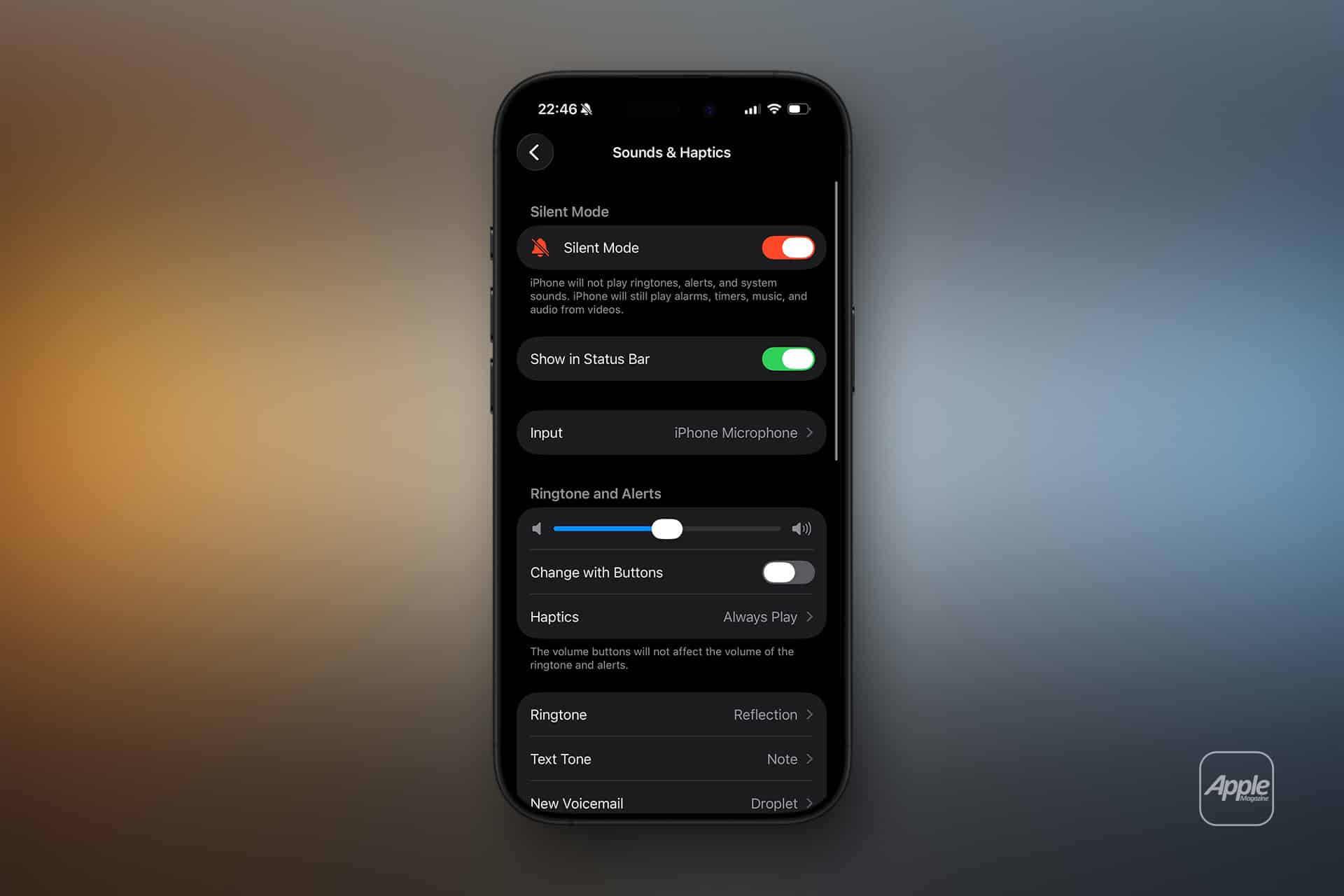
This is especially valuable on iPhone. Haptic Touch, keyboard feedback, system alerts, timers, authentication, app controls, and games can all use small touch signals to make interaction feel more grounded. Apple’s keyboard haptics are a simple example. The iPhone can give a small response as the user types, adding a physical rhythm to a software keyboard without turning every tap into an audible click.
To turn keyboard haptics on or off:
Settings > Sounds & Haptics > Keyboard Feedback > Haptic
Apple notes that keyboard haptics can affect battery life, which is a useful reminder that tactile design is not free. Every pulse uses energy, hardware, and attention. Good haptics need restraint.

Apple Watch Shows the Value of Quiet Alerts
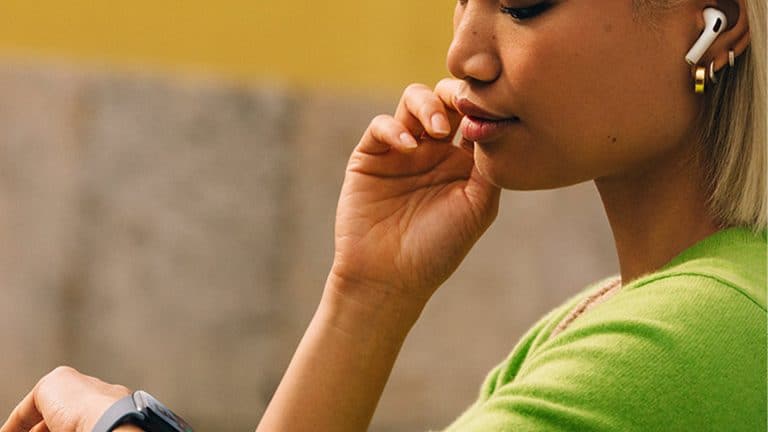
Apple Watch may be the clearest example of Apple’s haptic design philosophy. The device lives on the body, so sound is often unnecessary or intrusive. A wrist tap can notify the user without interrupting a room, meeting, workout, sleep routine, or conversation.
That makes Apple Watch haptics more than a convenience. They are part of the product’s identity. A watch that only beeped would feel less personal. A watch that taps the wrist can deliver alerts privately and immediately.
This is where haptics become an accessibility and social design tool. A person may miss a visual notification because they are not looking at the screen. They may silence sound because they are in public. A haptic alert can still reach them. Apple’s Human Interface Guidelines recommend using multiple forms of feedback so people can receive information in different ways, including when sound is muted or attention is elsewhere.
Apple Watch also shows how haptics can support behavior. Fitness rings, timers, navigation prompts, breathing sessions, alarms, and notifications can use touch to guide attention without forcing the user to stare at a display. The wrist becomes a subtle communication channel.
That same idea extends to iPhone alerts and accessibility settings. Haptics can help users who do not want sound, cannot rely on sound, or need confirmation that a touch gesture registered.
Core Haptics Gives Developers a Design Language
Apple’s Core Haptics framework lets developers create customized haptic and audio feedback for apps. It allows patterns with different intensity, sharpness, timing, and audio synchronization. In games, music apps, fitness tools, meditation apps, creative software, and immersive experiences, developers can make touch feedback part of the interface rather than a generic vibration.
The design challenge is discipline. Haptics can make an app feel polished, but they can also become annoying, manipulative, or tiring. Apple’s guidance tells designers to use haptics intentionally, avoid overuse, and match the feedback to the meaning of the event. A success confirmation should not feel like a warning. A light selection should not feel like an alarm. A repeated action should not punish the hand with constant vibration.
This matters because haptics carry emotion. A sharp pulse can feel urgent. A soft tap can feel gentle. A longer pattern can feel serious. A repeated buzz can feel stressful. Developers who treat haptics as decoration risk making an app feel cheap or irritating.
There is also a trust dimension. Haptics can influence behavior. If an app uses alarming tactile feedback when a user rejects tracking, cancels a subscription prompt, or dismisses a request, the feedback becomes manipulative. Apple’s review culture and design standards are likely to become more sensitive to that as haptics become more expressive.
A well-designed haptic pattern should clarify an action, not pressure the user.
The Hardware and Software Have to Match
Apple’s haptic advantage comes from controlling both hardware and software. The Taptic Engine, system frameworks, interface animations, sound design, and app guidelines can be tuned together. That is why a small tap on an iPhone can feel different from a generic vibration motor in a cheaper device.
The difference is precision. A rough vibration feels like a motor turning on. A refined haptic pulse feels like the interface has texture. It can be short, crisp, soft, directional in feeling, or synchronized with sound and animation. That timing is critical. If the haptic arrives too late, it feels disconnected. If it is too strong, it distracts. If it happens too often, users tune it out.
Mac trackpads show this integration in another way. The click sensation on modern Force Touch trackpads is created through haptic feedback, making a flat surface feel like it moves. That is not just a trick. It gives Apple control over click feel, pressure gestures, and consistency across the surface.
Vision Pro pushes the idea further. The headset itself does not rely on hand-held controllers, so haptics are less central to direct input than on iPhone or Apple Watch. But the absence of controller haptics makes other feedback systems more visible: visual focus, sound, gesture recognition, eye tracking, and subtle system cues have to carry more of the interaction. If Apple expands spatial accessories over time, haptics could become a larger part of visionOS experiences.
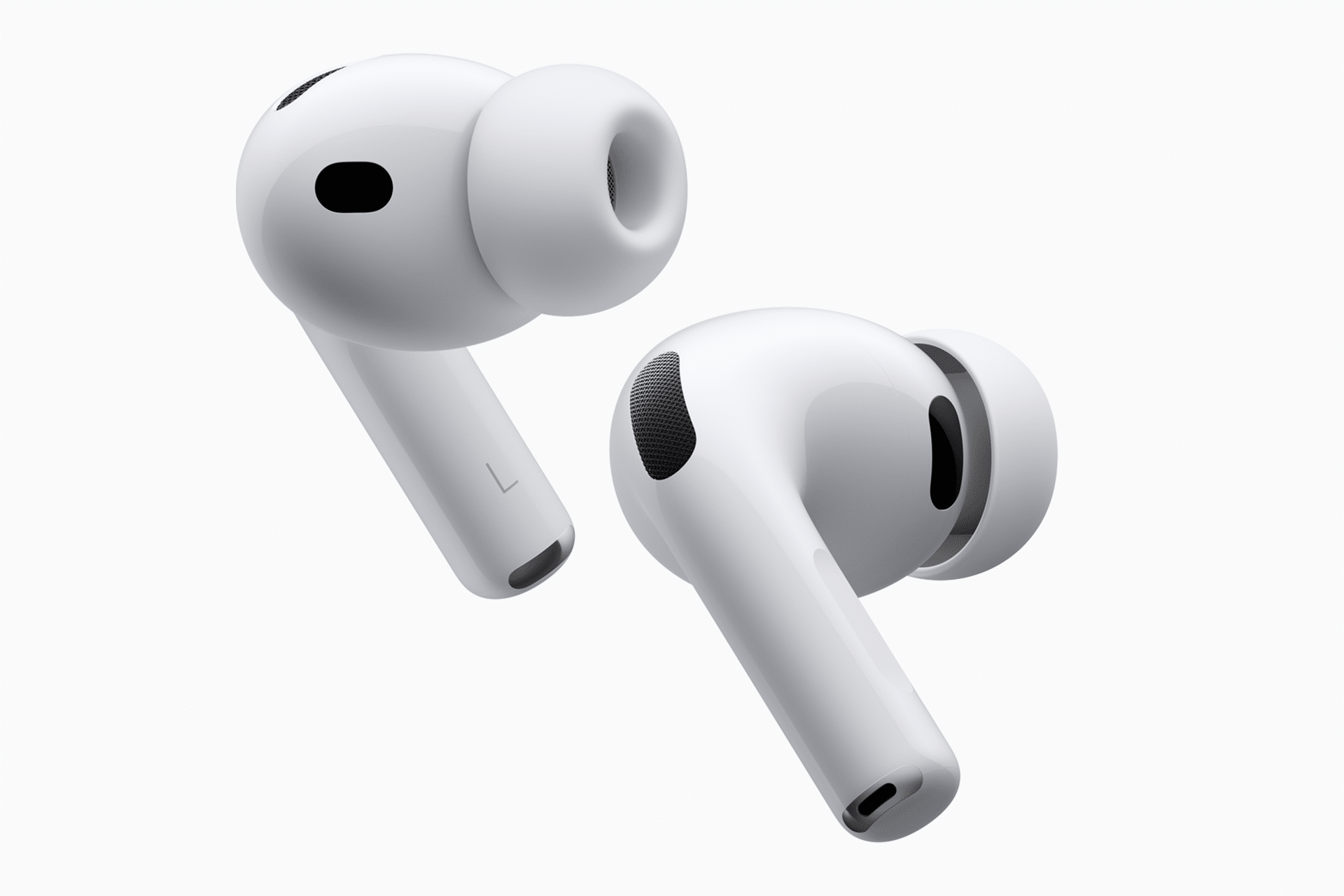
AirPods also point in that direction. With limited physical controls, small signals and gestures help make tiny hardware feel more responsive. The product experience depends on users trusting that a squeeze, press, or gesture was understood.
Why Users Notice Bad Haptics Faster Than Good Ones
Good haptics are easy to miss. Bad haptics are hard to ignore. A vibration that feels too loud, too frequent, too sharp, or poorly timed can make a premium device feel less refined. It can also create fatigue.
That is why Apple gives users control. Keyboard haptics can be turned on or off. System haptics can be adjusted. Apple Watch haptic strength can be changed. Accessibility settings can reduce motion, adjust feedback, or help users manage sensory preferences.
Customization matters because touch is personal. Some users like a stronger keyboard response. Others find it distracting. Some depend on wrist taps. Others prefer visual alerts. Haptic design needs defaults that feel good for most people, plus settings for those who experience touch differently.
This is also why haptics should not replace visual or audio feedback entirely. They should support it. A user may not feel a vibration while walking, exercising, holding the device loosely, using a case, or focusing on another task. Research has shown that cognitive and physical activity can affect vibration perception, which reinforces the need for layered feedback.
Apple’s best haptic experiences work with the rest of the interface. Touch, sound, animation, and visual state all point in the same direction.
A Small Detail With Brand Value
Haptics contribute to the feeling that Apple products are finished. The device does not only respond on screen; it responds in the hand or on the wrist. That makes interactions feel less like commands sent to a computer and more like gestures inside a physical object.
This is part of Apple’s product value even when it does not appear on a spec sheet. Users may not buy an iPhone because of the Taptic Engine alone, but the feel of the keyboard, alerts, controls, timers, trackpad, and system gestures influences satisfaction over thousands of interactions.
The same is true for developers. An app with thoughtful haptics can feel more native, more deliberate, and more alive. An app with careless vibration can feel unfinished. The gap may be small in a single interaction, but it accumulates.
Apple’s haptic design deserves more attention because it shows how product experience is built below the headline features. The best hardware is not only fast, bright, thin, or powerful. It also feels right at the moment of contact.
A tap, click, pulse, or wrist nudge may last only a fraction of a second. In Apple’s design language, that fraction helps the whole product feel real.