

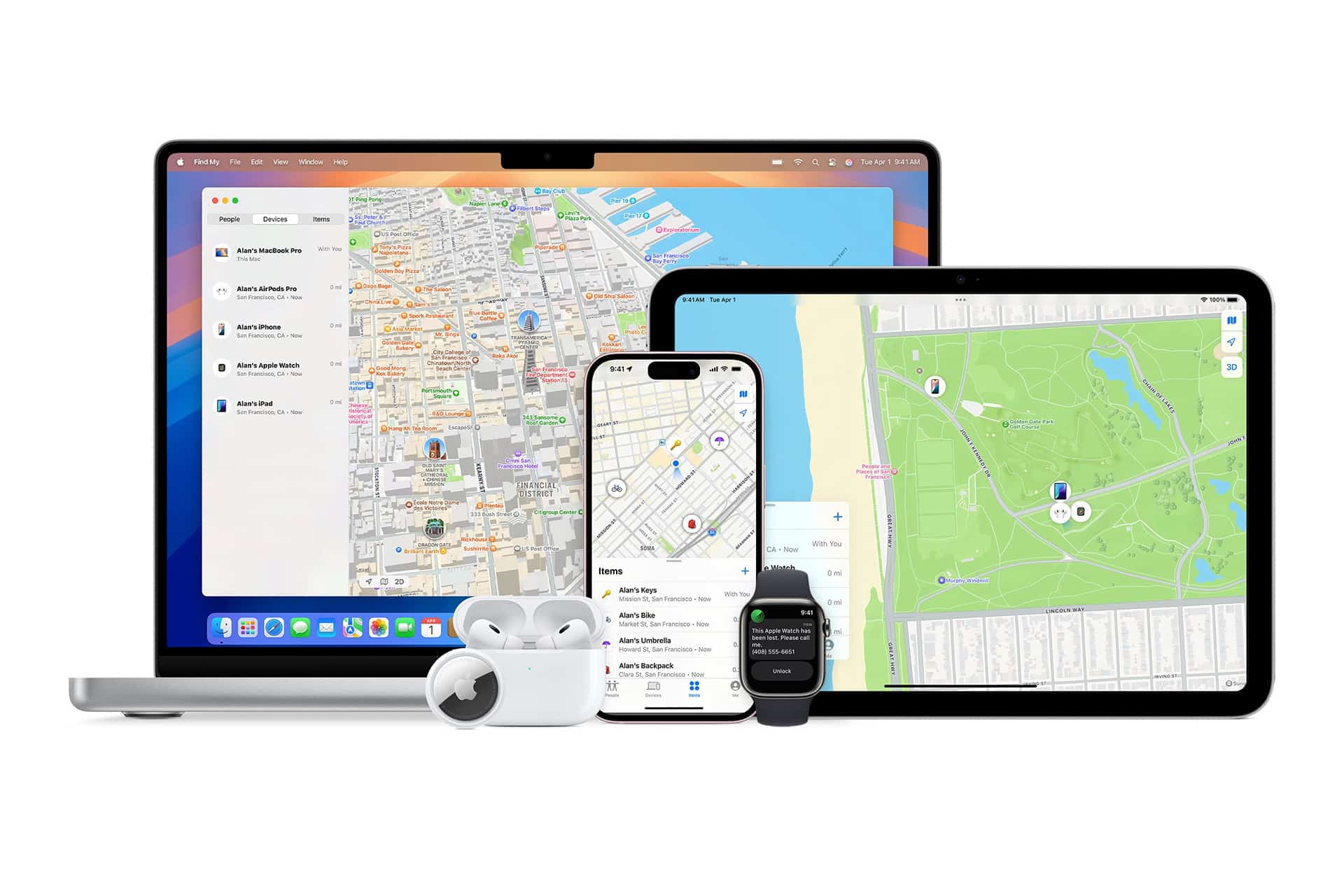
There was a time when Apple Maps was compared constantly to Google Maps. That conversation still exists, but something has shifted. Apple Maps has evolved in recent years into a platform that feels more refined, more visually precise, and more integrated into the Apple ecosystem than ever before.
Apple Maps growth is no longer about catching up. It’s about refinement. Urban details look sharper. Buildings have realistic depth. Parks, bridges, and transit lines are easier to understand at a glance. Driving directions on CarPlay feel clean and focused. On iPhone, the interface blends naturally with the system.
Detailed Cities and Look Around
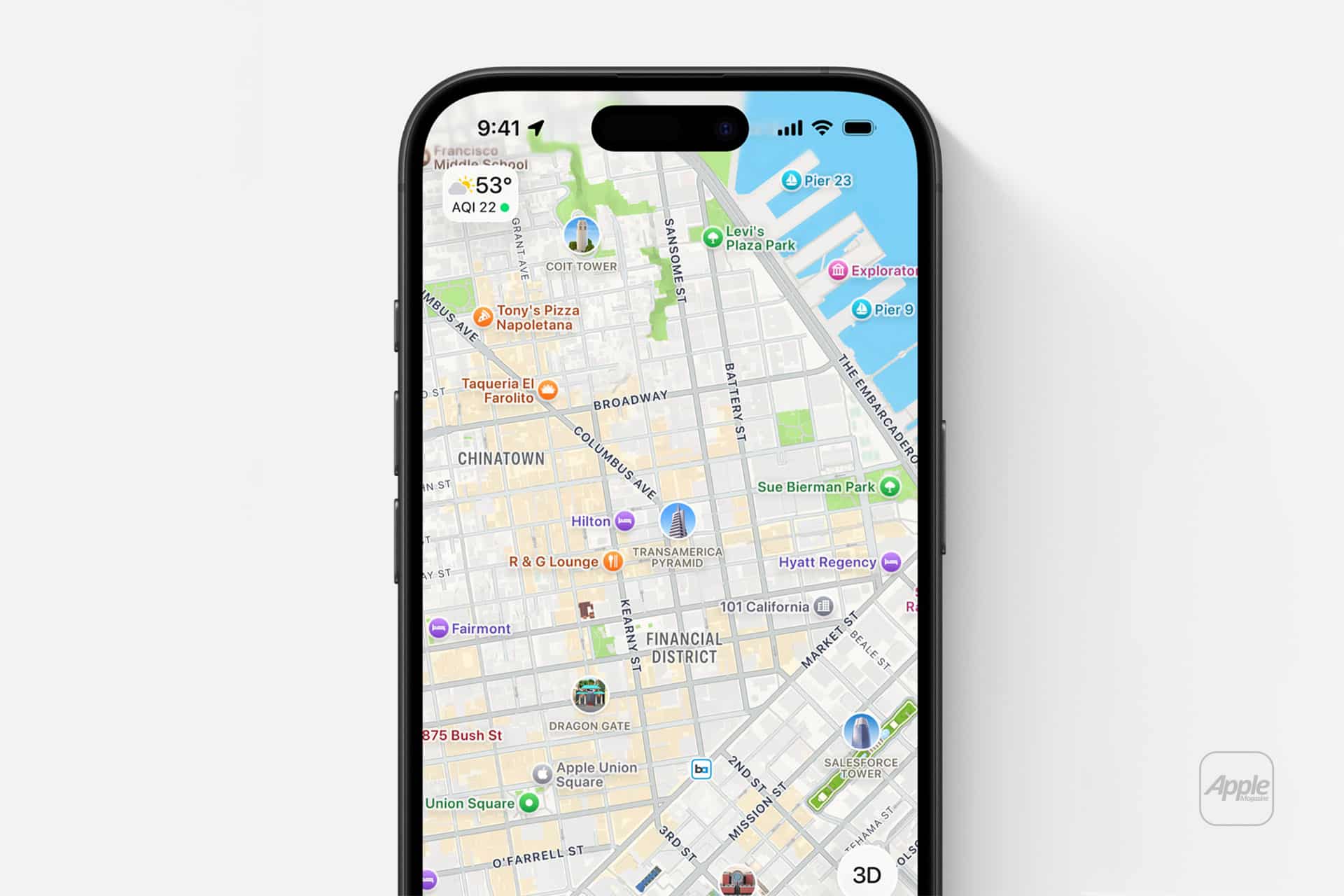
In supported cities, Apple Maps now offers highly detailed 3D models of landmarks, elevation changes, trees, crosswalks, and even lane markings. Navigation becomes more intuitive because the environment looks closer to what drivers actually see.
Look Around, Apple’s street-level view, offers smooth transitions and high-resolution imagery that integrates directly into the map experience.
To explore detailed city views:
Open Maps > Search City > Zoom In
If available, buildings and landmarks will shift into detailed mode automatically.
For Look Around:
Tap Binocular Icon (if visible)
The interactive view opens instantly, allowing you to navigate street-level scenes without leaving the map interface.

Indoor Navigation and Transit Improvements
Apple Maps includes indoor maps for airports, shopping centers, and major venues. Gate locations, restroom placements, and store directories are built directly into the map interface.
Open Maps > Search Airport or Mall > Zoom In
If supported, internal layouts appear with floor selection options.
Transit directions have also improved, offering step-by-step walking guidance inside stations and more accurate transfer timing.
For frequent travelers or commuters, this level of detail reduces uncertainty inside unfamiliar environments.
CarPlay Integration
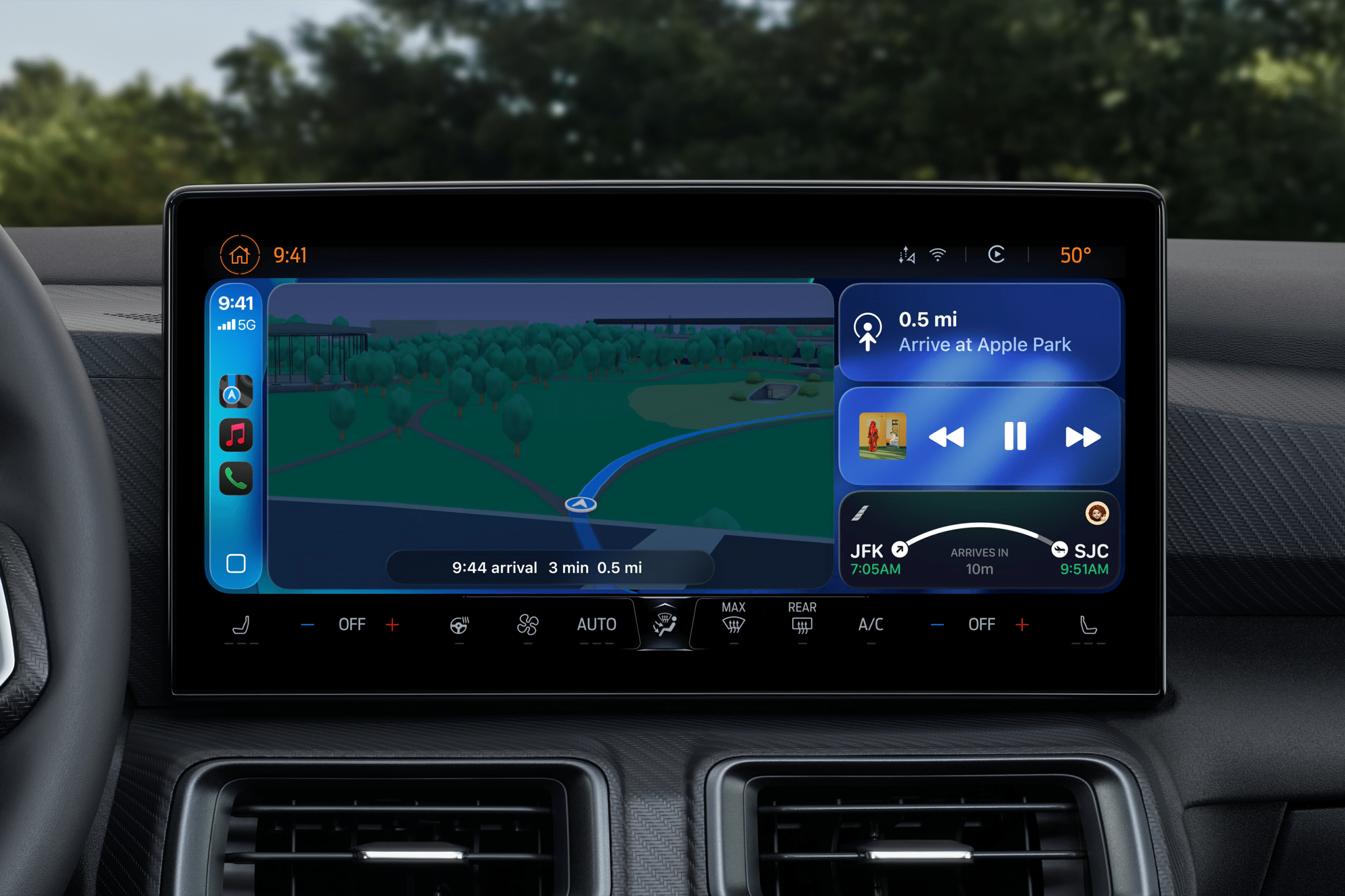
Apple Maps feels particularly natural inside CarPlay. Lane guidance appears clearly. Speed limit indicators update dynamically. Turn prompts remain unobtrusive.
Because Apple Maps is deeply integrated into iOS, Siri suggestions, calendar addresses, and location-based reminders connect directly to navigation.
Settings > Maps > Preferred Type of Travel
This allows customization of default transportation modes.
The ecosystem integration becomes noticeable over time. Directions suggested from Calendar events open instantly in Maps. Frequently visited places appear proactively. It reduces manual searching.

A Business Opportunity: Apple Business Connect
Apple Maps growth is not only about users navigating cities. It is also about businesses becoming more visible.
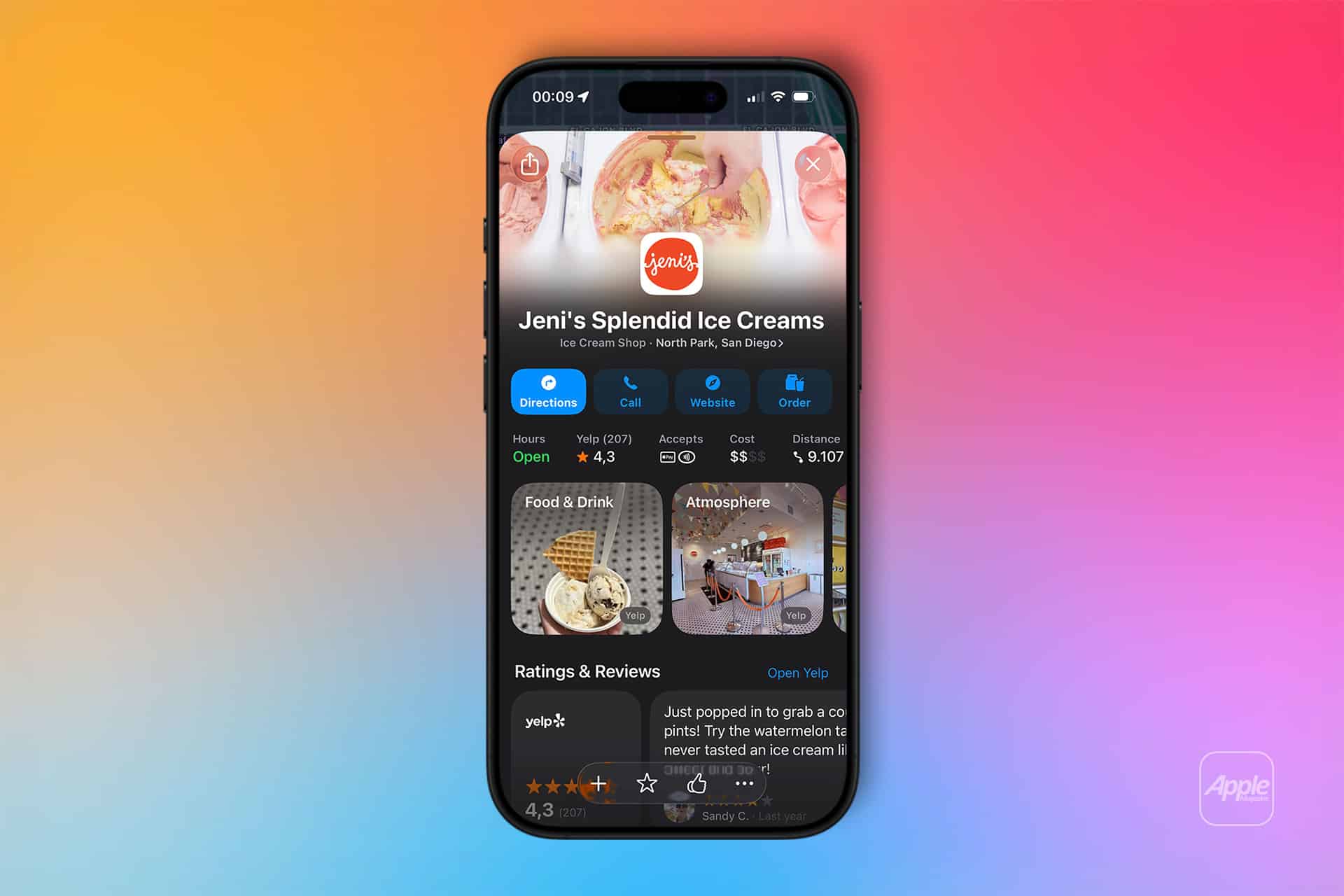
Apple Business Connect allows business owners to claim and customize their listing directly inside Apple Maps. Photos, operating hours, contact details, promotions, and call-to-action buttons can be managed in one dashboard.
Visit:
Through Apple Business Connect integration, companies can highlight seasonal promotions, limited offers, or service updates. When users search nearby categories or navigate through CarPlay, those optimized listings appear with more complete detail.
For local restaurants, boutiques, service providers, or startups, visibility inside Apple Maps means direct exposure to iPhone and CarPlay users actively searching nearby.
The opportunity is significant because Apple Maps integrates into driving dashboards. A well-optimized listing can surface while someone searches for coffee or fuel during a commute.
Changing Map Habits
Switching navigation habits can feel inconvenient at first. Most people default to the platform they have used for years. But Apple Maps now offers enough depth to justify reconsideration.
To set Apple Maps as default navigation (for supported actions like Siri requests):
Settings > Siri & Search > Maps
Siri voice commands such as “Give me directions to…” automatically prioritize Apple Maps.
The difference is subtle at first. Then it becomes familiar. Clean visuals. Detailed landmarks. Indoor guidance. Business promotions appearing contextually. CarPlay integration that feels native.
Apple Maps growth suggests the platform is entering a new phase. For users, it offers a refined navigation experience. For business owners, it opens a direct channel to millions of Apple devices on the road and in hand.
For those looking to strengthen visibility and promotional presence on Apple Maps, PublishChannel provides guidance on optimizing listings and leveraging Apple Business Connect to increase exposure across iPhone and CarPlay audiences.