

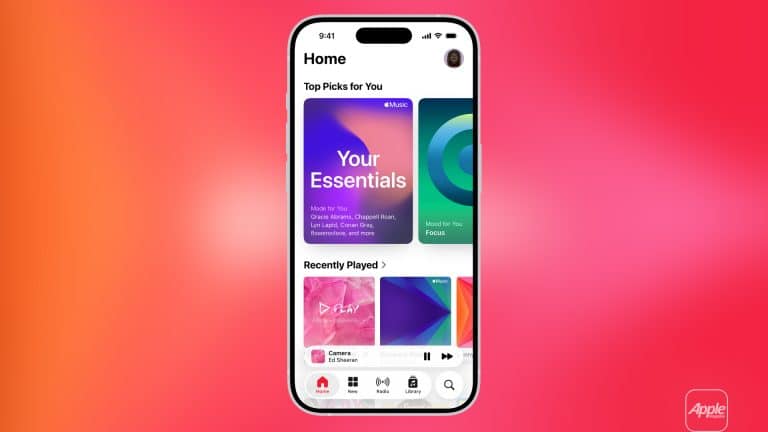
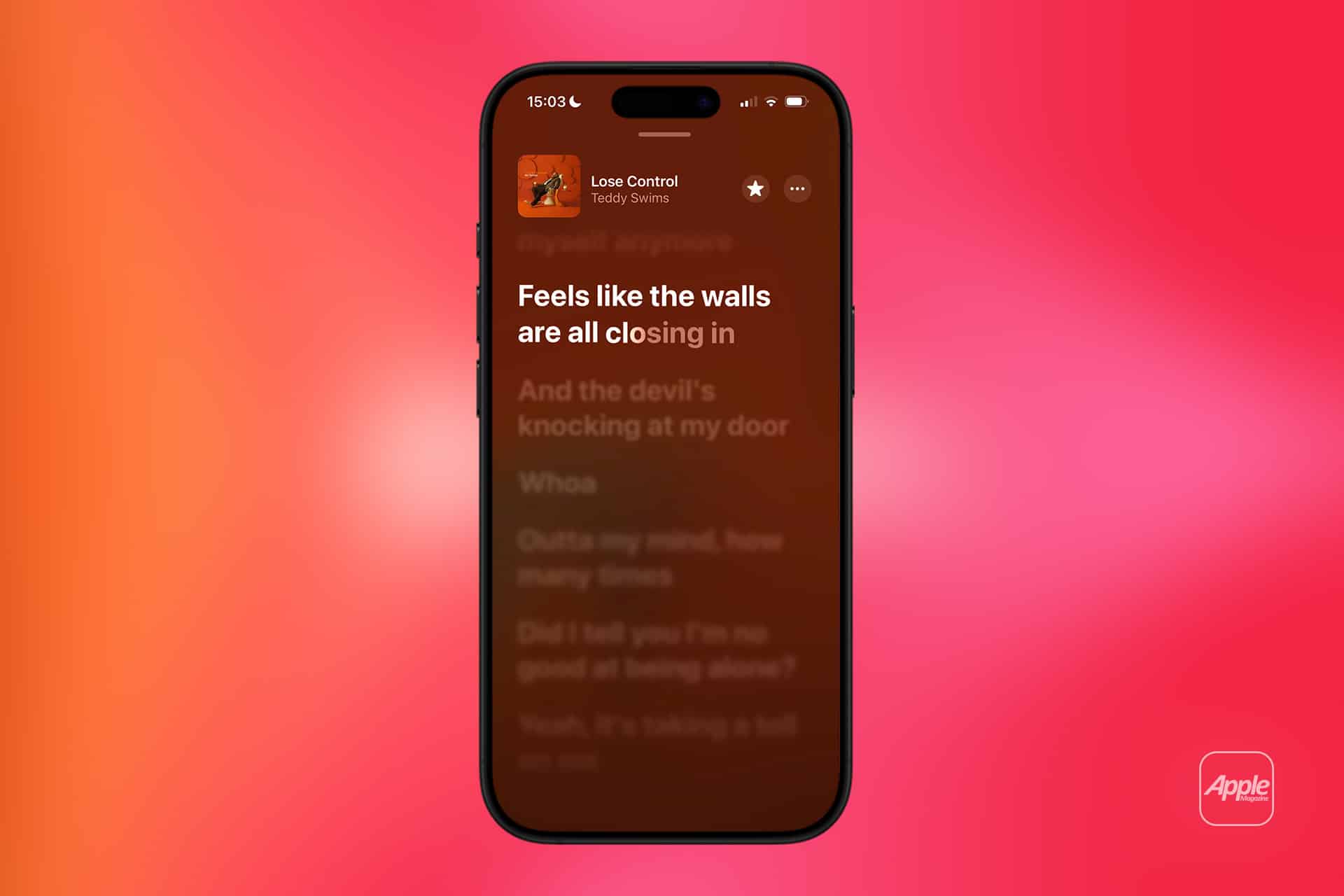
Apple Music favorites are one of the easiest ways to make the service feel more personal without spending time adjusting complex settings. A tap on a star may look small, but it gives Apple Music a clear signal about what deserves more attention in your listening life. Songs, albums, playlists, and artists marked as favorites can influence recommendations, appear more naturally in discovery areas, and help the Music app understand the difference between something you played once and something that genuinely belongs in your rotation.
That distinction matters because music recommendations are only useful when they understand taste with some precision. Listening history can say what you played. Favorites say what you want Apple Music to remember. A song played in the background during a party may not mean much. A song marked as a favorite carries a stronger signal. The same applies to artists. When you favorite an artist, Apple Music has a clearer sense of who you want surfaced more often and whose new releases deserve attention.
Apple says recommendations improve over time as subscribers listen to music, select artists as favorites, and tell Apple Music what they like or dislike. That combination gives the service multiple ways to learn. Listening history captures behavior. Favorites capture intention. Likes, dislikes, skips, repeats, and library additions all help refine the experience, but favorites are the cleanest manual input because they are simple and deliberate.
How Apple Music Favorites Shape Recommendations
Apple Music recommendations live across the Home tab, personalized mixes, stations, suggested albums, new release prompts, and discovery areas. Favorites help make those spaces more accurate. When a song or artist is marked as a favorite, Apple Music can treat that choice as a stronger preference than a casual play. Over time, that can influence which artists appear in personalized sections and which styles show up more often.
Favorite artists are especially useful for release discovery. Apple’s support guidance explains how users can get notifications when favorite artists release new music. For listeners who follow many artists, this is a practical way to avoid missing albums, singles, or collaborations. Instead of relying only on social media or manual searches, the Music app can surface updates tied to artists already marked as important.
To favorite a song on iPhone or iPad:
Music > Now Playing > More > Favorite
To favorite an artist:
Music > Artist Page > Favorite
To find favorite songs, albums, artists, or playlists:
Music > Library > Songs, Albums, Artists, or Playlists > Sort > Favorites
This works best when favorites are used carefully. Marking everything as a favorite weakens the signal. A better habit is to favorite the music you actively want Apple Music to treat as part of your core taste. That might include artists you follow closely, albums you return to often, or songs that define the kind of music you want more of.

Sync Library Keeps Favorites Across Devices
The strongest part of Apple Music favorites is how they move through the Apple ecosystem. With Sync Library enabled, music libraries can stay available across devices signed in with the same Apple Account used for Apple Music. Apple’s support documentation says Sync Library allows subscribers to stream their music library on devices using the same account, including iPhone, iPad, Mac, Windows, and the web.
That means favorites should not remain trapped on one device. A song favorited on iPhone can appear in the library experience on Mac. An artist favorited on Mac can help shape recommendations on iPad. A playlist saved and managed through Apple Music can follow the same account across devices. The result is a listening identity that travels with the user rather than staying tied to one screen.
To turn on Sync Library on iPhone or iPad:
Settings > Apps > Music > Sync Library
To turn on Sync Library on Mac:
Music > Settings > General > Sync Library
To confirm the same Apple Account is being used:
Music > Account > Check Signed-In Apple Account
This step is worth checking if favorites, playlists, or library changes do not appear where expected. Sync issues are often less about the favorite action itself and more about different devices using different accounts, Sync Library being disabled, or a device waiting to update the cloud library.
Listening History Adds Another Layer
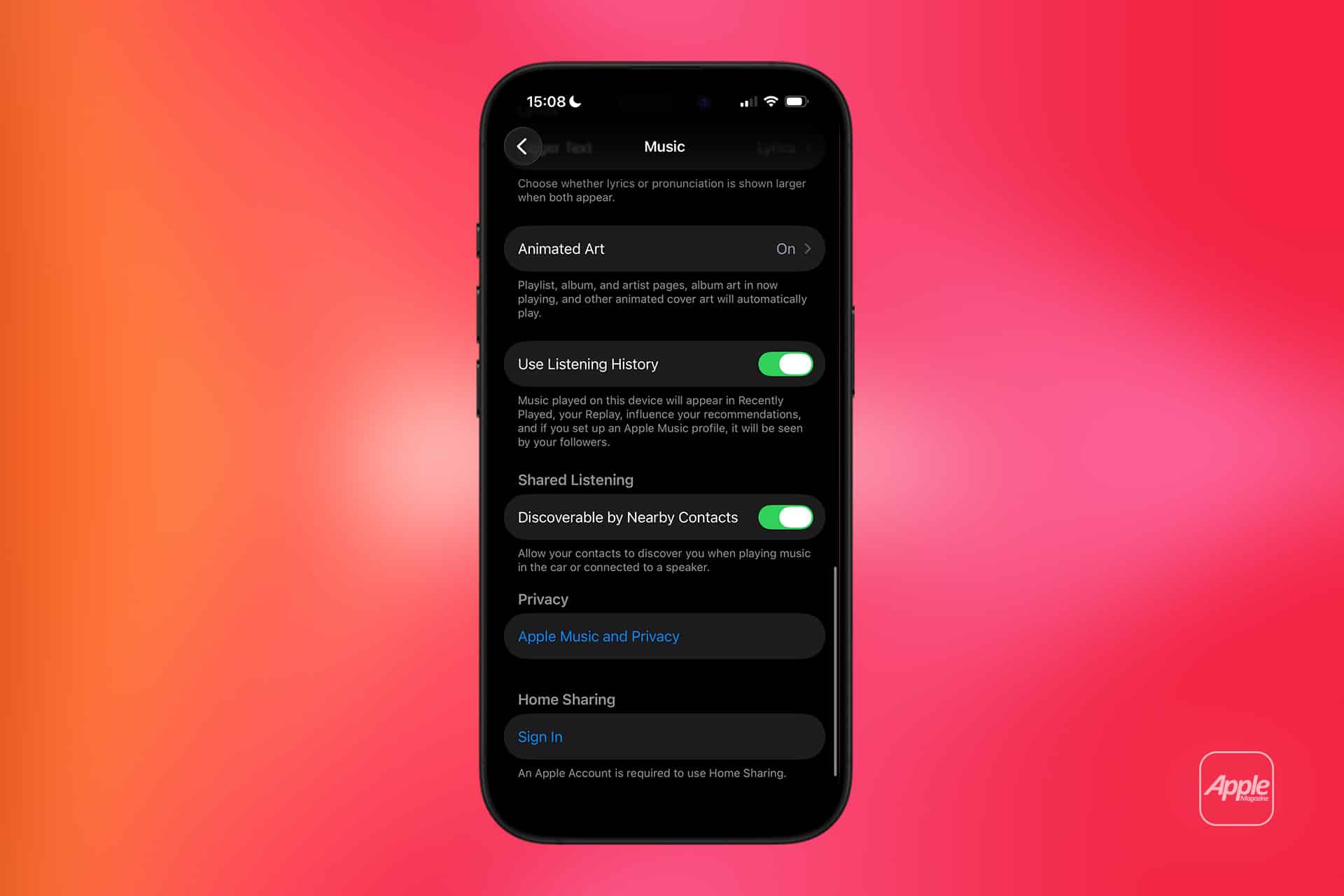
Favorites are powerful, but they work best alongside listening history. Apple Music uses listening activity to improve recommendations, while users can turn listening history on or off depending on privacy preference or shared-device situations. This matters because not every device is used the same way. A family HomePod, for example, may play music for multiple people. An iPhone is usually more personal.
If listening history is turned off on a personal device, Apple Music may lose some behavioral context from that device. If it is turned on in a shared environment, recommendations may become less personal because other people’s music choices can influence the account. Favorites help correct some of that by giving direct signals, but listening history still affects the wider recommendation picture.
iPhone or iPad:
Settings > Apps > Music > Use Listening History
Mac:
Music > Settings > General > Use Listening History
For the cleanest recommendation experience, keep listening history active on personal devices and be more careful with shared speakers or family spaces. Favorites can then serve as the sharper layer of preference, while listening history fills in the broader pattern.
Building a Cleaner Favorite System
Apple Music favorites become more useful when treated as a small personal catalog, not as a replacement for the entire library. A library can hold everything worth saving. Favorites should highlight what truly shapes taste. That separation keeps recommendations cleaner and makes sorting easier.
A practical method is to favorite artists first. Artists influence long-term discovery more naturally because they connect to albums, new releases, similar performers, collaborations, and playlists. Then favorite songs that feel especially important. Albums and playlists can be favorited when they represent a sound or mood you want Apple Music to understand better.
This system helps Apple Music learn with more accuracy. If favorite artists represent core taste and favorite songs represent standout tracks, the Home tab and recommendations have a stronger foundation. Over time, the service can offer better suggestions because the signals are not random.
There is also a simple organization benefit. Sorting by favorites inside Library gives quick access to saved music that matters most. For people with large libraries, this saves time. Instead of scrolling through years of added albums and songs, the Favorites filter creates a tighter view.
Apple Music favorites are not a hidden pro feature. They are a small habit that improves the service when used consistently. A few deliberate taps can teach Apple Music what to surface, what to prioritize, and what to keep close across devices. As music libraries grow and listening moves between iPhone, iPad, Mac, CarPlay, HomePod, Apple Watch, and the web, that simple favorite signal becomes one of the most useful ways to keep personal taste clear inside the Apple ecosystem.