


Apple Music playlists sit at the center of how people actually use Apple Music. Albums and artists matter, but playlists are what turn a huge music catalog into something that feels tailored to real life. A playlist might hold songs for a long commute, a workout routine, a dinner with friends, or a late night when everything needs to slow down. Over time, those collections become more than music. They become markers of different parts of your life.
What makes Apple Music especially good for playlists is how closely everything connects across devices. A playlist created on an iPhone appears on a Mac, an iPad, a HomePod, or in the car through CarPlay. There’s no exporting, syncing, or manual transfers. The music is simply there when you need it.
Creating a Playlist From Scratch
Building a playlist in Apple Music takes only a few taps, but the result can grow into something you keep for years.
Music app > Library > Playlists > New Playlist
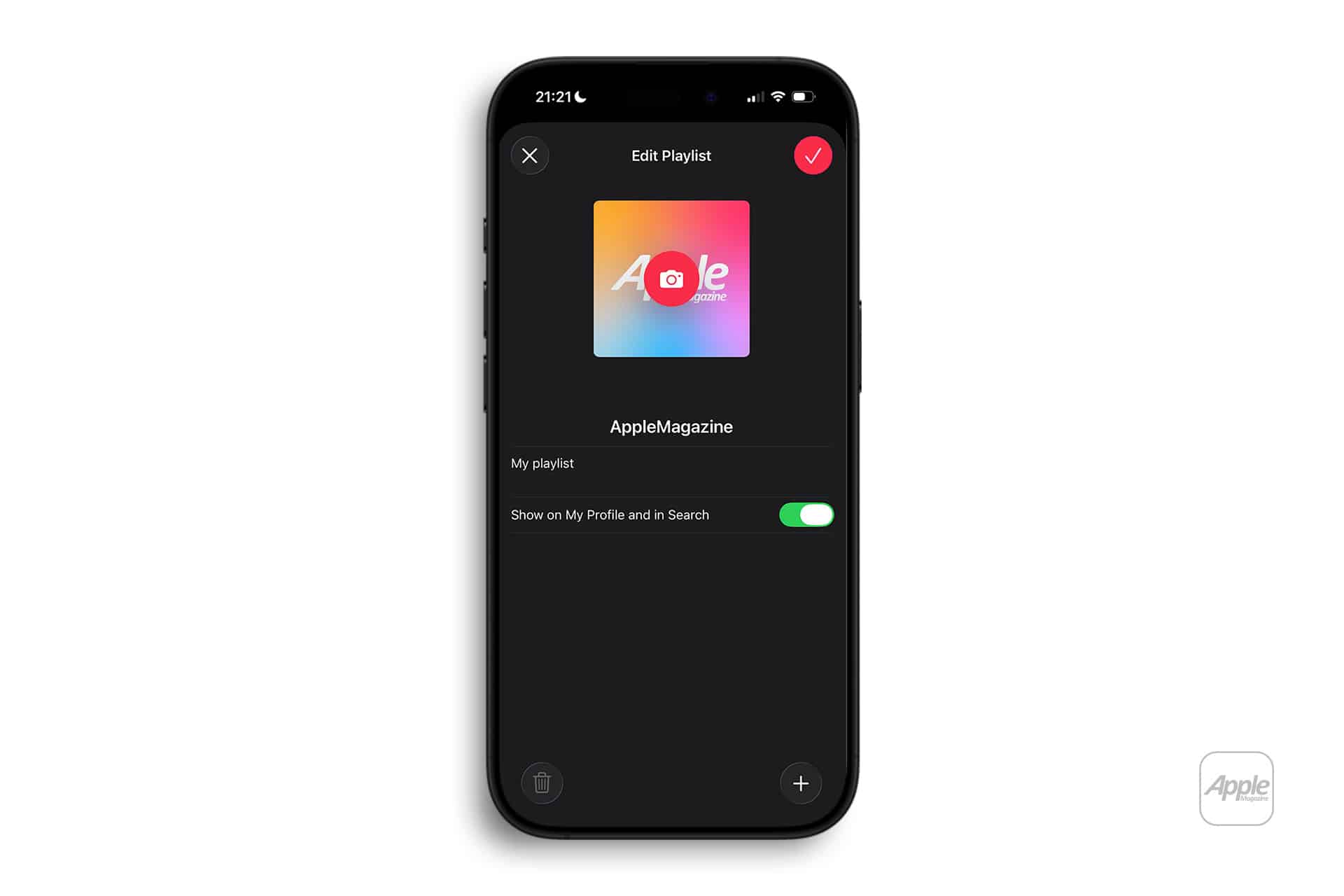
Give the playlist a name and, if you want, a description. You can then start adding songs from anywhere in Apple Music. Tap the three-dot menu next to a song, album, or artist and choose “Add to Playlist.” You can drop tracks into one playlist or several, depending on how you like to organize things.
On a Mac, the Music app offers even more control. You can drag songs directly into playlists, reorder tracks, and group playlists into folders. Everything syncs through iCloud, so edits made on one device appear everywhere else.
Over time, playlists often grow in unexpected ways. A mix that started as a workout list might slowly become a collection of songs that remind you of a certain season of life. Apple Music makes it easy to keep those lists alive instead of locking them into a fixed shape.

Sharing and Collaborating on Playlists
One of the strongest parts of Apple Music playlists is how easily they can be shared.
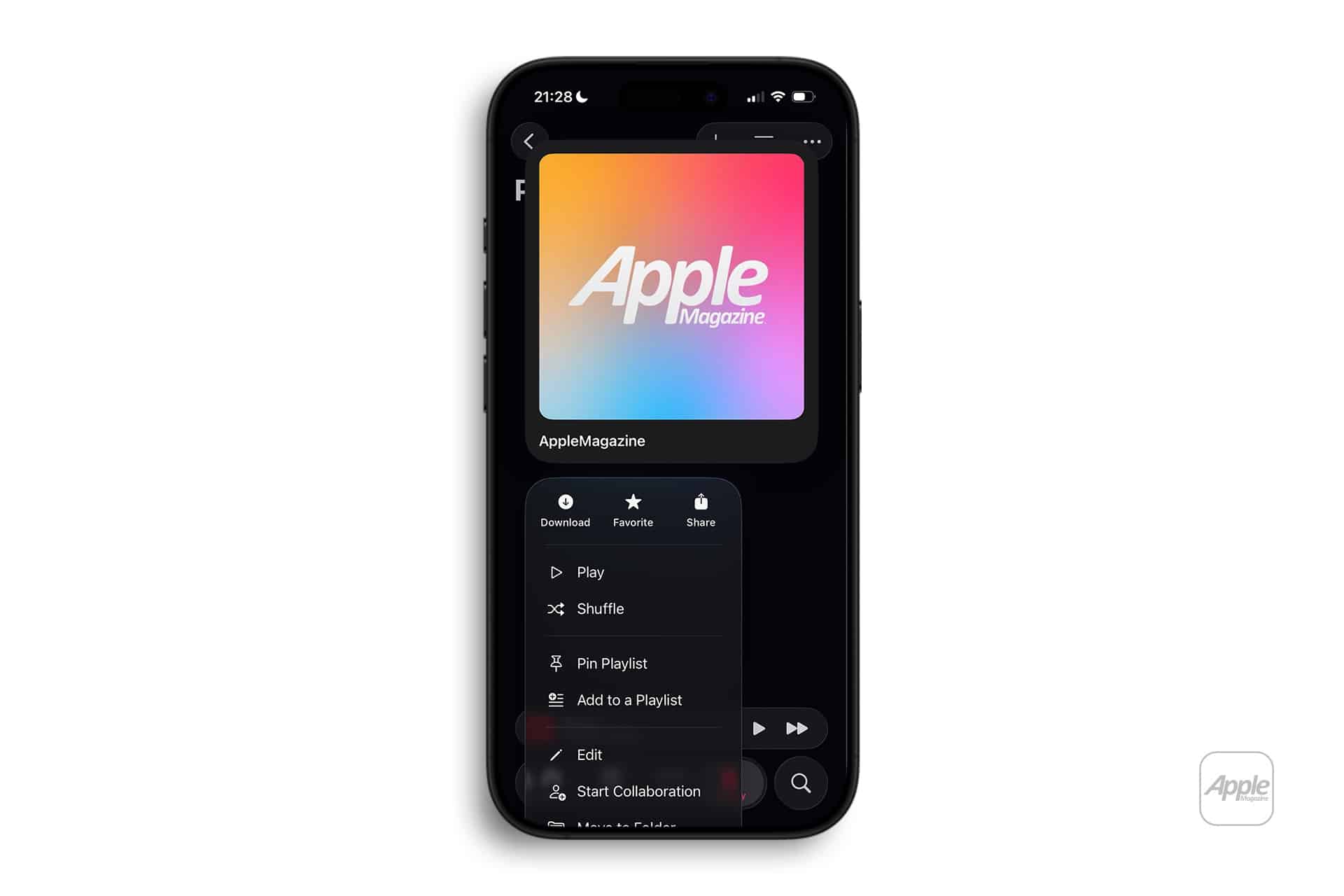
Music app > Library > Playlists > Select a Playlist > Share
You can send a playlist link through Messages, AirDrop, email, or any other app that supports sharing. Friends who receive the link can open the playlist in Apple Music and save it to their own library.
Collaborative playlists go a step further. When enabled, multiple people can add and remove songs. This is useful for families, couples, or groups planning trips or parties. Everyone can contribute their own taste, and the playlist grows into a mix of different moods and styles.
Following friends’ profiles also opens another layer of discovery. When someone you know makes a playlist public, you can see what they’re listening to and explore their music choices without asking for links.
Finding New Music Through Playlists
Apple Music’s playlist system is also one of the easiest ways to discover new songs. The Listen Now tab shows playlists built around your listening habits, while Apple’s editorial team curates lists across genres, decades, and activities.
Listen Now > For You
Search > Playlists
From mood-based playlists like “Focus” or “Late Night” to genre-specific collections and weekly mixes, there is always something new to try. When you find a playlist you like, following it means it stays in your Library and updates automatically as new songs are added.
Apple Music also creates personalized mixes that change over time. These are built from your listening history and help surface artists and tracks you might never have searched for directly.

Keeping Playlists Organized
As your library grows, organization becomes more important. Apple Music lets you sort playlists by name, date added, or custom order. You can also edit artwork so that playlists are easier to spot at a glance.
Music app > Library > Playlists > Edit
Downloading playlists is another useful option. When a playlist is saved for offline listening, it stays available even without an internet connection. This is especially useful for travel, gym sessions, or commuting.
Settings > Music > Downloaded Music
On Mac, Smart Playlists take this even further by updating automatically based on rules like genre, play count, or recently added songs. This keeps your music library fresh without having to manually add tracks.

How Playlists Fit Into Everyday Use
Over time, playlists become part of daily routines. One might always play during morning coffee. Another might be tied to a workout. A shared playlist might remind you of a road trip or a summer with friends.
Because Apple Music follows you across devices, those playlists are always within reach. You can start listening on AirPods, switch to HomePod, then continue in the car without losing your place. That kind of continuity is what makes playlists such a powerful part of the Apple Music experience.
They don’t just hold songs. They hold moments.

