


Traveling with Apple Offline Maps changes how navigation works when signal drops or data coverage disappears. Long highway drives, mountain routes, international travel, and rural destinations often include areas where mobile data becomes unreliable. With offline regions downloaded in advance, Apple Maps continues delivering turn-by-turn directions, estimated arrival times, and route adjustments without requiring a connection.
Many travelers only discover this feature when they actually lose signal. Planning ahead removes that uncertainty. Before a trip, downloading a city, state, or entire travel corridor ensures that maps, points of interest, and routing data remain fully accessible. This is especially useful for cross-country drives, international vacations where roaming is limited, and outdoor exploration where connectivity fluctuates frequently.
Download and Manage Offline Maps
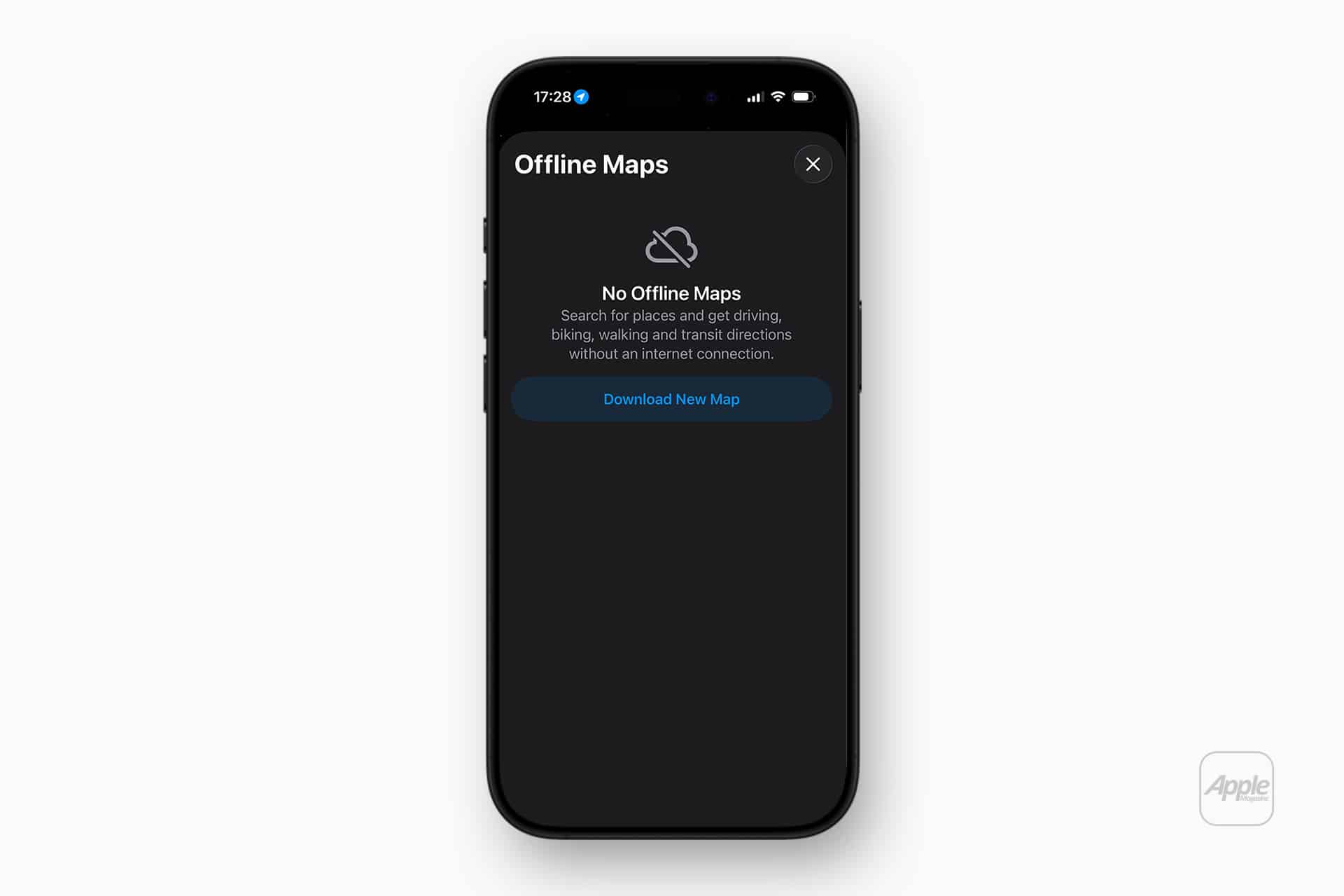
Downloading offline maps takes only a few steps and can be adjusted depending on how large an area you want stored locally. The downloaded region can later be resized, updated, or removed to free storage space.
Maps > Offline Maps > Download New Map
After selecting a region, Apple Maps estimates the storage size required and downloads the complete navigation dataset, including roads, landmarks, and routing intelligence. Updates can be scheduled automatically so the map stays current without manual downloads. Storage management tools inside Maps show exactly how much space each region uses, allowing quick cleanup after a trip ends.
For frequent travelers, keeping commonly visited regions permanently downloaded ensures uninterrupted navigation during daily routines, airport pickups, or recurring work routes.


Planning Routes Before Leaving
One of the most practical uses of Apple Offline Maps is preparing travel routes before departure. When a trip is planned while connected to Wi-Fi, Apple Maps calculates routes, identifies charging stations, and estimates arrival times that remain available even after the connection disappears.
Saved routes continue working offline, including rerouting if a turn is missed. While live traffic updates require connectivity, core navigation remains fully functional, providing clear directions, distance tracking, and consistent route guidance throughout the journey.
For international travel, offline maps also prevent excessive roaming costs. Entire metropolitan regions can be downloaded before departure, allowing navigation immediately after landing without needing a local data plan.
Offline Navigation for EV Drivers
Electric vehicle drivers benefit particularly from offline map capabilities. Route planning for EV travel often involves long stretches between charging points, and losing connectivity during a drive can make locating the next charging station difficult. When EV routes are downloaded beforehand, Apple Maps preserves station locations, route planning data, and estimated distances between stops.
Travelers driving through national parks, mountain highways, or rural charging corridors can continue navigating to planned stations without interruption. This feature becomes even more useful when combined with saved favorite locations or previously planned road-trip routes stored inside the Maps app.
Travel Modes and Storage Optimization
Offline maps can be customized to match travel style. Large regions work well for extended road trips, while smaller city-focused downloads are ideal for urban exploration. Storage estimates displayed before downloading help determine whether a full region or a smaller section is more practical for the device.
Frequent travelers may rotate offline regions depending on upcoming destinations. After finishing one trip, deleting the previous region and downloading the next location keeps storage usage efficient. Automatic updates ensure the downloaded map remains accurate over time, keeping road changes, points of interest, and routing improvements synchronized whenever Wi-Fi becomes available.
Daily Uses Beyond Travel
Offline maps are not limited to long vacations. Everyday commuting routes can benefit as well, particularly in areas with inconsistent underground coverage, tunnels, or rural stretches. Keeping the home region downloaded ensures navigation continues uninterrupted during routine drives, bike rides, or public transportation planning.
Families traveling together often share navigation responsibilities across devices. When multiple iPhones have the same offline region downloaded, each device can independently provide directions without relying on a shared hotspot or continuous data connection. This adds flexibility during group travel, especially when vehicles separate or coverage becomes unpredictable.
Offline navigation transforms Apple Maps into a dependable travel companion rather than a feature dependent on connectivity. With route data stored locally, navigation continues across cities, highways, and remote landscapes, keeping directions available wherever the road leads.

