

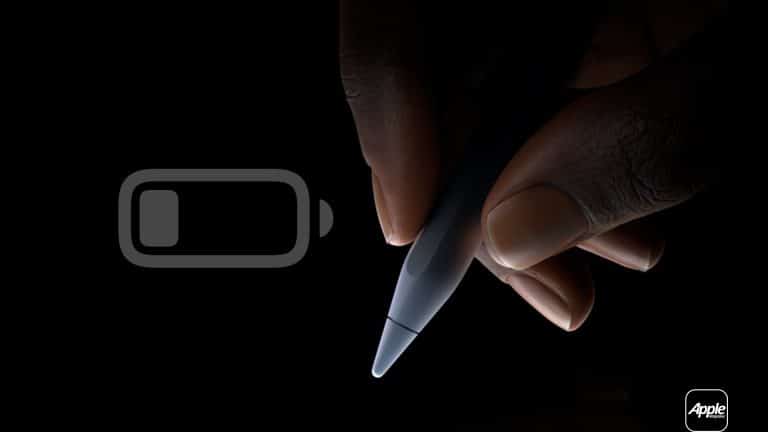
Apple Pencil is built with a compact lithium-ion battery designed for frequent short charging sessions. Unlike older battery technologies, lithium-ion cells do not require full discharge before recharging. In fact, deep discharge cycles can increase wear over time. Developing consistent Apple Pencil battery habits reduces stress on the internal battery and minimizes interruptions while working.
Understand How Apple Pencil Charges
Apple Pencil charging behavior differs by generation.
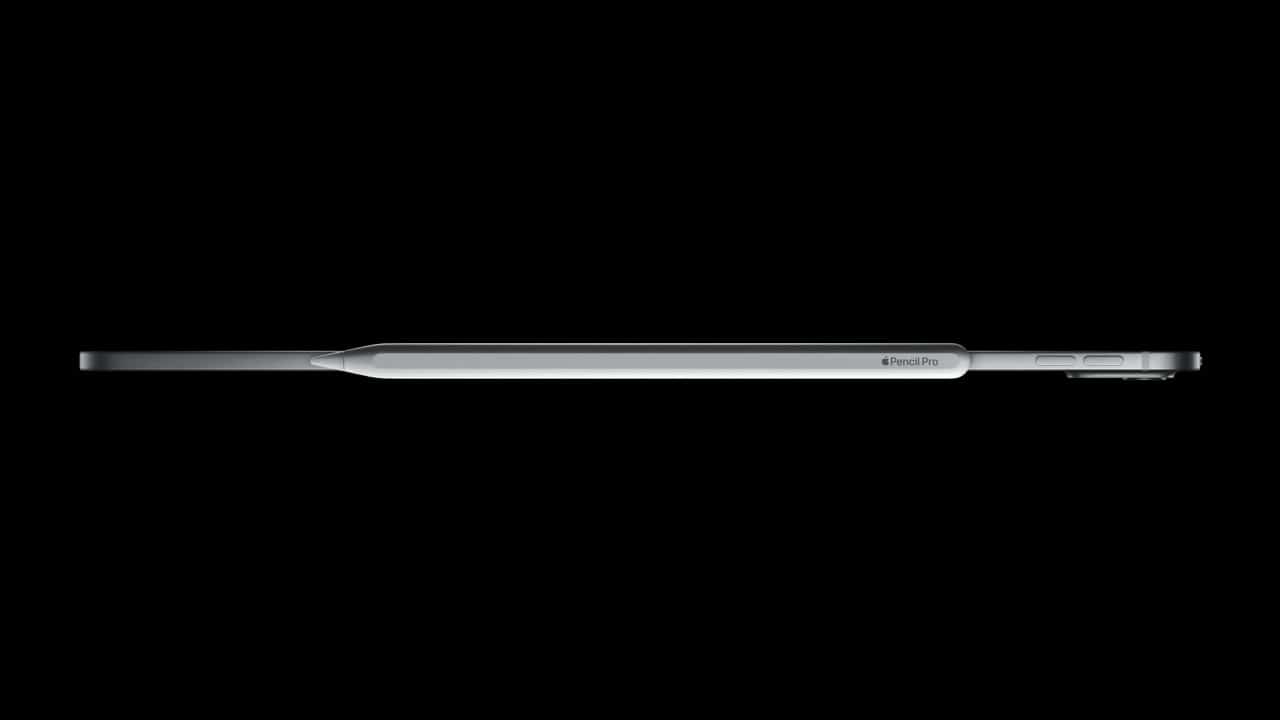
For Apple Pencil (2nd generation and newer magnetic models), charging occurs automatically when magnetically attached to the side of a compatible iPad. The connection both pairs and charges the stylus.
To verify charge level:
iPad Home Screen > Swipe Down for Today View > Batteries Widget
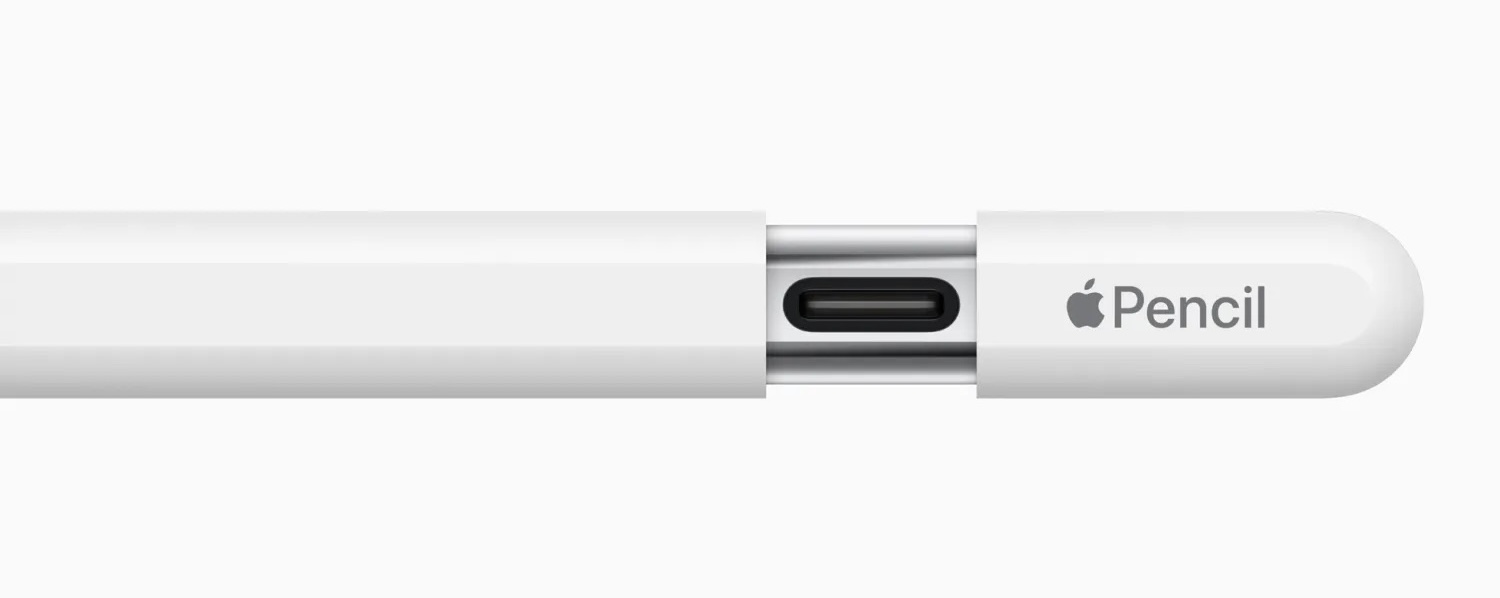
For first-generation Apple Pencil, charging occurs through the Lightning connector.
Connect Apple Pencil to iPad Lightning Port
Or use the included adapter with a Lightning cable.
Short, frequent charges are normal. Apple Pencil gains usable power quickly, often reaching significant charge within minutes.

Avoid Full Drain Cycles
One of the most important Apple Pencil battery habits is avoiding repeated full discharge to zero percent. Lithium-ion batteries degrade faster when consistently drained completely.
Instead of waiting for the battery to reach 0%, recharge when it drops below 20–30%. This reduces internal stress and supports longer overall lifespan.
If the Pencil has been unused for an extended period and will not turn on, attach it to the iPad and allow several minutes of uninterrupted charging before testing again.
Manage Idle Drain
Apple Pencil consumes minimal power when idle, but leaving it detached for long periods can gradually drain the battery.
For second-generation models, keeping the Pencil magnetically attached when not in use ensures it remains topped up automatically.
If storing for days or weeks, charge the Pencil to around 50% before storage rather than fully charging or fully draining it. Partial charge storage is healthier for lithium-ion batteries.
Temperature and Environment
Battery performance is affected by temperature. Avoid exposing Apple Pencil to extreme heat or cold.
Recommended operating range typically aligns with standard consumer electronics conditions. Leaving the Pencil inside a hot car or in freezing outdoor conditions can reduce battery efficiency temporarily and, in severe cases, permanently.
Store the Pencil in a dry, room-temperature environment when not in use.

Charging Frequency and Workflow
Apple Pencil battery habits benefit from integrating charging naturally into workflow.
For magnetic models, attach the Pencil whenever finishing a session. Even short idle moments — such as between meetings or classes — allow small top-ups that prevent low-battery warnings later.
There is no need to “save” charge cycles. Lithium-ion technology handles frequent short charging well.
For first-generation models, avoid leaving the Pencil connected to a cable for extended periods after reaching full charge. While modern charging systems manage power intelligently, unplugging after full charge avoids unnecessary continuous power draw.
Monitor Battery Health Through Behavior
Apple Pencil does not display detailed battery health metrics like iPhone does. Instead, long-term performance changes become noticeable through reduced runtime or inconsistent charging behavior.
If you observe rapid discharge, ensure firmware updates are current:
iPad Settings > General > Software Update
Apple Pencil firmware updates are delivered automatically when connected to iPad.
Reduce Interruptions During Use
Low battery interruptions typically occur during extended drawing or annotation sessions.
Check battery percentage before starting long tasks:
Swipe Down on iPad > View Batteries Widget
If below 25%, attach for a quick recharge before beginning. Five to ten minutes of charging can provide enough power for hours of light use.

Protect the Charging Surface
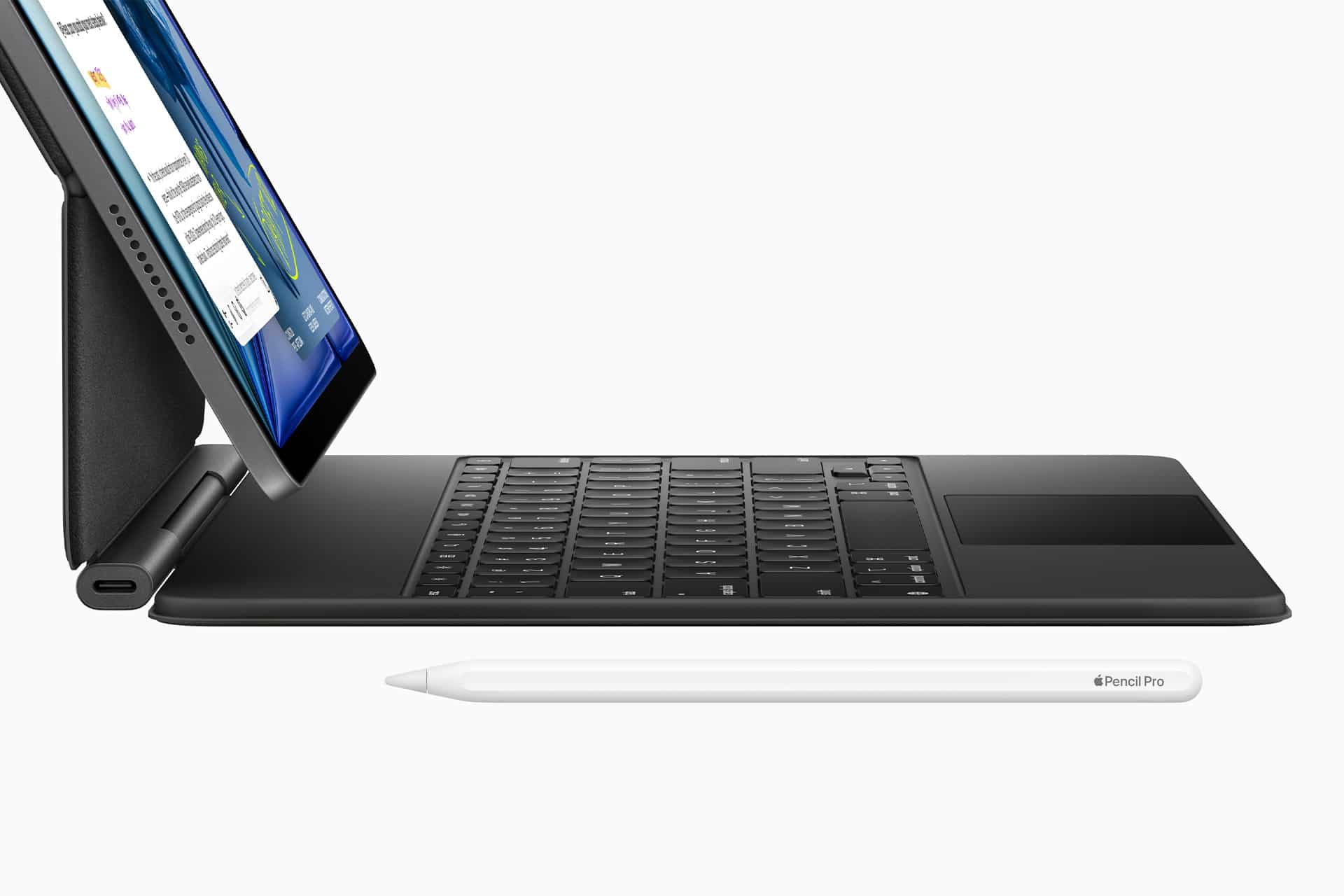
For magnetic models, ensure the iPad’s charging rail remains clean. Dust or debris can reduce magnetic alignment and slow charging efficiency.
Wipe gently with a dry microfiber cloth if needed.
Avoid Third-Party Charging Modifications
Use Apple-approved charging methods. Modifying connectors or using unsupported adapters may affect charging consistency.
Battery Replacement and Longevity
Apple Pencil batteries are not user-replaceable. Preserving health through moderate charging cycles, stable temperature conditions, and consistent attachment reduces the likelihood of premature decline.
Most users can expect several years of stable performance with normal use when proper Apple Pencil battery habits are followed.
Balanced charging, avoiding deep discharge, maintaining moderate temperatures, and attaching the Pencil regularly form the foundation of reliable performance. Small routine adjustments prevent disruptions and help sustain battery efficiency across daily creative work.