


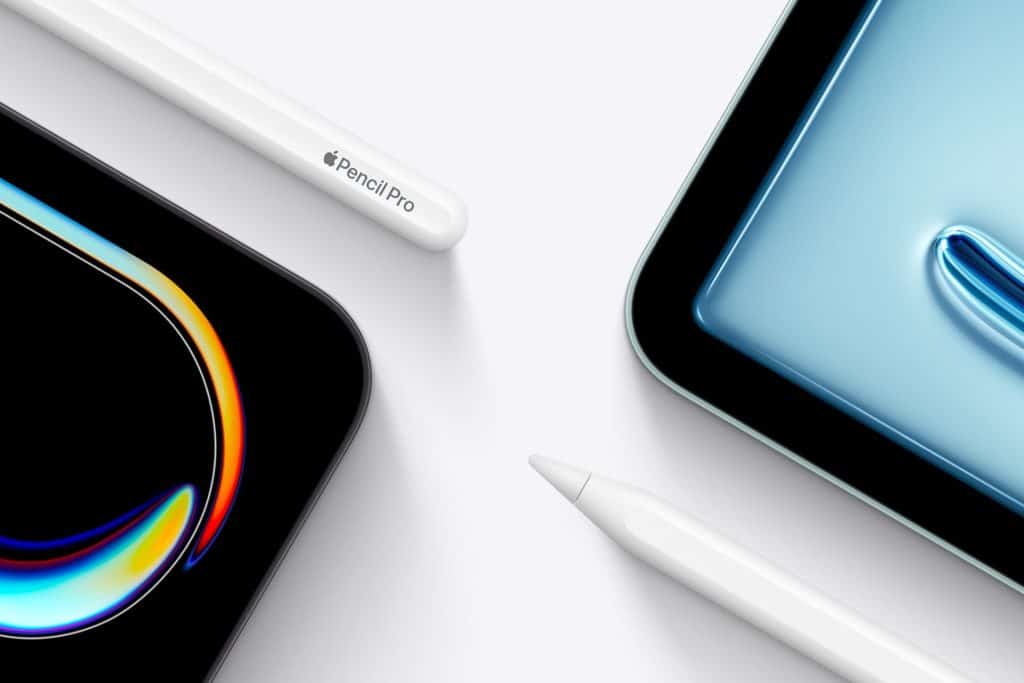
Apple Pencil Pro takes the iPad beyond a tablet and into the realm of a serious creative workspace. From fast sketches to detailed illustration, from storyboards to architectural drafts, the new controls and feedback make drawing feel responsive, fluid, and intuitive. The experience is not about learning a complex interface. It’s about staying in motion while your tools adapt around you. With squeeze, barrel roll, and subtle haptic feedback, Apple Pencil Pro introduces a tactile layer that keeps your focus on the canvas, not on menus.
Whether you’re starting with simple line work or refining layered compositions, Apple Pencil Pro supports a full creative journey. The gestures shorten the distance between idea and result, while the iPad’s display and Apple silicon handle everything from delicate shading to large-format layouts without breaking flow.
What Makes Apple Pencil Pro Different
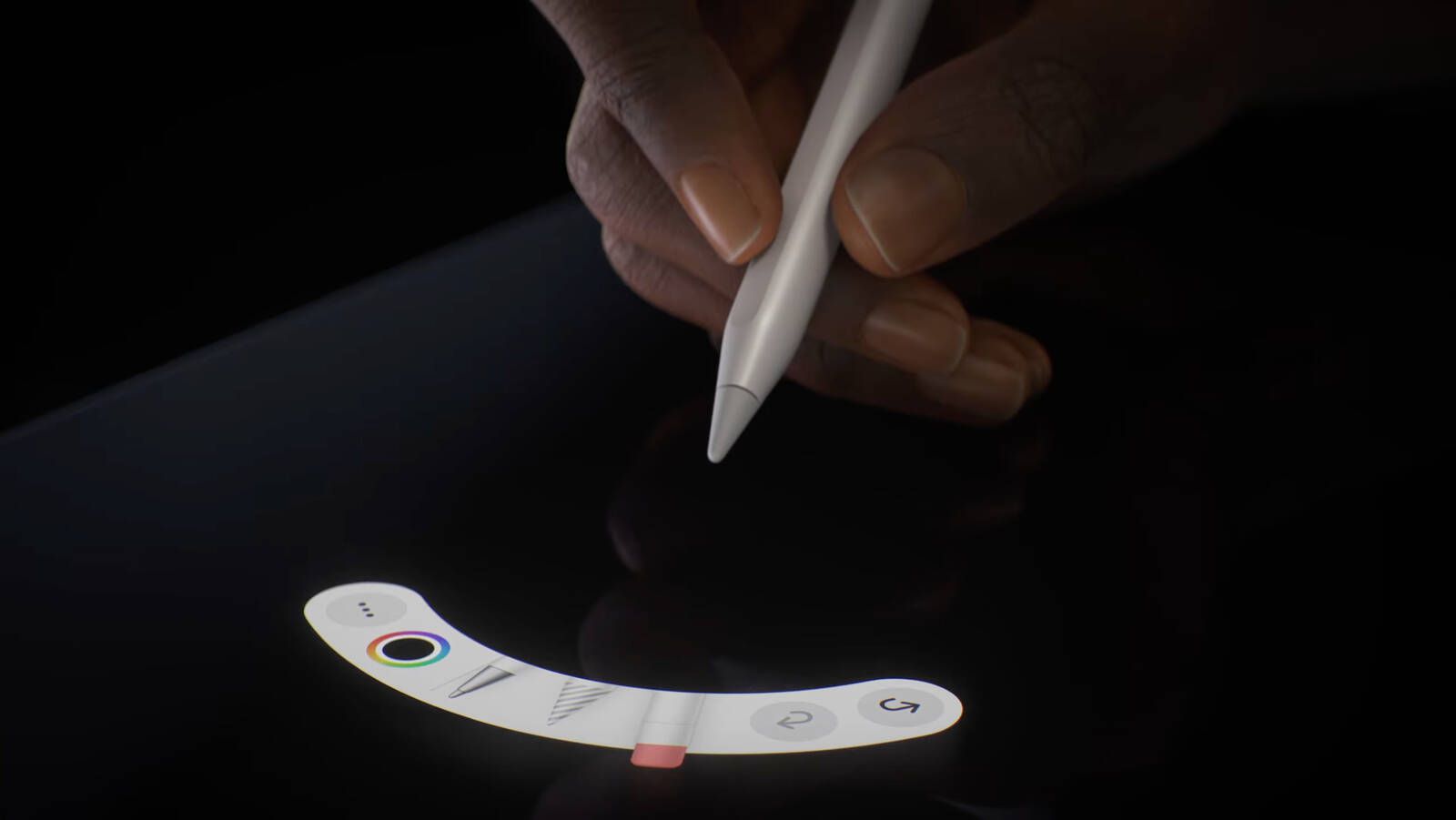
Apple Pencil Pro introduces two new physical interactions that change how tools are selected and controlled. Squeeze opens the tool palette without lifting your hand, letting you switch brushes, colors, or modes instantly. Barrel roll rotates the tool based on how you turn the Pencil, so flat brushes, calligraphy pens, and textured strokes behave like their real-world counterparts.
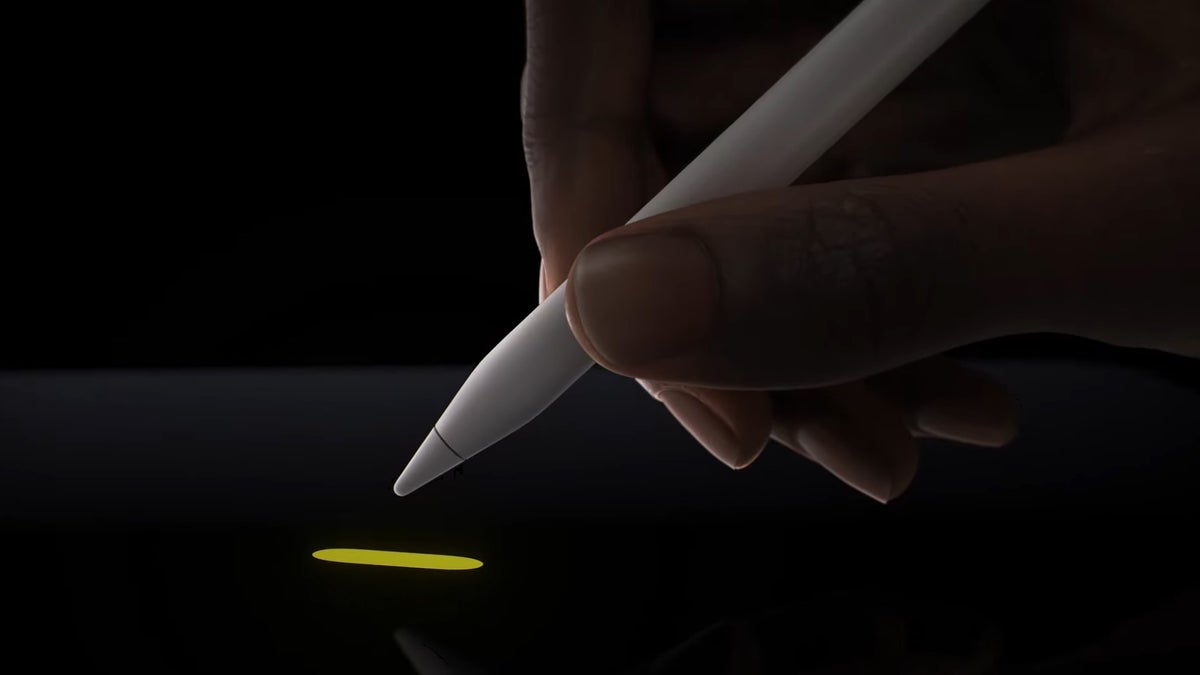
Haptic feedback adds a gentle confirmation when you switch tools or trigger actions, creating a sense of touch that guides your hand. Together, these features reduce interruptions and keep the drawing rhythm intact.
The tool palette floats near your work and adapts to the app you’re using. It gives quick access to brushes, colors, layers, erasers, and selection tools, making it easy to stay immersed in the creative process.
From First Sketch to Final Artwork
Apple Pencil Pro supports every stage of visual creation. For beginners, the natural feel of pressure and tilt helps build confidence with lines, shading, and perspective. For experienced creators, the precision allows for fine control, accurate masking, and layered workflows.
Artists use it to block compositions, refine contours, and add depth with texture. Designers move from wireframes to polished layouts. Architects sketch concepts, annotate plans, and explore variations quickly. The Pencil becomes a bridge between thought and visual form, allowing rapid iteration without technical friction.

Customizing Apple Pencil Pro for Your Style
Apple Pencil Pro can be tailored to match how you work. You can choose what squeeze does, adjust pressure sensitivity, and set double-tap actions to fit your habits. Some creators use squeeze for color switching, others for brush size, while barrel roll is tuned for calligraphy or shading.
These settings ensure the Pencil responds to you, not the other way around. Over time, it becomes an extension of your hand, adapting as your skills and needs grow.
Getting Started With Apple Pencil Pro
Settings > Apple Pencil > Customize Gestures
Choose actions for squeeze, double tap, and barrel roll.
Settings > Accessibility > Apple Pencil
Adjust pressure, hold duration, and haptic strength.

Pair and Charge Apple Pencil Pro
- Attach Apple Pencil Pro magnetically to the side of your iPad.
- Wait for the pairing prompt, then follow the on-screen steps.
- Charging begins automatically while attached.
Draw With Apple Pencil on iPad
- Open a supported app like Notes, Freeform, or a design app.
- Tap the canvas and begin drawing.
- Use squeeze to open the tool palette and switch tools instantly.
Using Apple Pencil Pro in Daily Creative Work
In daily use, Apple Pencil Pro supports quick idea capture, visual planning, and detailed production. A storyboard starts as loose frames, evolves into refined scenes, and becomes a production guide. A logo begins as rough shapes and transforms into a clean vector mark. A building concept grows from a floor plan into a presentation-ready visual. Each step happens on the same device, with the same tool, without breaking creative momentum.

Why It Scales From Beginner to Professional
The simplicity of Apple Pencil Pro lowers the barrier to entry, while the depth of control supports advanced workflows. As skills grow, the Pencil grows with you. There is no need to replace tools or change habits. You refine, layer, and expand within the same environment.
This balance between approachability and power is what makes Apple Pencil Pro a long-term creative companion. It respects the learning curve while offering professional-grade precision and flexibility.

