

Apple retail stores operate with a structured system that prepares teams hours before the first customer arrives. Behind the storefront, staff organize inventory, verify repair queues and set up devices that will be used for demos throughout the day. Teams rotate through roles that include customer support, sales guidance, technical triage and device repairs. Most of these routines are rarely visible to the public, but they guide how Apple manages its stores and delivers the experience associated with the brand.
Teams begin each day by reviewing product availability and repair schedules. Devices needed for display are checked for updates and battery levels to ensure they match the software versions customers are likely using at home. Specialists verify that the store’s demo configurations are functioning correctly, including iCloud sign-outs, privacy resets and accessibility features that must remain ready for hands-on exploration. These steps help maintain uniformity across locations so that customers experience predictable behavior from every display device.
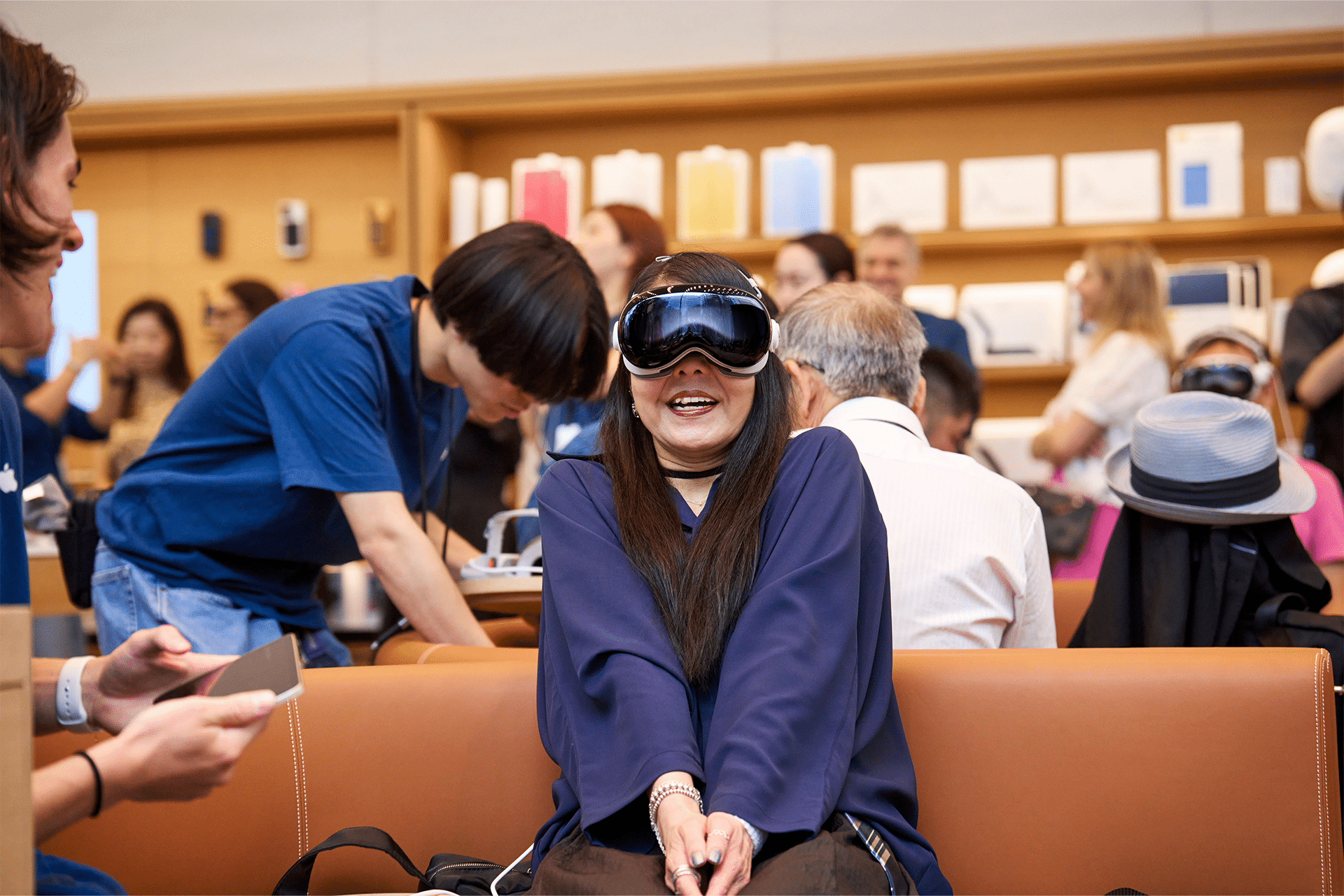
How Apple Stores Prepare for Daily Operations
Retail teams meet in scheduled briefings that outline assignments, new policy updates and product notes. These meetings also address follow-ups on recurring customer issues that might appear during the day.
Inventory specialists verify shipments, log serial numbers and place devices in secured storage before preparing restock requests that determine what appears on display tables.
Customer-facing staff review appointment times and expected repair cases, ensuring that triage and diagnostics begin smoothly once stores open their doors.
The back-of-house area supports most of this work. Apple’s retail logistics rely on dedicated systems that track devices from arrival to handoff, with each product tied to a workflow that guides how it is stored, tested or delivered. During high-volume periods, inventory systems direct staff to restock display units or accessory walls at specific intervals to maintain consistent presentation. These operations ensure that stores stay aligned with Apple’s global retail standards across regions.
Inside the Genius Bar Workflow
The Genius Bar relies on specialized diagnostic software that identifies hardware or software issues, evaluates device health and provides structured repair recommendations.
Technicians begin with intake checks that gather basic information before applying deeper diagnostic tools capable of reading battery cycles, logic board indicators and system logs.
Repair decisions follow a triage model that prioritizes immediate fixes, warranty eligibility and device safety, guiding whether a device is serviced on-site or sent to an external repair facility.
Genius teams use internal tools not available to customers to check calibration, component integrity and environmental exposure markers. These systems help determine whether an issue can be resolved through software restoration or requires hardware replacement. Apple stores maintain stock for common repairs—such as batteries, displays and sensors—while more complex work is routed through central repair locations.
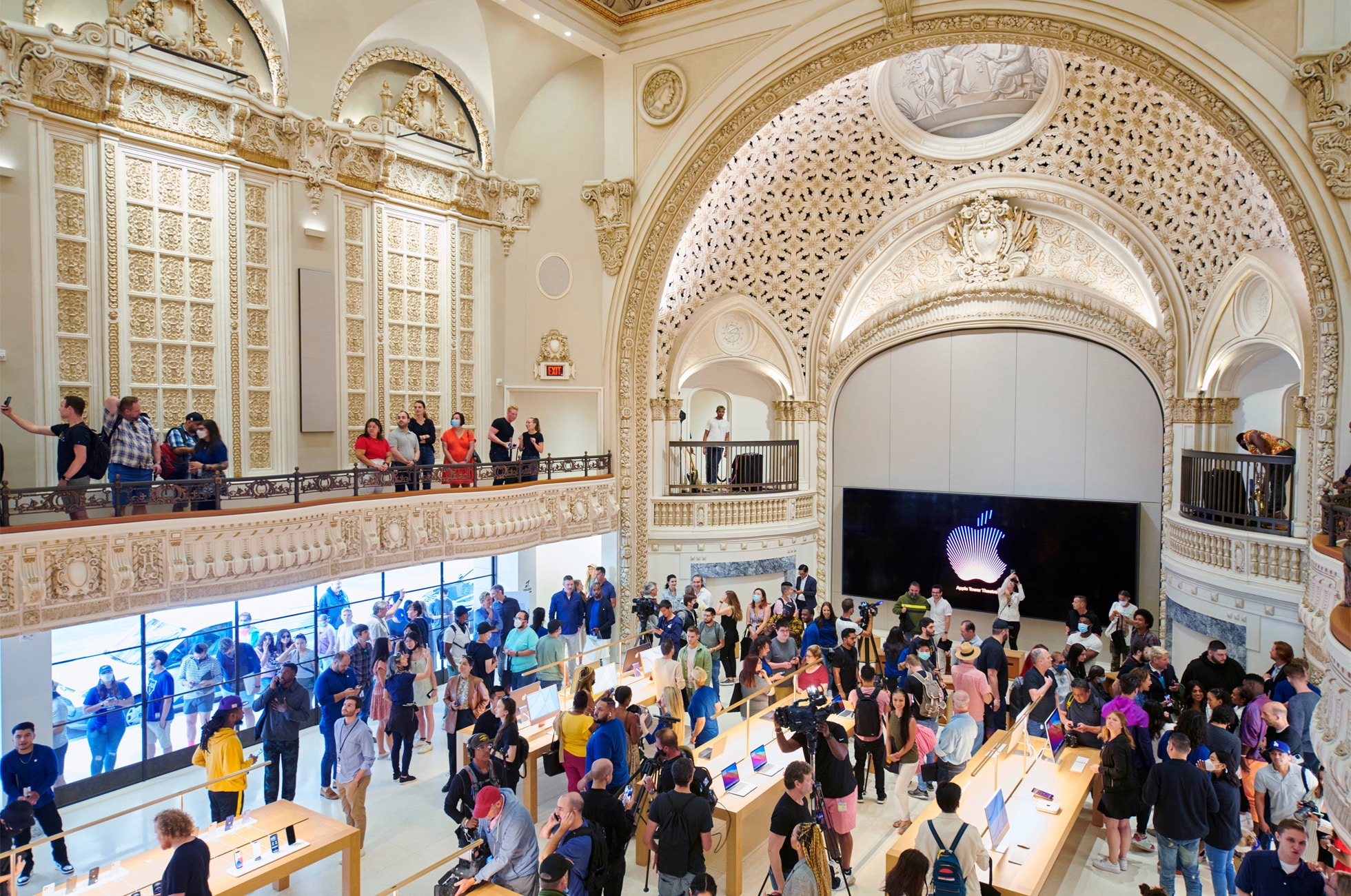
How Stores Prepare for Major Product Launches
Product launch weeks require extended preparation that begins days in advance. Stores update demo units with final software builds and verify that each configuration matches the marketing materials released with the product.
Staff rehearse launch-day procedures, including queue management, pickup scheduling and device handoff. These rehearsals outline the order of operations for receiving customers and distributing pre-reserved products.
Inventory teams secure launch-day stock in designated areas that remain inaccessible until the start of sales. Overnight teams prepare display tables for the updated product lineup, ensuring that accessories, signage and demo devices are positioned precisely.
During launch mornings, staff arrive hours early to coordinate crowd flow, verify pickup windows and prepare purchase stations. Each interaction from the moment doors open follows a fixed sequence, with specialists providing guidance on setup, data transfer and device restoration. The coordinated structure helps control customer volume and maintain consistent service quality across stores.
Why These Routines Matter
Apple’s in-store systems allow teams to resolve issues quickly and maintain predictability in busy environments. Daily processes support smooth transitions between sales and support tasks, while launch-day structures ensure stores handle large crowds without disrupting regular service.
Repair routines help standardize device evaluation, giving customers consistent answers regardless of location.
Inventory workflows ensure that stores maintain accurate product availability and display readiness across global regions.
Apple’s retail operations continue to refine these processes, reflecting how the company adapts its support systems to new products and evolving customer expectations.


