

Finding an Apple Store has become effortless. With Apple Maps deeply integrated into iOS, iPadOS, and macOS, you can locate the nearest Apple Store, see real-time directions, and plan your visit in seconds. Whether you’re heading in for support, a pickup, or simply to explore new devices, Apple Maps is the fastest path from “near me” to the front door.
How to Find an Apple Store Using Apple Maps
Apple Maps is the most direct way to locate an Apple Store because it understands your location, traffic conditions, and preferred travel method.
Workflow
Apple Maps > Search > Apple Store > Directions
After searching, Apple Maps shows nearby Apple Store locations with distance, estimated travel time, and available routes. You can switch between driving, walking, transit, or cycling directions, and Apple Maps will adjust the route automatically.
Tapping a store reveals hours, contact details, and quick access to directions. On iPhone and Apple Watch, turn-by-turn navigation keeps you on track without needing to handle your device.

Why Apple Maps Works Better Than Ever
Apple Maps has evolved significantly over the years. What began as a basic mapping service has become a rich navigation platform with detailed maps, improved accuracy, lane guidance, and real-time traffic updates.
Apple’s focus on privacy means location data is processed securely, and searches like Apple Store Near Me are not used to build advertising profiles. The result is a fast, clean experience that feels native across Apple devices.
Indoor maps in select locations and precise arrival guidance help once you’re close, making it easier to find the correct entrance or level in busy areas.
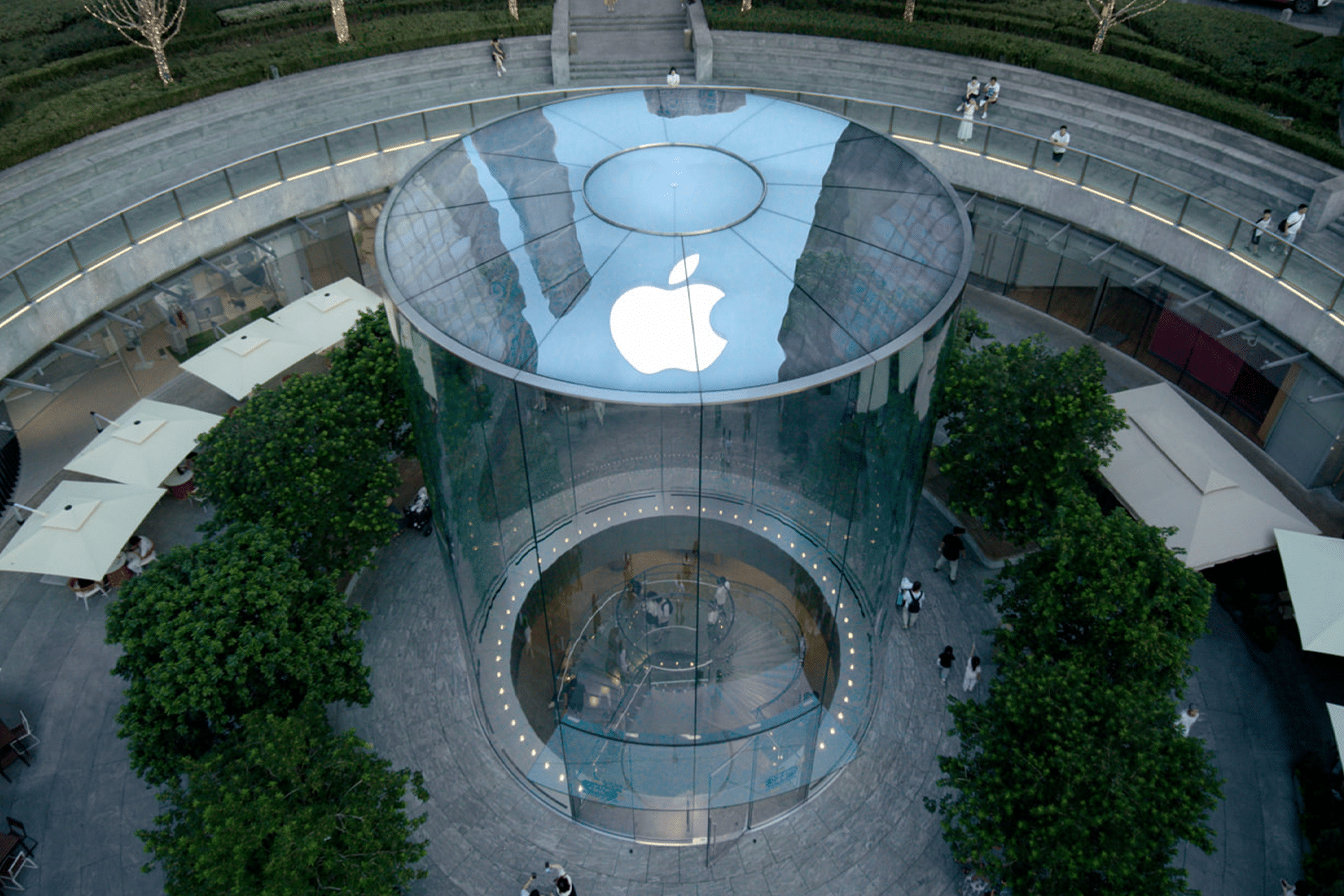
What Makes the Apple Store Experience Special
Finding an Apple Store is only the beginning. Apple Stores are designed as open, welcoming spaces where you can explore products, get hands-on help, and learn more about the ecosystem.
From the Genius Bar for technical support to Today at Apple sessions for creativity and skills, the Apple Store experience goes beyond retail. Staff can help with setup, troubleshooting, upgrades, and advice tailored to how you use your devices.
Using Apple Maps to plan your visit ensures you arrive prepared, on time, and with clear expectations—whether you’re stopping by briefly or spending an afternoon exploring.

Planning Your Visit the Smart Way
Before heading out, check store hours and peak times directly from Apple Maps. Saving the location to Favorites makes future visits even faster. If you’re traveling, Apple Maps can also show Apple Stores near your destination, not just near your current location.
With Apple Maps as your guide, finding an Apple Store feels like a natural extension of the Apple ecosystem—simple, accurate, and designed to get you where you need to go with minimal effort.


