For years, recording music required booking studio time, renting equipment, and coordinating sessions around access to specialized gear. Today, many independent musicians build full tracks without stepping into a traditional studio. Instead, they rely on a mix of iPhone, GarageBand, and Mac — moving between devices as naturally as switching instruments.
The Apple Studio workflow begins wherever inspiration strikes.
Recording Ideas on iPhone
The first draft of a song often starts casually. A melody hummed into Voice Memos. A chord progression played through the GarageBand app. A vocal line recorded late at night before it disappears.
iPhone microphones have improved steadily over the years. While they do not replace professional condenser microphones, they are capable of capturing clear demos and even usable vocal takes in quiet environments.
GarageBand on iPhone allows multitrack recording, built-in drum patterns, software instruments, and quick editing. A guitar part can be layered over a drum loop within minutes. Vocals can be recorded directly on top.
For independent artists working alone, this removes the barrier between idea and execution.


Moving the Project to Mac
What begins on iPhone rarely ends there. As a track develops, musicians often shift to Mac for deeper editing and mixing.
With iCloud or AirDrop, transferring a GarageBand project takes seconds.
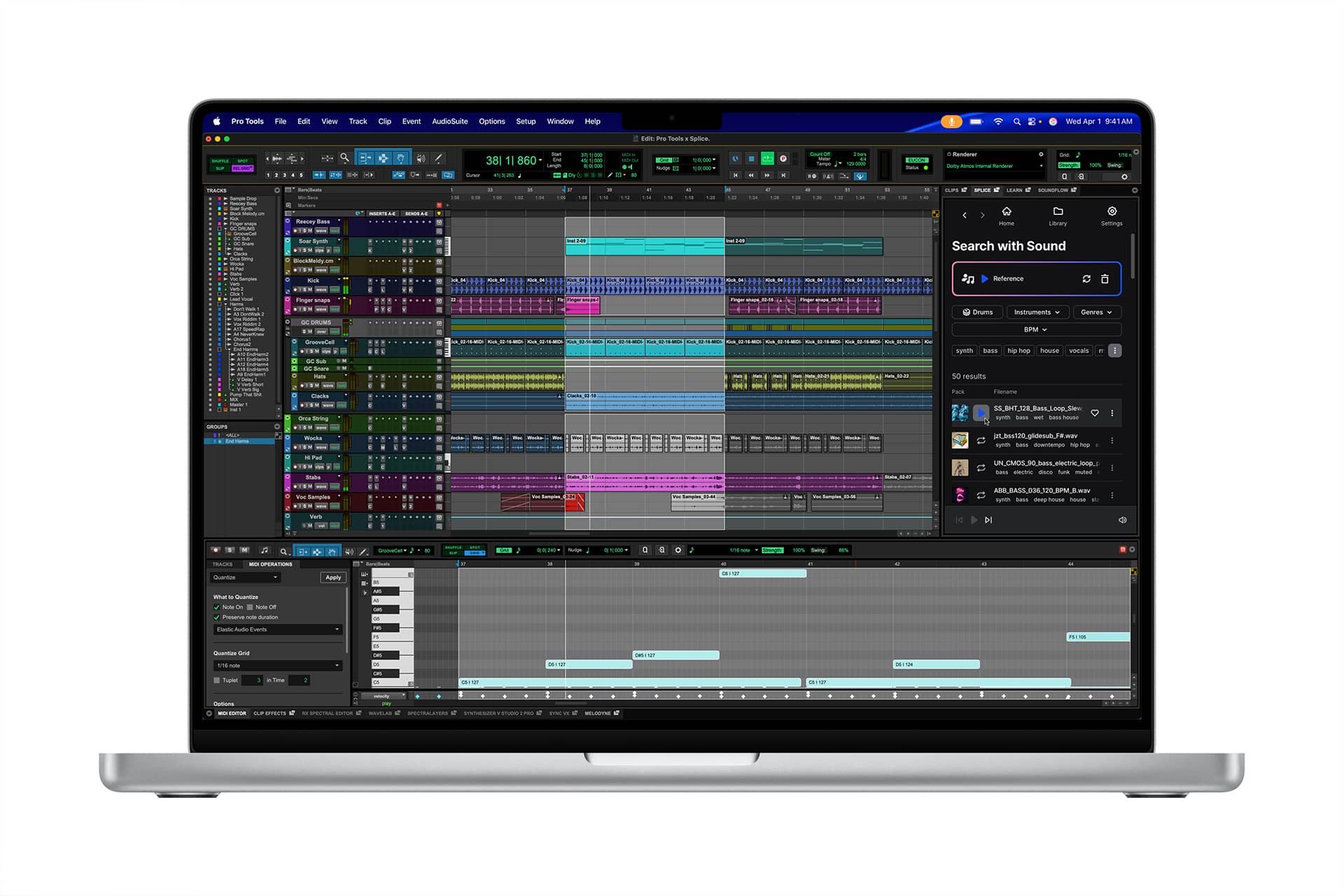
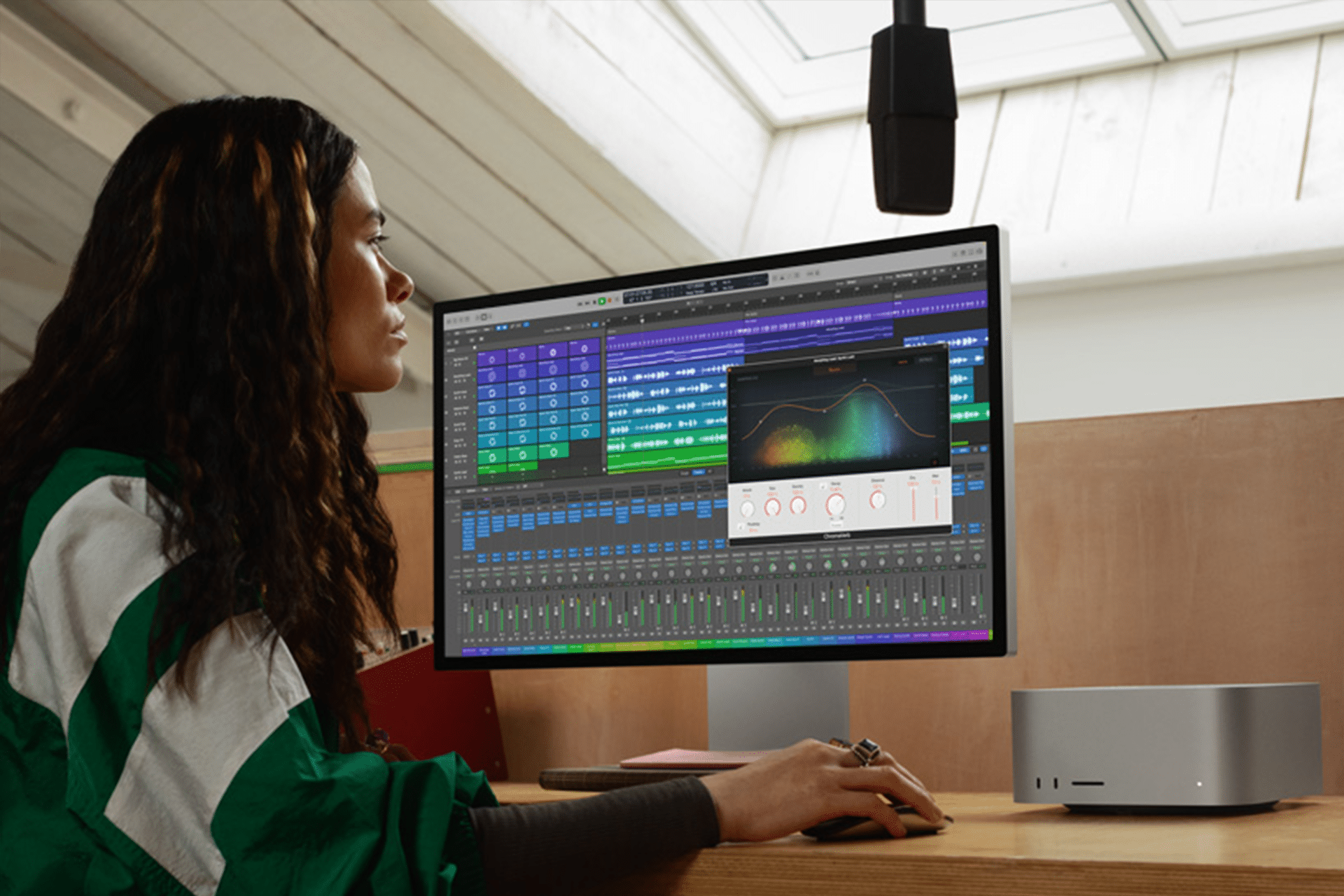
Once opened on Mac, the same session expands into a larger workspace with:
- Detailed track automation
- Advanced EQ controls
- Compressor and reverb adjustments
- Fine-tuned volume balancing
- Expanded plugin support
The transition from mobile creation to desktop refinement feels continuous rather than disruptive.
GarageBand on Mac offers greater control over arrangement. Sections can be reorganized. Background vocals aligned precisely. Subtle timing adjustments applied to instruments.
The small screen idea becomes a structured composition.
Building a Home Studio With Apple Devices
The Apple Studio concept works because each device plays a specific role.
- iPhone captures immediacy.
- iPad can assist with MIDI input or virtual instruments.
- Mac handles precision editing and final mixing.
External audio interfaces and microphones can be added to improve recording quality, but they are optional at the beginning. Many independent artists start with minimal equipment and upgrade gradually.
For vocals, a quiet room, soft furnishings, and controlled distance from the microphone improve results more than expensive hardware alone.
GarageBand’s built-in presets simplify sound shaping. Vocal tracks can be cleaned up using noise gates and compression. Guitar tracks can be routed through amplifier simulations.
The tools are accessible without overwhelming new users.
Finalizing and Sharing
Once the mix feels balanced, exporting the track is straightforward.
GarageBand allows direct export to:
- Audio file formats
- Apple Music (via distribution services)
- Streaming platforms through third-party distributors
Artists can review the mix on different devices — headphones, car speakers, home systems — before finalizing.
Because the project lives inside the Apple ecosystem, revisions are easy. A lyric tweak can be recorded on iPhone and reinserted into the Mac session later.
Creative Freedom Without Studio Pressure
The Apple Studio approach changes the pace of production. There is no hourly clock running. No need to finish before a booked session ends.
Musicians can experiment freely, layering harmonies, deleting sections, rewriting bridges. For independent artists, this flexibility reduces financial pressure and encourages iteration. The workflow also supports collaboration. Project files can be shared with bandmates or producers who use GarageBand or Logic Pro, extending the ecosystem further.
A Studio Defined by Workflow, Not Walls
Apple Studio is less about equipment and more about continuity. The same project moves between devices without format conflicts. The same software environment appears across screens.
Independent musicians who once relied on access to physical studios now build complete tracks from bedrooms, dorm rooms, and small apartments.
An idea recorded casually on iPhone in the morning can become a polished mix on Mac by night.
The tools do not replace professional studios for large-scale productions. But for songwriting, demo creation, and even finished releases, the combination of GarageBand and Mac mixing offers a practical path.
For many artists, that’s enough.