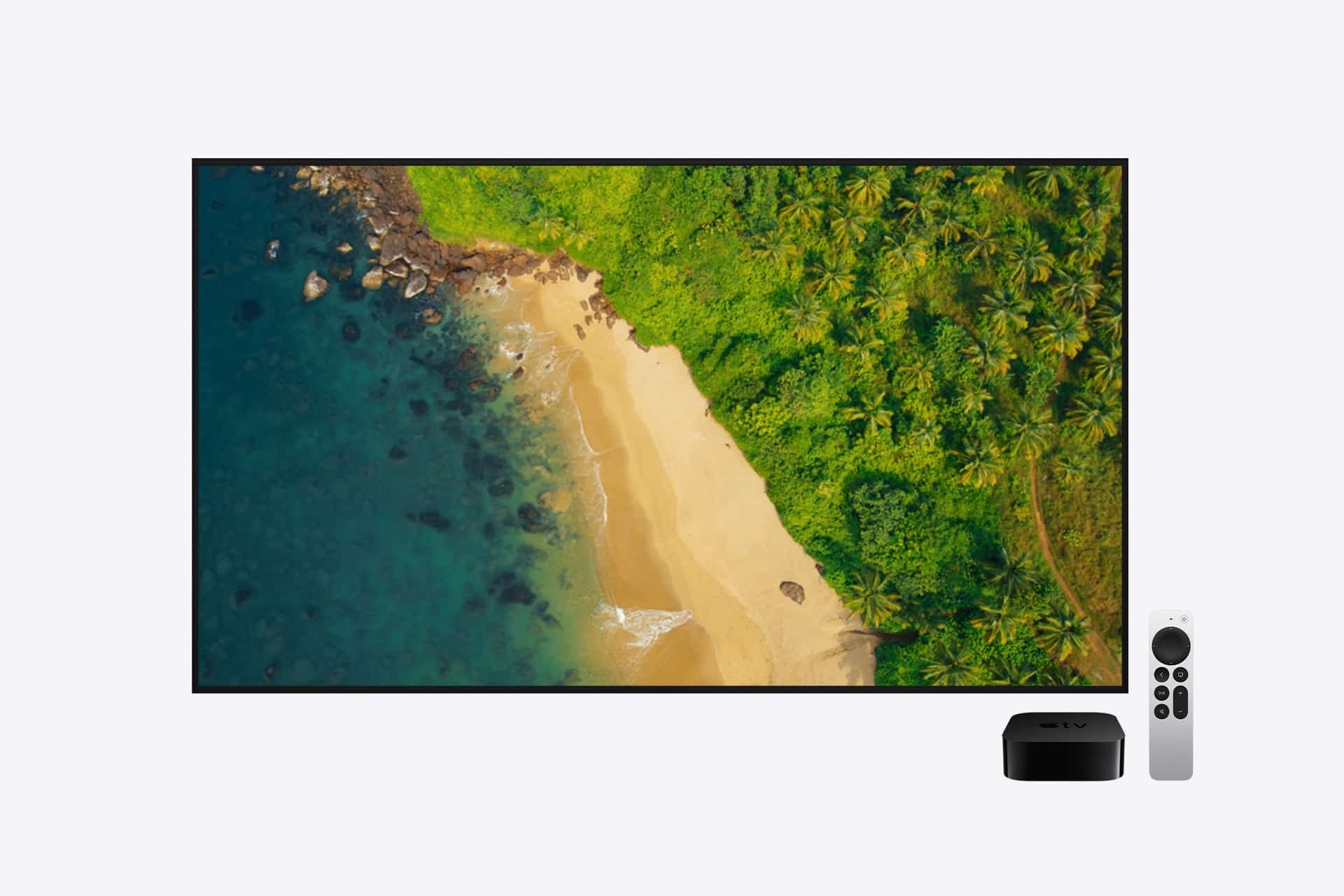
When Apple TV introduced cinematic aerial screensavers years ago, they changed how people thought about an idle television. Instead of a black screen or bouncing logo, the living room suddenly displayed slow-moving city skylines at dusk, sweeping shots of coral reefs, and high-altitude footage drifting over mountains and rivers. Guests would often ask what was playing. It wasn’t a movie. It was simply the device waiting.
Over time, these visuals became more than filler between shows. For many homes, Apple TV screensavers now function as a soft architectural layer — something that adds depth and motion to the space without demanding attention. In apartments with limited wall art, the television itself becomes a dynamic canvas. In family homes, it can rotate through memories: vacations, birthdays, candid moments that might otherwise remain buried in a camera roll. The idle screen turns into something intentional.
Customizing Apple TV screensavers, then, is less about toggling a setting and more about shaping the visual personality of the room. Some prefer coastal calm and underwater scenes. Others lean toward night skylines that glow subtly against dimmed lights. And many choose to replace cinematic footage entirely with personal albums that reflect where they’ve been and who they share the space with.


Apple TV Screensavers: Aerial Categories
Apple TV includes high-resolution aerial footage captured across major cities, natural landmarks, and underwater environments. By default, the system rotates through a wide range of clips.
To customize which categories appear:
Settings > General > Screen Saver > Aerial > Select Categories
Here you can enable or disable themes such as Cityscape, Landscape, Earth, or Underwater. If you prefer urban night skylines instead of ocean scenes, you can refine the selection.
The system periodically downloads new aerial footage when connected to Wi-Fi. If storage is limited, older videos may be replaced automatically.
Adjusting screensaver start time:
Settings > General > Screen Saver > Start After
Choose how long Apple TV waits before activating the screensaver. Shorter intervals turn the display into an ambient visual centerpiece quickly after content stops.


Using Personal Photos as Screensavers
Apple TV also supports personal photo libraries as screensavers. This transforms the television into a large-format digital photo frame.
First, ensure photos are available through iCloud Photos or a Shared Library connected to your Apple ID.
Settings > Users and Accounts > iCloud > Photos > Turn On
Then configure the screensaver source:
Settings > General > Screen Saver > Type > Photos
You can select entire albums or specific shared collections. Many users create a dedicated “Living Room” album to avoid displaying random camera roll images.
Transitions between photos can be customized, including sliding, fading, or zooming effects.
Matching the Room’s Visual Tone
Some households prefer aerial landscapes for daytime ambiance and personal photo slideshows in the evening. While Apple TV does not automatically switch screensavers based on time of day, selecting categories carefully ensures the display aligns with your interior lighting and design.
Bright daytime rooms often pair well with landscape or city clips. Dim environments may benefit from darker underwater or night skyline sequences.
The screensaver effectively becomes part of the room’s background design when not actively streaming.
Managing Motion and Distraction
In high-traffic spaces, subtle aerial clips can function as a visual accent without distraction. If movement feels excessive, limiting categories reduces variation.
For minimalists, selecting a single category keeps the display consistent. For families, rotating personal photos adds narrative to shared spaces.
Screensaver settings remain accessible anytime:
Settings > General > Screen Saver
Apple TV screensavers are not static wallpapers. They are dynamic visual environments that can reflect location, preference, and personal history. By selecting aerial themes intentionally or curating personal albums, the idle screen becomes part of the home’s atmosphere instead of a default animation.