

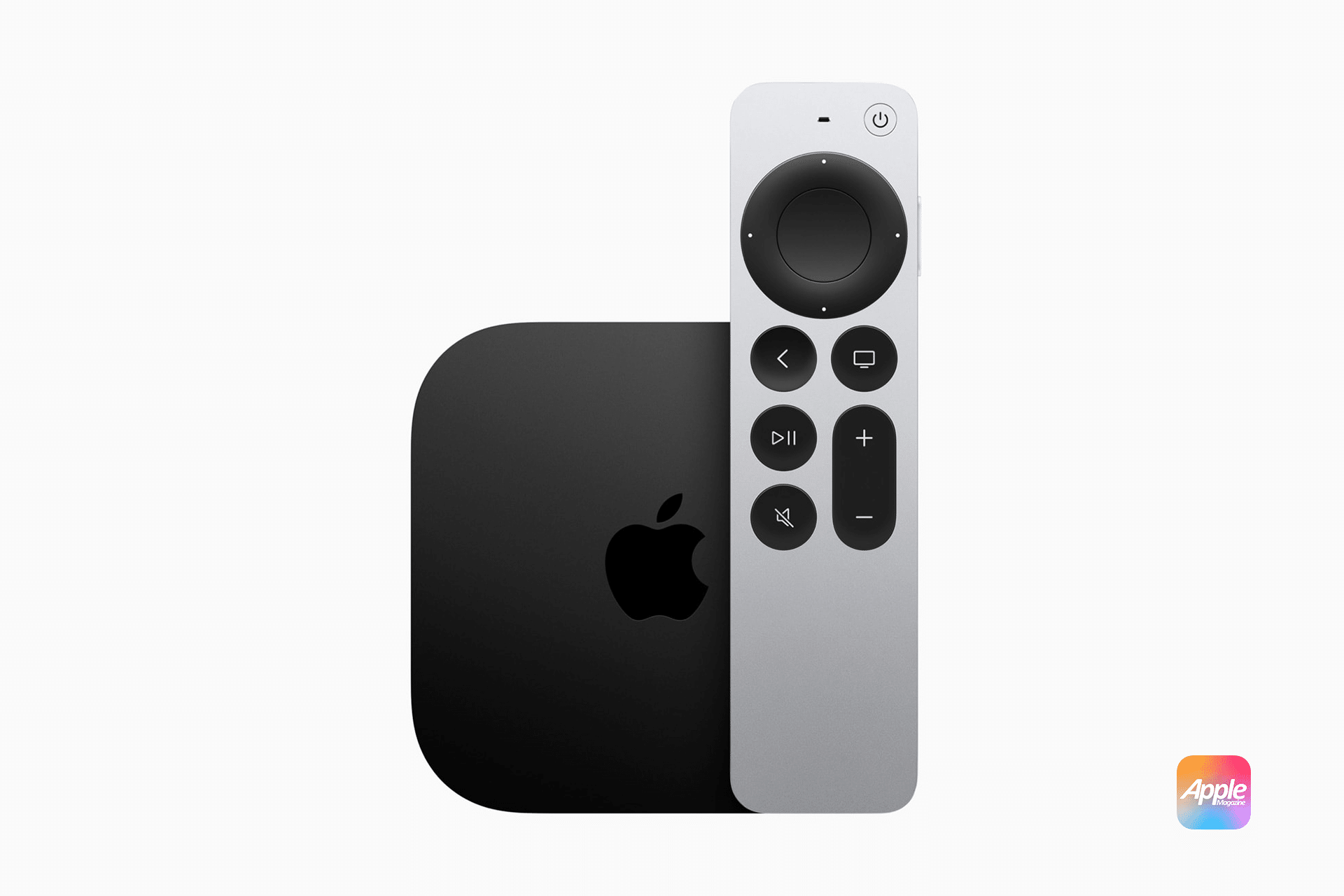
Apple TV streaming depends on more than a fast internet plan. A living-room setup can have a 500 Mbps or 1 Gbps connection and still suffer from buffering, softer picture quality, delayed FaceTime calls, or unstable live sports if the Apple TV receives that connection through weak Wi-Fi. The real choice between Wi-Fi and Ethernet is not only about speed. It is about stability.
The current Apple TV setup box is built for the streaming era. It handles 4K HDR movies, Dolby Vision, Dolby Atmos, Apple Arcade games, FaceTime, SharePlay, live sports, Photos, Apple Music, smart-home control, and real-time apps. That is a much heavier workload than the old idea of a small streaming box that only opens Netflix and plays a movie.
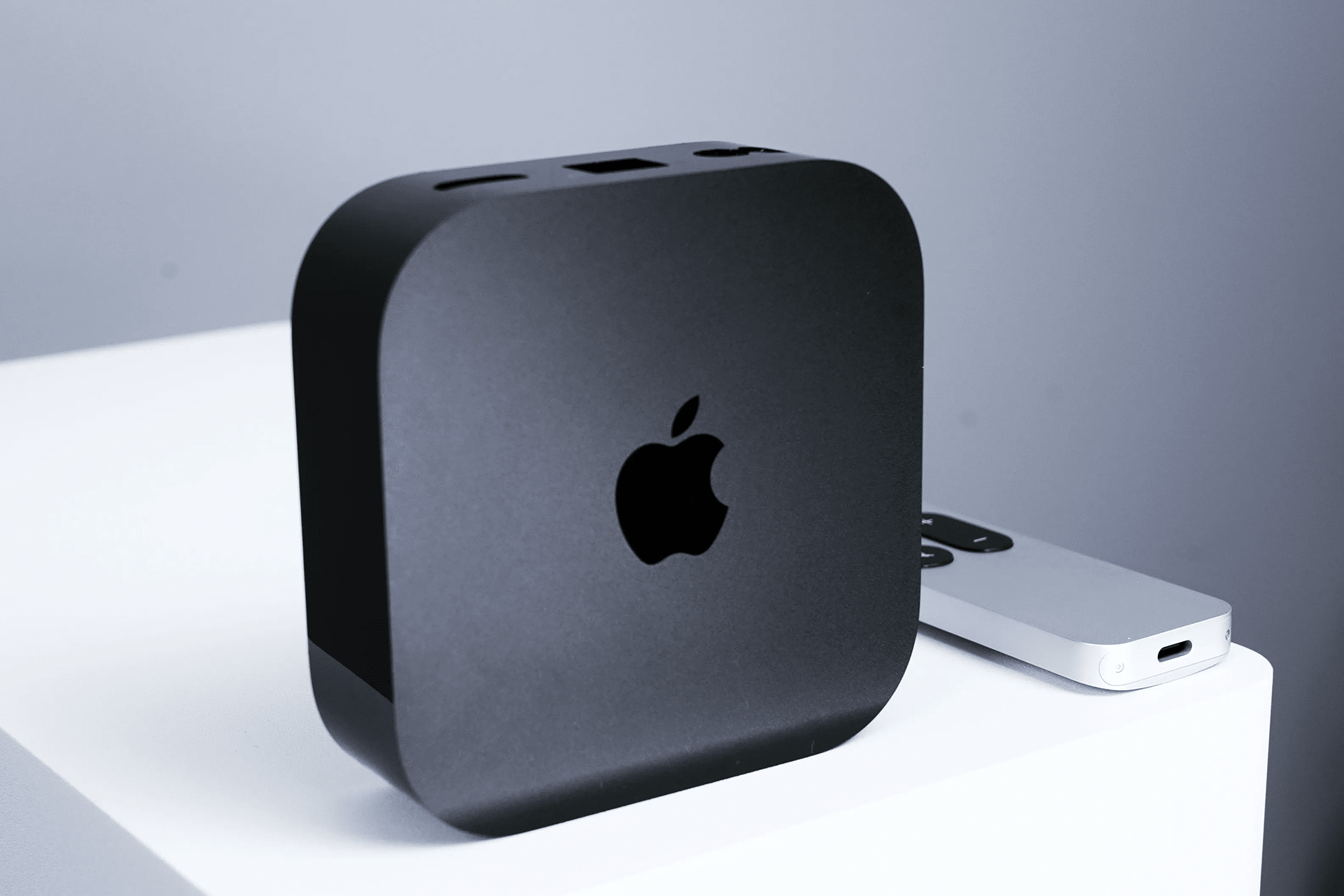
Apple sells two versions. The Wi-Fi model includes 64GB of storage, Wi-Fi 6 with 2×2 MIMO, Bluetooth 5.0, HDMI 2.1, and the A15 Bionic chip. The Wi-Fi + Ethernet model includes 128GB of storage, adds Gigabit Ethernet, and includes Thread networking technology for smart-home accessories. Both can deliver excellent 4K streaming. The higher model is built for users who want a steadier network path and a stronger home-hub role.
For most movies and shows, the raw speed requirement is lower than many people expect. Apple recommends at least 25 Mbps for 4K streaming, while Netflix recommends 15 Mbps for 4K Ultra HD. Those numbers are far below what a good Wi-Fi 6 connection can deliver. The issue is that streaming quality depends on sustained bandwidth, latency, packet loss, and jitter. A fast connection that constantly fluctuates can feel worse than a slower connection that stays steady.
That is where Ethernet earns its place. A cable removes the local wireless link from the equation, giving Apple TV a cleaner path to the router. Wi-Fi can be excellent, but it has to share airspace with phones, laptops, tablets, smart cameras, consoles, speakers, neighboring routers, and the rest of the home. Ethernet is not glamorous, but it is predictable.


Why Stability Matters More Than Speed
Apple TV streaming apps constantly adjust quality based on the connection they receive. When the connection is strong, a movie can stream in sharp 4K HDR with richer detail and cleaner motion. When the connection dips, the app may lower bitrate, soften detail, pause to buffer, or take longer to recover the best version of the image.
That can be especially visible with Dolby Vision films. Dark scenes, smoke, rain, sports, fast camera movement, and wide landscapes can expose compression more easily. A stream may technically remain in 4K, but the picture can still look less detailed if the bitrate drops. Ethernet helps by making the local connection more consistent.
Live content is even less forgiving. A movie can buffer ahead. Live sports, concerts, news, and real-time events have less room to hide instability. A brief Wi-Fi drop can cause stutter, delay, or a lower-quality feed during the exact moment viewers care about most. Ethernet does not fix a weak stream from the provider, but it gives Apple TV the best chance to keep the local side stable.
FaceTime on Apple TV also benefits from a stronger connection. A FaceTime call is not like a movie. It cannot simply buffer far ahead. If the network jitters, people notice immediately through frozen video, delayed replies, dropped audio, or reduced clarity. With Continuity Camera using an iPhone or iPad and Apple TV handling the big-screen call, a wired Apple TV connection can make the experience feel more stable.
Games Push the Network Differently
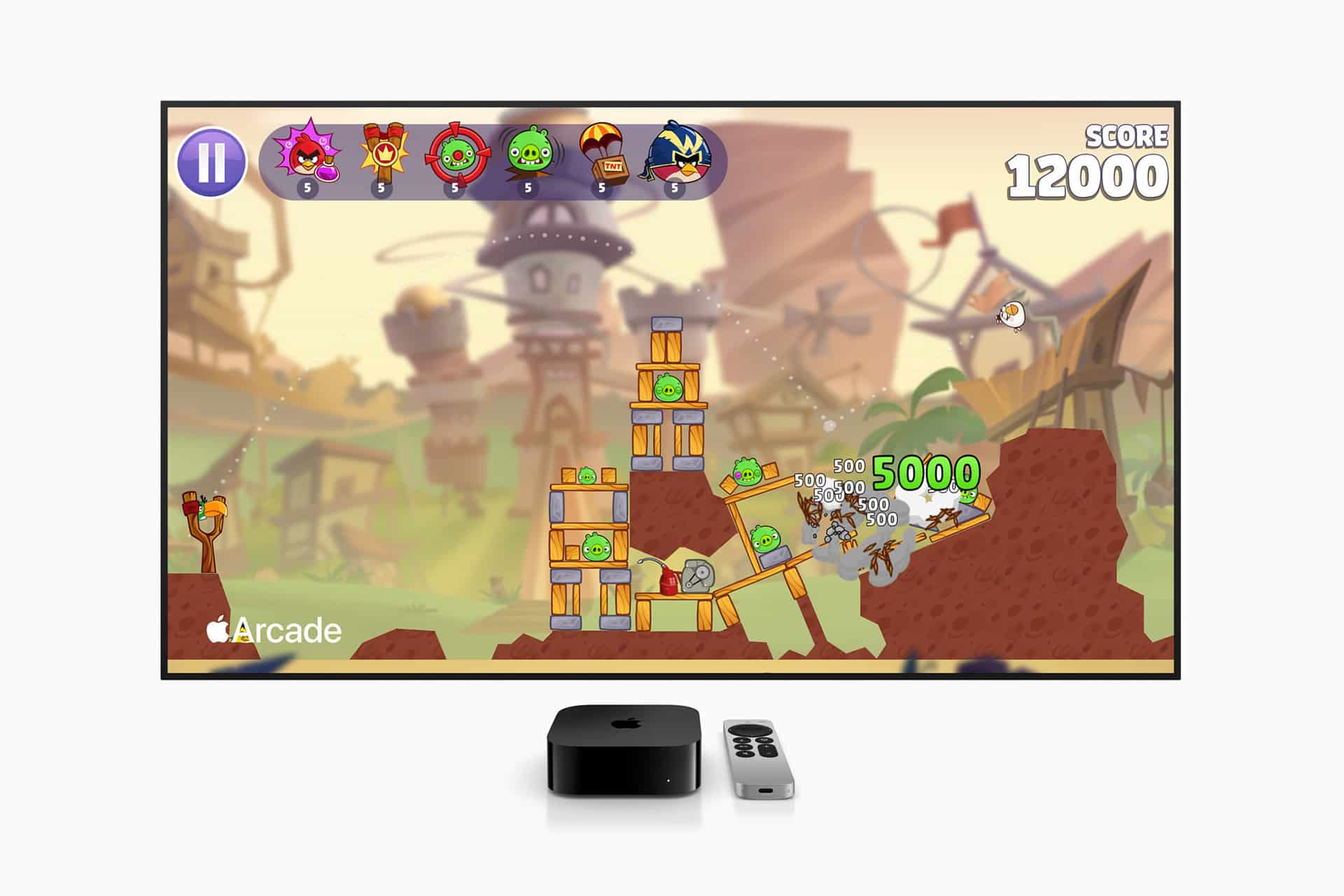
Apple TV streaming is no longer only about passive video. Apple Arcade, multiplayer games, controller support, cloud-based game services, SharePlay, fitness apps, and real-time experiences all place different demands on the network.
Movies care most about sustained throughput. Games care more about latency and consistency. A small delay that would not matter while watching a film can make a game feel less responsive. If the user presses a button and the result feels late, the problem may not be only the controller or the game. It can also be network instability.
Ethernet reduces local latency variability. It does not make a remote server closer. It does not eliminate Bluetooth controller latency. It does not turn Apple TV into a dedicated gaming console. But it does remove one major source of inconsistency, which helps real-time content feel steadier.
The 128GB model also matters for games because Apple Arcade titles and larger apps can take up more space. Storage is not the same as memory. Apple does not list RAM in the official technical specifications, and the 128GB version should not be described as having more system memory. The extra storage is useful for apps, games, screensavers, system data, and cached assets. It gives tvOS more room to manage installed content without forcing users to delete apps as often.
The A15 Bionic chip handles the interface, apps, games, video processing, and general responsiveness. The network connection then decides whether streaming and real-time services can keep up with what the hardware is ready to show.
Wi-Fi Can Still Be Excellent
Apple TV Wi-Fi performance can be very strong when the setup is right. Wi-Fi 6 with 2×2 MIMO is capable of smooth 4K HDR streaming, and many users will not see a visible difference between Wi-Fi and Ethernet during normal movie playback. If the router is nearby, the signal is strong, and the home network is not overcrowded, Wi-Fi is perfectly fine.
Wi-Fi also makes installation easier. Many homes cannot run Ethernet to the TV without visible cables, wall work, adapters, or a network switch. Apartments, rented homes, wall-mounted TVs, and older houses often make wired networking inconvenient. In those cases, improving Wi-Fi placement can matter more than buying a different Apple TV model.
A good Wi-Fi setup starts with router placement. The router or mesh node should not be hidden in a cabinet, blocked by thick walls, placed behind metal furniture, or located far from the living room. If the home uses mesh Wi-Fi, the Apple TV should connect to a strong node. A weak mesh node can simply move the problem from one place to another.
The best wireless version of a living-room setup often uses a mesh node near the TV. If that node is wired back to the router through Ethernet, connecting Apple TV to the node with a cable can still create a more stable final link. That gives users many of the benefits of Ethernet without running a long cable across the home.
When to Choose Ethernet
Apple TV streaming over Ethernet makes the most sense for the main home theater, a large 4K TV, Dolby Vision movie nights, live sports, FaceTime, Apple Arcade, SharePlay, smart-home hubs, or households with many connected devices. It is also the better choice when the router or a wired mesh node is already near the TV.
The Wi-Fi + Ethernet model is also the stronger smart-home choice because it includes Thread. Thread can help compatible smart-home accessories communicate more reliably as part of a modern connected-home setup. For users who use Apple TV as a home hub, that adds value beyond streaming.
The Wi-Fi model is enough for bedrooms, secondary TVs, smaller spaces, casual viewing, and strong wireless environments. It can stream 4K HDR well when the network is clean. Users should not feel forced into Ethernet if the Wi-Fi setup is already stable and the Apple TV is not handling the home’s most demanding entertainment use.
To check the connection:
Settings > Network
To improve video matching:
Settings > Video and Audio > Match Content > Match Dynamic Range
Settings > Video and Audio > Match Content > Match Frame Rate
Those settings help Apple TV play content in the right dynamic range and frame rate when supported. They do not replace a good network, but they help the box deliver a more accurate viewing experience when the stream itself is strong.
What to Expect From Both
Apple TV streaming over Wi-Fi should be smooth when the router is close, the signal is strong, and the household is not overloading the network. Expect clean 4K HDR streaming, fast app loading, and good everyday performance. If picture quality drops during busy hours, live sports stutter, or FaceTime feels unstable, the Wi-Fi path may be the weak point.
Apple TV streaming over Ethernet should feel steadier. Expect fewer local-network interruptions, more consistent 4K quality, better reliability for live content, and stronger performance for FaceTime, SharePlay, Apple Arcade, and other real-time uses. Ethernet will not improve a bad internet provider or fix a streaming service outage, but it removes one of the most common problems inside the home.
The best setup is not always the one with the biggest speed-test number. It is the one that holds quality when the movie is dark, the game is live, the FaceTime call is active, and the rest of the house is online. Wi-Fi can absolutely deliver that in the right conditions. Ethernet simply makes those conditions less fragile.
Apple TV has become a small but demanding living-room computer. It handles premium video, real-time calls, games, smart-home control, spatial audio, app switching, and shared viewing. The more the box becomes central to the home, the more the connection behind it matters. For a secondary room, Wi-Fi may be all most users need. For the main screen, Ethernet is the safer long-term choice.