


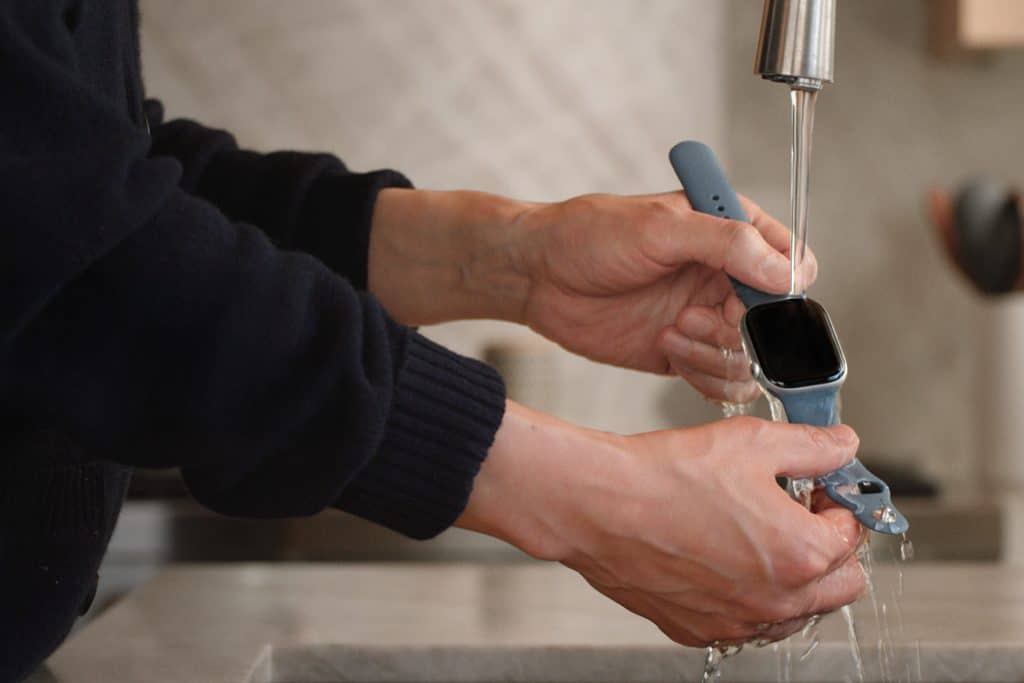
Apple Watch cleaning is one of those small habits that quietly protects one of the most personal devices you own. Your watch touches skin all day, tracks workouts, handles sweat, dust, sunscreen, and everything that comes with daily life. Over time, residue can build up around the digital crown, speaker grills, and heart sensors, which can affect comfort and even accuracy.
A proper cleaning routine keeps the display clear, the sensors responsive, and the bands comfortable. It also extends the life of materials like silicone, fabric, stainless steel, and leather. The process is gentle, quick, and safe when done the right way, and it fits easily into a weekly or post-workout habit.
Before starting, remove the Apple Watch from its charger, power it off, and detach the band. This keeps moisture away from the charging contacts and lets you clean every part without obstruction.
How to Clean the Apple Watch Case
The case contains the display, sensors, and speaker openings, so it needs careful handling. Avoid soap, sprays, abrasives, and compressed air.
Settings > General > Shut Down
Use a soft, lint-free cloth slightly dampened with fresh water. Wipe the front and back of the watch, paying attention to the edges of the glass and the sensor area. If there is dirt around the digital crown, gently rotate it while wiping with the cloth.
For dried sweat or sunscreen, lightly moisten the cloth again and repeat. Finish by drying the watch with a clean, dry microfiber cloth. Let it air-dry completely before putting it back on the charger.


How to Clean Apple Watch Bands
Different bands need different care. Apple designs them to handle daily wear, but each material reacts differently to moisture and cleaning.
Sport Band, Sport Loop, and Ocean Band
These are made from fluoroelastomer or woven nylon. Wash them with warm water and a small amount of mild hand soap. Rub gently with your fingers to remove sweat and oils. Rinse thoroughly and let them air-dry before reattaching.
Trail Loop and Alpine Loop
Use warm water only. Gently squeeze the fabric while rinsing. Do not twist or wring. Let dry flat.
Stainless Steel or Titanium Bands
Wipe with a damp microfiber cloth, then dry. Avoid soaking or using soap, which can dull the finish.
Leather Bands
Never soak leather. Use a dry cloth to wipe the surface. Leather develops a natural patina over time, and moisture can cause damage or discoloration.
Keeping the Sensors Accurate
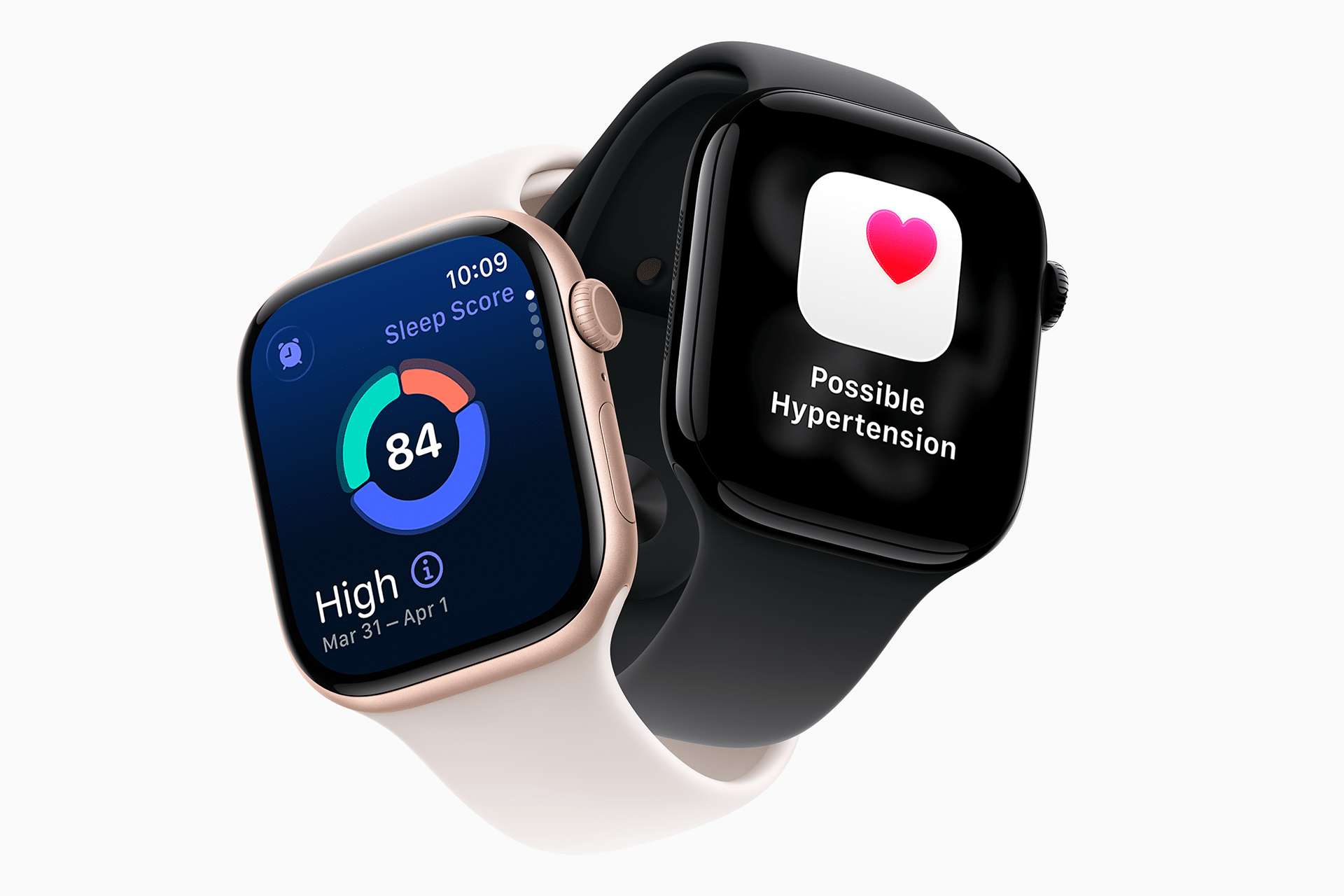
The heart rate sensor and blood oxygen sensor rely on clean glass. A thin film of oil or lotion can interfere with readings. Wiping the back of the watch after workouts or long days helps keep data accurate.
After swimming in saltwater or using sunscreen, rinse the back of the watch with fresh water and dry it thoroughly.
How Often to Clean
Light daily wipe:
After workouts, wipe the back and band with a dry cloth.
Weekly wash:
Clean the band with water and gently wipe the case.
After swimming or heavy sweating:
Rinse the watch case and band with fresh water, then dry.
This routine prevents odor, skin irritation, and long-term buildup that can affect both comfort and performance.
What to Avoid
- Do not use bleach, hydrogen peroxide, disinfectant sprays, or ultrasonic cleaners.
- Do not expose the watch to hair dryers or heat.
- Do not use rough paper towels or tissues on the screen.
Apple designs the Apple Watch with water resistance, but that protection is meant for daily use, not for cleaning with chemicals or pressure.
A clean Apple Watch simply works better. The screen stays clear, the bands feel fresh, and the sensors continue to track health and fitness accurately. It is a small habit that pays off every time you look at your wrist.

