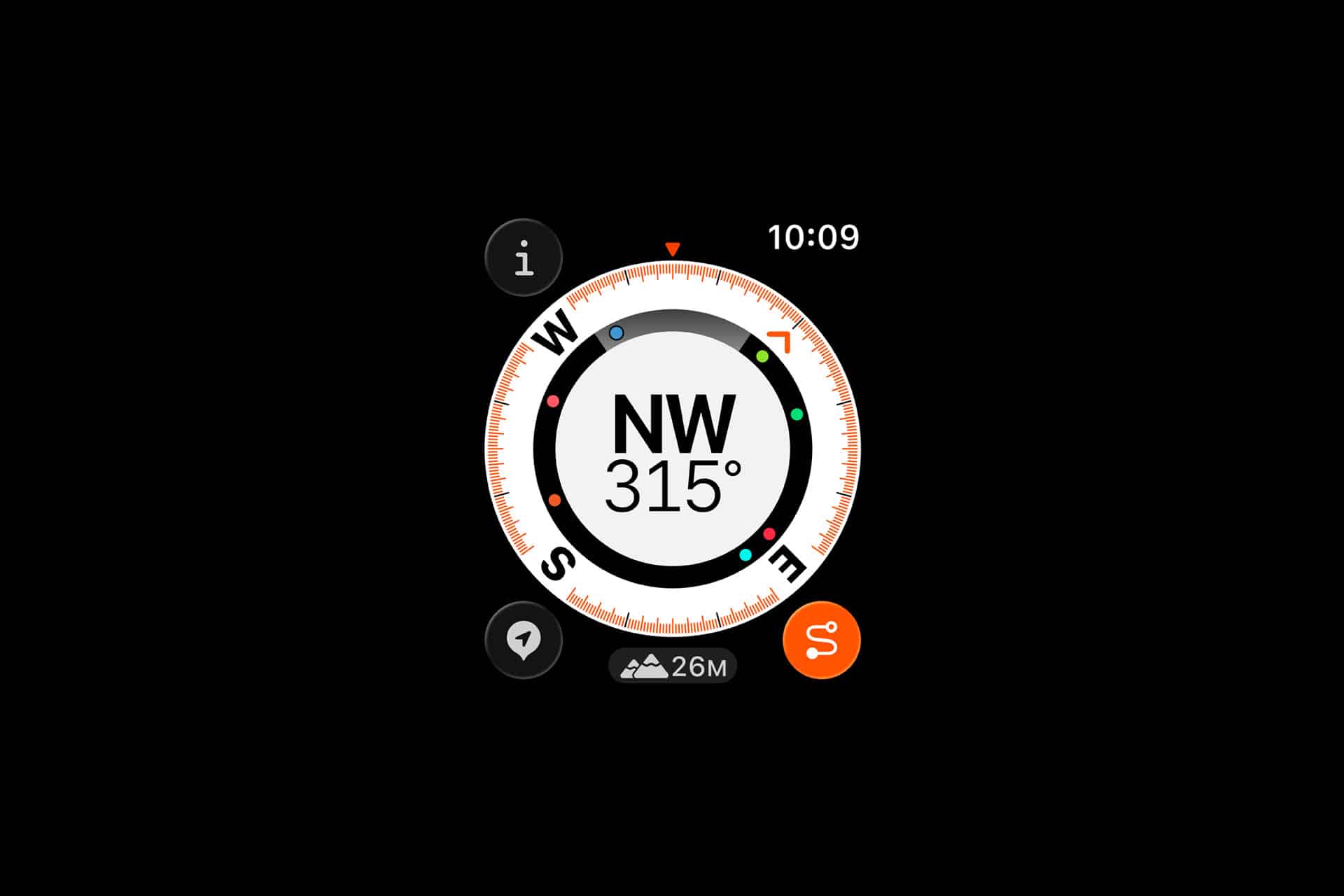
Outdoor navigation has changed dramatically over the past decade. Instead of carrying separate GPS units, maps, and tracking devices, many hikers, cyclists, and travelers now rely on a device already on their wrist.
Apple Watch Compass tools bring advanced navigation features directly into everyday outdoor activities, helping users track routes, mark locations, and safely return to their starting point even without cellular coverage.
Among the most powerful features are Waypoints and Backtrack. Together, they form a simple yet reliable navigation system designed for real-world movement.
Whether walking unfamiliar trails, exploring new cities, or navigating camping areas, these tools provide quick orientation without needing to open a phone repeatedly.

Understanding Waypoints
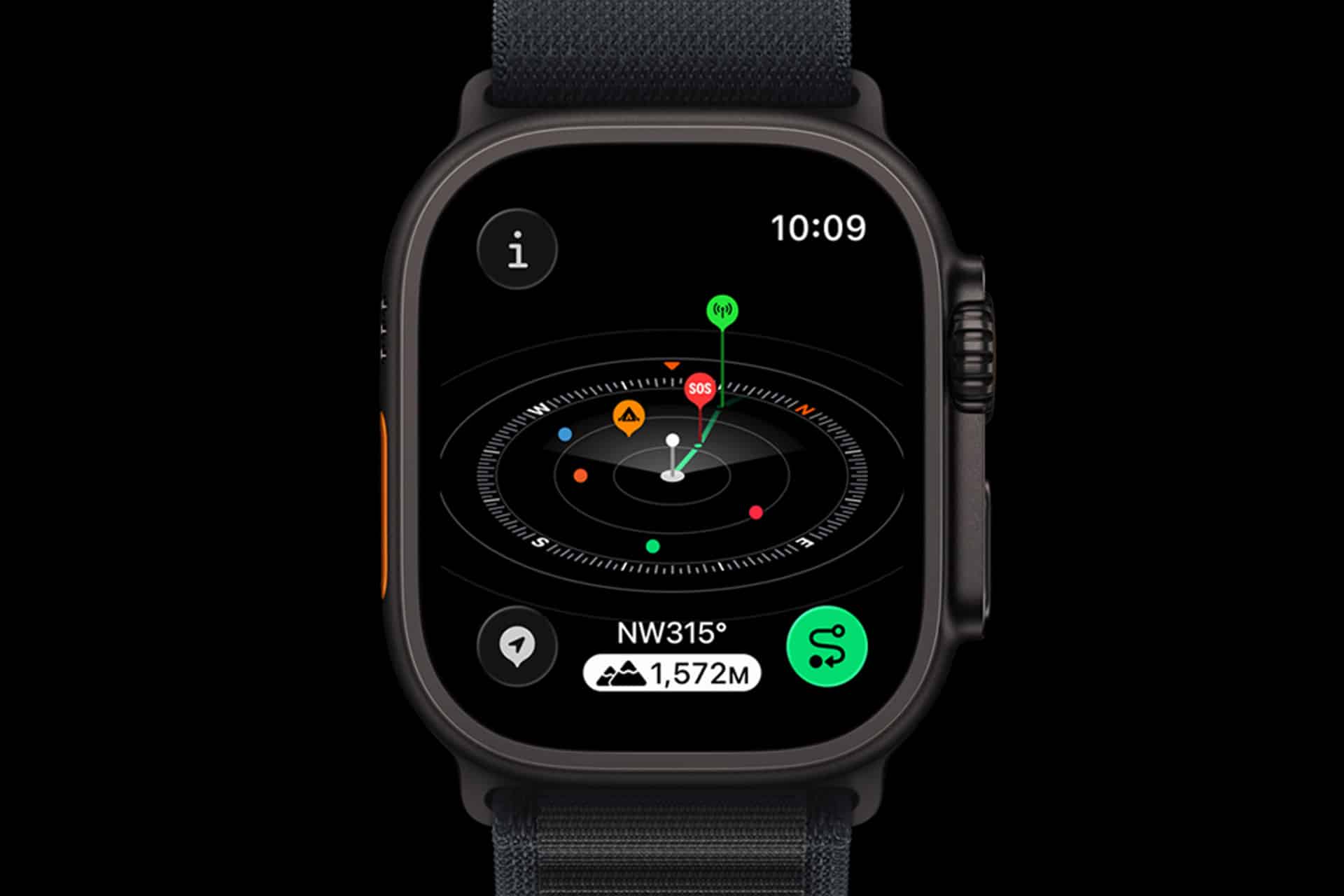
Waypoints allow you to mark specific locations such as your parked car, campsite, trail entry, or meeting point. Once saved, the Compass app shows the direction and distance back to that location, making it easier to navigate unfamiliar areas. Multiple waypoints can be created during a trip, allowing you to track several important stops along your route.
During long hikes or travel days, this becomes especially helpful. A waypoint created at the start of a trail ensures you can quickly orient yourself if paths split or visibility changes. Because the watch uses onboard GPS, the feature works even in remote areas without mobile signal.
How Backtrack Helps You Return Safely
Backtrack automatically records your movement path while the Compass app is active. If you become disoriented, you can activate Backtrack to see a visual path guiding you back to where you started. Instead of guessing which turns you took earlier, the feature retraces your exact route step by step.
This function is particularly valuable during activities such as hiking dense trails, exploring unfamiliar neighborhoods, or navigating outdoor festivals where routes can become confusing. Backtrack reduces the stress of getting lost by providing a direct visual return path.
Setting a Waypoint
Compass app > Waypoint icon > Add Waypoint > Edit location label (optional)
After adding a waypoint, the Compass screen displays an arrow pointing toward the saved location along with the remaining distance. You can rename waypoints for clarity, such as “Trail Start,” “Car,” or “Camp.”
Activating Backtrack
Compass app > Backtrack icon > Start Recording > When needed select Retrace Steps
Once Backtrack is active, the watch quietly records your path. If you need to return, the route appears visually on the Compass interface, guiding you along the recorded track.
Practical Outdoor Uses
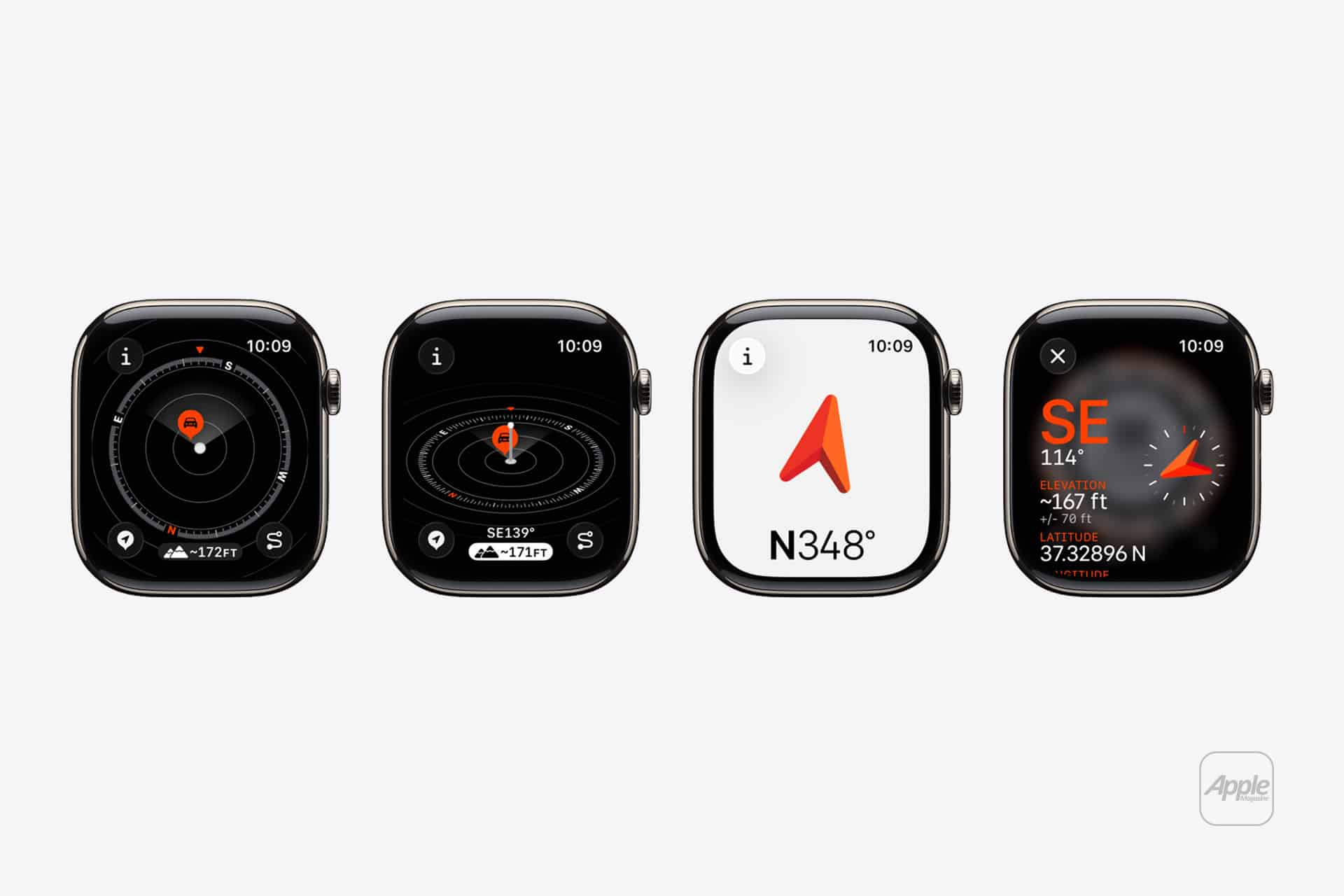
These features are not limited to hiking. Travelers often use waypoints to mark parking areas in unfamiliar cities. Festival attendees mark entrances or meeting locations to avoid confusion in crowded spaces. Cyclists use waypoints to track rest stops or scenic viewpoints along long-distance rides.
Campers mark tents or trailheads, making nighttime navigation significantly easier.
Because Apple Watch integrates these navigation features with fitness tracking and health monitoring, outdoor activities become both safer and more organized. Movement, elevation, heart rate, and route tracking work together without requiring additional equipment.
Combining Compass Tools With Other Apple Watch Features
Compass navigation becomes even more useful when paired with Apple Watch fitness tracking, emergency SOS features, and offline maps on the connected iPhone. While the watch guides direction, the iPhone can store detailed offline map data, creating a complete navigation environment for extended outdoor trips.
Over time, many outdoor enthusiasts discover that simple features like Waypoints and Backtrack become part of their standard travel routine. Instead of relying on memory or screenshots of maps, the wrist-based navigation system offers immediate orientation at any moment, helping keep outdoor exploration both practical and safe.