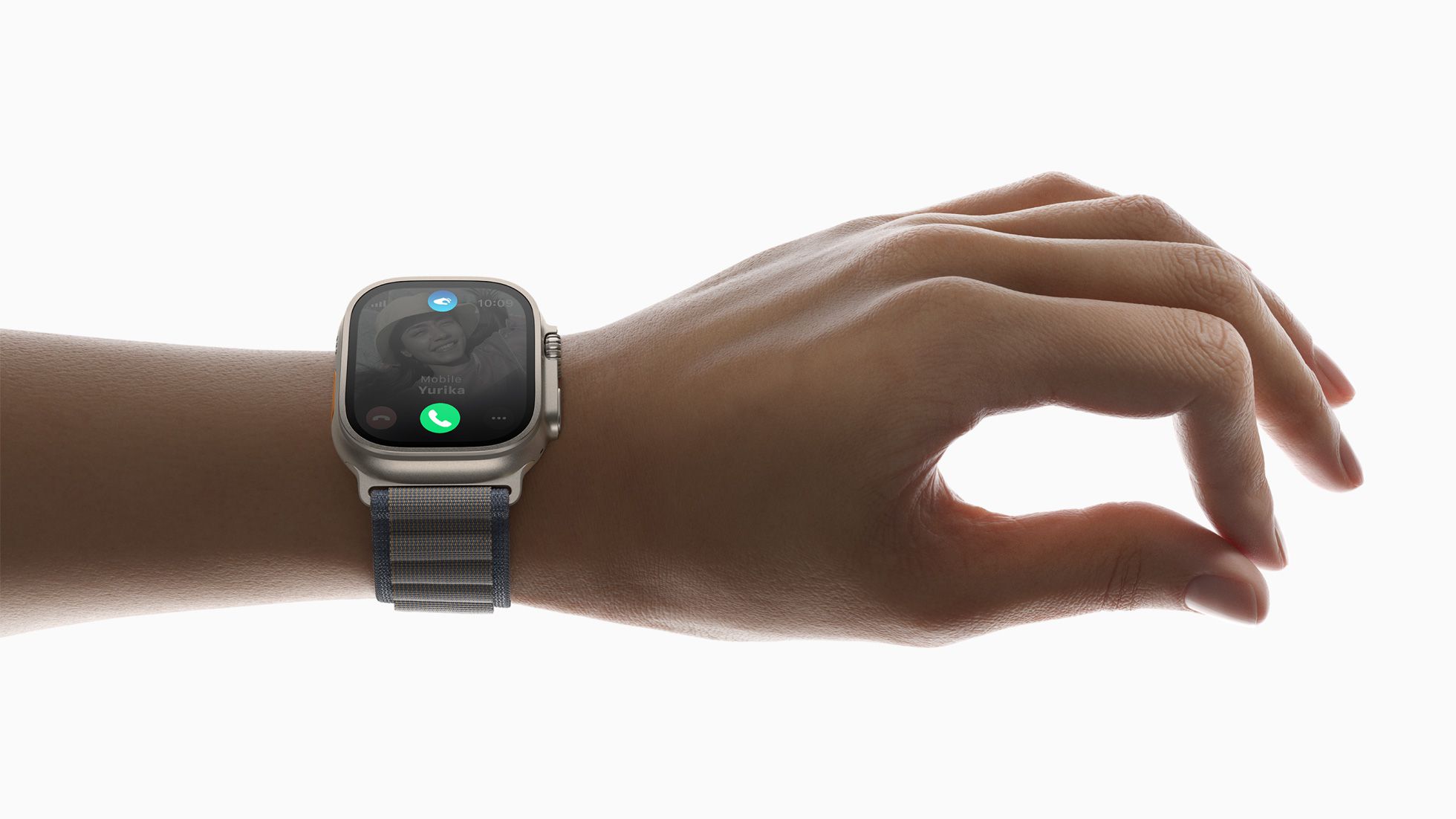
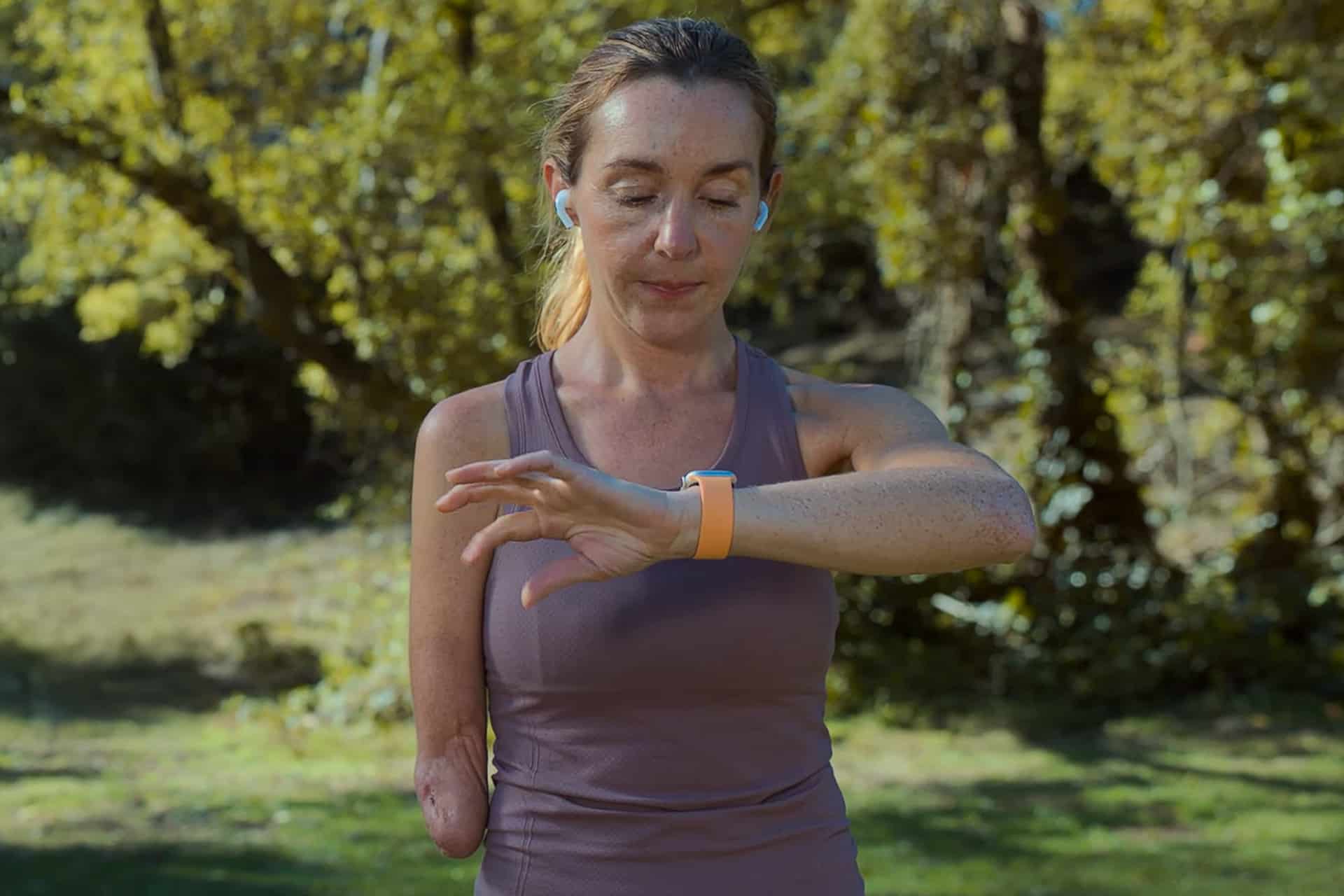
The Apple Watch Double Tap gesture introduced a new way to interact with the watch using only one hand. By tapping the index finger and thumb together twice, users can control key actions without touching the screen. This small movement is detected by advanced sensors that measure subtle wrist motion and blood-flow changes, translating those signals into commands across watchOS.
In daily routines, the gesture quickly becomes second nature. When carrying groceries, walking the dog, commuting, or holding a coffee cup, touching the screen is not always convenient. Double Tap solves this by allowing instant actions such as answering calls, pausing music, or dismissing notifications without shifting grip or freeing the other hand. Over time, the gesture becomes part of everyday muscle memory, reducing the number of screen touches needed throughout the day.
Answer Calls and Manage Conversations
Incoming calls can be answered immediately using Double Tap, which is especially useful when the phone is in a pocket or bag. The gesture answers the call directly from the watch speaker or connected AirPods. During conversations, Double Tap can also mute the microphone or end the call depending on the active on-screen option, making call control faster and simpler.
Message notifications benefit from the same interaction. When a text arrives, Double Tap opens the notification and selects the default quick reply option, allowing users to respond with dictation or preset replies without navigating through menus. In fast-moving situations, sending a short confirmation like “On my way” or “Call you later” takes only seconds.

Timers, Alarms, and Daily Reminders
Kitchen timers, workout intervals, and productivity reminders are among the most practical uses of Double Tap. When a timer finishes, performing the gesture stops or snoozes the alert instantly. This is particularly convenient while cooking, exercising, or working with tools where touching the screen may not be practical.
Alarms behave in the same way. A morning alarm can be snoozed using Double Tap without reaching for the phone or even fully opening the eyes, while meeting reminders can be dismissed discreetly during conversations or presentations.
Control Music, Podcasts, and Media Playback
Audio playback controls are another everyday advantage. Double Tap can play or pause music, skip tracks, or resume podcasts depending on the active playback screen. While walking, commuting, or exercising, the ability to control audio without touching the display keeps interactions minimal and uninterrupted.
When connected to AirPods, this interaction becomes even smoother, allowing both the watch and earbuds to work together as a unified control system. A quick gesture is enough to resume playback after conversations or announcements.

Navigation and Smart Stack Interactions
watchOS uses Double Tap to interact with Smart Stack widgets as well. When a notification or widget appears, performing the gesture opens it automatically, allowing quick access to weather updates, calendar events, or activity progress. Repeating the gesture scrolls through available widgets, making one-handed navigation possible while walking or holding items.
This interaction method is particularly helpful during workouts or outdoor activities, where traditional screen taps can be less comfortable. Runners, cyclists, and hikers often rely on fast glances at their watch, and the gesture keeps interactions short and efficient.
Enable Double Tap Gesture
Settings > Gestures > Double Tap > Enable
Once activated, the feature works automatically across compatible Apple Watch models. Users can customize certain gesture responses through accessibility and gesture settings, allowing adjustments based on personal preferences or usage patterns.
Everyday Productivity Without Screen Interaction
Small interactions throughout the day add up. Answering calls, stopping timers, controlling music, opening notifications, and scrolling widgets normally require multiple taps. Double Tap reduces these steps to a single quick motion, making everyday watch usage more fluid. For people constantly on the move, this interaction style simplifies many small tasks that previously required two hands.
As watchOS continues evolving, gesture-based controls are expected to extend to additional apps and system functions.
The underlying sensor technology already supports precise motion detection, allowing new gesture-driven features to expand naturally over future software updates.