Leaving your iPhone behind changes how you move. A lighter run. A shorter walk. A quick errand without pockets full of devices. But music often keeps people tied to their phone. Apple Watch Music Sync removes that dependency by allowing playlists to live directly on the watch.
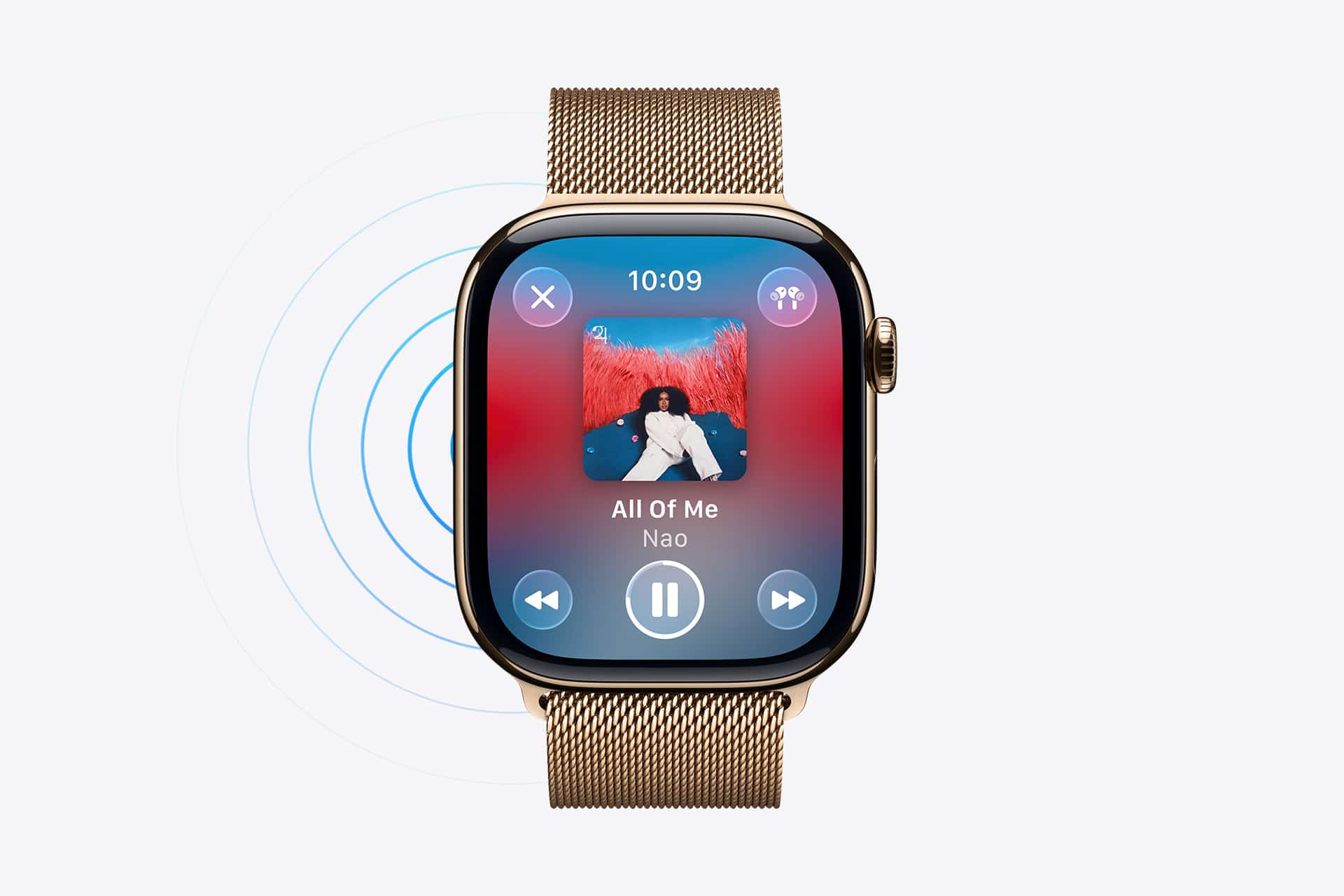
When music is downloaded to Apple Watch, playback does not rely on signal strength or proximity to iPhone. The watch becomes a compact audio source, capable of running independently with just a pair of Bluetooth headphones.
Why Offline Music Makes a Difference
Streaming is convenient, but it depends on connectivity. Even cellular models can encounter weak signal zones in parks, gyms, rural roads, or crowded areas. Buffering interrupts rhythm. Drops in signal disrupt workouts.
Offline playback eliminates that uncertainty. Once music is stored locally, playback is consistent. There is no reliance on LTE, Wi-Fi, or iPhone proximity.
This becomes especially noticeable during runs or outdoor training sessions. Instead of carrying a phone for audio, the watch alone handles the task.


How Music Sync Works in Practice
Music is selected from the iPhone and synced to the watch. The transfer happens when the watch is connected to its charger and within Wi-Fi range. Syncing in the background ensures the device is ready before you leave home.
On iPhone:
Watch App > Music
From there, you choose specific playlists or albums to add. The system handles the rest.
The important detail is selection. Apple Watch storage is limited compared to iPhone. Choosing focused playlists — for workouts, commuting, or travel — keeps the device efficient.
Once downloaded, the playlist appears inside the Music app on the watch under the “Downloaded” section.
Using Headphones Directly With the Watch
Apple Watch connects directly to Bluetooth headphones. AirPods pair instantly if already linked to your Apple ID.
Other Bluetooth headphones pair through:
Apple Watch > Settings > Bluetooth
Once connected, audio routes from the watch without passing through iPhone. That independence is what makes the feature practical. You are not controlling music from another device. The watch is the source.
Streaming vs Offline vs iPhone Control
There are three ways Apple Watch handles music:
- First, when the iPhone is nearby, the watch can function as a remote. It controls playback from the phone. In this case, no music is stored locally on the watch
- Second, cellular-enabled models can stream directly from Apple Music without iPhone present. This requires network coverage and uses data
- Third, offline playback uses downloaded content stored on the watch itself
Offline playback is often the most stable method when signal reliability is uncertain. It avoids buffering and reduces dependency on network conditions.
Storage Management and Practical Limits
Apple Watch storage is shared between apps, music, photos, and system files. Because of this, music selection should be intentional.
Instead of syncing large libraries, many users create a rotating playlist strategy. A workout playlist stays consistent. A “current favorites” playlist updates periodically. Older downloads are removed as new ones are added.
Removing music is simple from the Watch app on iPhone under the Music section. Managing storage proactively prevents slowdowns and ensures space remains available for updates or new apps.
Battery Considerations During Playback
Playing music from Apple Watch uses battery. Continuous Bluetooth streaming and local playback both consume energy. For longer workouts, starting with a sufficient charge is practical.
Offline playback generally consumes less energy than streaming over cellular because it avoids constant data communication.
For extended activities like long-distance running or hiking, combining offline music with a moderate brightness level preserves battery life more effectively.
Differences Between GPS and Cellular Models
GPS-only Apple Watch models require either iPhone proximity or downloaded content for playback. Without either, streaming is not possible.
Cellular models add flexibility by allowing direct streaming from Apple Music, but signal quality still influences stability. In low-coverage areas, offline playback remains the most reliable option even for cellular models.
The hardware capability expands options, but it does not replace the value of downloading music ahead of time.
Using Apple Watch for More Than Music
While music is the primary use case, Apple Watch also supports syncing certain audio content such as podcasts. Similar principles apply: download in advance for uninterrupted listening.
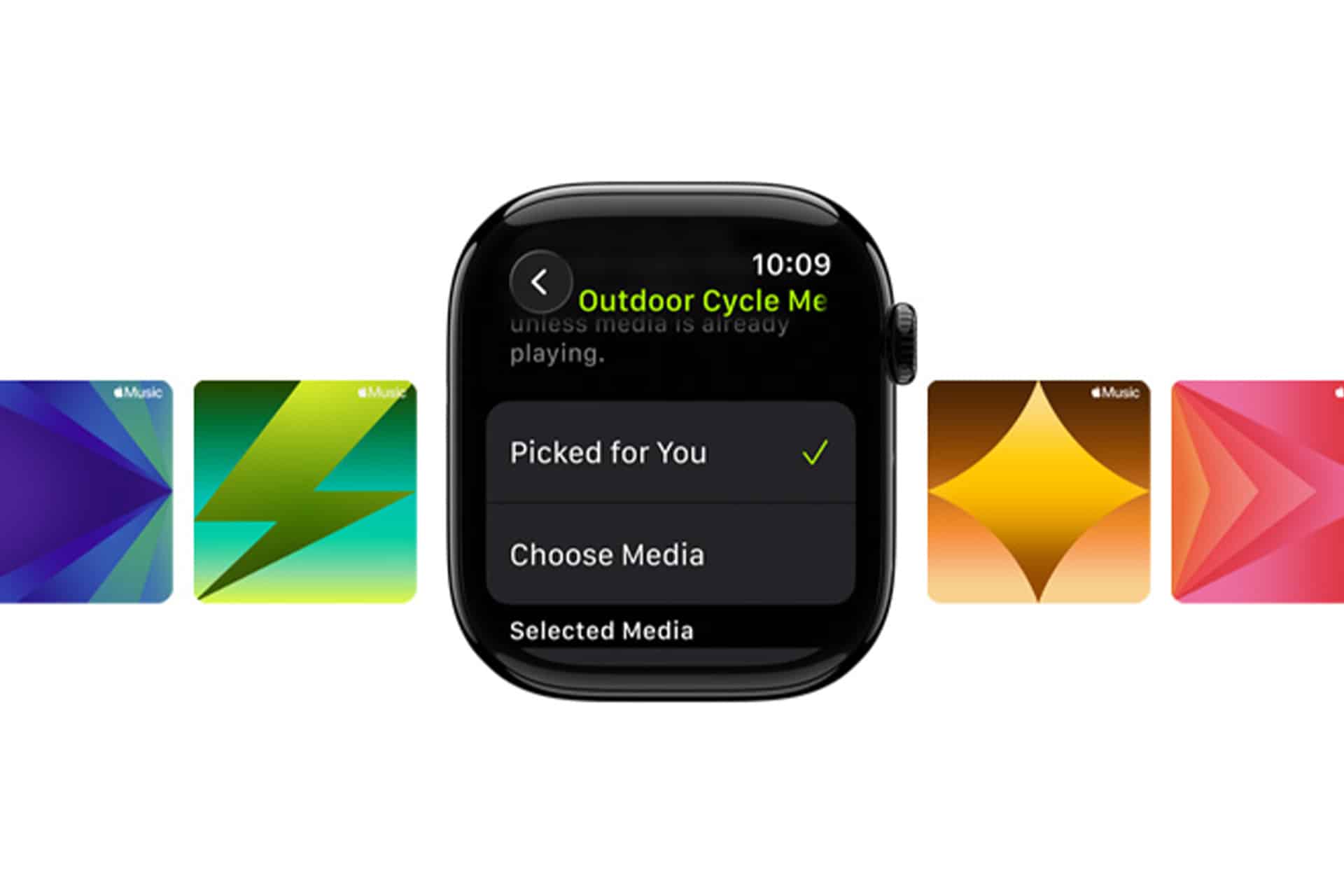
For workouts, pairing downloaded playlists with Workout app sessions creates a self-contained setup. The watch tracks activity and delivers audio simultaneously without requiring the phone.
When It Makes the Most Sense
Apple Watch Music Sync becomes most useful in scenarios where carrying a phone feels unnecessary.
Short runs. Gym sessions. Outdoor walks. Travel days when you want minimal devices in hand. Even at home, stepping away from your phone while keeping music accessible feels simpler.
It does not replace the iPhone as a primary music library. It complements it.
By selecting specific playlists and syncing them ahead of time, the watch transforms into a lightweight audio device. Headphones connect directly. Playback remains stable. No buffering. No signal dependency.
Apple Watch Music Sync does not change how music sounds. It changes where it comes from — and sometimes that difference is enough to leave one device behind.