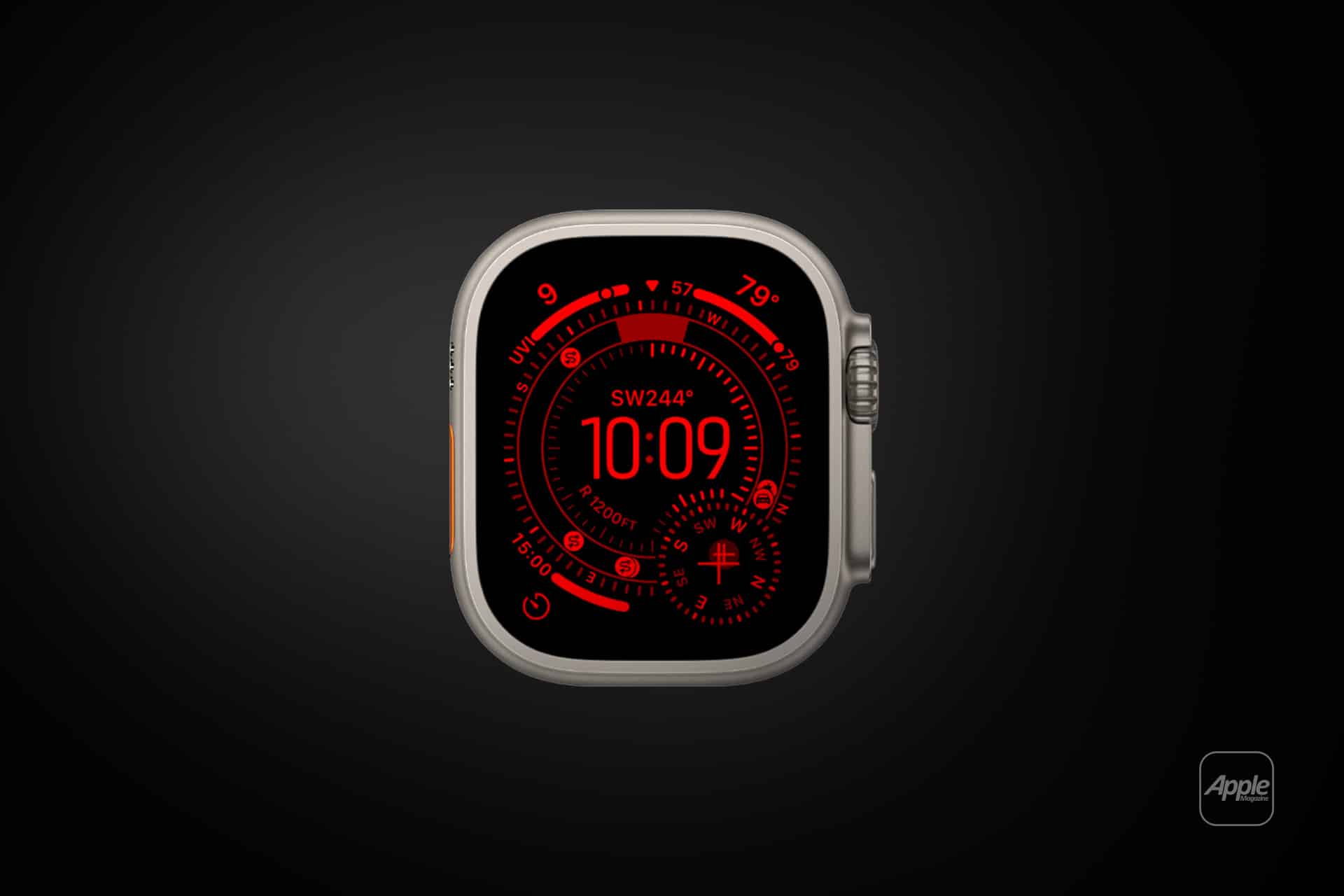
Apple Watch Night Mode enhances usability in dim environments by adjusting display brightness and color intensity to reduce glare and improve readability. Whether checking the time during the night, monitoring sleep data, or navigating a dark environment, the feature ensures the screen remains visible without disturbing surrounding conditions. Apple Watch Night Mode has become especially useful for travelers, bedside use, and outdoor enthusiasts who require discreet illumination while preserving night vision.
Modern Apple Watch models incorporate refined display technologies, including always-on Retina screens capable of intelligently adjusting brightness based on ambient lighting. These displays automatically dim in darker environments, but enabling specific nighttime settings ensures optimal comfort and visibility. Night Mode is commonly associated with the bedside experience in Nightstand Mode, where the interface shifts to a simplified layout designed for quick reference in low-light conditions.
How Apple Watch Night Mode Improves Nighttime Usability
Apple Watch Night Mode functions by reducing luminance and emphasizing clarity, allowing users to interact with their device without harsh brightness. The feature becomes particularly valuable when the watch is used as a bedside clock, a travel companion, or during late-night activities where minimal light is preferred. In supported configurations, the display presents high-contrast elements and, in certain modes, adopts warmer or red-toned hues to preserve night vision and reduce eye strain.
The combination of Night Mode with Sleep Focus and Theater Mode further refines the nighttime experience. Sleep Focus minimizes interruptions by silencing notifications and dimming the display, while Theater Mode prevents the screen from activating with wrist movement, ensuring a distraction-free environment. Together, these features provide a seamless and customizable nighttime interface tailored to individual preferences.
Apple’s approach to display calibration and ambient light detection ensures that Night Mode operates intelligently without sacrificing legibility. Whether indoors under soft lighting or outdoors in complete darkness, Apple Watch Night Mode maintains an optimal balance between visibility and comfort.

How to Enable Night Mode on Apple Watch
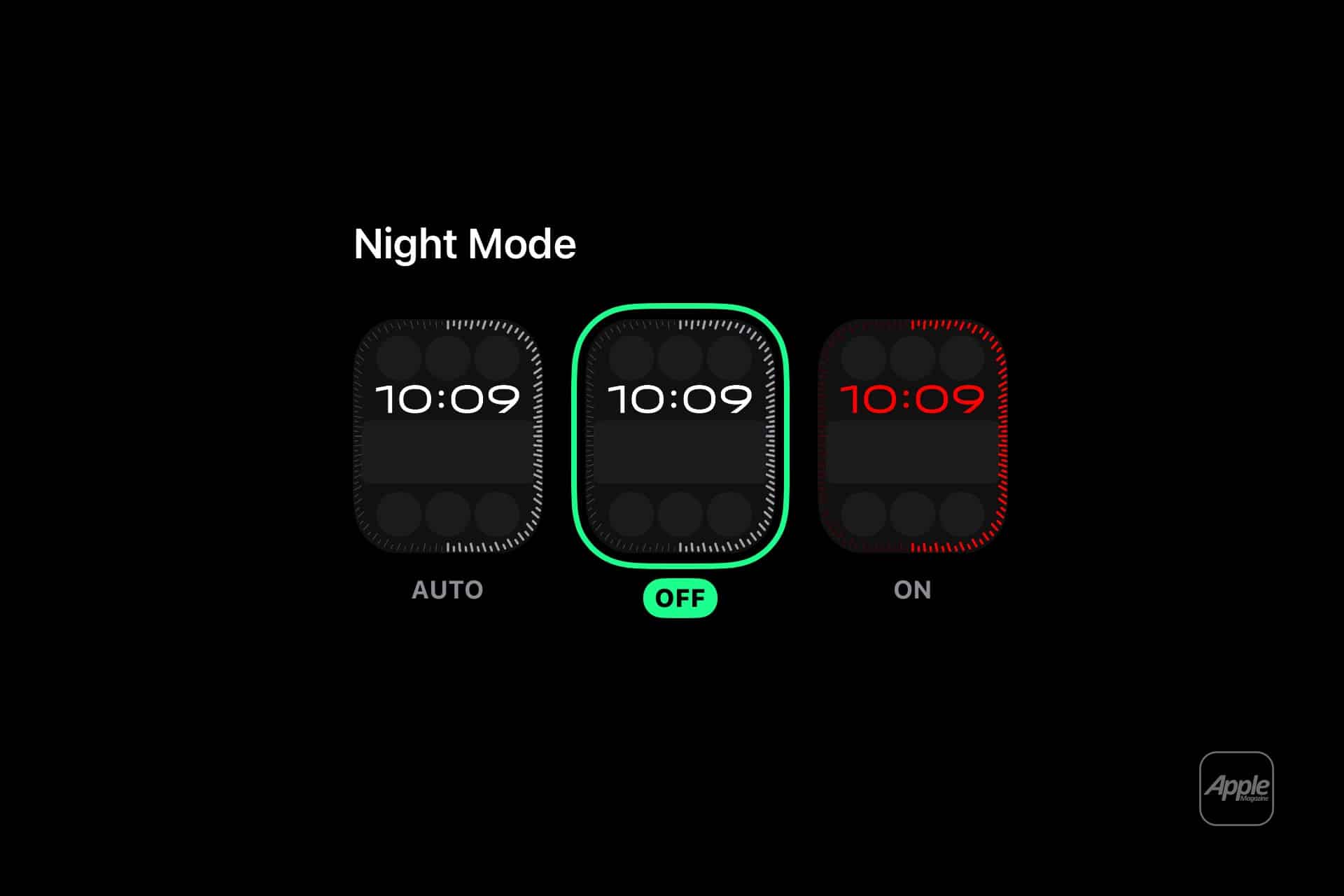
Apple Watch Night Mode can be activated through a combination of built-in settings designed for low-light environments and bedside use. These configurations allow users to tailor the display experience according to their routines and preferences.
Settings > General > Nightstand Mode > Turn On
Enabling Nightstand Mode transforms the Apple Watch into a bedside clock when connected to a charger and placed on its side. The display shows the time, date, and alarm information in a dim, high-contrast format suitable for nighttime viewing.
Control Center > Theater Mode > Turn On
Theater Mode prevents the screen from illuminating automatically with wrist movement, ensuring that the watch remains discreet in dark environments such as theaters, bedrooms, or nighttime travel settings.
Settings > Focus > Sleep > Schedule or Turn On
Activating Sleep Focus reduces distractions and dims the display while prioritizing rest and sleep tracking. Notifications are minimized, and the watch interface adapts to nighttime use.
Control Center > Brightness > Adjust Slider
Users can manually reduce brightness for additional comfort in low-light conditions, complementing automatic ambient light adjustments built into Apple Watch displays.
Night Mode in Watch Faces and Bedside Viewing
Certain watch faces and display configurations enhance the Night Mode experience, particularly when the device is used as a bedside clock or during nighttime activities. In Nightstand Mode, the Apple Watch presents a simplified digital interface that glows softly and activates only when tapped or moved, ensuring minimal disruption in dark environments.
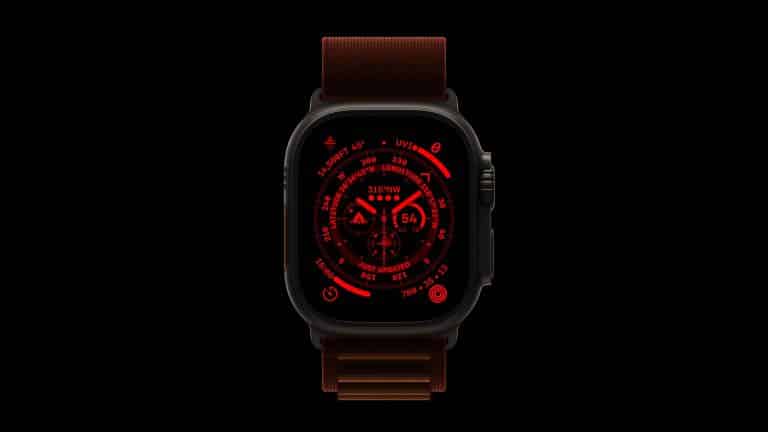
For outdoor use or low-light navigation, the Wayfinder watch face on Apple Watch Ultra features a dedicated Night Mode that shifts the interface to a red color scheme. This preserves night vision and improves readability in extreme conditions, such as hiking, diving, or stargazing. The adaptive nature of Apple Watch Night Mode demonstrates Apple’s focus on contextual usability across different environments and user needs.
As Apple continues refining display technology and software integration across watchOS updates, Apple Watch Night Mode remains an essential feature for enhancing comfort, visibility, and accessibility in low-light environments. Its seamless integration with Sleep Focus, Theater Mode, and Nightstand Mode ensures that users can interact with their device naturally at any hour without compromising convenience or clarity.