


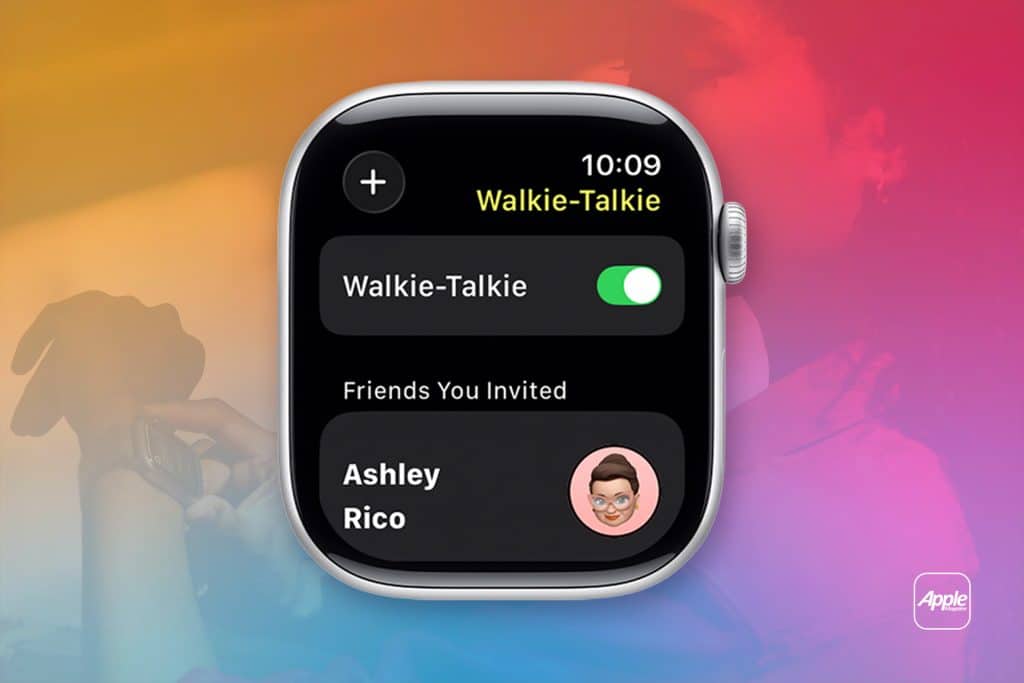
The Walkie-Talkie feature on Apple Watch is one of those ideas that feels instantly familiar, even if you’ve never used it before. Inspired by classic two-way radios and popularized by decades of sci-fi movies and TV shows, it turns the Apple Watch into a simple, real-time voice communication tool. With a single tap, your voice is transmitted directly to someone else’s wrist, creating a sense of presence that feels more immediate than a text and less intrusive than a phone call.
In daily life, Walkie-Talkie fits naturally into moments where pulling out a phone would feel excessive. Checking if someone is home, coordinating across rooms, keeping in touch with kids during playtime, or sending a quick message without typing all become easier. The feature is lightweight by design, focused on immediacy rather than formality, and that simplicity is exactly what makes it useful.
Beyond convenience, Walkie-Talkie can also become a safe communication layer for families. Parents can stay connected with children who use Apple Watch through Family Setup, and everyone involved can control when they’re available. The result is a playful but practical tool that blends fun with peace of mind.
What Walkie-Talkie Does on Apple Watch
Walkie-Talkie allows short voice messages to be sent and received instantly between Apple Watch users. Unlike traditional voice calls, there’s no ringing and no expectation of a conversation. Messages play automatically when received, making communication feel more like a tap on the shoulder than a formal call.
This immediacy works especially well in shared environments. At home, Walkie-Talkie becomes a fast way to communicate across rooms or floors. Outdoors, it helps groups stay connected without constantly checking phones. For kids, it adds an element of play that makes communication enjoyable while remaining controlled and secure.
Availability is always visible. When Walkie-Talkie is turned on, contacts know you can receive messages. When it’s off, nothing comes through. This clear state avoids surprises and makes it easy to step away when you need quiet time. The feature also integrates with Focus modes, ensuring it respects your broader notification preferences.

How to Set Up Walkie-Talkie on Apple Watch
Getting started with Walkie-Talkie takes only a few moments, and the setup process is intentionally simple.
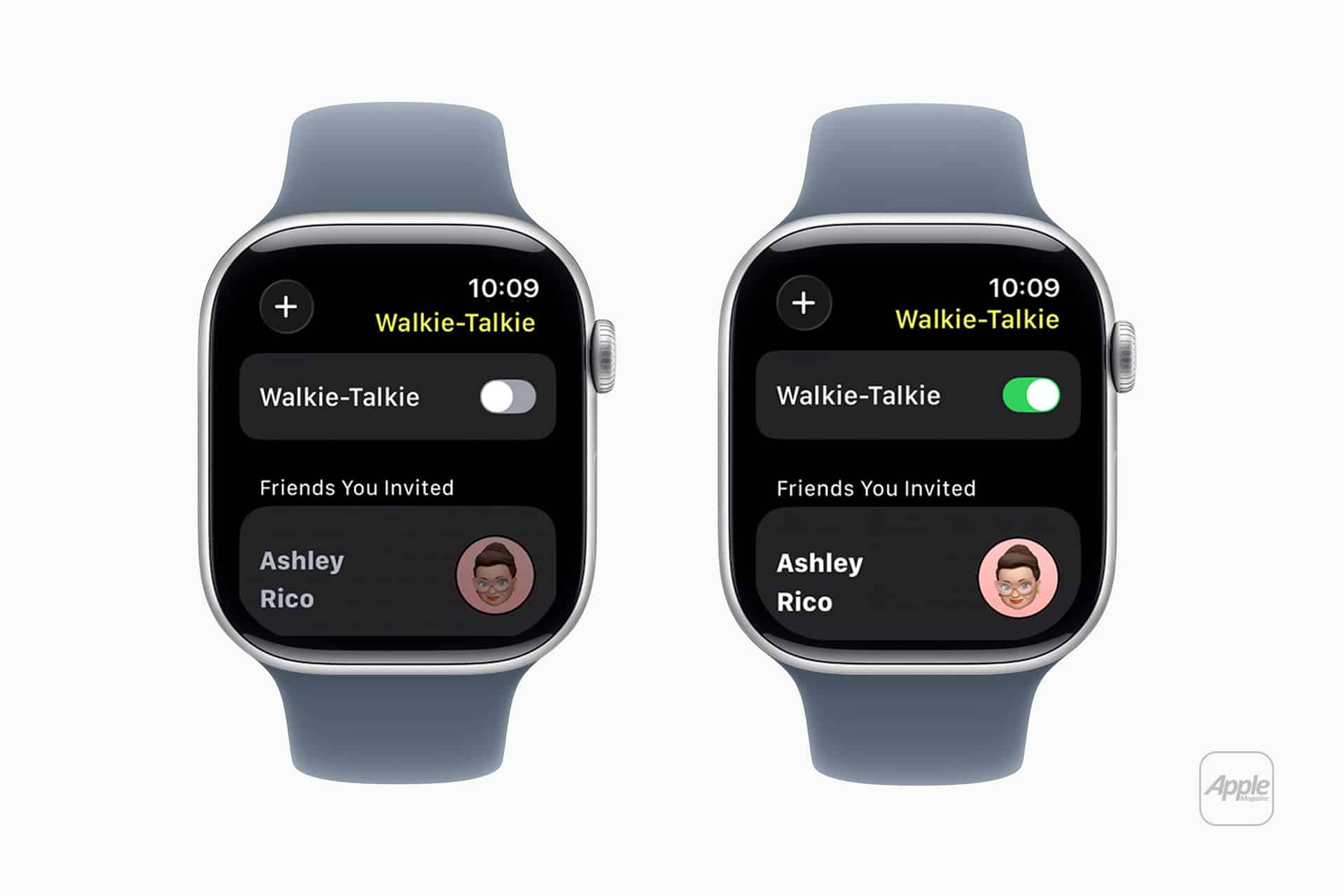
On Apple Watch, open the Walkie-Talkie app
Tap Add Friends > Select a contact that uses Apple Watch > Wait for the invitation to be accepted
Once accepted, that contact appears in your Walkie-Talkie list. To talk, tap and hold the talk button, speak, and release. The message plays instantly on the other person’s watch.
To control availability, open the Walkie-Talkie app and toggle availability on or off. You can also manage this from Control Center by tapping the Walkie-Talkie icon. When availability is off, incoming messages are blocked until you choose to turn it back on.
For children using Apple Watch through Family Setup, Walkie-Talkie works with approved contacts only. This ensures communication stays within trusted boundaries, making it suitable for younger users.
Using Walkie-Talkie Safely and Creatively
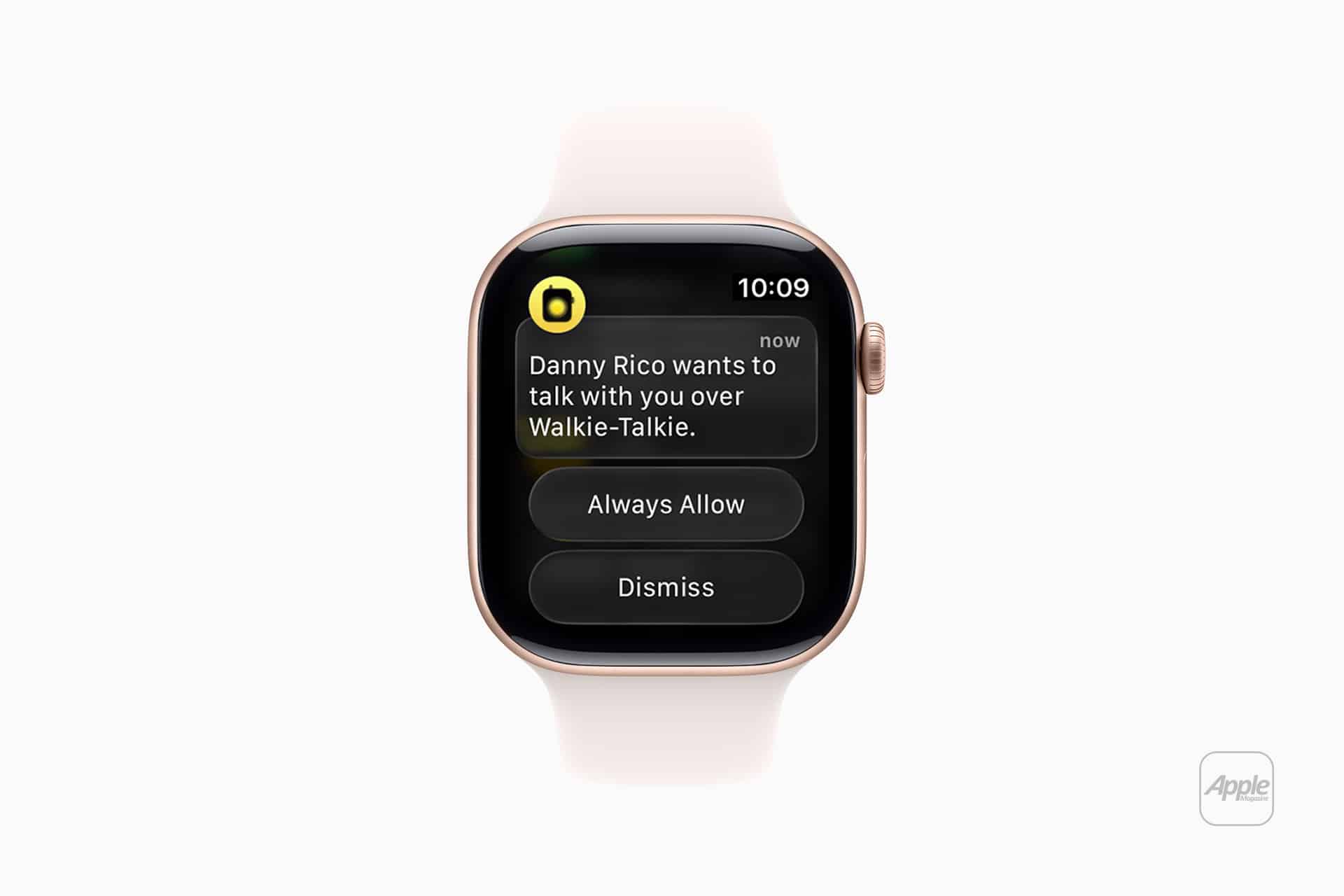
Safety is built into Walkie-Talkie through visibility and consent. Messages only come from people you’ve approved, and availability can be turned off at any time. For families, this creates a controlled environment where quick communication doesn’t turn into constant interruption.
Creatively, Walkie-Talkie shines when it becomes part of daily routines. Parents can check in without hovering. Kids can feel independent while staying connected. Couples can communicate casually without interrupting what they’re doing. Even playful moments, like pretending you’re part of a sci-fi crew, add joy to ordinary interactions.
It’s also a helpful tool for accessibility. For users who find typing difficult or prefer voice interaction, Walkie-Talkie offers a frictionless alternative. Short, spoken messages can replace multiple taps or long texts, reducing effort while maintaining clarity.
As watchOS continues to evolve, Walkie-Talkie remains a reminder that not every useful feature needs to be complex. Sometimes, the most effective technology is the one that disappears into everyday life, offering just enough connection at the right moment.

