

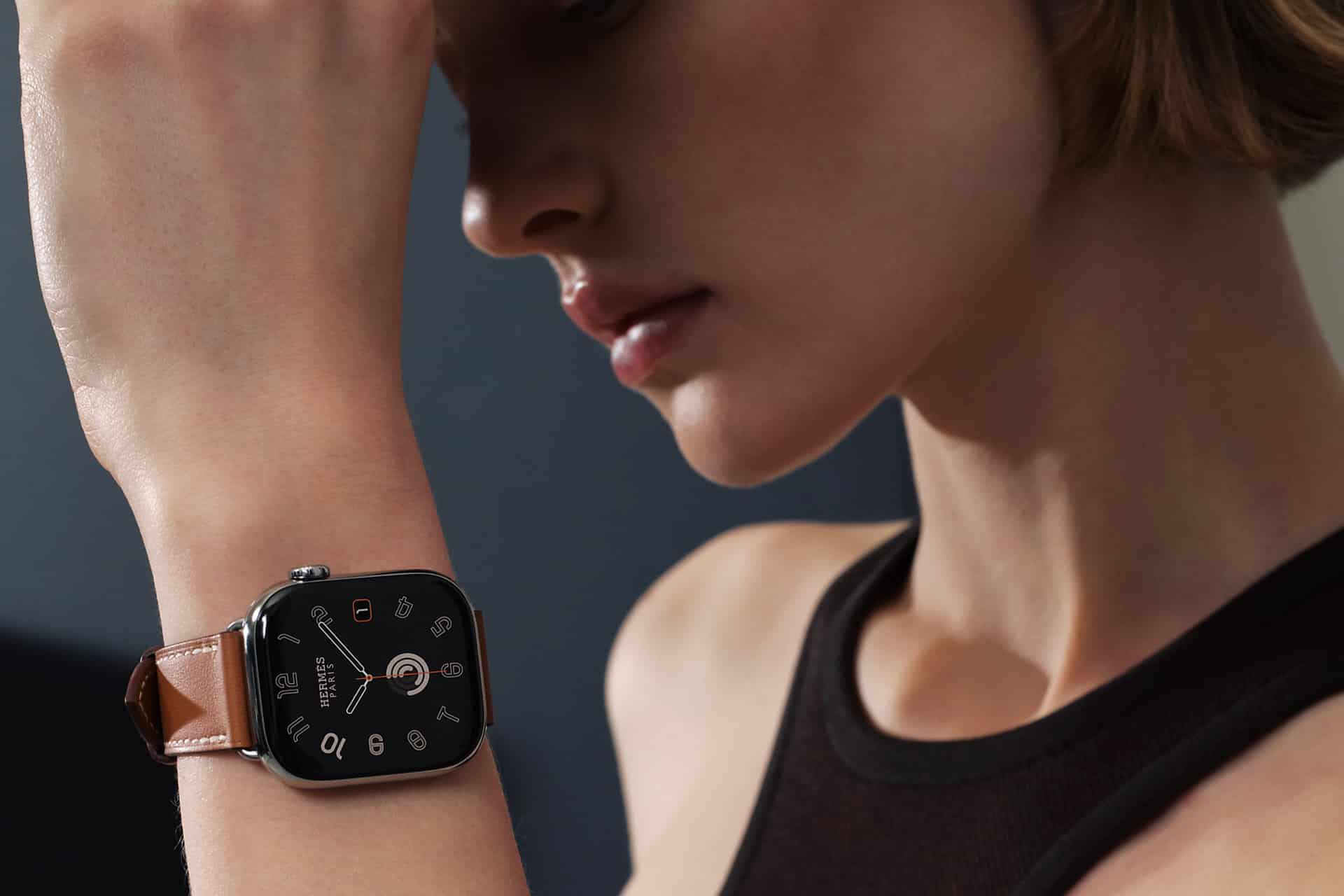
If you have ever noticed your Apple Watch getting more accurate the longer you use it, that is not luck. Watch Workout Calibration happens quietly in the background every time you complete certain outdoor workouts. The device studies your pace, arm swing, stride pattern, elevation changes, and heart rate to refine how it measures distance and effort. Over time, this makes your runs and walks feel more aligned with reality.
The first days with a new watch can show small inconsistencies. Distance might feel slightly off. Pace may fluctuate. That is normal. The Apple Watch builds a motion profile unique to you. It learns how your body moves. And once that profile stabilizes, metrics like stride length and VO2 max become far more reliable.
How Watch Workout Calibration Works
Watch Workout Calibration improves accuracy by combining motion sensors and GPS data. During outdoor runs and walks, the accelerometer tracks arm movement while GPS confirms actual distance traveled. The system compares the two. If your arm swing says one thing and GPS says another, the watch adjusts its internal model.
This is especially important for treadmill sessions. Indoors, GPS is unavailable. The Apple Watch relies on the motion profile it built outdoors. The better your outdoor calibration, the more accurate your indoor pace and distance will be.
VO2 max estimation, shown in the Health app as Cardio Fitness, also depends on this calibration. The watch uses heart rate response, pace, and elevation changes to estimate how efficiently your body uses oxygen during sustained outdoor workouts. Over time, these estimates become more stable as the system gathers more data.
To improve calibration:
Workout app > Outdoor Walk or Outdoor Run > Start
Apple recommends completing at least 20 minutes of outdoor walking or running on relatively flat ground. Repeating this a few times strengthens the model.


Resetting Calibration Data
Sometimes metrics drift. Maybe you changed your running form, lost or gained weight, or noticed distance discrepancies. In that case, you can reset the calibration data and let the watch rebuild your profile.
On iPhone:
Settings > Privacy & Security > Location Services > System Services > Motion Calibration & Distance > Turn On
Then:
Watch app > Privacy > Reset Fitness Calibration Data
After resetting, complete a few 20-minute outdoor workouts again. The watch will relearn your stride pattern.
Understanding VO2 Max and Cardio Fitness
VO2 max on Apple Watch appears in the Health app under Cardio Fitness. It updates after qualifying outdoor workouts. The device calculates it using heart rate variability, pace consistency, and terrain adjustments.
Health app > Browse > Heart > Cardio Fitness
It is important to note that this is an estimate, not a lab-grade measurement. Clinical VO2 max testing requires specialized equipment. Apple’s method provides trend data. That trend matters more than a single number.
If your Cardio Fitness reading suddenly drops, check for factors like:
- Wrist fit (band too loose affects heart rate)
- Cold weather (reduces sensor accuracy)
- Short workouts (insufficient sustained effort)
Outdoor workouts of steady intensity give the best data.

Improving Accuracy in Daily Use
Small habits make a difference:
- Wear the watch snugly above the wrist bone.
- Keep software updated.
- Enable precise location.
Settings > Privacy & Security > Location Services > Workout > While Using the App
GPS consistency plays a key role in calibration. Running in areas with clear sky visibility improves distance tracking.
Also remember that stride changes with speed. Sprint intervals may temporarily confuse estimates if most of your calibration data comes from slower walks. Mixing workout intensities helps the watch understand your full movement range.
Why Calibration Matters Long Term
Watch Workout Calibration is not a one-time event. It evolves. If your fitness level improves, stride length often increases. If you switch from walking to running regularly, the system adapts. That continuous learning makes the Apple Watch feel more personal over time.
For runners training for races, consistent calibration ensures pace alerts are trustworthy. For walkers tracking daily activity, distance becomes dependable. For anyone monitoring Cardio Fitness trends, the data grows more meaningful month after month.
The Apple Watch is not just counting steps. It is building a detailed movement model unique to you. And the more you move outdoors, the smarter it gets.

