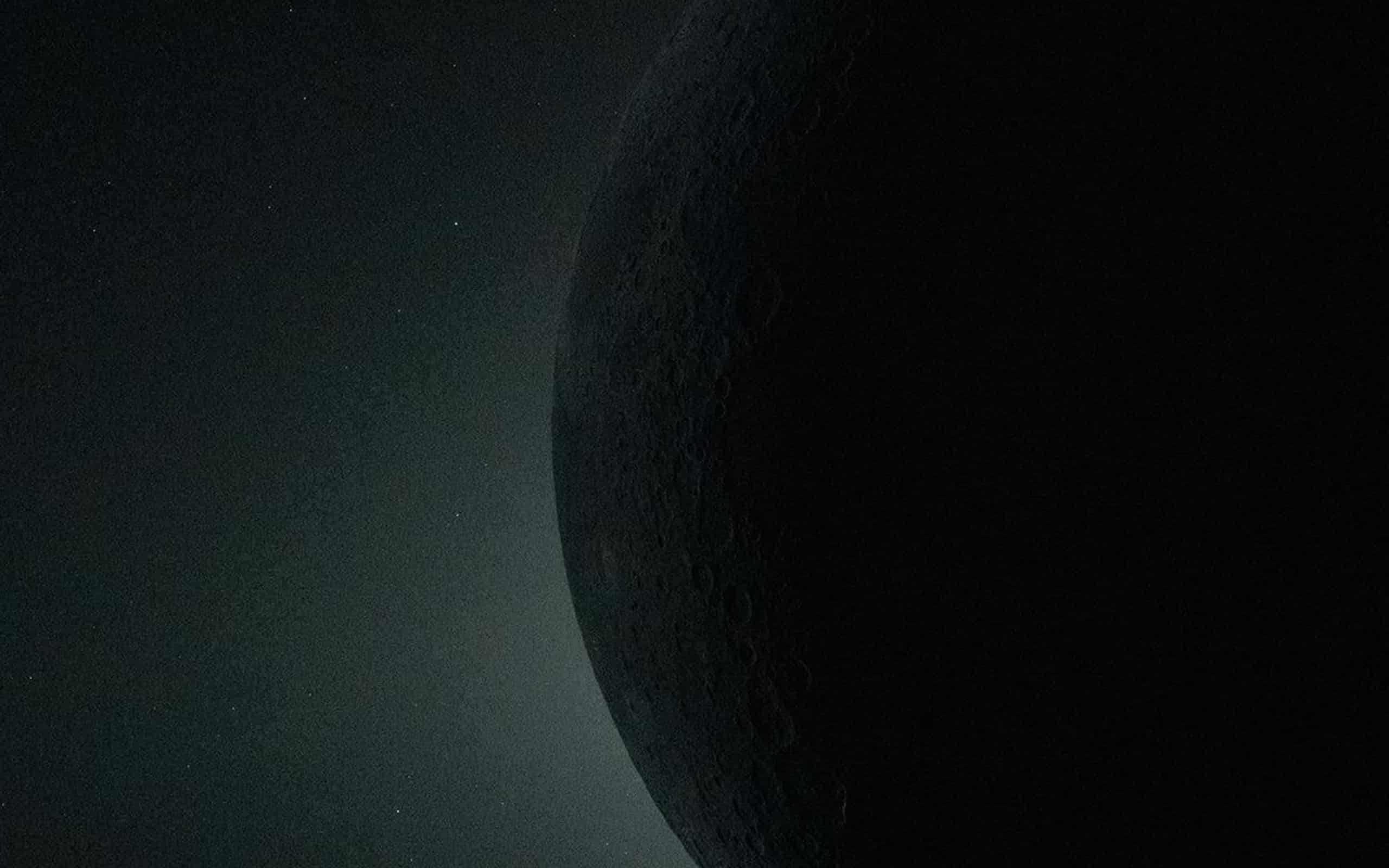
The Artemis II mission delivered images that immediately felt historic.
As the spacecraft traced its path around the Moon, cameras captured moments that rarely align in a single journey — Earth rising over the lunar horizon, the Moon’s surface illuminated from angles not seen since Apollo, and a solar eclipse framed against deep space.
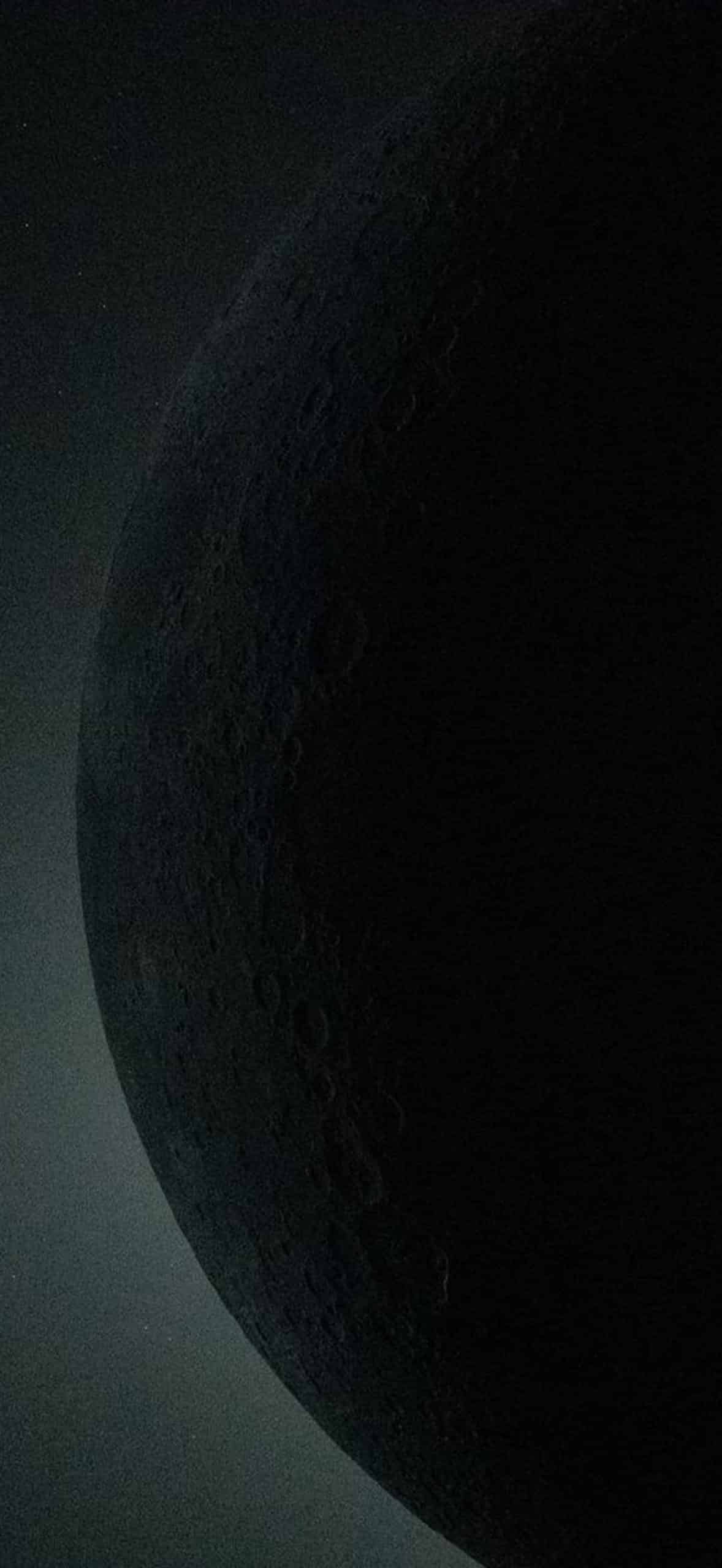
To celebrate the mission, a collection of Artemis II wallpapers has been prepared for iPhone, iPad, and Mac using official NASA imagery.
These images do not rely on filters or artificial enhancement. They reflect raw perspective — distance, scale, and contrast shaped by the geometry of space.
Artemis II Wallpapers: The Moon Up Close From a New Orbit
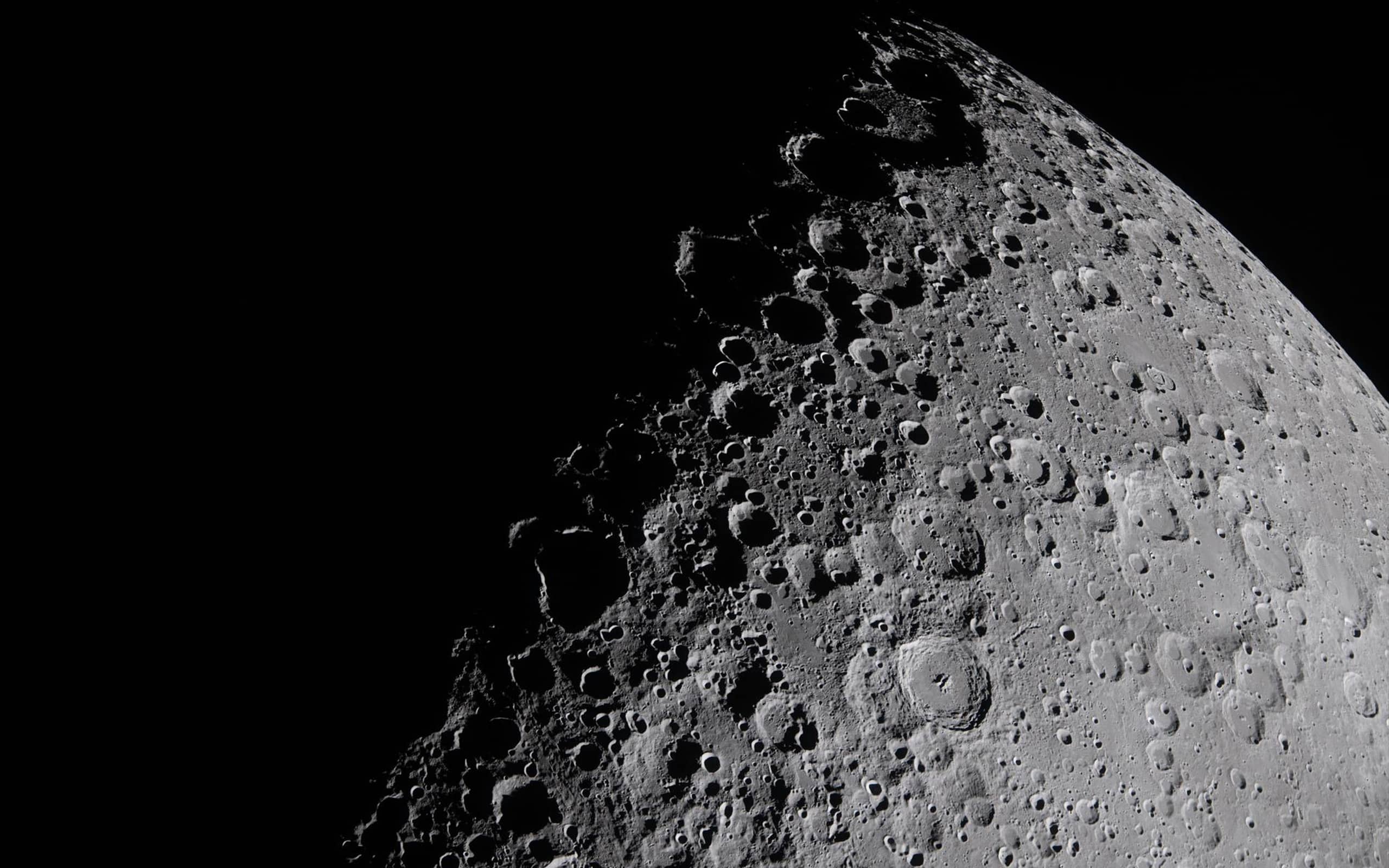
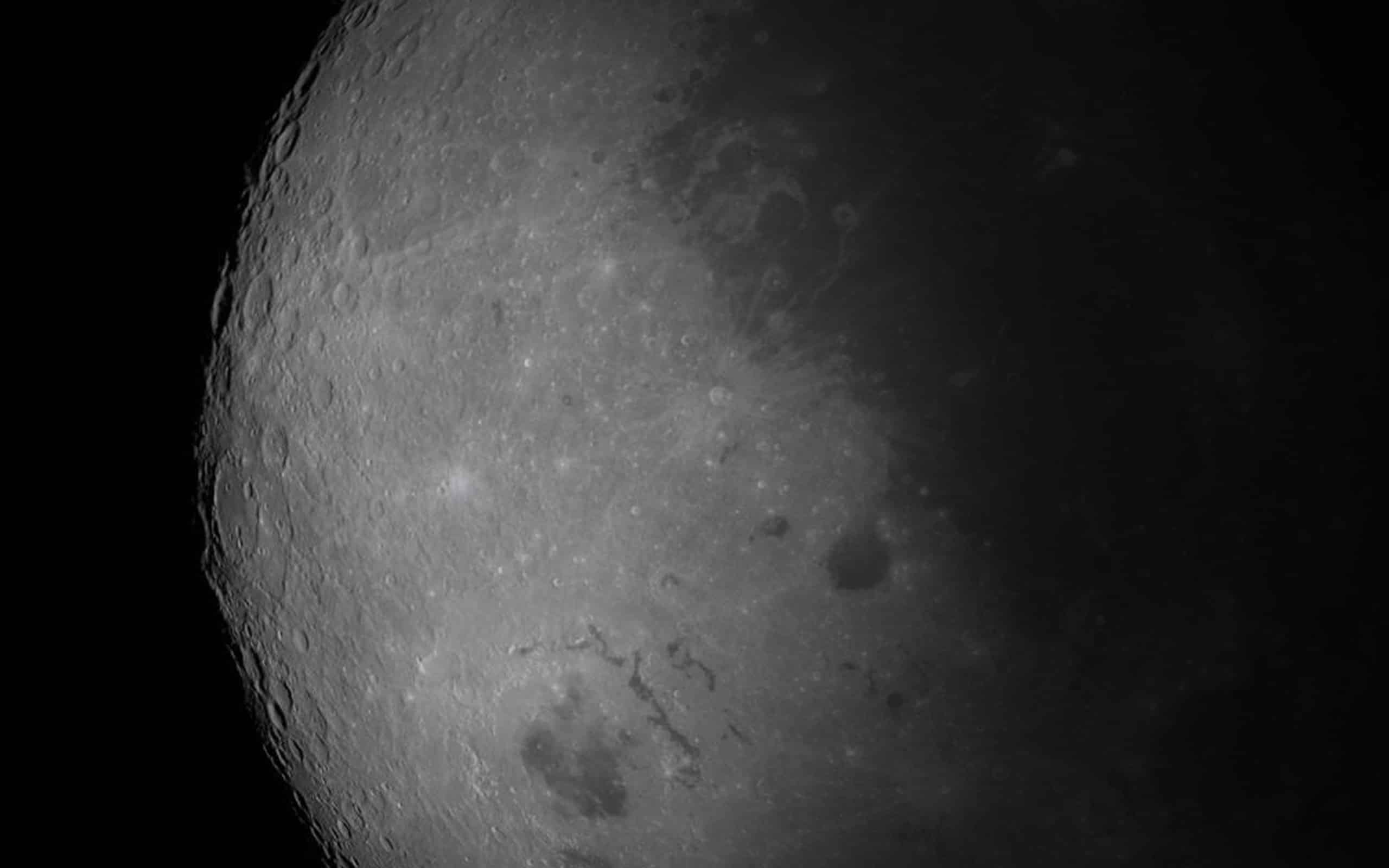
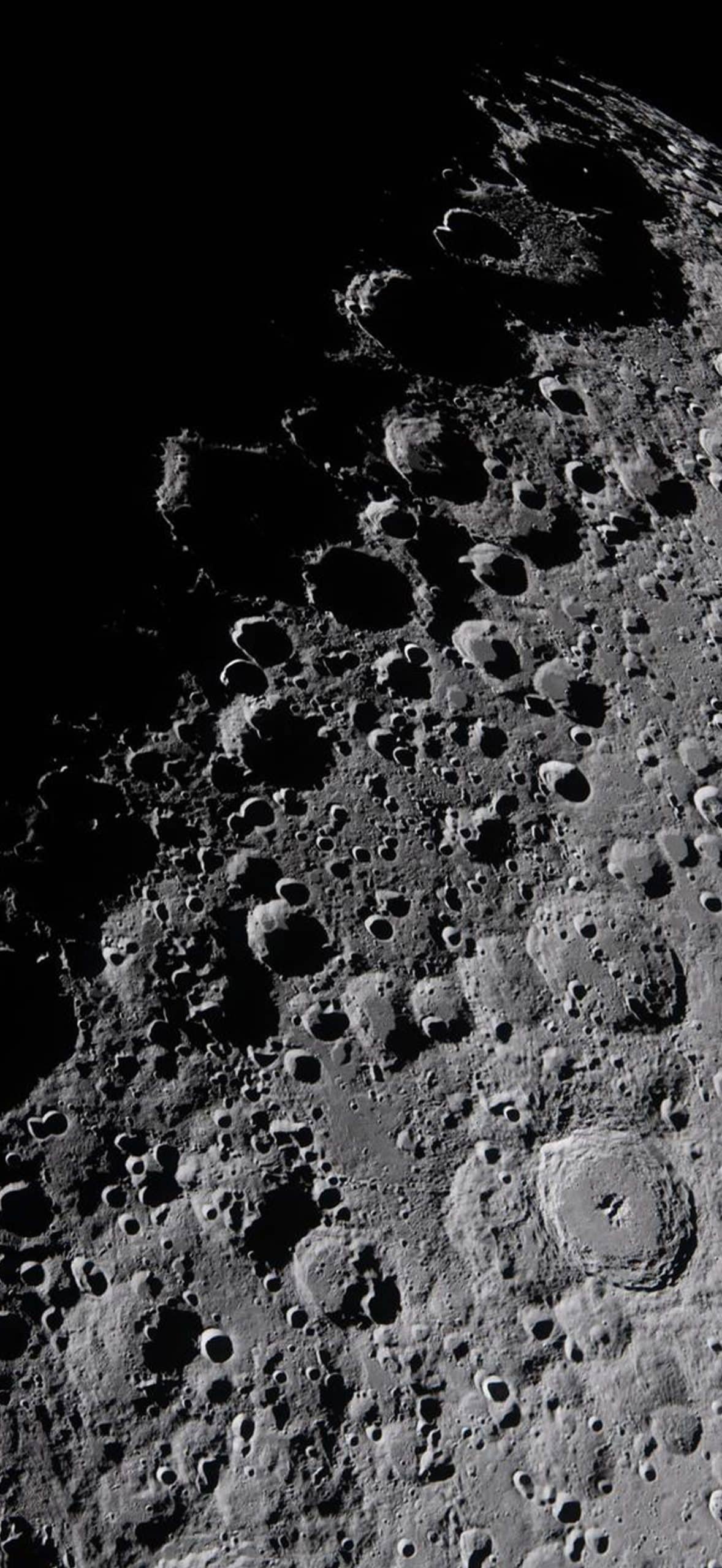
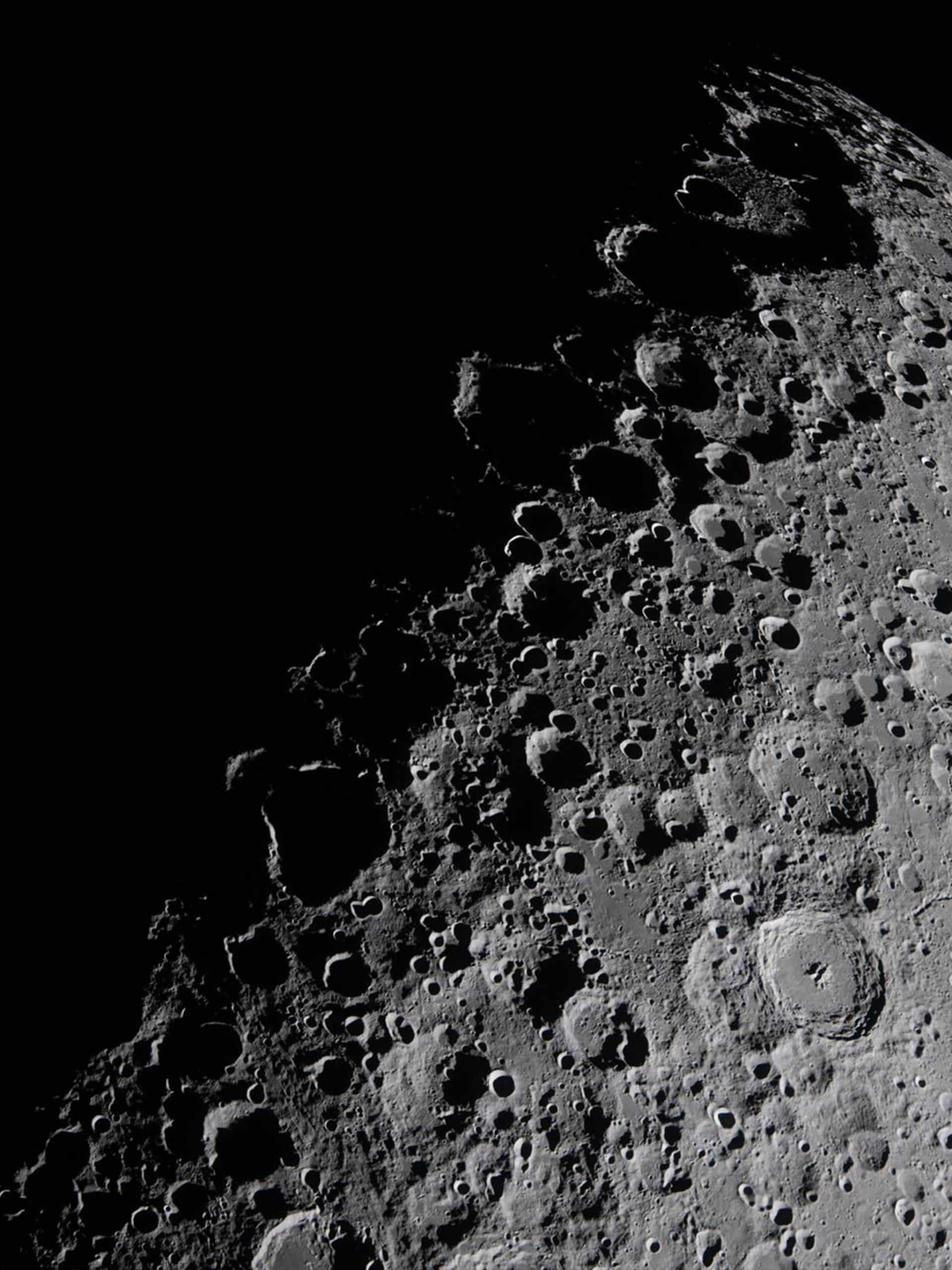
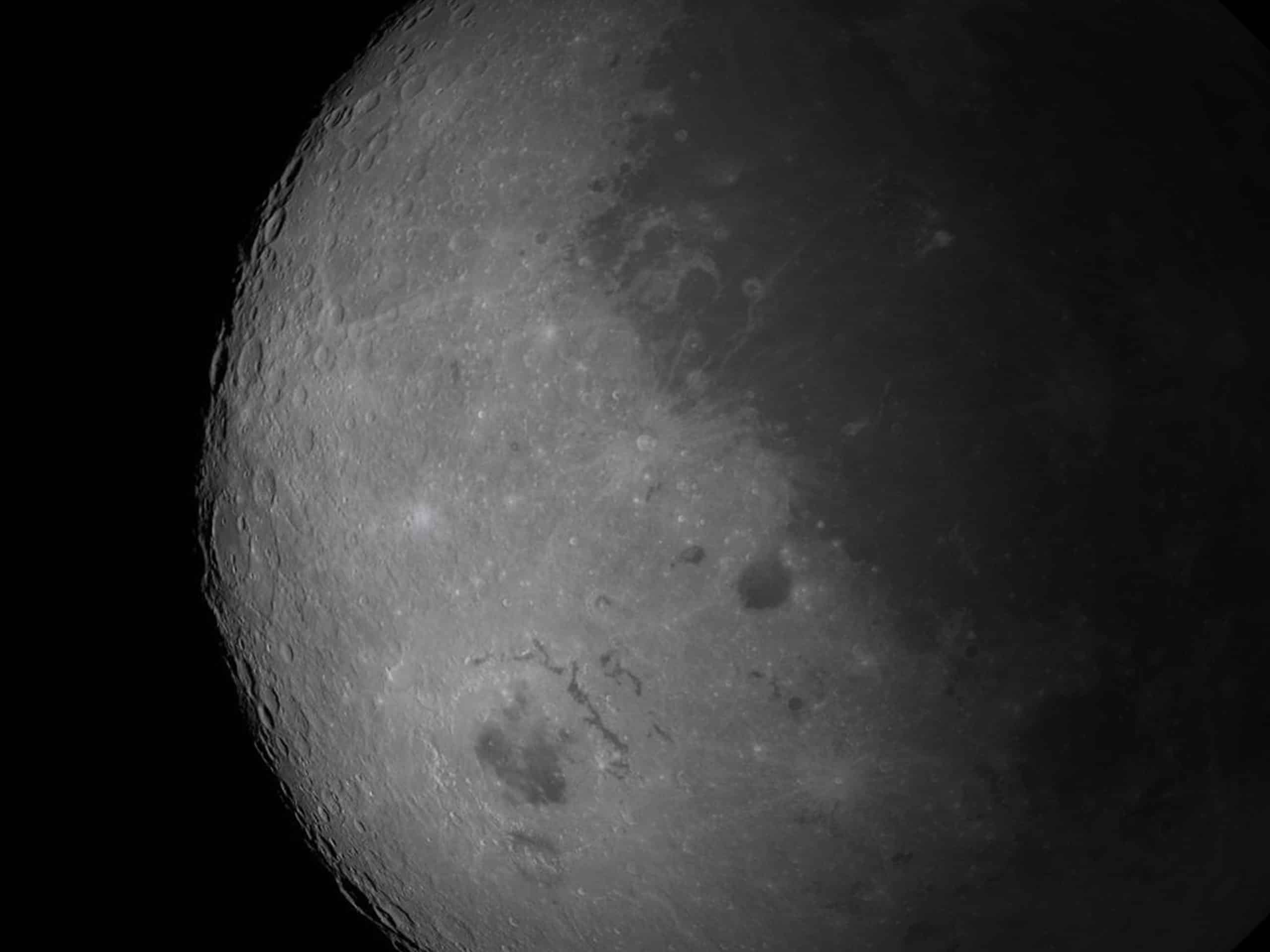
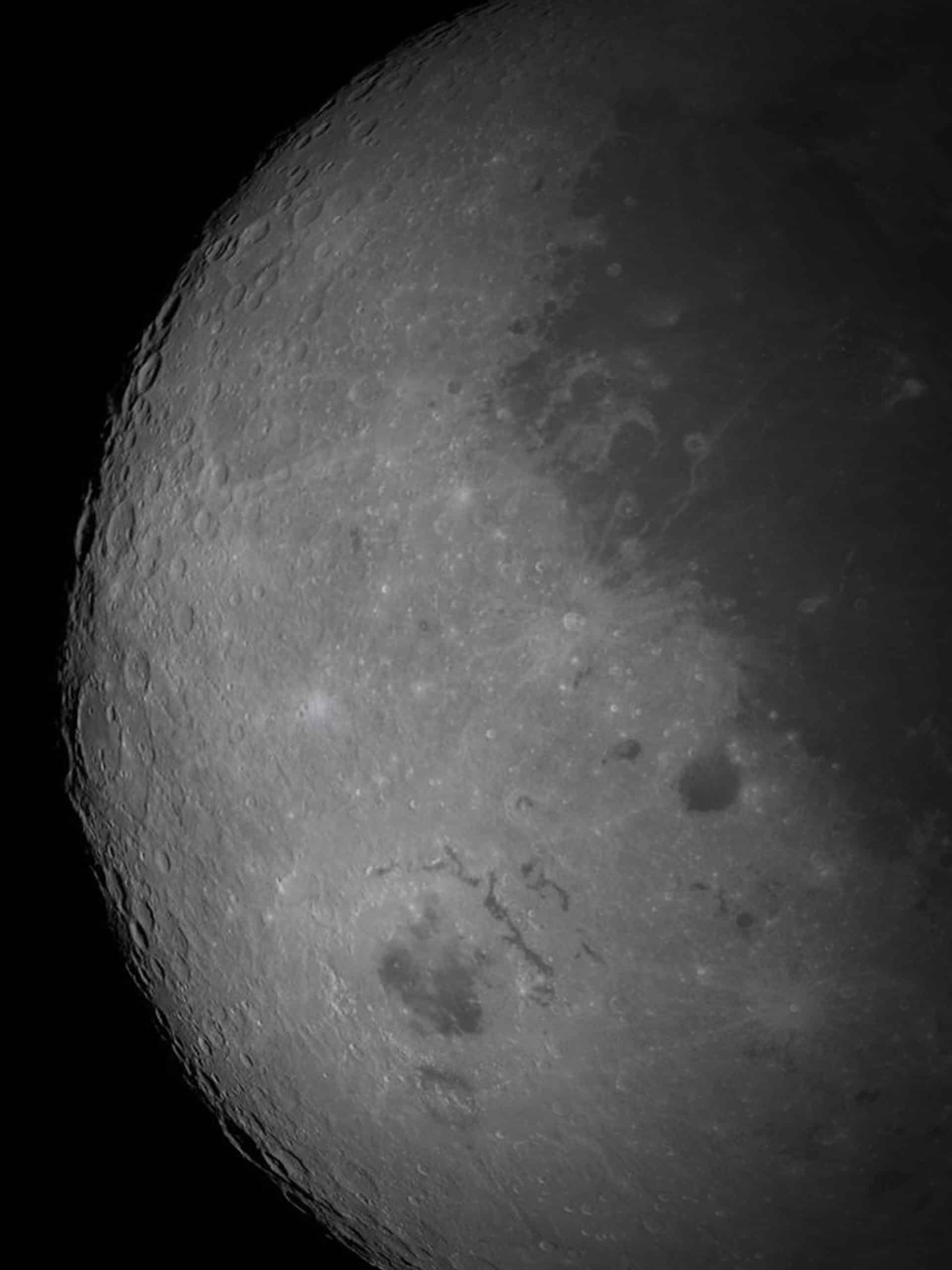
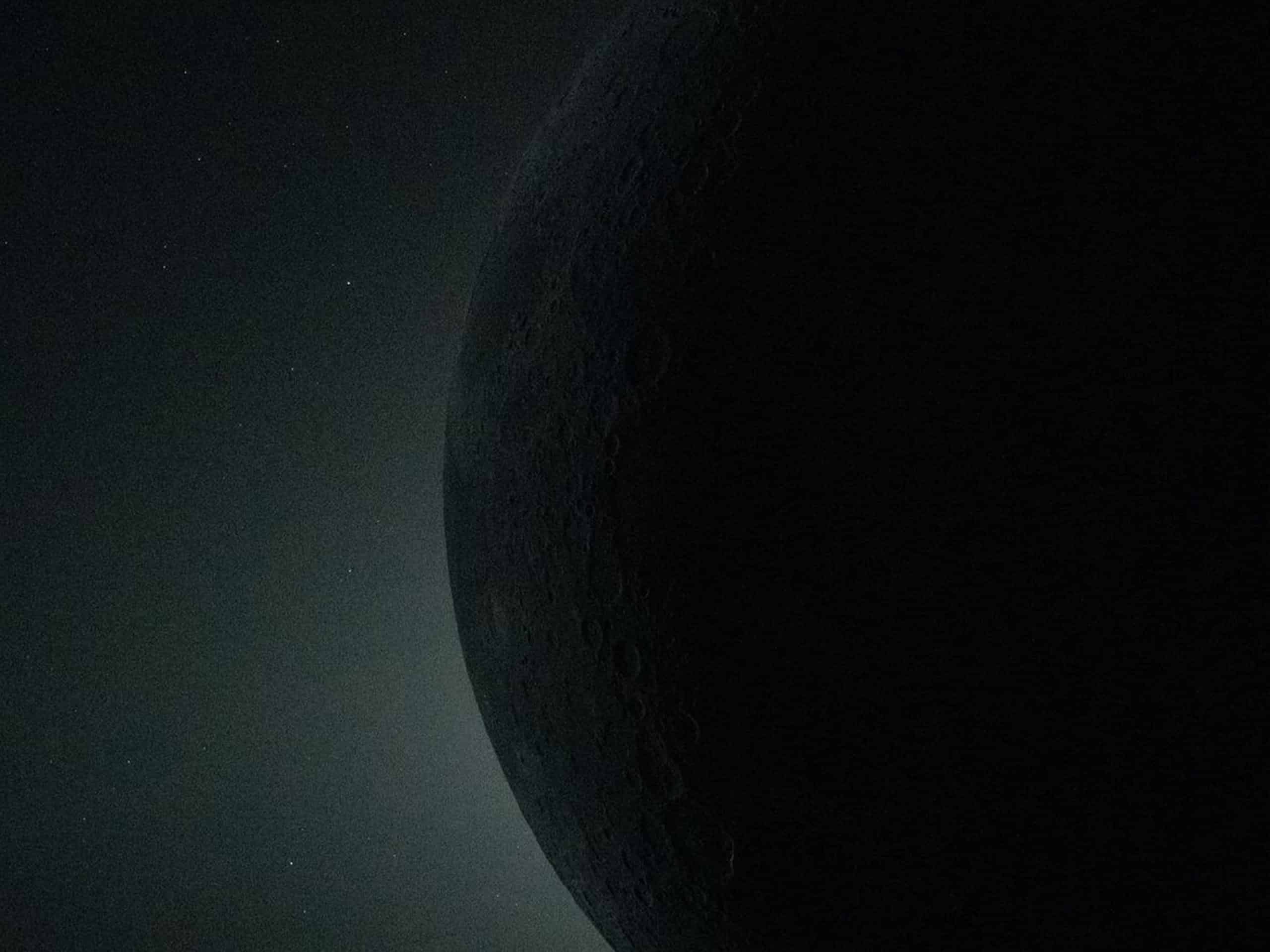
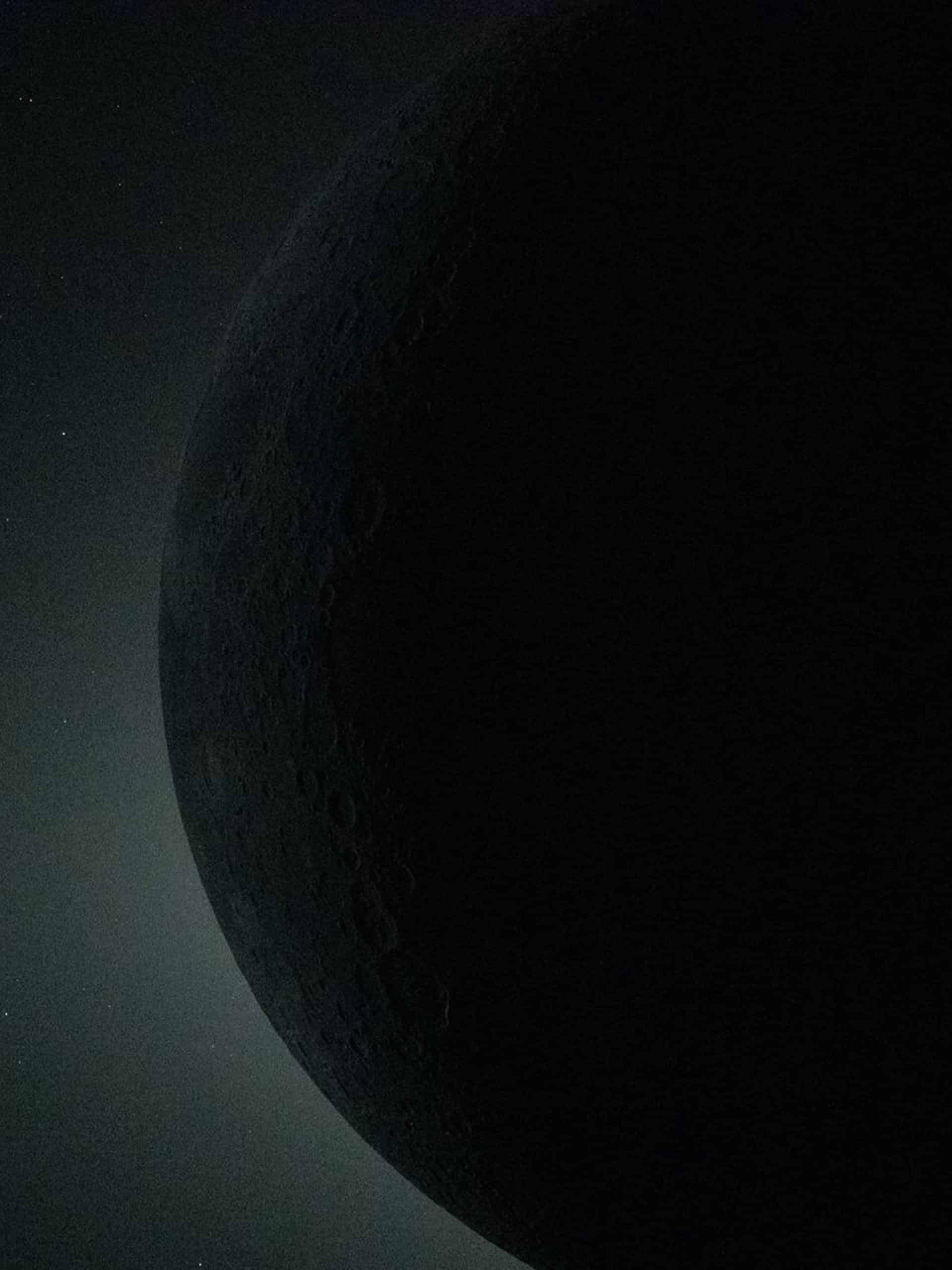
One of the defining images of Artemis II shows the Moon’s surface in sharp relief, illuminated by low-angle sunlight. Craters cast elongated shadows, revealing texture across the regolith.
As a wallpaper on iPhone 17 Pro Max, the image feels immersive. The depth of the craters extends across the display, while the dark lunar horizon creates natural contrast behind app icons.
To save and apply on iPhone:
Keep your finger on the image > Add to Photos
Settings > Wallpaper > Add New Wallpaper > Photos > Select Image
On iPad, the same image expands naturally across the larger display, preserving fine detail without compression artifacts.
To save and apply on iPad:
Settings > Wallpaper > Add New > Choose Photo
For Mac:
Right-click the downloaded image > Set Desktop Picture
Earthrise: Perspective Redefined
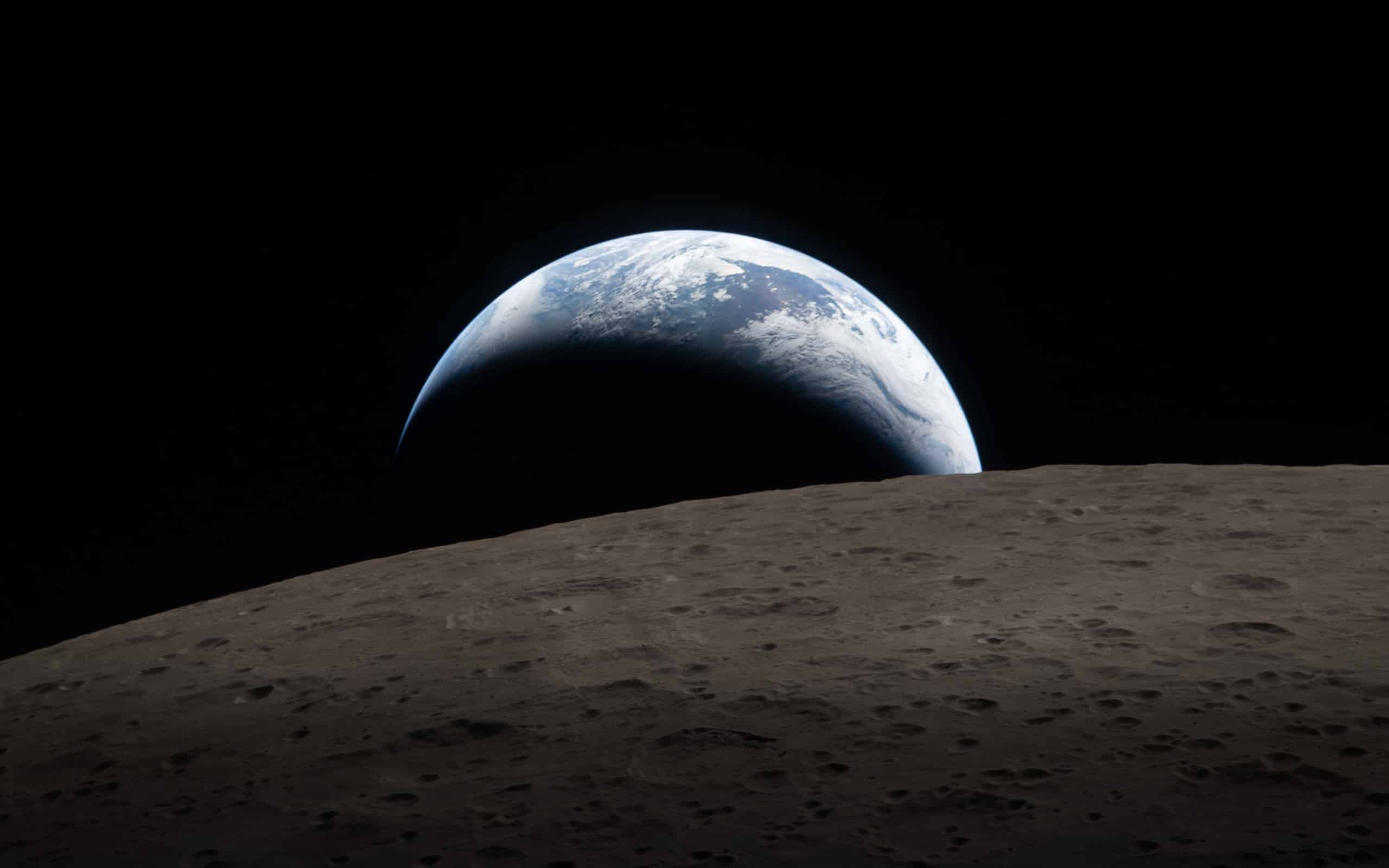
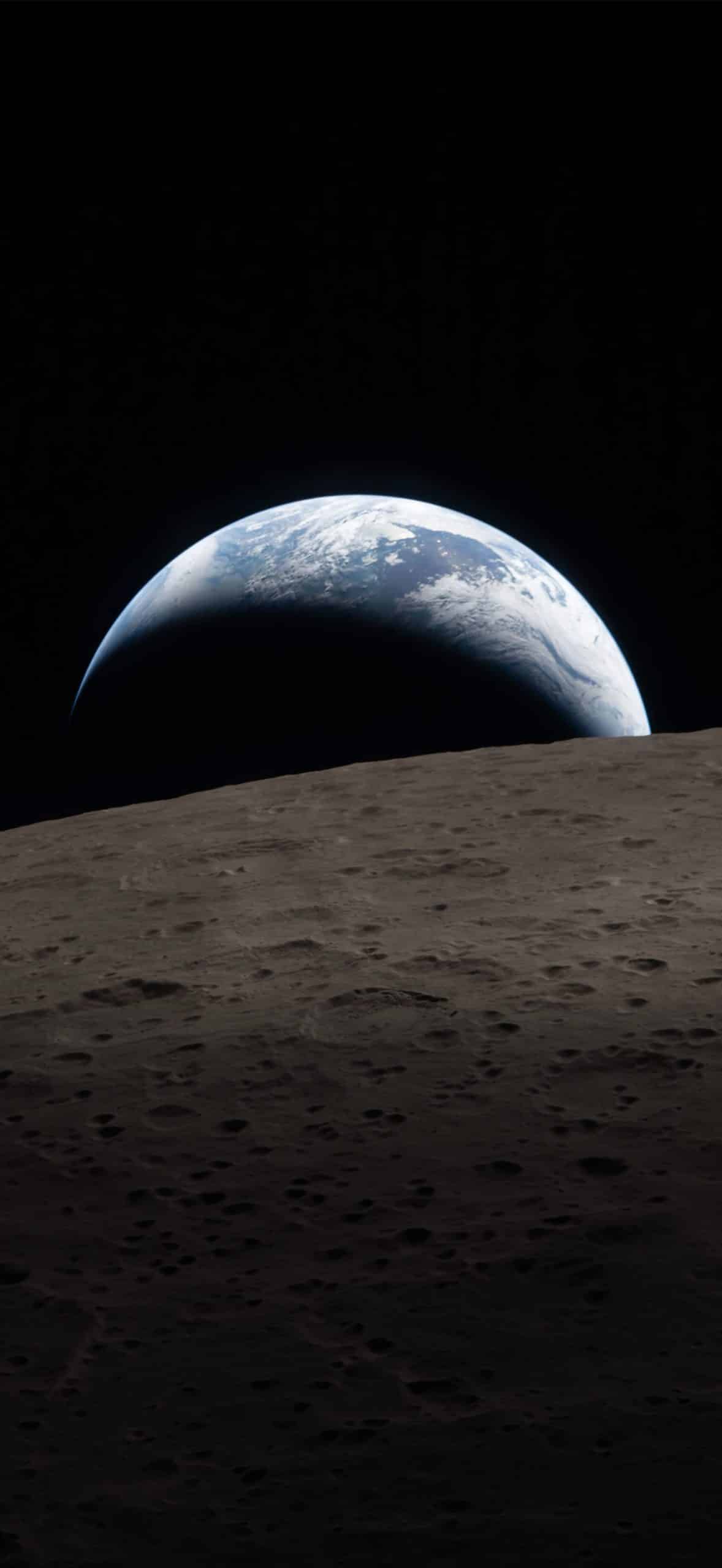
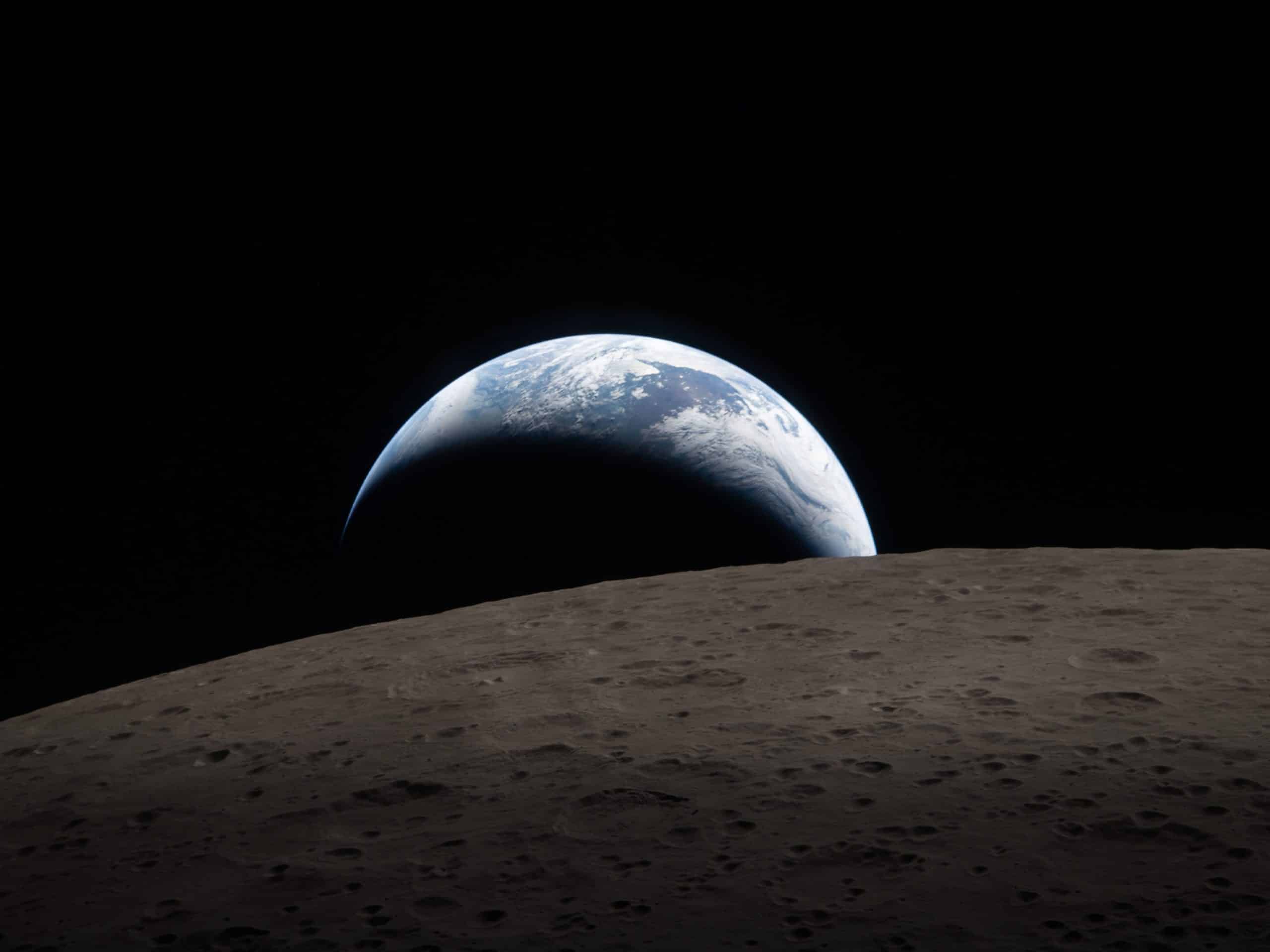
Another image in the collection captures Earth rising over the Moon’s edge — a reminder of scale and distance that feels immediate when viewed on a personal device.
Blue oceans and white cloud formations contrast against the gray lunar surface. The framing places Earth slightly off-center, making it well suited for Mac desktop composition.
On Mac:
System Settings > Wallpaper > Add Photo
The image adapts smoothly to different resolutions, maintaining clarity on Retina displays.
On iPhone, Earthrise fits especially well with dark mode enabled. The black of space blends into system UI elements, while Earth remains vibrant at the top of the frame.
A Solar Eclipse From Deep Space
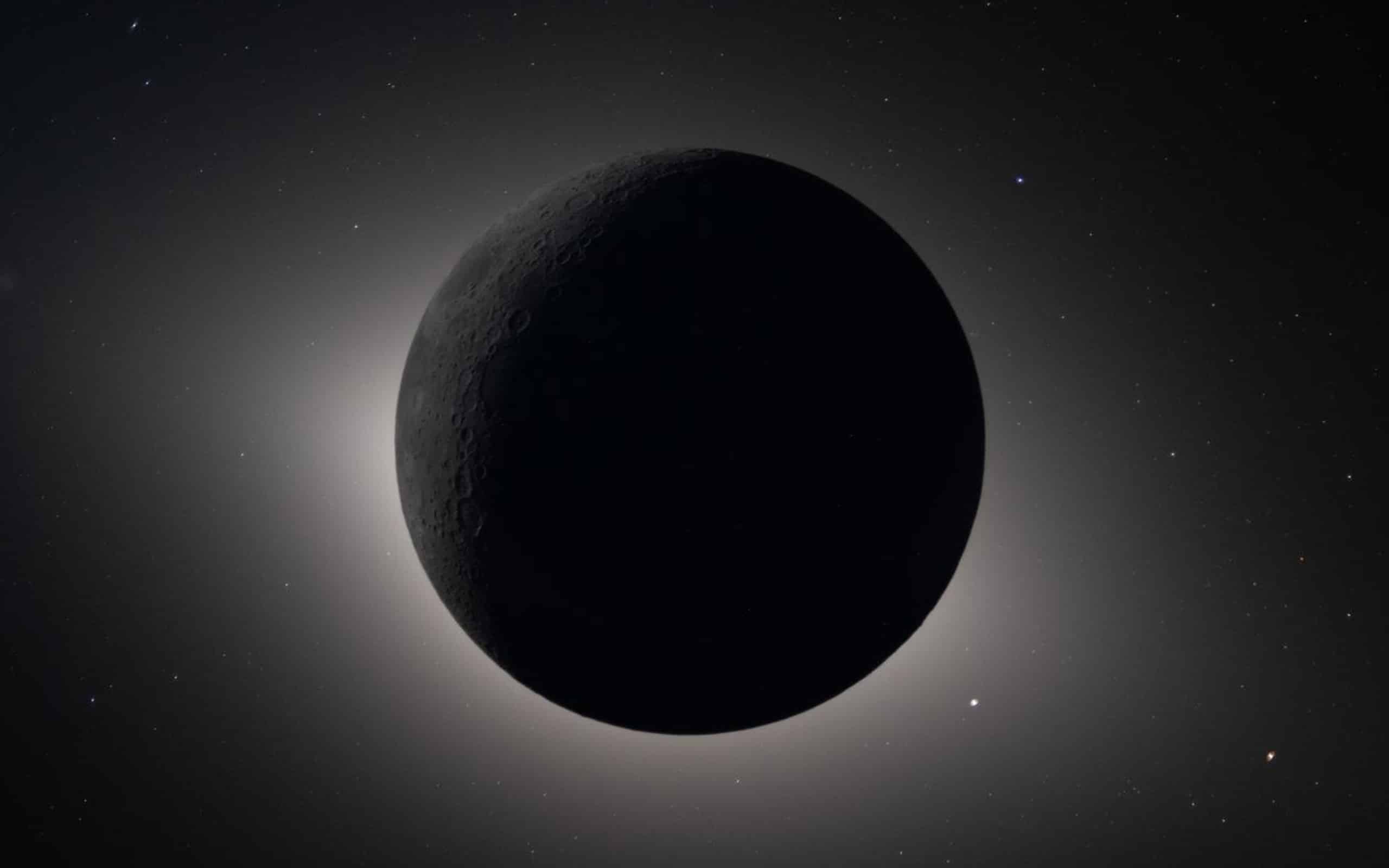
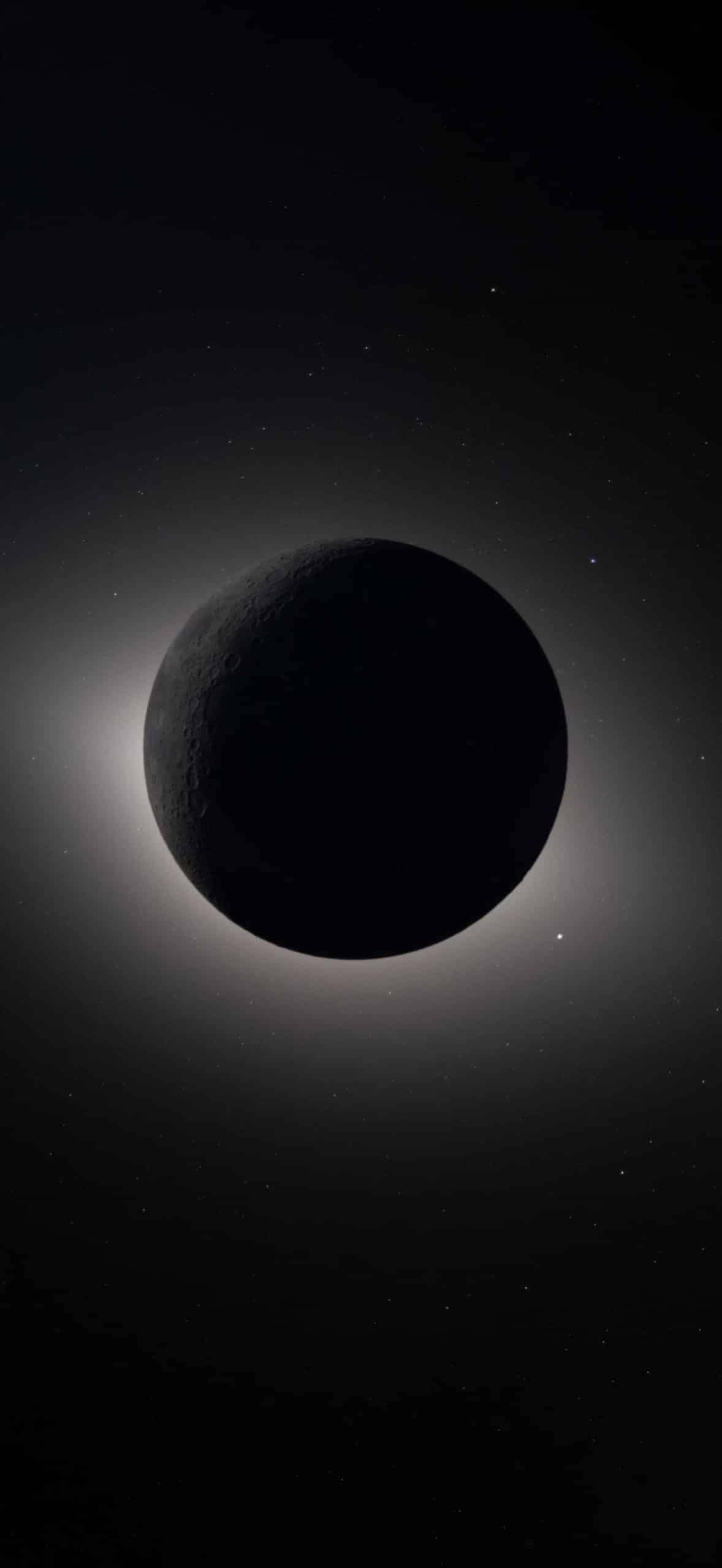
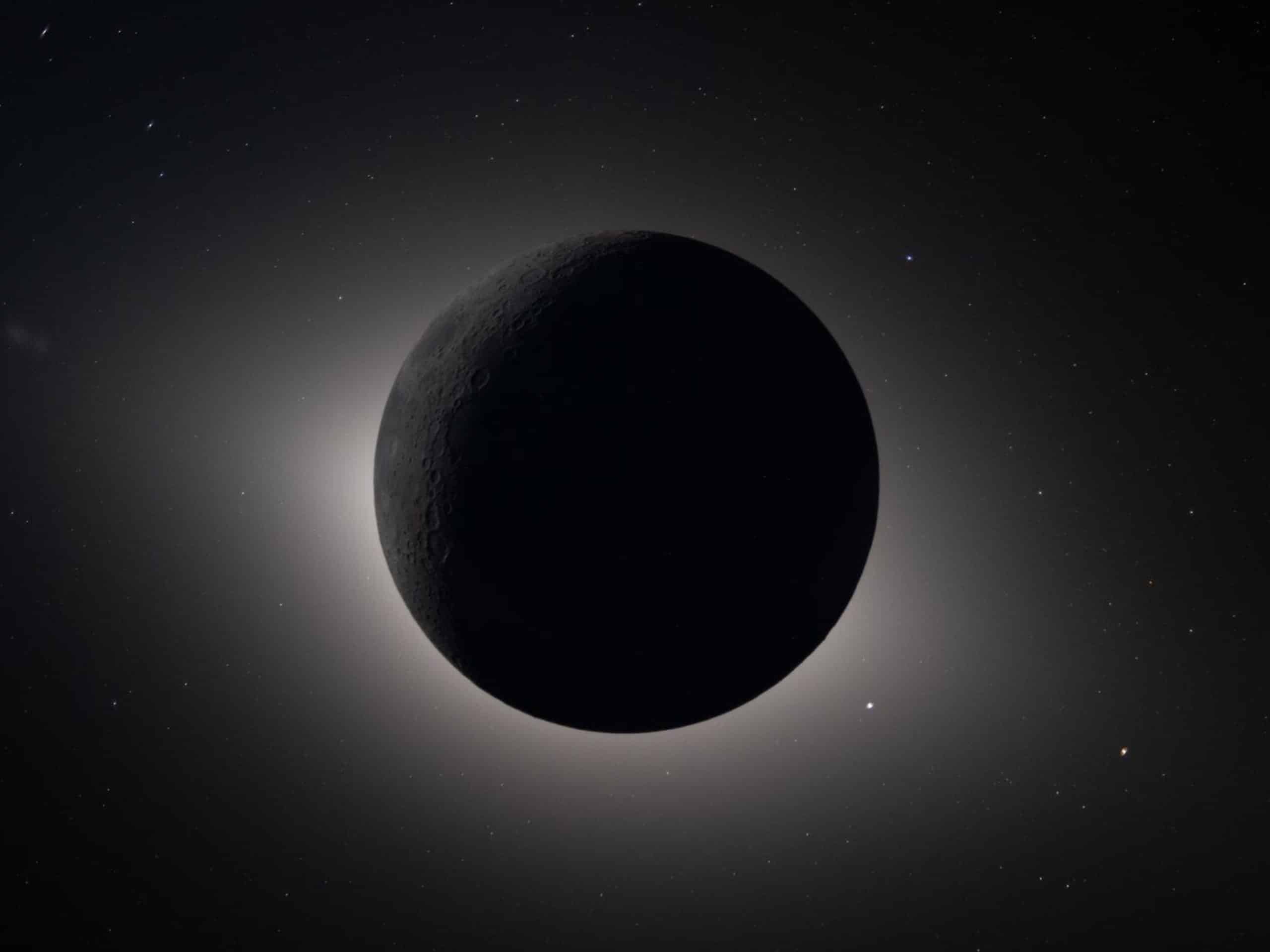
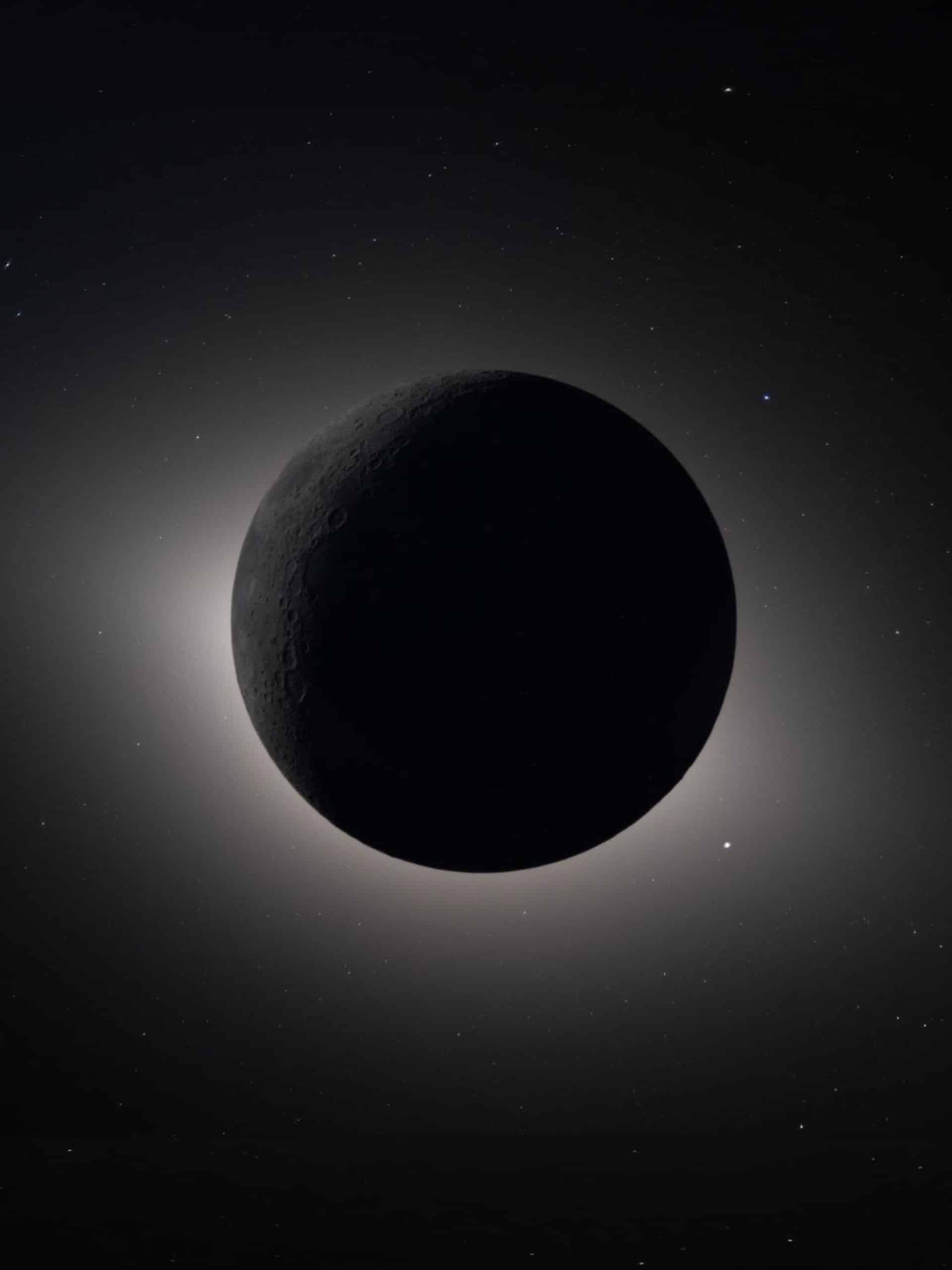
Perhaps the most striking capture from Artemis II is the solar eclipse viewed from beyond Earth’s orbit. The Moon partially obscures the Sun, creating a luminous ring suspended against darkness.
This perspective is not achievable from Earth’s surface. The vantage point gives the eclipse a different geometry — less atmospheric distortion, more defined edge transitions.
As a wallpaper, the eclipse image provides high contrast with minimal distraction. The bright solar ring naturally frames notification banners on iPhone and iPad without overpowering the interface.
To apply on iPad:
Open Photos > Select Image > Share > Use as Wallpaper
The eclipse also works effectively on Mac when centered, allowing menu bar visibility without interfering with the image’s focal point.
iPhone 17 Pro Max Onboard the Mission
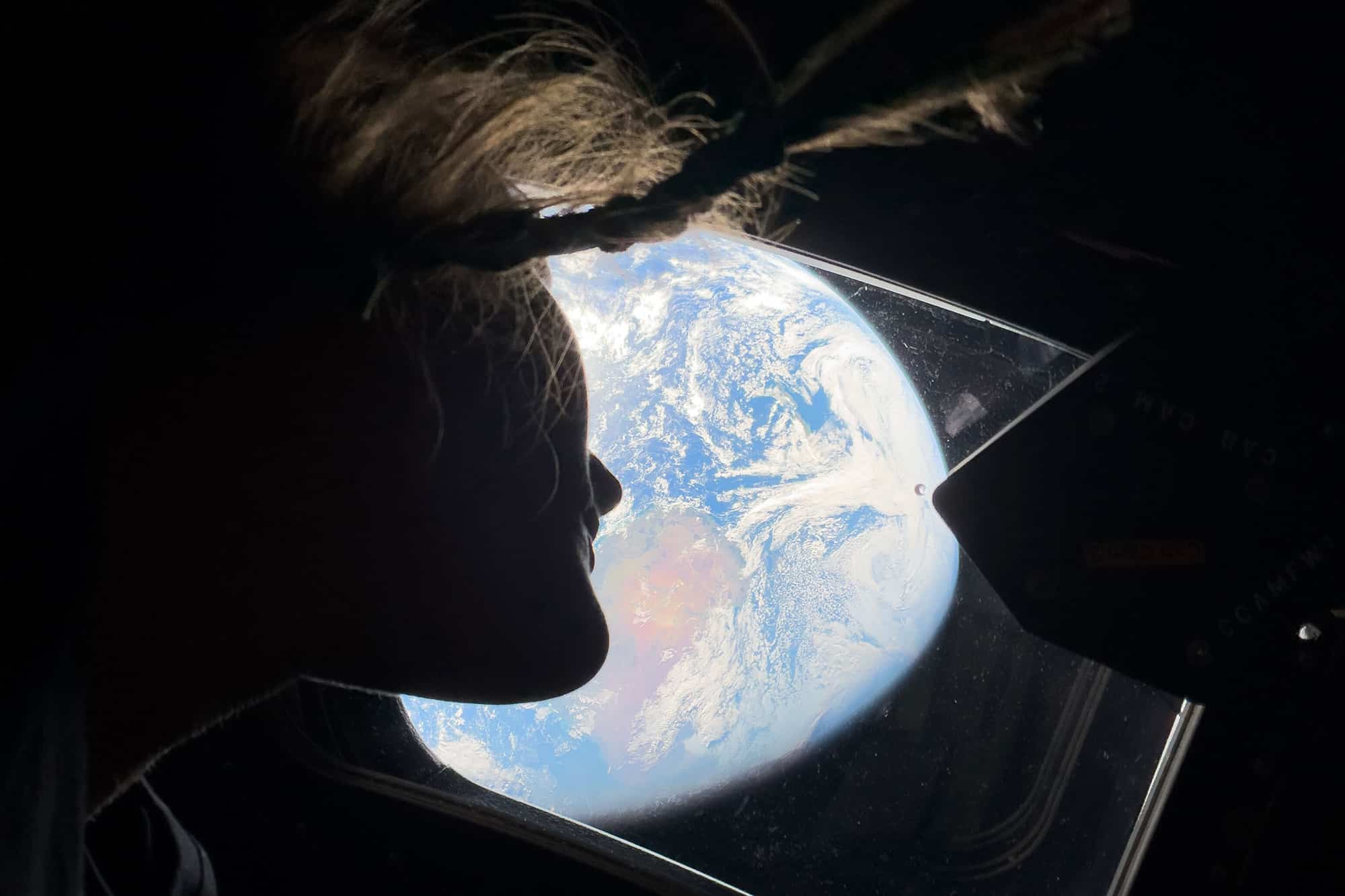
Artemis II marked another milestone: iPhone 17 Pro Max units traveled onboard as personal devices for astronauts. Equipped with advanced camera systems, these devices supported additional photo and video documentation throughout the mission.
The inclusion of iPhone hardware in space underscores how far mobile imaging has advanced. While NASA’s primary cameras handled mission-critical documentation, personal devices captured supplementary perspectives — interiors, candid moments, and close-range lunar views.
Those images complement the official releases and extend the narrative beyond traditional aerospace photography.

Wallpapers Prepared for Every Apple Device
The Artemis II wallpaper set includes optimized versions for:
- iPhone (portrait orientation)
- iPad (portrait and landscape)
- Mac and Studio Display (4K and higher resolution desktop formats)
Each image maintains NASA’s original framing while adjusting crop ratios to match device proportions.
There is no artificial sharpening or added saturation. The emphasis remains on preserving the authenticity of the original captures.
To download and apply:
On iPhone:
Keep your finger on the image > Add to Photos
Settings > Wallpaper > Add New Wallpaper > Photos > Select Image
On Mac:
Download image > Right-click file > Set Desktop Picture
Celebrating Artemis II Through Personal Screens
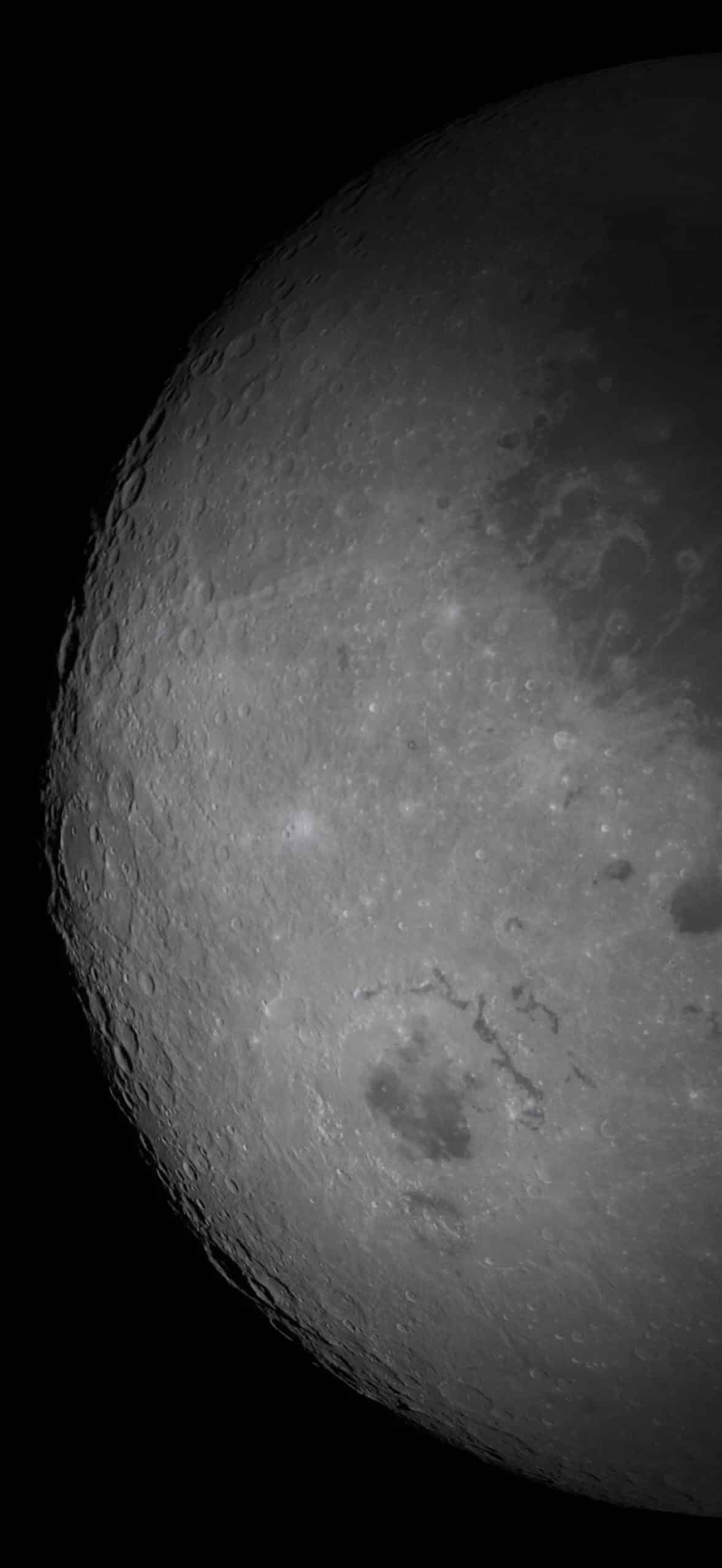
Artemis II’s journey around the Moon delivered images that carry both scientific and symbolic weight. The Earthrise perspective reconnects viewers to scale. The eclipse frame illustrates orbital alignment rarely observed. The lunar surface reveals texture shaped over billions of years.
Turning those images into wallpapers brings that perspective closer to daily life. The same devices used for communication and work now display a view shaped hundreds of thousands of miles away.
Artemis II’s imagery marks a continuation of lunar exploration through a modern lens — documented by NASA cameras and, for the first time in this way, by iPhone devices traveling alongside astronauts.
iPhone

iPad

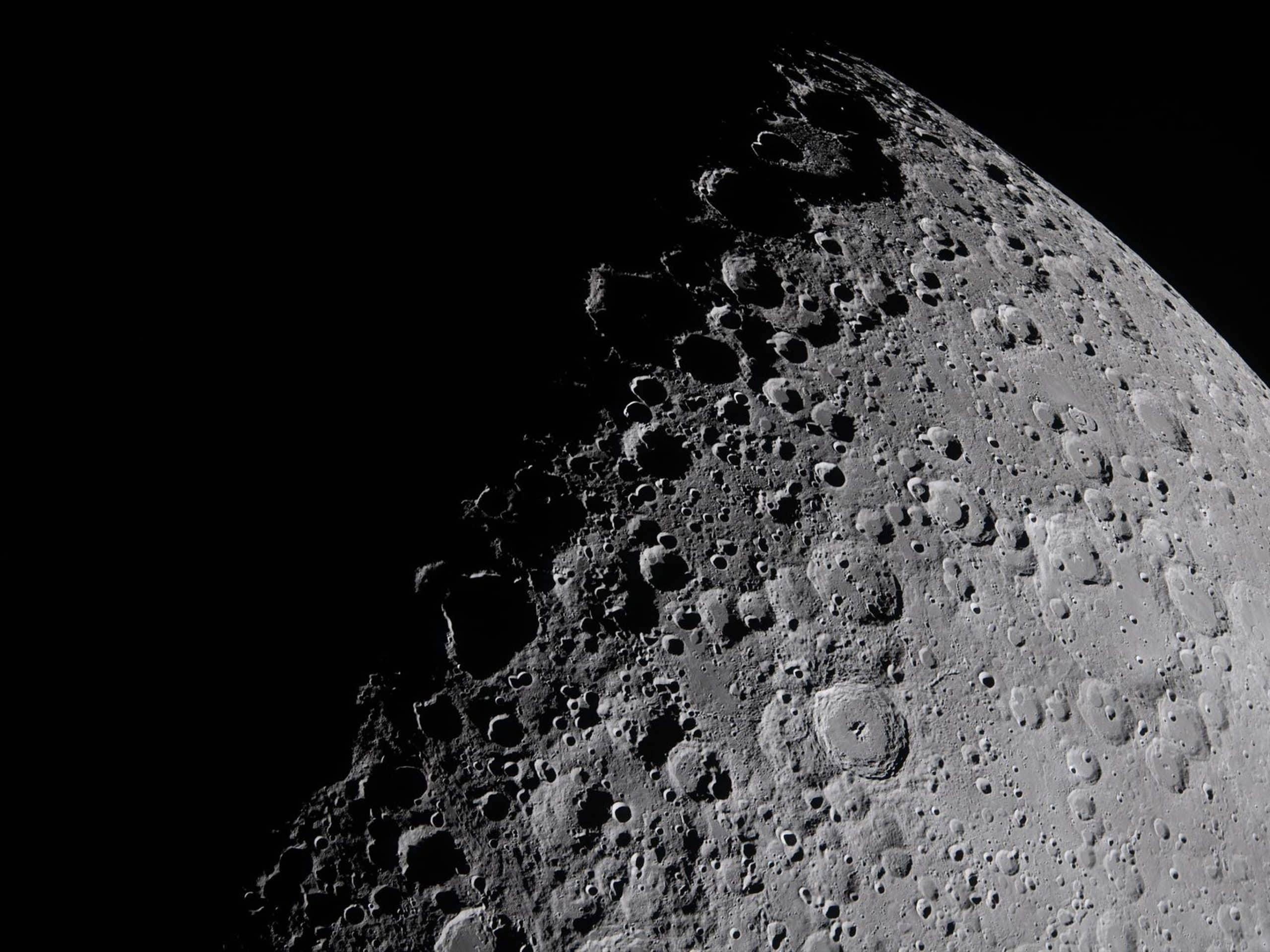


Mac and Studio Display