Blended Family Sharing often starts with a practical question: how do two households stay organized without duplicating everything?
In families where children move between homes during the week, digital life can become fragmented. Subscriptions get purchased twice. Calendars fall out of sync. App permissions differ from one house to another. Over time, small inconsistencies create daily friction.
Apple’s Family Sharing features offer a structure that makes blended households feel less divided. Instead of managing separate ecosystems, families can build one shared digital layer that works across addresses.
Shared Subscriptions Without Duplication
Streaming services, music libraries, cloud storage — these are often the first areas where blended families notice overlap. Without coordination, one parent subscribes to Apple Music. The other signs up separately. Children log in and out depending on where they are.
Family Sharing allows one adult to create a group and invite other adults and children under a single structure.
Settings > [Your Name] > Family > Set Up Family Sharing
Once added, members can share Apple Music, Apple TV, iCloud storage plans, and eligible App Store purchases without sharing Apple IDs. Each person keeps their own account, messages, and photos, but subscriptions remain unified.
For blended families, this means a child can open Apple TV at either home and see the same profile, the same watchlist, the same content access. There’s no need to reconfigure accounts every transition day.


Calendars That Travel Between Homes
Scheduling is often the most delicate part of blended households. School pickups, sports practices, birthdays, and travel plans cross between homes constantly.
Shared calendars inside the Calendar app provide a neutral space where both households can add events.
Calendar > Add Calendar > Shared Calendar
When a practice time changes or a doctor appointment is scheduled, everyone sees it. Notifications appear automatically across devices.
The same applies to shared reminders.
Reminders > Add List > Share
Grocery lists for transition days, packing checklists, or school project deadlines can live in one place instead of moving between text messages.
Parental Controls That Stay Consistent
Screen Time becomes especially important in blended family setups. Rules around device usage can differ between homes, creating confusion or tension.
Family Sharing allows one or both guardians to manage Screen Time settings for children’s devices from their own iPhone or Mac.
Settings > Screen Time > [Child’s Name]
App limits, downtime schedules, and content restrictions can remain consistent, even when the child moves between houses. The settings follow the Apple ID, not the physical location.
This consistency reduces negotiation and makes expectations clear. Instead of re-establishing rules each week, boundaries remain stable.
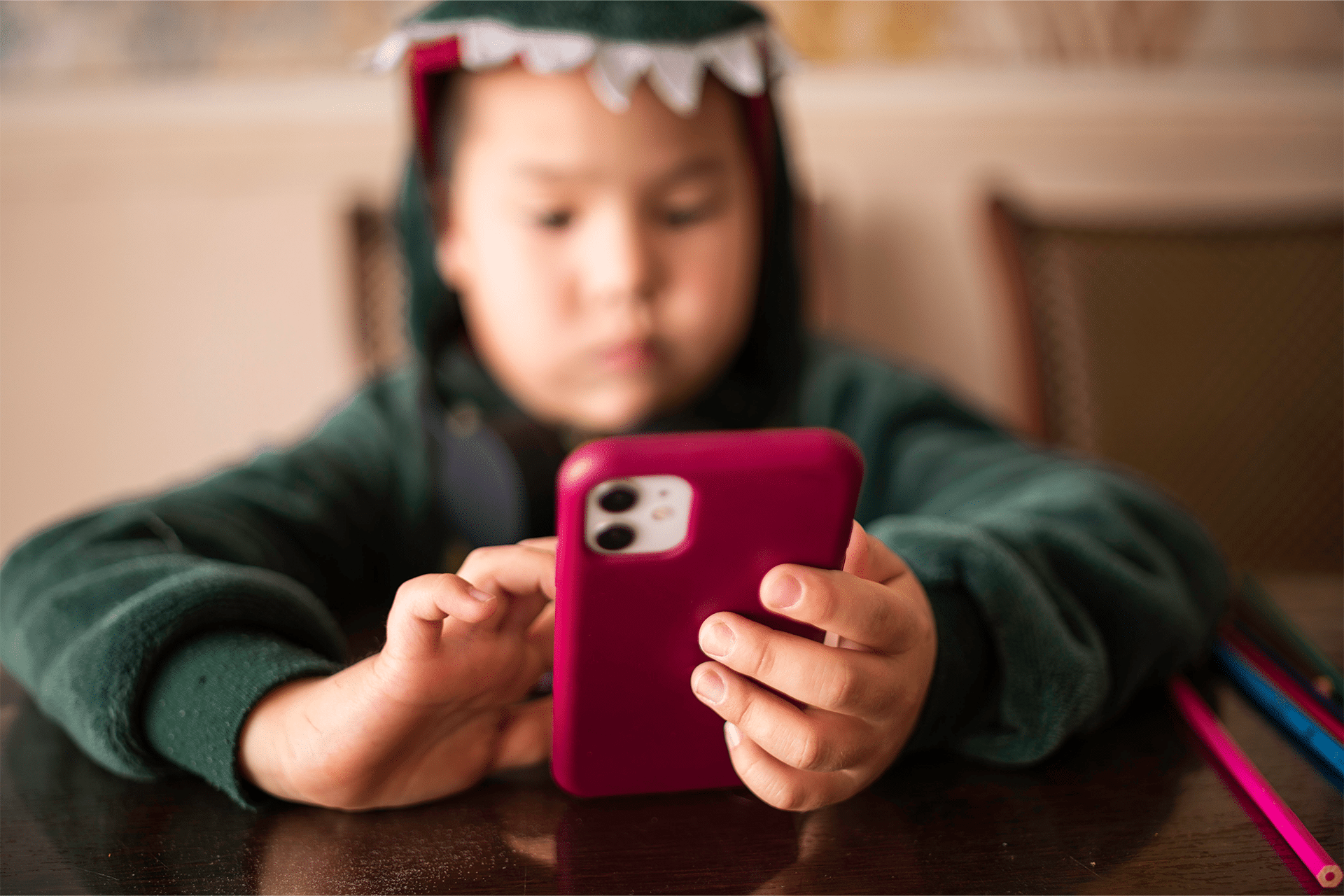
Location Sharing for Peace of Mind
Blended families often rely on location sharing for coordination. When a child travels between homes, both adults may want reassurance about arrival times.
Inside Family Sharing, location can be enabled without sharing personal details like messages or browsing history.
Settings > [Your Name] > Family > Location Sharing
It becomes a logistical tool rather than surveillance. Pickups run smoother. Miscommunications decrease.
One Digital Home Across Two Physical Ones
Blended Family Sharing does not eliminate the emotional complexity of multiple households. It does simplify the digital layer that sits beneath daily routines.
Children keep one Apple ID, one photo library, one app history. They don’t have to rebuild their digital life depending on which house they’re in.
Adults avoid duplicated subscriptions and scattered schedules. Shared purchases remain accessible. Shared storage avoids running out of space in one account while another sits unused.
Over time, that consistency becomes invisible. Devices simply work the same in both homes.
And for families balancing two addresses, that quiet continuity can make everyday transitions feel smoother — less about resetting, more about moving forward together.