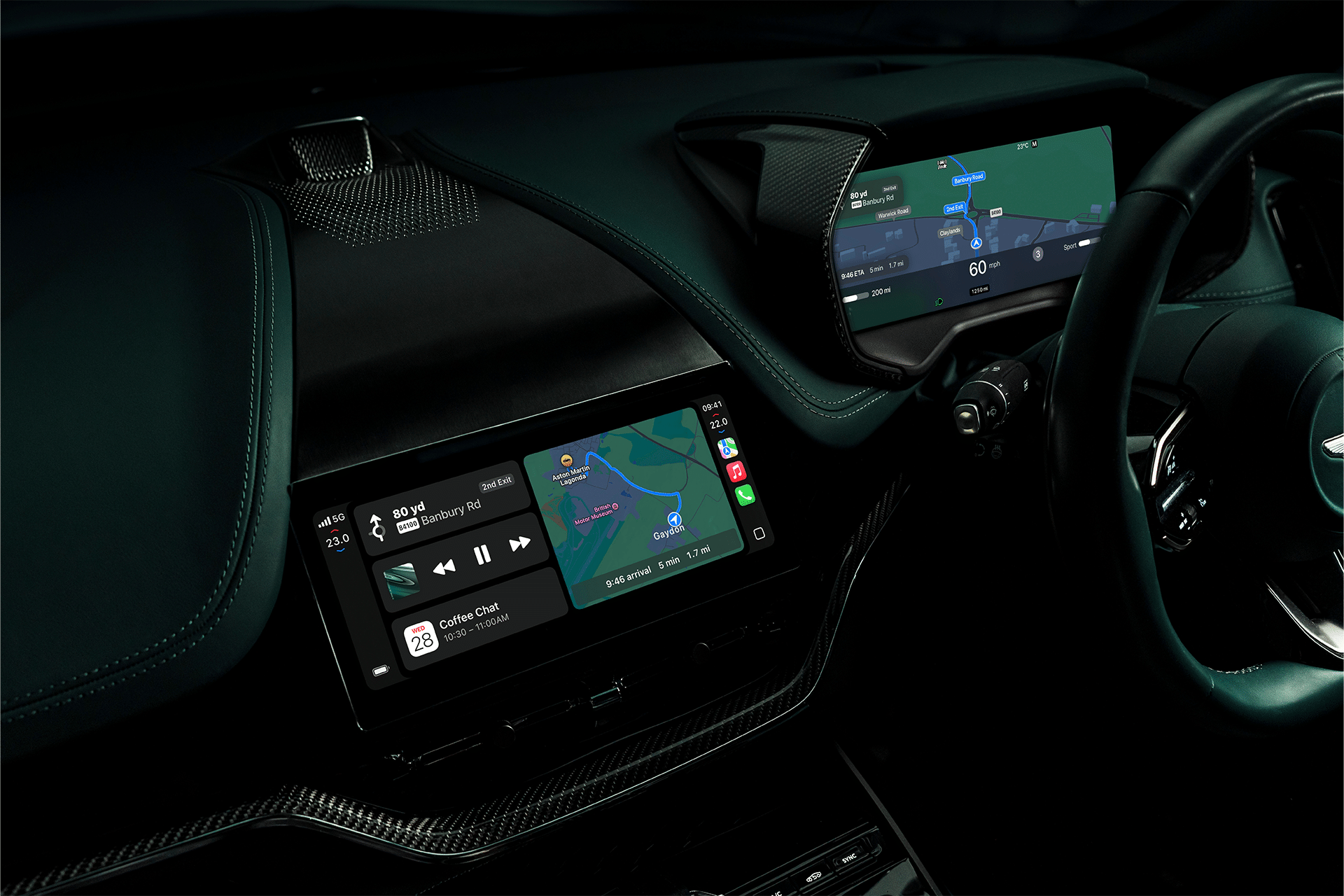
CarPlay AI is starting to take shape inside the iOS 26.4 beta, and this time it’s not just about maps, calls, or music. Developer documentation included in the latest beta points to a new category: voice-based conversational apps. That means AI assistants like ChatGPT, Claude, and Gemini could soon live inside your car’s display—strictly through voice, and strictly under Apple’s safety rules.
The idea is simple: talk, don’t type. Ask questions, get answers, continue a conversation, all without touching the screen.
Apple isn’t turning the dashboard into a scrolling chatbot interface. Instead, it’s building guardrails around how CarPlay AI works, keeping everything centered on spoken interaction.
How CarPlay AI Works in iOS 26.4
In the updated CarPlay developer guide for iOS 26.4, Apple introduces a new entitlement labeled “voice-based conversational app.” Developers must specifically request access to this framework.
To qualify, apps must:
- Launch directly into voice interaction
- Avoid text-heavy or image-heavy displays
- Not use custom wake words
- Follow Apple’s CarPlay interface templates
- Avoid controlling vehicle systems
- Avoid controlling unrelated iPhone functions
In short, CarPlay AI must behave like a voice companion, not a full control panel.
When driving, there’s no typing into a chatbot window. No scrolling responses. No visual distractions. Everything happens through conversation.
Developers must design their apps to open from the vehicle’s infotainment screen. Drivers can’t simply trigger these assistants invisibly in the background. You open the app on CarPlay, and from there the interaction begins.
Why Apple Is Taking a Voice-First Approach
Apple has always treated CarPlay as an extension of driving—not a replacement for attention on the road. That philosophy carries into CarPlay AI.
The framework bans visual clutter. It blocks excessive animation. It prevents apps from taking over the screen with distracting content.
Voice-first interaction keeps eyes up and hands on the wheel.
It also makes sense technically. Conversational AI models like ChatGPT or Gemini work naturally through dialogue. You ask something. You refine. You follow up.
Inside a vehicle, that style of interaction fits better than tapping through menus.
What You’ll Need to Use CarPlay AI
CarPlay AI requires:
- An iPhone running iOS 26.4 or later
- A compatible CarPlay vehicle
- An updated AI app that supports the new entitlement
Availability will depend entirely on developers updating their apps. ChatGPT, Claude, Gemini, and other AI platforms must integrate with Apple’s CarPlay templates. Apple doesn’t preload third-party AI by default. Developers must opt in and build within Apple’s framework. If they don’t update, nothing changes in your car.
CarPlay AI and Apple TV Integration
The iOS 26.4 beta also hints at broader CarPlay media integration. Apple TV playback and video features appear to be prepared for in-vehicle use—but only while parked.
These features require:
- Location Services enabled
- Vehicle detected as stationary
- iPhone signed into Apple TV
Video playback is restricted when driving. Apple continues to separate driver mode from parked mode carefully. CarPlay AI follows the same philosophy: conversation while moving, visual experiences while stopped.

How to Check If You Have CarPlay AI Support
If you’re running the developer beta:
Settings > General > Software Update
Make sure iOS 26.4 beta is installed.
Then:
Settings > General > CarPlay > Your Car
Check which apps are available for CarPlay. If AI apps don’t appear yet, the developer likely hasn’t enabled CarPlay AI support.
What This Means for Driving Conversations
Picture asking your dashboard:
- “Summarize today’s meeting notes.”
- “Explain this news headline.”
- “Give me three dinner ideas using what’s in my fridge.”
- “Plan a two-day road trip nearby.”
The conversation stays audio-only. The assistant responds verbally. You can follow up naturally. There’s no screen takeover. No long text paragraphs. No message feed. Just conversation.
CarPlay AI doesn’t replace Siri. Instead, it expands the kind of intelligence available inside the car, opening space for specialized assistants that operate within Apple’s safety framework.
CarPlay AI in iOS 26.4 doesn’t transform the car into a tablet on wheels. It keeps the interface focused, structured, and voice-driven. The next step now depends on how quickly AI app makers decide to join the ride.