



OpenAI is preparing to retire ChatGPT voice mode on Mac, ending native spoken interaction on macOS while keeping other ChatGPT features fully functional. The change affects how voice input and output work on the Mac app but does not remove voice interaction from ChatGPT on iPhone or iPad, where voice remains a core part of the experience.
The decision reflects a shift in how OpenAI is allocating development resources across platforms. On macOS, ChatGPT will continue to operate as a text-first assistant, while voice interaction moves toward mobile environments where usage is significantly higher.
What Is Changing on Mac
ChatGPT voice mode on Mac allowed spoken prompts and audible responses directly inside the macOS app. Once retired, the Mac version will no longer support conversational voice interaction natively.
Users will still be able to type prompts and receive text responses exactly as before. The change is limited to voice input and voice output built into ChatGPT on macOS, not the underlying AI models or features.
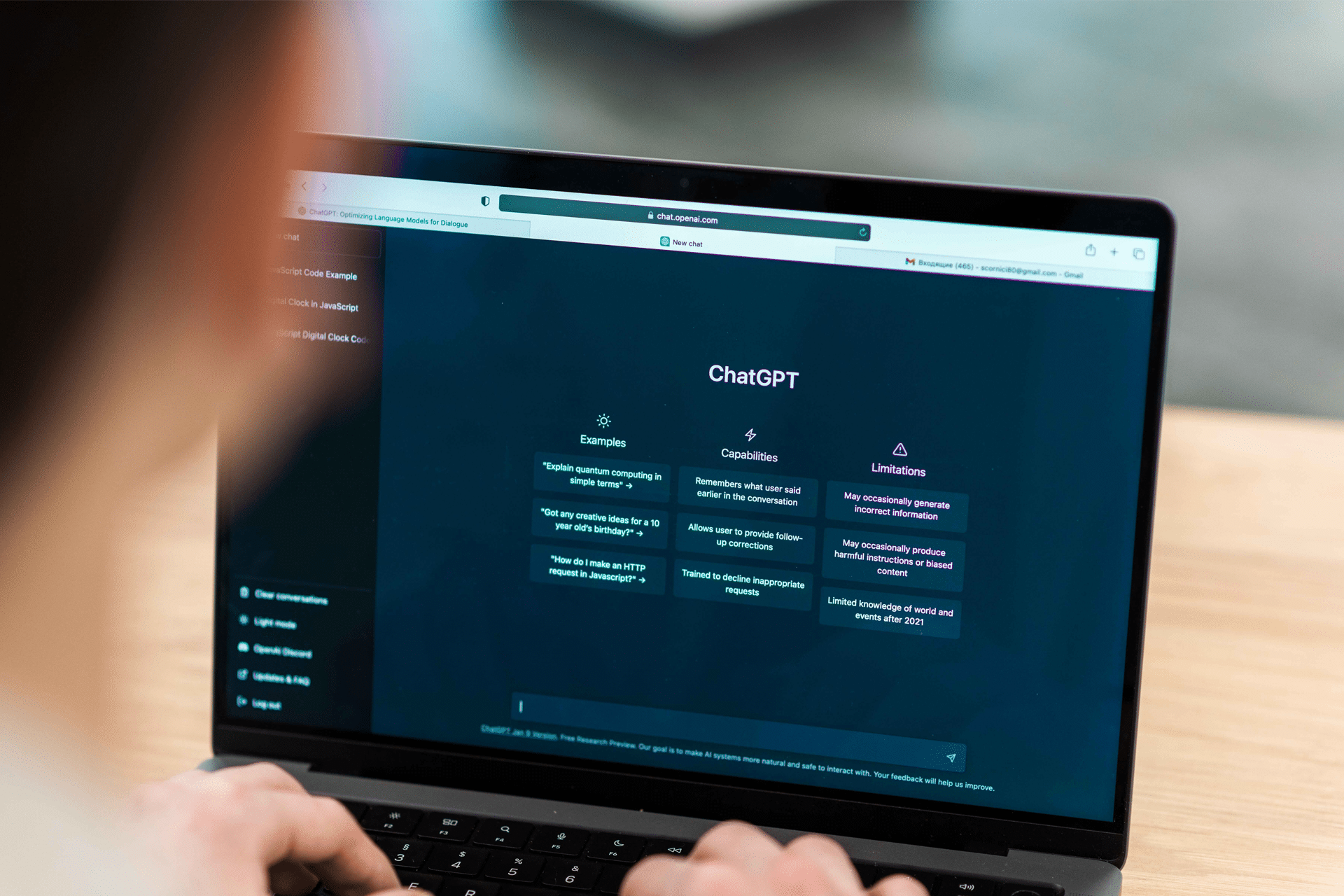
ChatGPT on Mac remains fully capable of handling writing, coding, research, image understanding, and contextual conversation through text. The retirement affects interaction style rather than intelligence or functionality.
What Still Works After Voice Mode Ends
Even without native voice mode on Mac, several interaction paths remain available across Apple devices.
Text interaction continues unchanged on macOS, including full access to chat history, saved conversations, and ongoing threads. ChatGPT on iPhone and iPad retains voice input and spoken responses, allowing hands-free conversational use on mobile devices.
macOS dictation can still be used as an indirect input method. Spoken words are converted into text at the system level and then sent to ChatGPT as typed input. While responses remain text-based, this preserves a voice-driven workflow for composing prompts.
Third-party apps and tools that integrate ChatGPT APIs with speech synthesis are not affected by the Mac app change. These solutions can still provide spoken output on macOS using external voice engines.
Why OpenAI Is Retiring Voice Mode on Mac
Voice interaction usage on ChatGPT is heavily concentrated on mobile platforms. On iPhone and iPad, voice mode aligns naturally with touch-first interaction, background use, and quick conversational queries.
macOS usage patterns lean toward longer sessions focused on writing, coding, research, and document generation. In that context, text input remains dominant. OpenAI’s decision suggests a strategic focus on improving voice experiences where they are most actively used rather than maintaining parallel implementations across all platforms.
Voice development is also evolving rapidly, with newer real-time and expressive voice models requiring deeper system integration. Maintaining feature parity on macOS would demand additional resources without matching usage demand.

How ChatGPT Voice Works on iPhone and iPad
Voice interaction remains fully supported on iPhone and iPad through the ChatGPT app. Spoken prompts and audible responses continue to function as before, making mobile devices the primary destination for conversational use.
This setup complements how Apple devices are often used together. Longer writing or analytical tasks can remain on Mac, while voice-based interaction fits naturally on iPhone and iPad during quick queries, multitasking, or hands-free moments.
Apple’s ecosystem already encourages this division of use through Continuity and app sync, allowing conversations started on one device to continue seamlessly on another.
Using ChatGPT with Voice on Mac After the Change
While native voice mode ends, macOS still provides tools that can be combined with ChatGPT for spoken workflows.
Dictation converts speech into text system-wide, allowing spoken prompts inside ChatGPT without typing. Accessibility features and third-party voice readers can read responses aloud, creating a partial voice loop without OpenAI’s built-in voice interface.
These approaches rely on Apple’s system features rather than ChatGPT’s native voice layer, but they preserve flexibility for users who prefer speaking over typing.
The ChatGPT Mac Experience
The Mac version of ChatGPT continues to function as a productivity-focused assistant. Writing assistance, code generation, summarization, and research workflows remain unchanged.
The removal of voice mode simplifies the Mac app while reinforcing a platform-specific experience across Apple devices. Voice becomes a mobile-first interaction, while macOS emphasizes precision, longer sessions, and keyboard-driven workflows.
This distinction mirrors how many Apple apps evolve differently across devices, optimizing features based on context rather than forcing uniform behavior everywhere.
As OpenAI continues expanding voice technology, future changes are more likely to appear first on mobile platforms where voice interaction fits naturally into daily usage patterns.

