


Collaboration tools inside the Apple ecosystem were built for a specific kind of rhythm: small teams moving fast, switching devices throughout the day, and needing updates to appear instantly. A designer adjusts a layout on a Mac in the morning. A colleague reviews it from an iPad on the train. Later, edits continue on an iPhone before a meeting. Nothing gets emailed back and forth. Nothing is duplicated. The file simply evolves.
For small teams, that fluidity changes how projects feel. Instead of chasing versions, members see updates live. Instead of asking who has the latest draft, they watch cursors move across the same document. Apple’s integration across devices makes this possible through iCloud and built-in collaboration frameworks across apps like Pages, Numbers, Keynote, Notes, Freeform, and even Reminders.
Real-Time Editing Across iWork
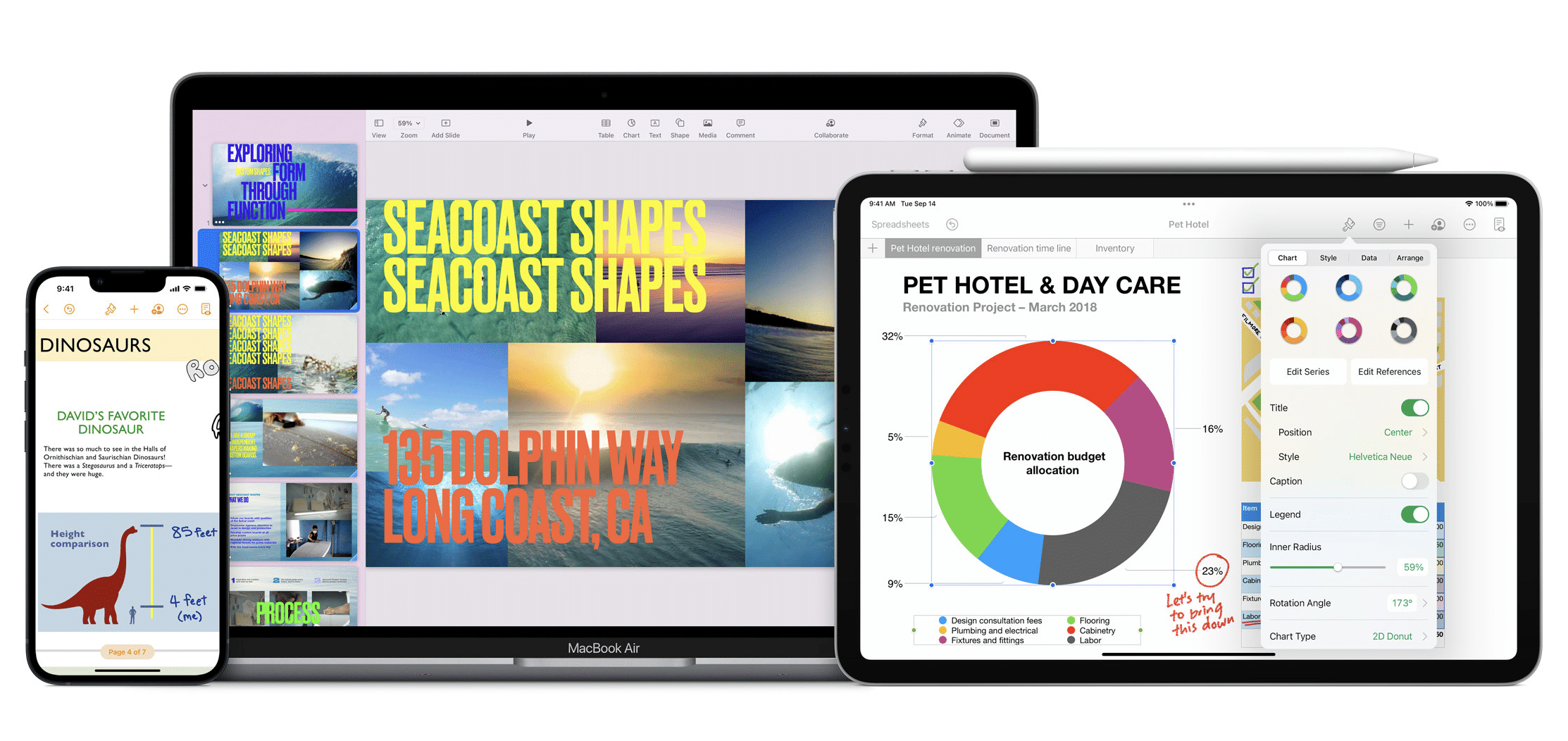
Pages, Numbers, and Keynote remain the backbone of Apple’s collaborative workflow. When a document is shared, invited participants can edit simultaneously, with live cursor indicators and comment threads that keep conversations inside the file.
The benefit is not just simultaneous editing. It’s device continuity. A spreadsheet updated on Mac appears seconds later on iPhone. A presentation refined on iPad retains formatting, animations, and media assets without adjustment. The structure remains intact because the apps are designed for consistent behavior across platforms.
Permissions can be customized, allowing view-only access for stakeholders and editing access for core team members. Links can be shared securely, and access can be revoked at any time. For small teams working with contractors or temporary collaborators, that flexibility keeps control centralized without complicating access.

Shared Notes, Reminders, and Freeform
Collaboration tools extend beyond formal documents. Shared Notes folders allow teams to brainstorm, collect research, and drop quick updates in one place. Checklists inside Notes can be edited by multiple participants in real time, making them useful for task tracking.
Reminders supports shared lists that sync instantly across devices. A team coordinating logistics for an event can add deadlines, attach files, assign tasks, and receive notifications when updates happen. The simplicity of Reminders keeps it lightweight, while shared access keeps everyone aligned.
Freeform adds a visual layer to collaboration. Teams can sketch ideas, drop images, annotate PDFs, and build concept boards together. Because Freeform syncs across Mac, iPad, and iPhone, brainstorming sessions no longer require everyone in the same room. An idea drawn with Apple Pencil on iPad can be refined later from a Mac trackpad.
Calendar and FaceTime Integration
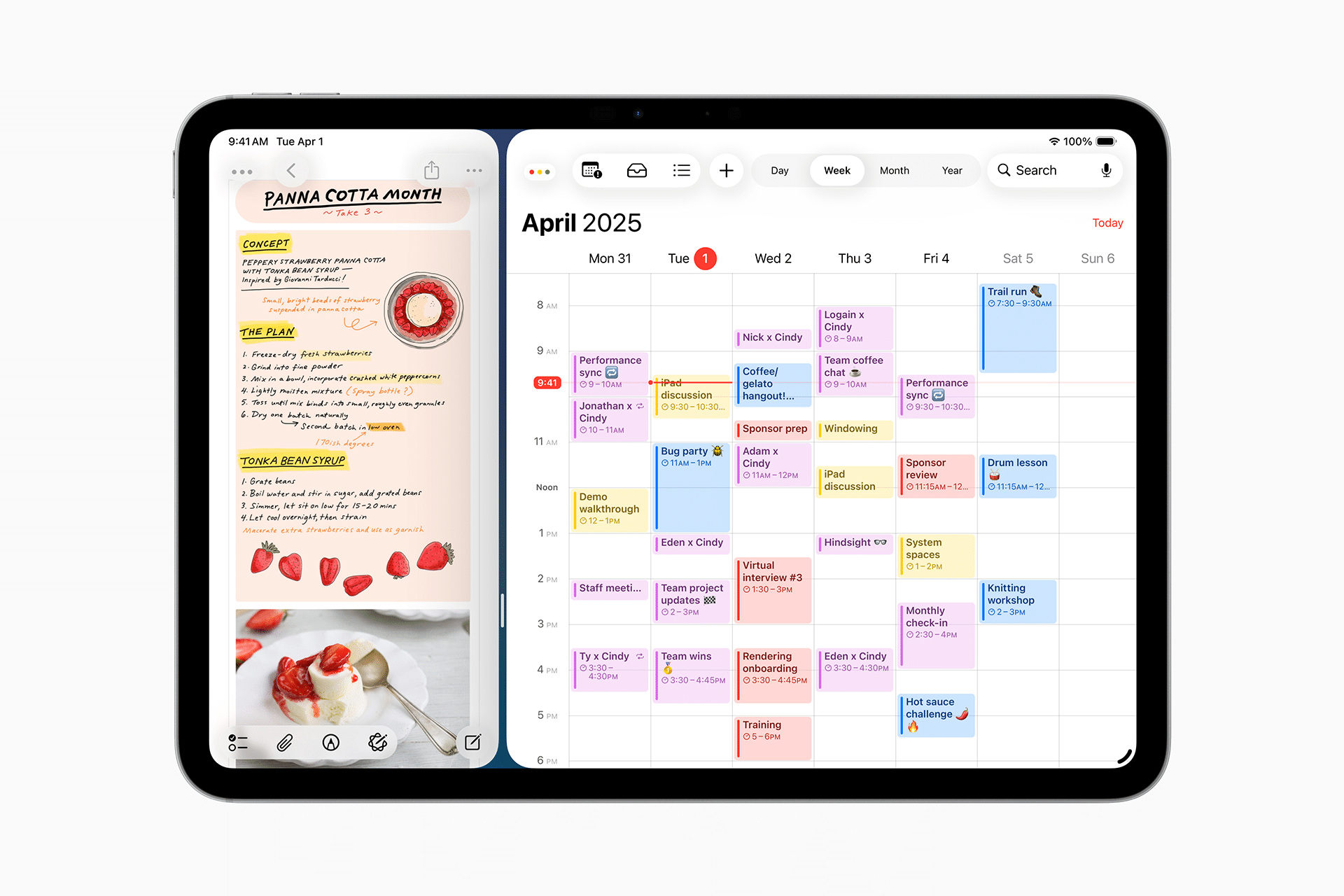
Collaboration tools inside Apple’s ecosystem also connect through shared calendars and FaceTime. Project timelines can be managed through shared iCloud calendars, ensuring that meetings, deadlines, and milestones appear on every participant’s device.
FaceTime links can be added directly into calendar events, allowing meetings to begin without searching for separate invitations. During calls, screen sharing enables live walkthroughs of documents or designs, creating a continuous bridge between discussion and action.

Maximizing Integration With Simple Settings
For teams that want to get the most from Apple collaboration tools, the setup begins with iCloud configuration. Ensuring that iCloud Drive is enabled on all devices allows files to sync without manual transfers.
Shared folders inside iCloud Drive can serve as central repositories for active projects:
Inside Settings > [Your Name] > iCloud > iCloud Drive > Turn On keeps documents continuously available across devices.
Enabling Handoff and Continuity features deepens integration. A document opened on iPhone can appear instantly in the Dock on Mac, ready to continue editing. This seamless movement between devices keeps workflow fluid.
Inside Settings > General > AirPlay & Handoff > Turn On Handoff ensures documents and tasks move naturally between hardware.
For teams using Apple devices exclusively, Messages can also serve as a collaborative hub. Files shared in a conversation remain accessible in the shared media section, creating a lightweight archive of project assets tied to specific discussions.

A Cohesive Workflow for Small Teams
Collaboration tools across Apple devices do not rely on complex onboarding. They work because the system itself is unified. Apps speak the same design language. Permissions are handled consistently. Updates sync without manual refreshes.
For small teams balancing creativity, deadlines, and limited resources, that cohesion removes friction. It allows attention to stay on the work itself rather than the mechanics of sharing it. Whether drafting a proposal in Pages, mapping ideas in Freeform, or coordinating tasks in Reminders, the integration across devices supports a workflow that feels continuous from morning to night.