


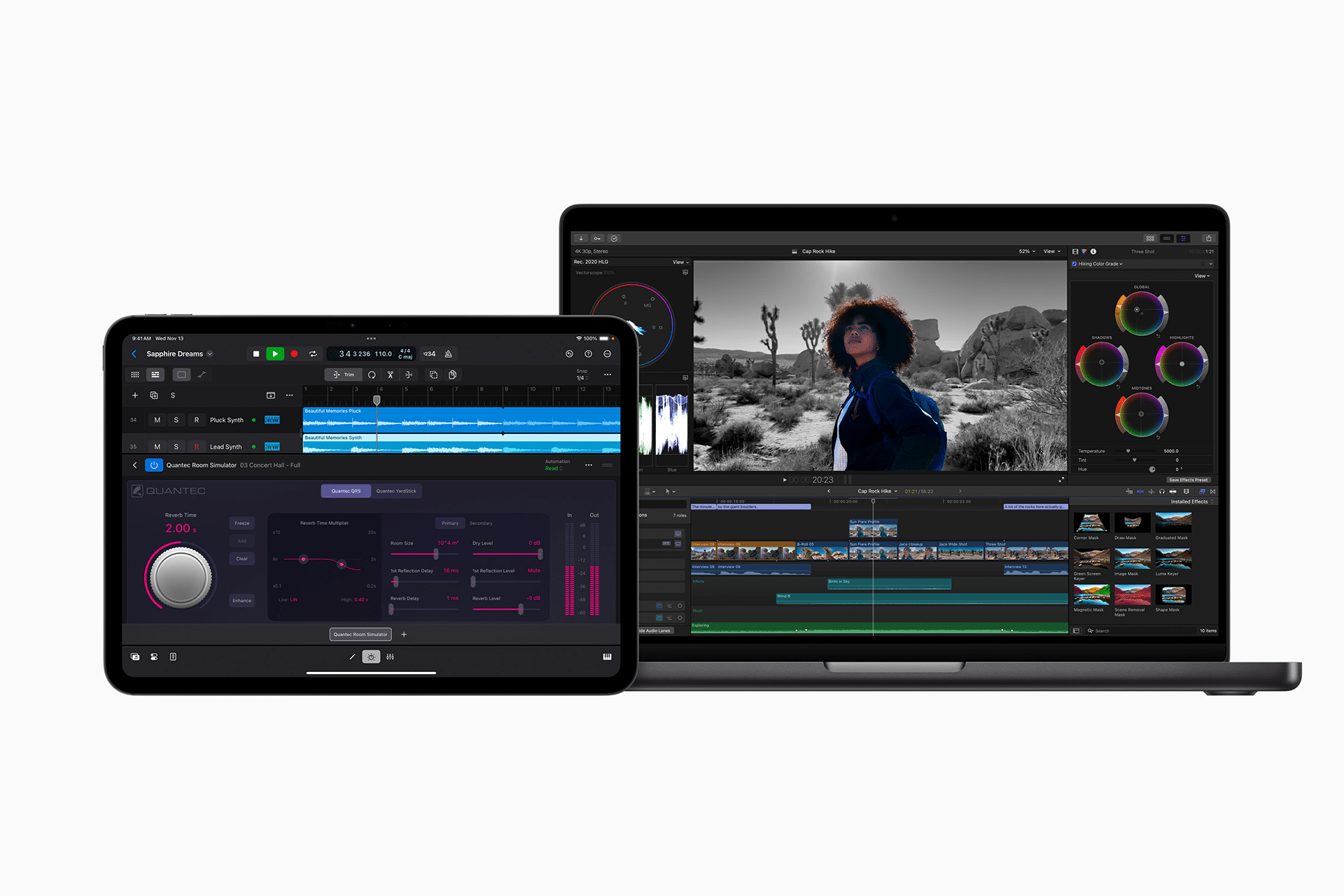
Final Cut Pro has quietly entered a new phase. With Apple Creator Studio, Apple is not positioning Final Cut as an experimental AI editor, but as a practical, production-ready tool where artificial intelligence works in the background to remove friction from everyday workflows.
This approach places Final Cut AI competition in a different category from rivals that emphasize generative features or automated editing. Apple’s focus is on helping editors work faster without taking control away from them.
Transcript-Based Search: Editing Starts With Words
One of the most impactful additions is transcript-based search. Final Cut Pro now analyzes spoken audio and generates searchable text directly tied to the timeline.
This changes how long-form content is edited. Instead of scrubbing through hours of footage, editors can type a phrase and jump straight to the exact moment it’s spoken. Interviews, podcasts, documentaries, and video essays benefit immediately.
The system doesn’t replace editorial judgment. It accelerates access. Editors still choose pacing, framing, and narrative structure, but they reach the right material in seconds instead of minutes.

Visual Search: Finding Moments Without Guesswork
Alongside audio transcripts, Final Cut introduces visual search. Editors can search footage for objects or actions and instantly surface matching clips.
This is especially useful for creators working with large libraries of b-roll. Looking for shots of crowds, hands, cityscapes, or movement no longer requires manual review. The AI identifies patterns across clips and brings them forward.
In the context of Final Cut AI competition, this feature highlights Apple’s strength in on-device intelligence. Searches are fast, private, and integrated directly into the editing environment.
Beat Detection: Editing to Music Without Math
Beat detection addresses one of the most time-consuming parts of modern editing: syncing visuals to music. Final Cut now analyzes music tracks and displays beats, bars, and structure directly on the timeline.
Editors can align cuts visually instead of relying on markers or repeated playback. Fast-paced social videos, trailers, and highlight reels become easier to refine, especially when adjusting pacing late in the process.
The underlying model is shared with Logic Pro, reinforcing Apple’s ecosystem advantage. Music and video tools speak the same language.


Apple Intelligence
Many AI-powered editors aim to automate creative decisions. Apple takes a different route. The AI in Final Cut Pro focuses on discovery, navigation, and alignment, not authorship.
This matters for professionals. Editors don’t want their style replaced. They want obstacles removed. By keeping AI assistive rather than directive, Final Cut fits naturally into existing workflows.
This design choice is a key reason why Final Cut AI competition is less about novelty and more about adoption.
How These Tools Fit Real Creator Workflows
For solo creators, transcript search speeds up editing without adding complexity. For teams, it reduces handoff time between editors, producers, and assistants.
For professionals, these features scale. Large projects benefit the most because time savings compound. Searching, organizing, and syncing become faster across every stage of production.
Because the tools are built into Final Cut Pro itself, there’s no need for external services or uploads. Everything stays local, fast, and consistent.
Competitive Landscape
Final Cut’s AI features don’t exist in isolation. Competing platforms are adding AI layers, but often through cloud processing or separate tools.
Apple’s advantage comes from tight integration with hardware, macOS, and its creative apps. Performance is predictable. Privacy is preserved. Latency is minimal.
In the broader Final Cut AI competition, Apple isn’t racing to add the most features. It’s refining the ones editors actually use.
Final Cut Pro’s evolution inside Apple Creator Studio reinforces a familiar pattern: quiet upgrades that, over time, redefine expectations.

