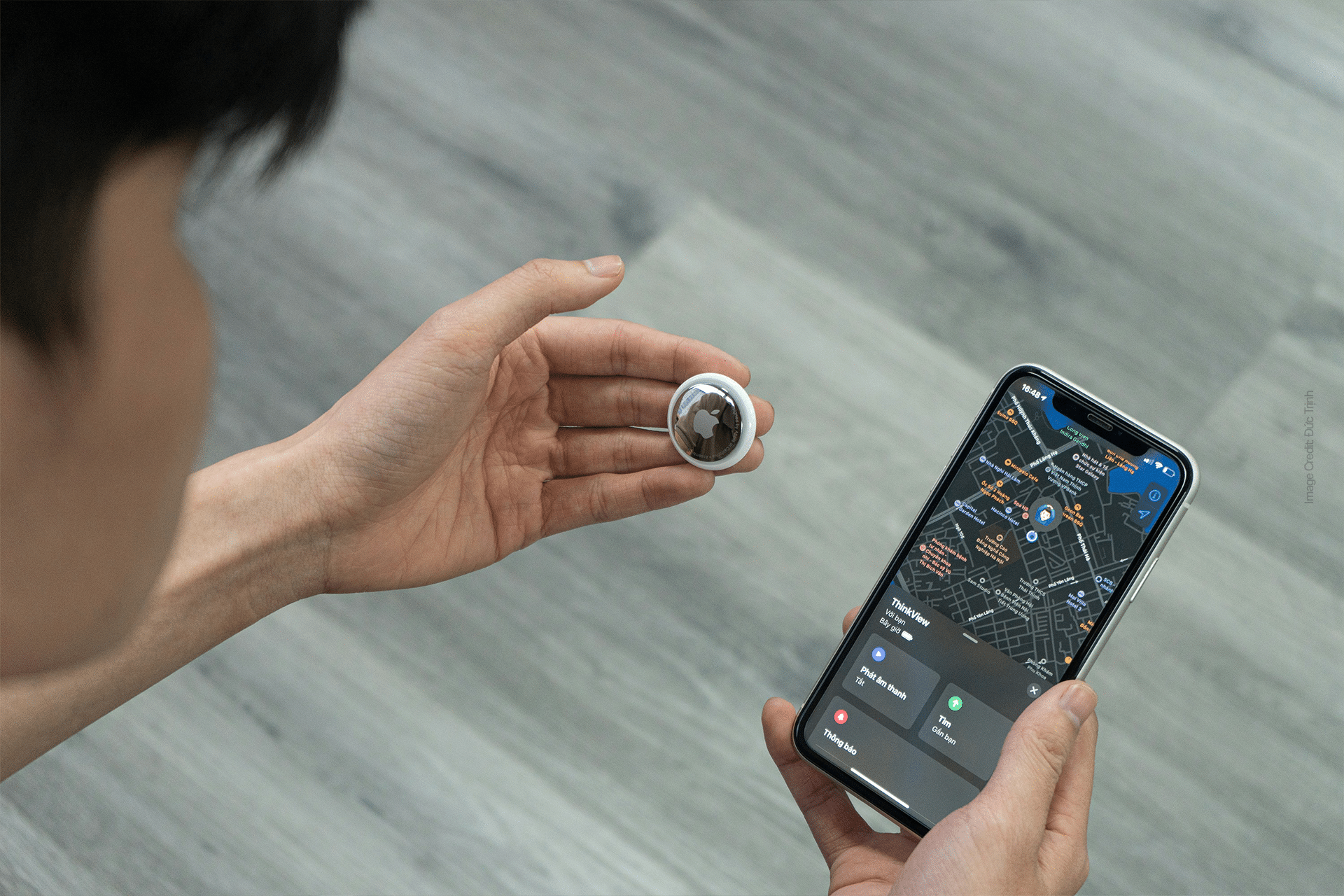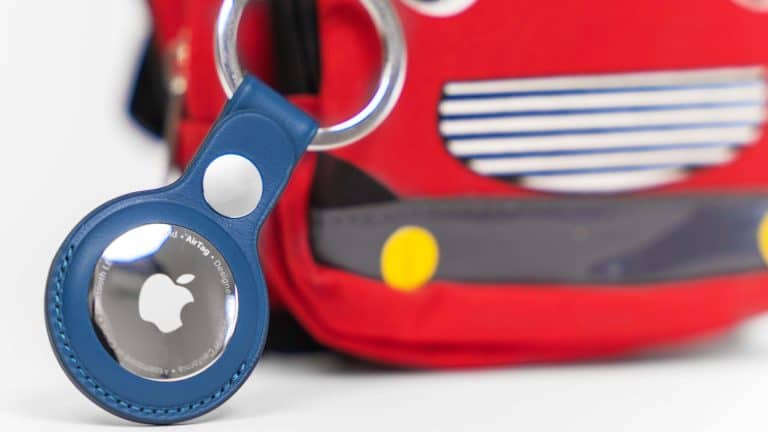
Find My for kids can give families a calmer way to manage daily movement, school routines, after-school activities, and lost belongings, especially when Apple Watch and AirTag are used for different jobs. Apple Watch is the better tool for knowing where a child is, communicating with them, and setting family controls. AirTag is the better tool for finding things they carry, such as a backpack, lunch bag, jacket, sports bag, instrument case, or keys.
That distinction matters. AirTag is designed to track personal items, not people. Apple Watch, especially through Family Setup, is the more appropriate choice for a child who does not have an iPhone. It gives parents location sharing through Find My, calling and messaging, Schooltime controls, emergency features, activity tools, and app restrictions managed from a parent’s iPhone. AirTag can still be valuable in a family setup, but its role should be limited to belongings that are likely to be misplaced, left on a bus, forgotten at school, or buried in a pile of sports gear.
For households already using iPhone and Family Sharing, the combination can be powerful without becoming complicated. A child wears Apple Watch. Their backpack has an AirTag. Parents can check the child’s location when needed, send a quick message, call during pickup, and locate a missing bag through the Find My app. The best setup does not try to turn every moment into a tracking event. It creates a safety net around ordinary family logistics.
The appeal is easy to understand. Kids lose things. Schools are busy. Bags move between classrooms, buses, lockers, cars, playgrounds, and after-school activities. Parents want reassurance without handing a full iPhone to a younger child too early. Apple Watch and AirTag offer two different answers inside the same Find My system, making the experience familiar for families already using Apple devices.
Apple Watch Is the Right Tracker for Kids
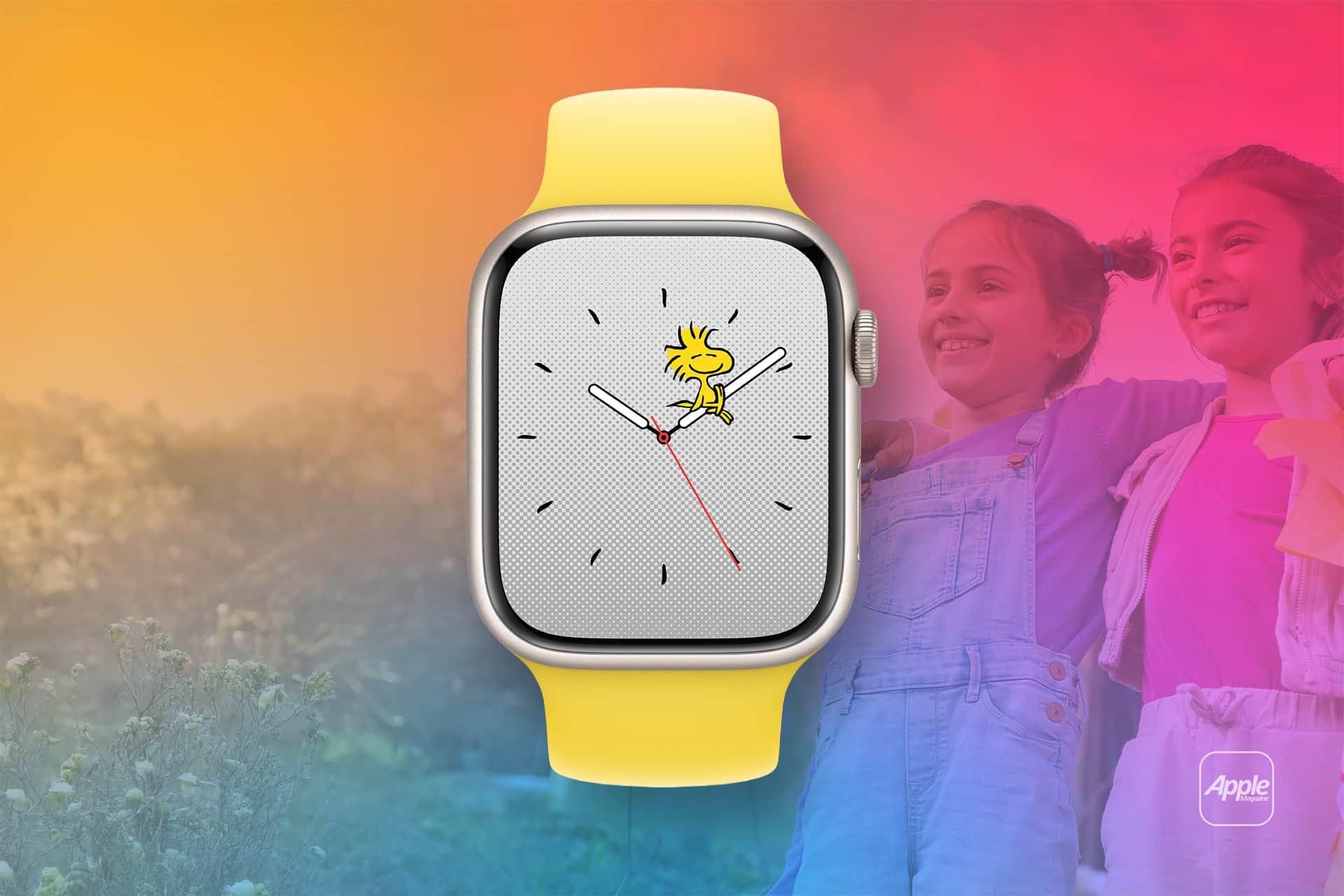
Find My for kids should start with Apple Watch when the goal is location and communication. Family Setup allows a parent to set up an Apple Watch for a family member who does not have their own iPhone. The watch gets its own cellular plan when supported, its own Apple Account, and settings managed from the parent’s iPhone. That makes it a practical middle step for families who want connection without giving a child a smartphone.
Once set up, Apple Watch can share location through Find My and Family Sharing. Parents can see where the child’s watch is, receive location-related notifications, and contact the child through calls or messages. The child can also reach approved contacts, which is useful for school pickup changes, sports practice, sleepovers, or emergencies. For many families, that matters more than simply seeing a dot on a map.
The watch also gives the child an active device, not a passive tag. A child can answer a call, read a message, ask Siri a question, use Maps, or check the time. Parents can manage contacts and features, while still giving the child a sense of independence. That balance is one reason Apple Watch SE has become a common choice for younger users in Apple households. It is less distracting than an iPhone, but far more useful than a hidden tracker.
Schooltime is one of the most important Family Setup features. It limits distractions during school hours by simplifying the watch face and restricting access to apps. Parents can schedule Schooltime from their iPhone, helping the watch remain a communication and safety tool rather than a classroom distraction. A child can still exit Schooltime when necessary, and parents can review those exits later.
Apple Watch also fits better with safety conversations. Children can understand that the watch helps them contact family and be found if plans change. That is healthier than hiding a tracker in clothing or pretending the system is only about lost items. Families can set clear rules, such as wearing the watch during school days, charging it each night, using it for quick check-ins, and not removing it during pickup or travel.
Setup should begin in the Watch app on the parent’s iPhone.
Apple’s path is straightforward once Family Sharing is ready:
Watch app > All Watches > Add Watch > Set Up for a Family Member
After setup, parents can manage the watch from the same app, including contacts, Schooltime, activity settings, location sharing, and other controls. The child’s Apple Watch should also be protected with a passcode and kept updated, especially because it may be used for communication and location.
Battery habits are part of the system. Apple Watch only works as a location tool when it has power and cellular or Wi-Fi connectivity. Families should build charging into the routine, often overnight or during homework. For younger children, the watch may need a simple home rule: place it on the charger after dinner and put it on before leaving for school.

AirTag Is Best for Backpacks and Belongings
AirTag belongs in a different part of the family setup. It is excellent for items that are often misplaced, but it should not be treated as a child tracker. Apple designed AirTag for keys, backpacks, luggage, purses, and other personal items. The Find My network can help locate an item by using nearby Apple devices to relay its location securely, and Precision Finding can help compatible iPhone models guide the owner to a nearby AirTag.
That makes AirTag especially useful for school belongings. A backpack can be left in a classroom, on a bus, at a friend’s house, in a locker room, or at a practice field. An AirTag attached to the inside of the bag can help a parent or child narrow down where it was last seen. For families with multiple children, AirTags can reduce the morning scramble for bags, keys, musical instruments, or sports equipment.
The most practical AirTag setup is visible enough for the family to remember it exists, but secure enough that it does not fall off. A backpack loop, internal pocket, key ring, luggage tag, or dedicated AirTag holder can work. For a younger child’s school bag, an internal pocket may be safer because the tag is less likely to be pulled off during the day. The goal is item recovery, not secrecy.
Find My also allows AirTag sharing, which can be useful in a family. A parent can share an AirTag with another trusted person so both can help locate the item. This is helpful when one parent handles school drop-off and the other handles pickup, or when a caregiver may need to locate a bag.
Shared AirTag access should be limited to people who genuinely need it:
Find My > Items > Select AirTag > Add Person
AirTag can play a sound when nearby, and Find My can show directions to the item’s last known or current location when available. That is useful for a backpack somewhere in the house, a sports bag in the car, or keys left at a relative’s home. The experience is not the same as GPS tracking. AirTag depends on Bluetooth and the Find My network, so its location may update when compatible devices pass nearby. In a busy school or city, updates may be frequent. In a remote area, they may be less consistent.
Parents should also understand Apple’s unwanted tracking protections. If an AirTag or compatible Find My accessory appears to be moving with someone who is not its owner, iPhone and other supported devices can alert them. AirTag can also make a sound after being separated from its owner for a period of time. These protections exist because item trackers can be misused. They are another reason AirTag should be used openly and only for belongings.
The child should know which items have AirTags and why. A simple explanation works: “This helps us find your backpack if it gets lost.” That keeps the technology honest and helps the child participate in taking care of their things. It also avoids turning Find My into something secretive, which is not a good foundation for family trust.
Building a Safer Find My Routine
A strong Find My for kids setup is built around rules, not just devices. Apple Watch should be used for the child’s location and communication. AirTag should be used for belongings. Parents should avoid mixing those roles because it can create privacy problems, false expectations, and confusing alerts.
The best family routines are simple. The child wears the Apple Watch when leaving home. The backpack AirTag stays attached to the bag. Parents check location only when there is a reason, such as pickup, a delay, a missed call, or a lost item. Notifications can be used carefully for arrival and departure alerts, but they should not replace communication. A child still needs to learn how to say where they are, ask for help, and follow pickup plans.
Family Sharing can make the system easier to manage. Parents can share locations with family members, help locate missing devices, and manage a child’s Apple Watch through the parent’s iPhone. When everything is under one family structure, it is easier to control access and avoid random logins, shared passwords, or separate tracking apps.
Privacy should remain part of the conversation. Location tools can help families, but children should understand when location is shared and who can see it. As kids get older, the rules should mature with them. A setup that makes sense for a seven-year-old may feel too restrictive for a teenager. Apple’s tools work best when families revisit settings as responsibilities change.
Parents should also avoid depending on Find My as the only safety plan. Location can be delayed, devices can run out of battery, cellular coverage can drop, and bags can be separated from children. Apple Watch and AirTag are helpful tools, not guarantees. Children still need emergency contacts, pickup rules, school office procedures, and clear instructions for what to do if plans change.
The setup is strongest when it reduces stress without taking over family life. Apple Watch gives children a way to be reached and found. AirTag helps recover the objects that move with them. Together, they make Find My more useful for school days, sports practice, travel, and everyday routines, while keeping the difference between people and belongings clear.
A family using both should review the system every few months. Check that the watch is updated, contacts are correct, Schooltime still matches the school schedule, AirTag batteries are healthy, and item names are clear in Find My. A backpack named “Emma School Bag” or “Lucas Soccer Bag” is easier to identify than a generic label. Small details like that make the system easier to use when something is actually missing.
Find My for kids works best as a practical family layer around independence. A child can go to school with a watch instead of a phone, carry a backpack that is easier to recover, and still learn responsibility along the way. Parents get more reassurance during busy routines, while Apple Watch and AirTag each stay in the role they were built to serve.