

Apple’s official cleaning guidance emphasizes soft tools, controlled liquids, and safe habits to protect display coatings and glass surfaces. Use only a soft, lint-free cloth — such as a high-quality microfiber — to remove fingerprints, oils, and dust, and avoid abrasive towels, paper towels, or similar fabrics that can scratch delicate coatings. Before cleaning, power off your device and disconnect any cables or power sources to avoid accidental input and protect internal components. Avoid harsh sprays, solvents, household cleaners, bleach, or abrasive powders, as these can degrade or strip protective surface coatings and may leave moisture in device openings.
For everyday smudges on iPhone or iPad displays, start with a dry microfiber cloth. If marks still remain, slightly dampen the cloth with water — never spray liquid directly on the screen. Apple support notes that 70 % isopropyl alcohol or 75 % ethyl alcohol wipes can be used gently on hard, non-porous surfaces like display glass if needed for disinfecting, but always apply to the cloth first. This method preserves the oleophobic (fingerprint-resistant) coating and avoids flooding moisture into openings.
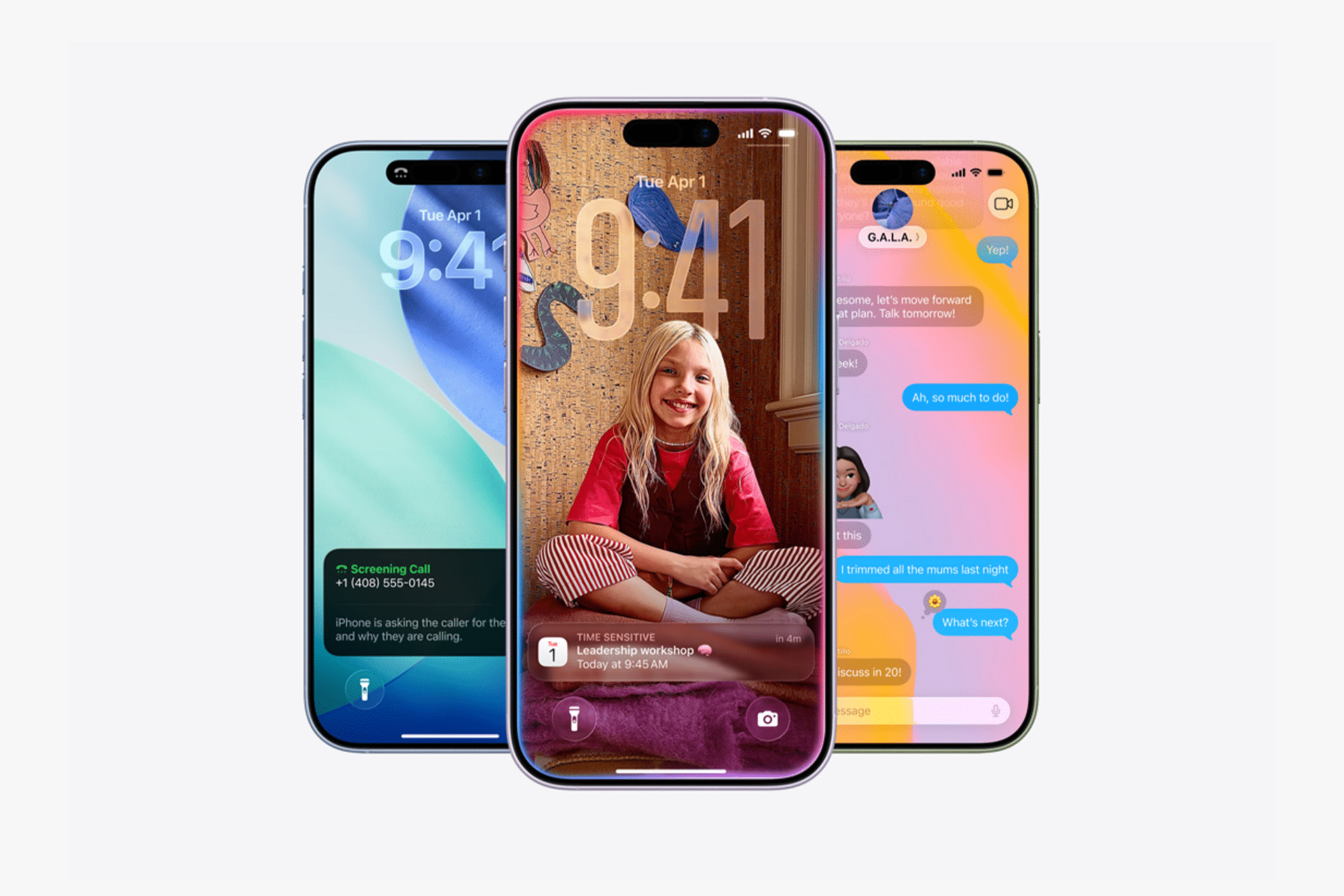
Special Care for Nano-Texture Glass
Certain Apple displays — such as the nano-texture glass options on Studio Display, Pro Display XDR, iMac, MacBook Pro, and some iPad Pro models — require extra care. Apple advises cleaning nano-texture glass surfaces only with the polishing cloth included with the display to preserve the finely etched anti-reflective finish. For occasional stubborn marks, the polishing cloth may be lightly moistened, but direct liquid contact should still be avoided. If the original polishing cloth is lost, a replacement from Apple is recommended.
Standard glass versions of these displays can be cleaned with a dry microfiber cloth or a cloth lightly dampened with water. Using other materials or harsh cleaning agents risks altering the nano-texture finish and reducing visual performance.
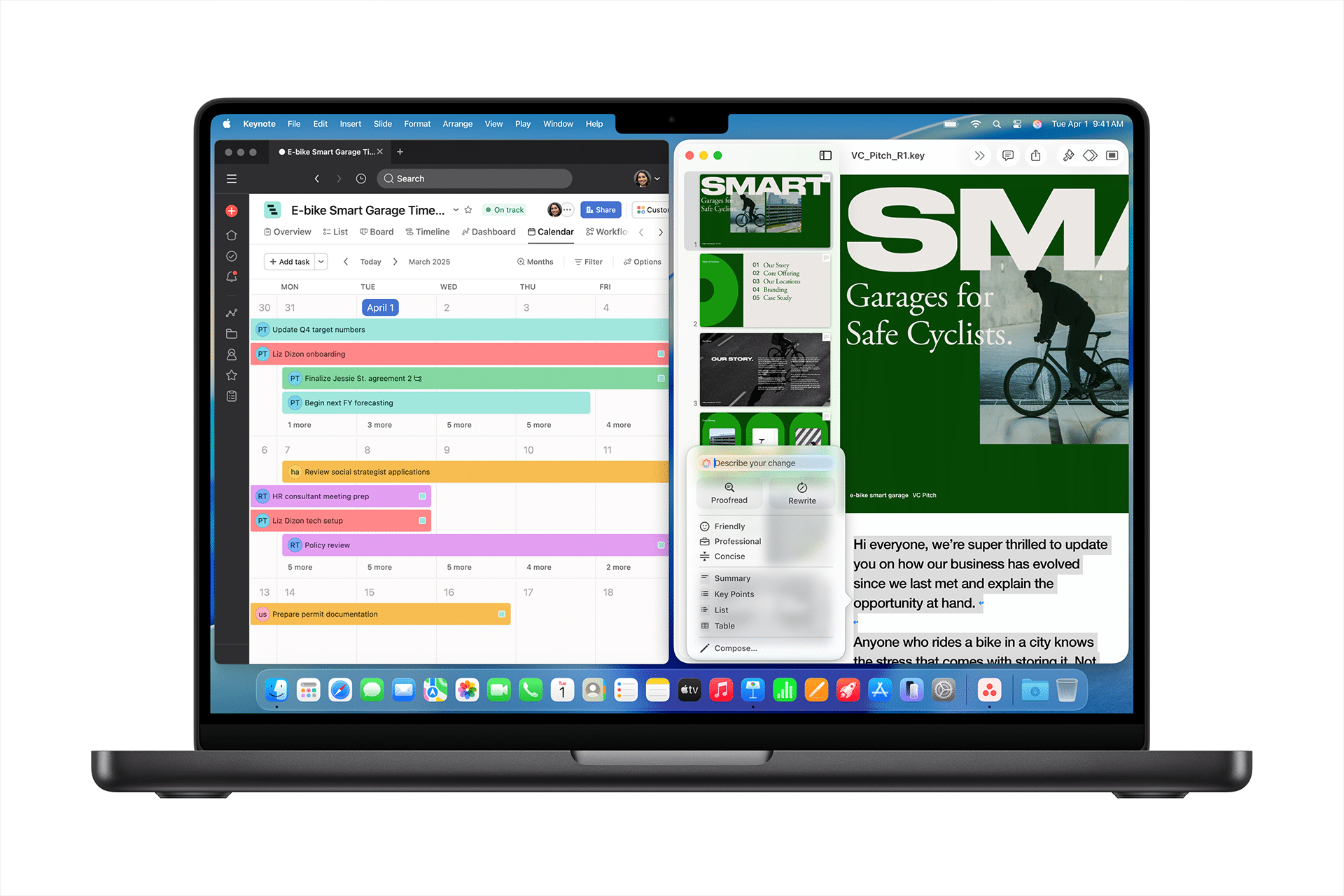
Preventive Habits and Accessories
Along with gentle cleaning, preventive measures significantly reduce everyday wear:
- Keep devices in separate compartments from keys, coins, and abrasive objects in bags or pockets.
- Wash or dry hands before extended use to minimize transfer of dust and oils.
- Consider high-quality screen protectors for iPhone and iPad if you place devices face-down often or travel frequently.
- Use cases with raised bezels to shield screens from direct impact if the device tips or falls.
These simple habits complement cleaning routines and help maintain display clarity over years of regular use.
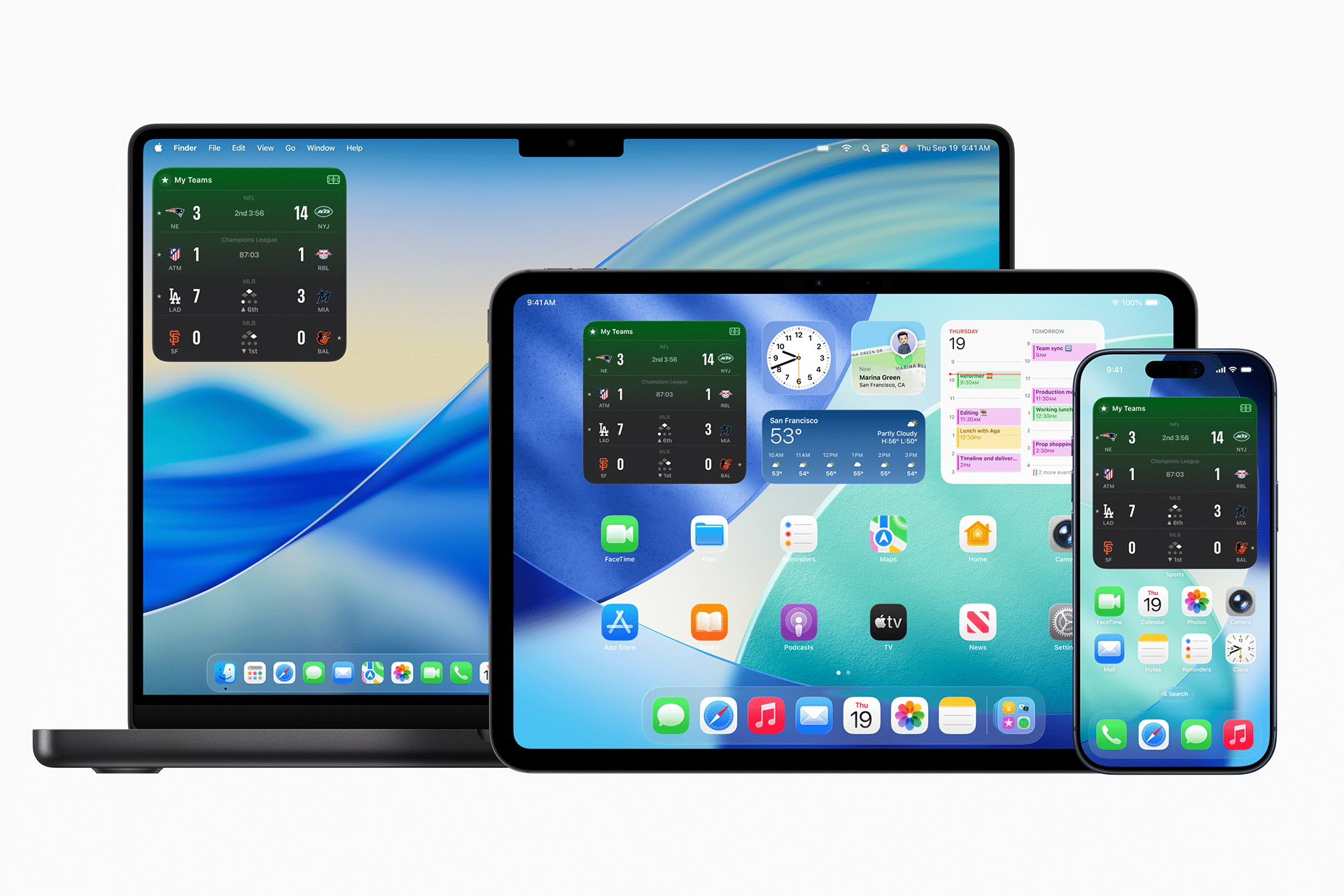
Long-Term Care and Coating Preservation
Even with consistent gentle care, surface coatings like the oleophobic layer will naturally diminish over time as a result of normal use. This gradual change is expected and does not indicate damage. Proper cleaning helps slow visible wear and preserves the visual quality longer. For deeper scratches, cracks, or impact damage, Apple’s service options — including AppleCare+ where available — provide professional repair and screen replacement pathways.
Apple products with unique display materials — such as the Apple Watch and Apple Vision Pro — deserve their own dedicated care guides. Apple Watch screens use materials like Ion-X glass and sapphire crystal that require specific handling and cleaning recommendations tailored for their unique surfaces, while Vision Pro displays and lenses itself follow a distinct set of guidelines best covered in a separate article.


