

There’s something reassuring about knowing what’s happening at home — especially when you’re not there. A door opening unexpectedly, a window left ajar, a child arriving from school. These are small moments that matter. HomeKit door alerts are designed to surface those moments instantly.
Using Apple’s Home app, compatible contact sensors placed on doors and windows can trigger notifications the moment they’re opened or closed.
The system doesn’t require complex wiring or a dedicated control panel. It works through the same Home app already used for lights, cameras, and thermostats.
How Door and Window Sensors Work
HomeKit-compatible contact sensors consist of two small components. One mounts to the door or window frame; the other attaches to the moving part. When the two separate — even slightly — the sensor registers the change and sends a signal to your home hub.
Once connected to Apple Home, the sensor can:
- Display open/closed status in real time
- Trigger push notifications
- Activate automations
- Log activity history
The key to remote notifications is having a home hub configured, such as an Apple TV or HomePod. With a hub active, alerts can reach your iPhone even when you’re away from the property.

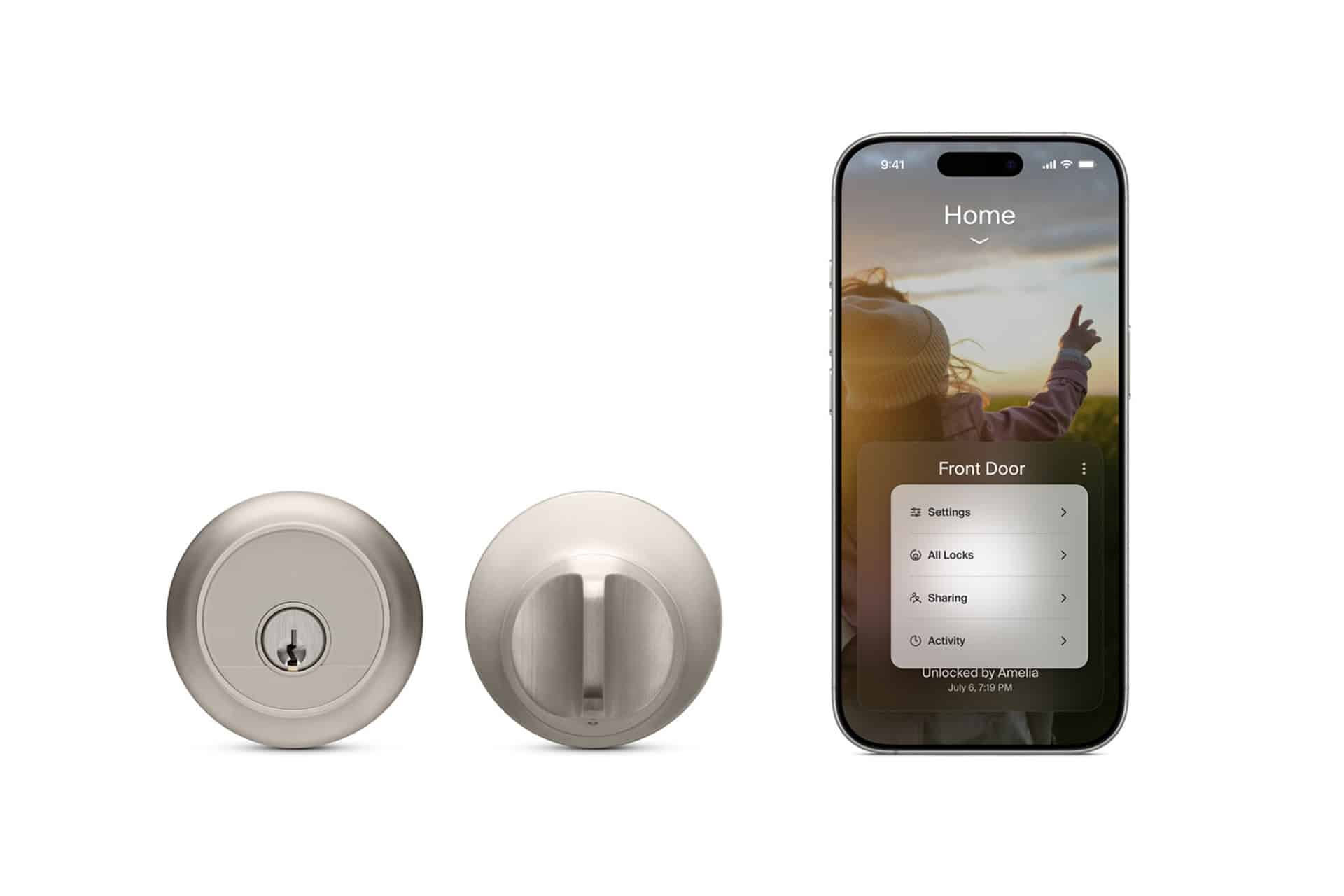
Setting Up Door Alerts
After installing a compatible sensor and adding it to the Home app, enabling notifications is straightforward:
Home App > Select Sensor > Accessory Settings > Status and Notifications
From here, you can choose to receive alerts when the sensor detects an open state. You can also customize when notifications arrive.
Options typically include:
- Any time
- Only when no one is home
- Only during specific hours
This flexibility allows you to reduce unnecessary alerts while maintaining meaningful oversight.
Practical Everyday Uses
HomeKit door alerts serve more than security scenarios. Many users rely on them for routine awareness.
Parents may receive a notification when children return home. Apartment residents might monitor a balcony door. A garage entry door can trigger a late-night alert.
In shared households, notifications can be sent to multiple family members. Apple’s Home sharing features allow each person to configure alert preferences individually.
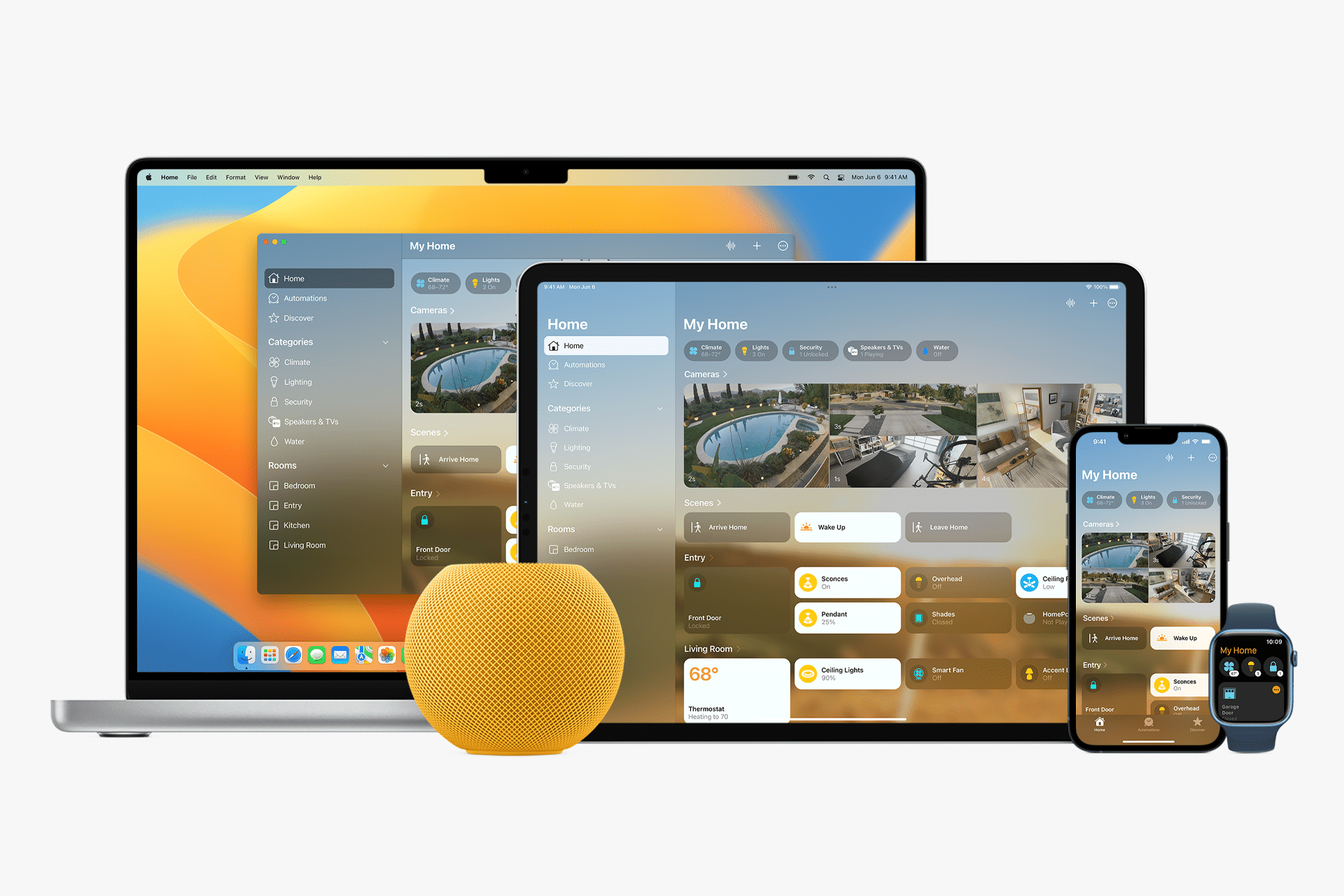
Automations Beyond Notifications
Door and window sensors can also trigger broader actions.
For example:
When Front Door Opens > Turn On Hallway Light
When Window Opens > Turn Off Heating
These automations integrate seamlessly with other HomeKit accessories, turning a simple contact sensor into part of a larger smart home response.
Automation rules are created inside the Home app under the Automation tab. Once configured, they operate automatically without manual input.
Managing Alert Frequency
Receiving too many alerts can reduce effectiveness. Adjusting notification timing helps maintain balance.
Inside the sensor settings, you can restrict notifications to specific times — such as overnight hours — or only when everyone is away.
Geofencing allows HomeKit to detect whether household members are present based on their iPhone location. This ensures alerts remain relevant.

Reliability and Connectivity
Most HomeKit contact sensors rely on Bluetooth, Thread, or Wi-Fi connections. Devices that support Thread typically offer faster and more stable responses within a compatible network.
Placement also matters. Ensuring the sensor sits within range of the home hub or a Thread border router improves consistency.
If notifications stop unexpectedly, checking connectivity inside the Home app usually reveals whether the sensor is responding correctly.
Privacy Considerations
HomeKit door alerts operate within Apple’s encrypted smart home framework. Accessory data is encrypted end-to-end when routed through iCloud.
Unlike cloud-dependent systems that require subscription plans, HomeKit notifications integrate directly with the Home app and Apple ID infrastructure.
Smart homes are not only about convenience. They are about awareness. A single notification can confirm a family member’s arrival, alert you to unexpected movement, or remind you that a window was left open before a storm. HomeKit door alerts provide that layer of quiet monitoring — subtle, immediate, and fully integrated into the Apple ecosystem.