Recent updates across Apple’s ecosystem often aim to improve stability and performance, but for some HomePod users, the experience following the iOS 26.2 upgrade has been uneven. While many setups continue to work as expected, a noticeable number of users have taken to community forums to describe issues that appeared or intensified after the update. These reports span different HomePod models and home configurations, suggesting that the problems are not isolated to a single use case.
Taken together, these accounts point to recurring themes around connectivity, playback control, Siri behavior, and HomeKit integration. Although Apple has not formally acknowledged a systemic issue tied specifically to iOS 26.2, the consistency of user feedback provides insight into areas where HomePod reliability may still need refinement.
Connectivity and Network Errors
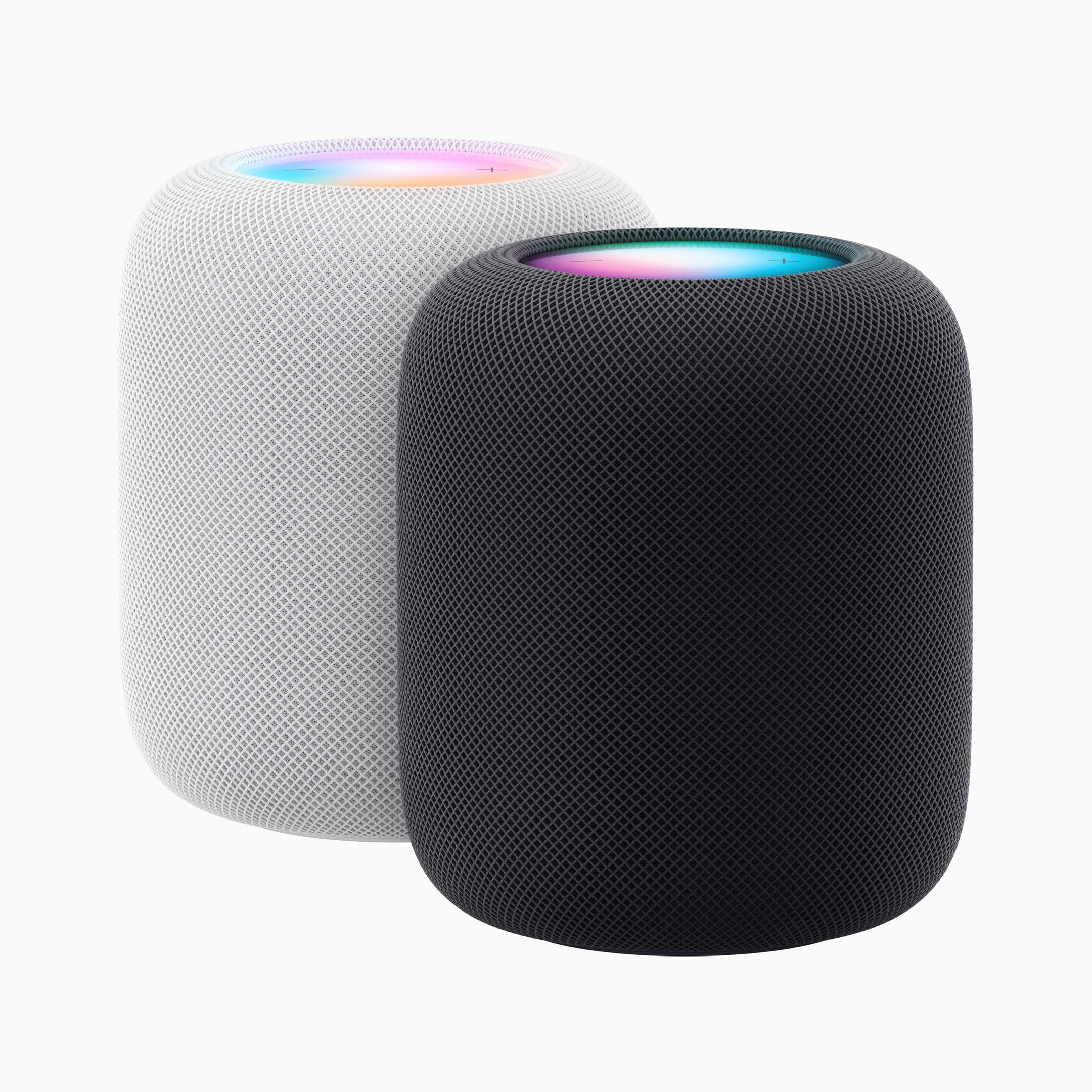
One of the most frequently mentioned issues involves HomePods reporting network errors or temporarily appearing offline in the Home app, even while audio playback continues uninterrupted. Users describe situations where HomePods become unreachable for control, automation, or Siri requests, then reconnect without any changes to the network itself. In households with stable Wi-Fi and other HomeKit accessories functioning normally, this behavior has raised questions about how HomePods report network state after the update.
AirPlay and Playback Instability
AirPlay reliability is another recurring topic. Users report delayed playback starts, unexpected audio stops, or speakers switching output without direct input. Stereo pairs appear particularly sensitive, with some users noting that paired HomePods fall out of sync or fail to play together until manually restarted. These issues often surface when streaming audio across multiple rooms or switching playback between devices.
Touch Controls and Volume Behavior
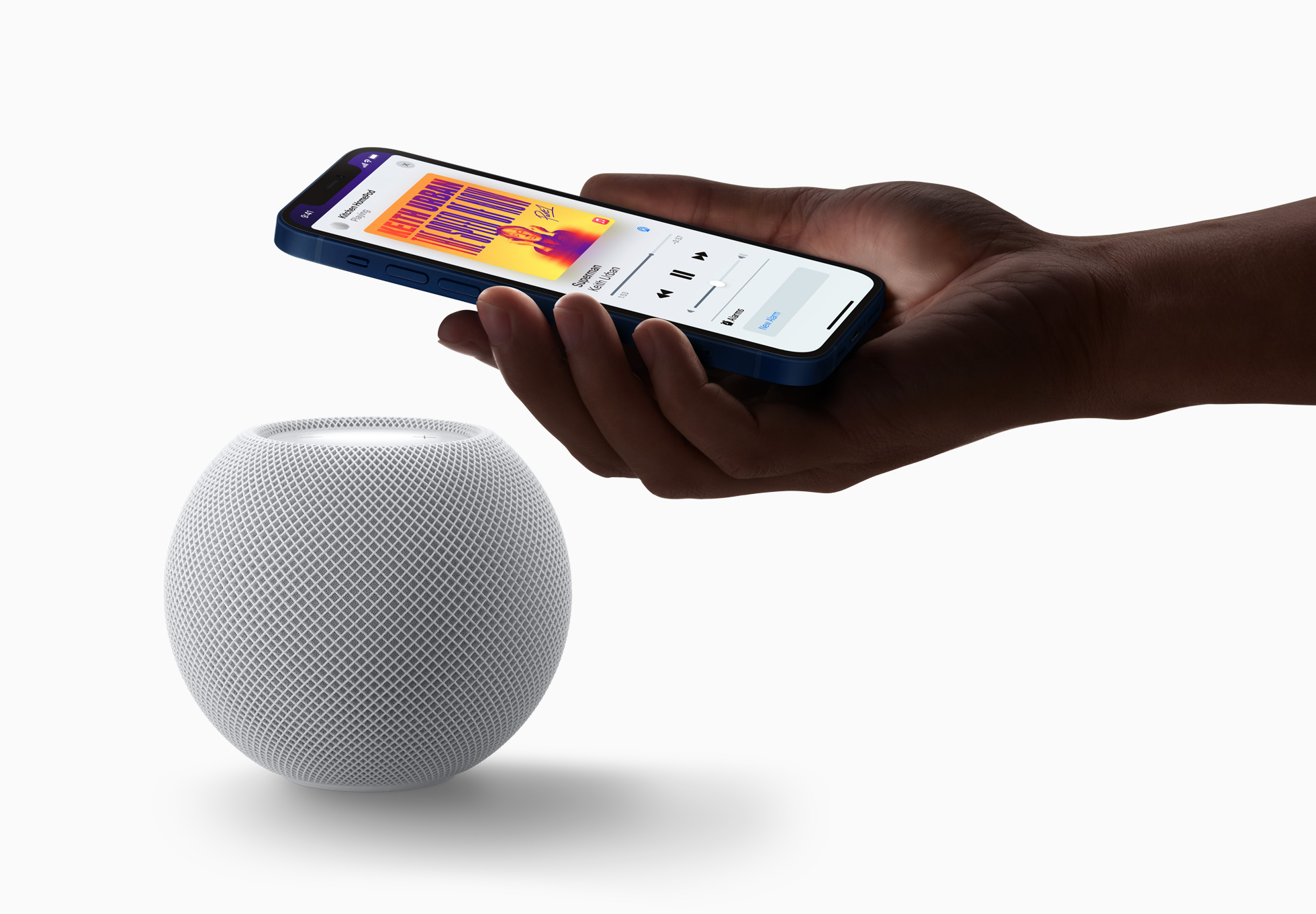
Touch interaction on HomePod surfaces has also been cited as inconsistent. Some users describe taps failing to register for play, pause, or track skipping, while others mention volume levels changing without direct interaction. In a few cases, this behavior appears intermittent rather than constant, making it difficult to reproduce or isolate. Reports suggest the issue affects both full-size HomePods and HomePod mini units.
Siri Responsiveness and Device Selection
Siri behavior has drawn complaints related to delayed responses, ignored commands, or audio being routed to unintended speakers. In multi-HomePod environments, Siri may acknowledge a request but direct playback to a different room than expected. For users who rely on voice control as their primary interaction method, this inconsistency has reduced confidence in hands-free use after the update.
HomeKit Automations and Ecosystem Effects
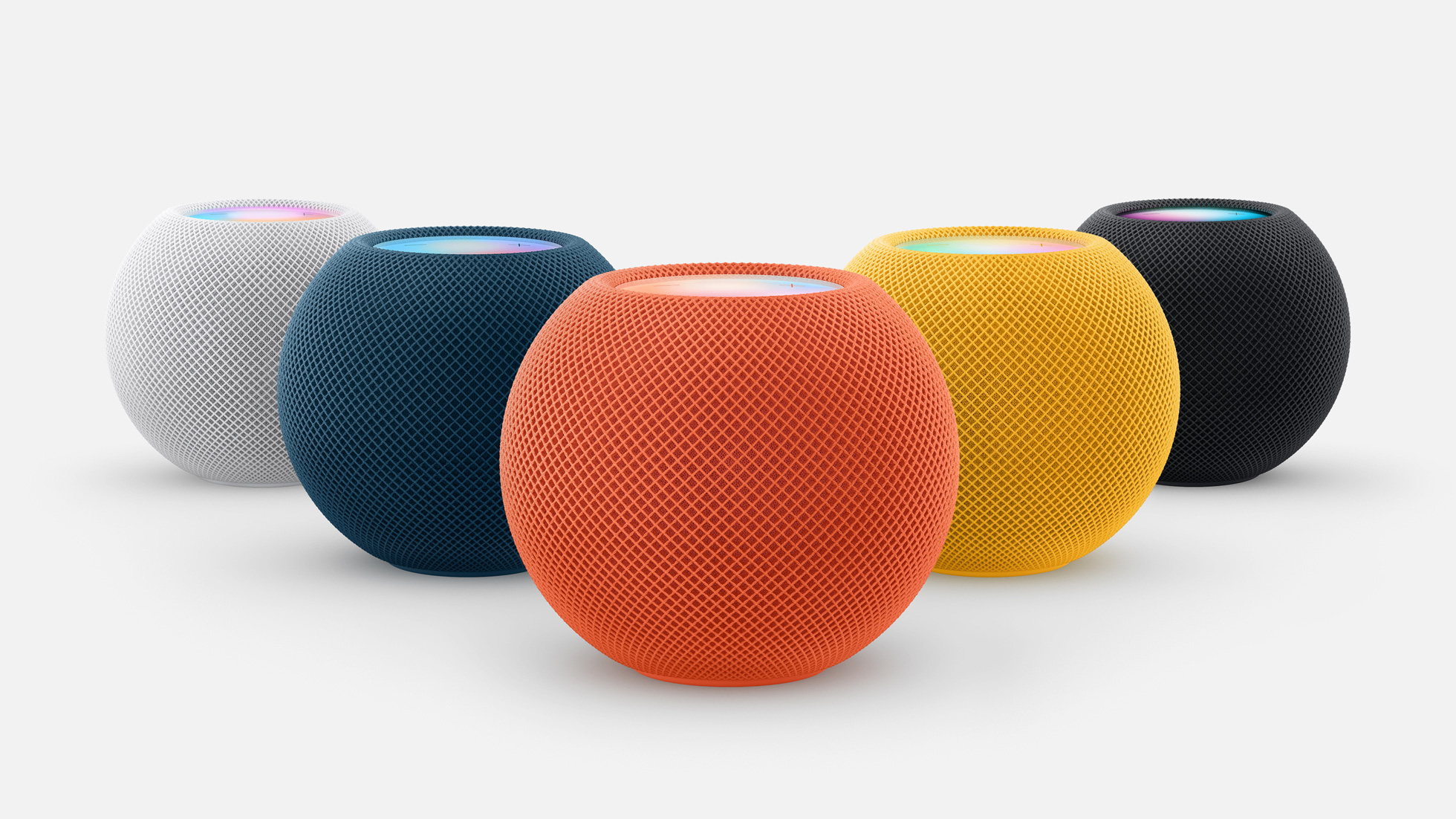
Beyond audio playback, some users report that HomeKit automations involving HomePods behave unpredictably following the iOS 26.2 update. Scheduled routines, sensor-triggered actions, and room-based automations may fail to execute consistently or require manual intervention. While not all HomeKit accessories are affected, HomePods appear frequently in reports describing disrupted automation flows.
Apple has not publicly acknowledged a broad HomePod-specific issue tied to iOS 26.2, and not all users experience problems. However, the volume and consistency of community reports suggest that certain configurations may be more sensitive to the changes introduced in this update. Until further software refinements arrive, many users rely on temporary workarounds such as restarting devices, resetting HomePods, or adjusting network settings to restore stability.