


Specific HomePods, or even family members’ iPhones, making everyday communication faster, louder, and surprisingly fun.
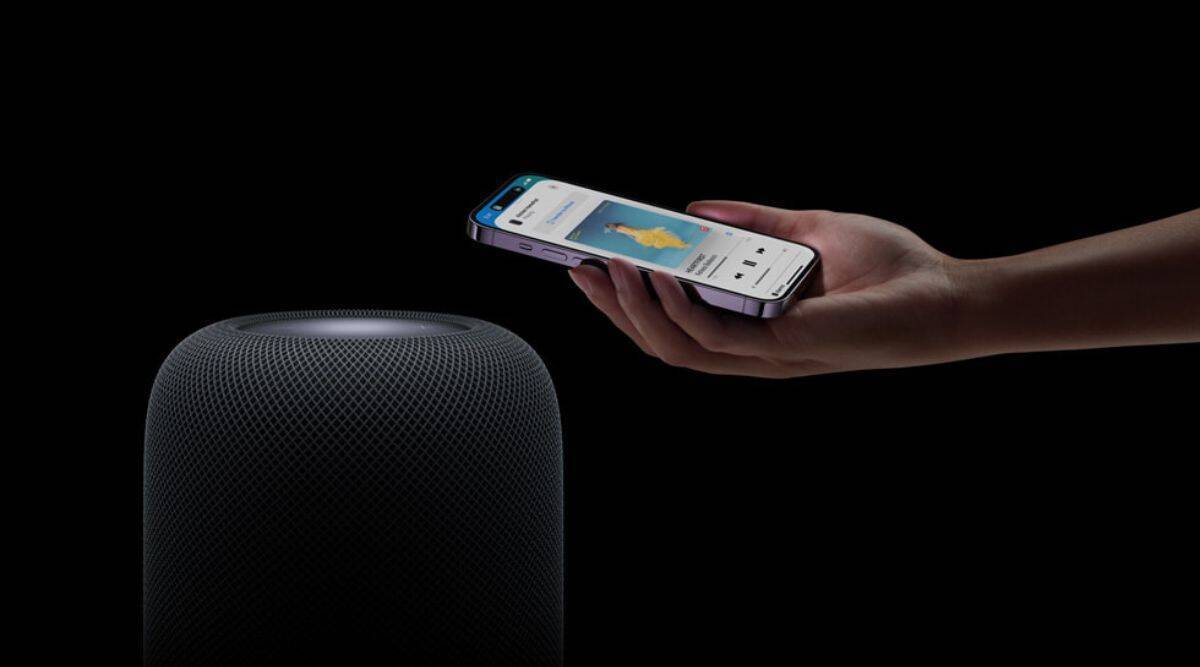
HomePod Intercom is an Apple Home feature that allows you to send short voice messages to HomePods and Apple devices across your home. It works through Siri and the Home app, turning your HomePod into a simple, hands-free way to communicate with family members in different rooms.
What Is HomePod Intercom and Why Use It
HomePod Intercom lets you broadcast voice messages to HomePods and Apple devices in your home using Siri. It’s perfect for quick announcements, reminders, and playful messages, and it works even when family members aren’t in the same room.
Workflow
Home app > More button > Home Settings > Intercom
What HomePod Intercom Actually Does
HomePod Intercom sends voice messages, not live audio. When you speak an intercom message, it’s recorded, delivered, and then played back on selected devices. This makes messages clear, repeatable, and easy to hear even in noisy environments.
Intercom works with HomePod, HomePod mini, iPhone, iPad, Apple Watch, and CarPlay. Messages can be sent to everyone in the home or to specific rooms or people.
Because Intercom is built into Apple Home, it respects user permissions and family sharing settings automatically.

How to Turn On HomePod Intercom
Before using Intercom, it needs to be enabled in the Home app.
Workflow
- Home app > Home Settings > Intercom
- Turn on Intercom
- Choose who can send intercom messages
- Choose which devices receive messages
You can allow everyone in the home or restrict sending to specific users, such as adults only.
HomePod Intercom with Siri
Once enabled, using Intercom is effortless.
Workflow
- Say “Hey Siri, intercom…”
- Speak your message
- Siri confirms and sends it
Examples
“Hey Siri, intercom dinner is ready”
“Hey Siri, intercom to the living room movie night starts now”
“Hey Siri, intercom to Emma time to leave for school”
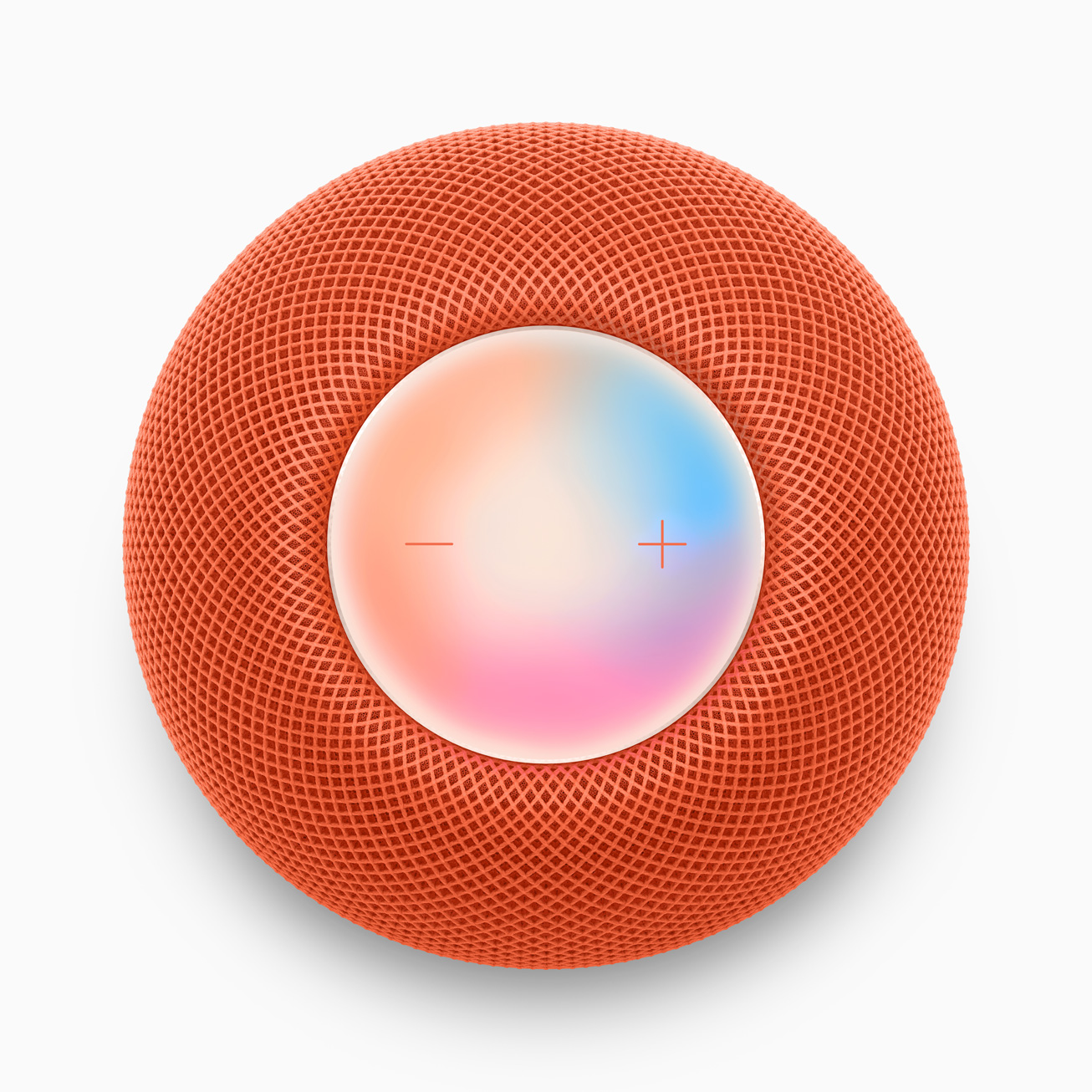
Messages play automatically on HomePods and appear as audio notifications on iPhones, iPads, and Apple Watches.

Daily and Practical Uses for Families
HomePod Intercom shines in everyday routines. Parents use it to call kids for meals, homework, or bedtime. It’s faster than texting and louder than shouting across rooms.
Morning reminders, schedule changes, and quick check-ins feel natural when spoken instead of typed. Intercom also works when devices are locked, so messages don’t get missed.
For households with multiple floors or outdoor spaces, Intercom quickly becomes essential.
Fun and Playful Ways to Use Intercom
Intercom isn’t just practical. Families often use it for jokes, surprises, and playful announcements.
Birthday messages can be broadcast to the entire house. Kids send silly messages to parents. You can announce movie night, game time, or surprise treats in a way that feels theatrical.
Because messages are recorded and replayed, they often sound funnier than live shouting.
Using Intercom When You’re Not Home
Intercom works remotely. If you’re away from home, you can still send messages through your iPhone.
Workflow
- Control Center > Home
- Tap Intercom
- Record message
This is useful for checking in, giving instructions, or letting family members know you’re on your way home.
Privacy and Controls
Intercom respects Apple’s privacy model. Only people added to your Home can use it. Messages are not stored long-term and are not publicly accessible.
You can disable Intercom at any time or limit which devices receive messages. Quiet hours can be set to avoid interruptions late at night.


Why HomePod Intercom Fits Apple’s Ecosystem
HomePod Intercom feels like a small feature, but it reflects Apple’s approach to smart homes. It removes friction, uses voice naturally, and works across devices without extra setup.
Once families start using Intercom, it becomes part of daily life. It’s faster than texting, more personal than notifications, and far more fun than yelling across the house.
It’s one of those features you don’t realize you need until you use it — and then you can’t imagine your home without it.

