

Reports of HomePod problems after iOS 26 began appearing shortly after the update reached users, spreading across Apple’s official support forums, Reddit communities, and long-standing Apple-focused discussion boards. HomePod and HomePod mini owners describe a range of issues that were not widely present before the update, affecting everyday functions such as music playback, AirPlay routing, touch controls, and basic connectivity. While not every user is affected, the volume and consistency of complaints point to software-level instability introduced with HomePod Software 26, which is closely tied to the broader iOS 26 release.
HomePod is often used as a persistent, always-on device in homes, managing music, smart home controls, alarms, and Siri requests throughout the day. Because it operates continuously and depends heavily on network reliability and device coordination, even minor regressions can quickly become disruptive. The issues reported since iOS 26 share a common theme: unexpected behavior in areas that previously worked without user intervention.
Network Connectivity and Wi-Fi Instability
One of the most frequently cited HomePod problems after iOS 26 involves network connectivity. Users report HomePods intermittently losing their Wi-Fi connection, showing “Network Error” messages in the Home app, or becoming temporarily unreachable by Siri despite other devices on the same network functioning normally. In some cases, HomePods appear connected but fail to respond to playback commands until restarted or removed and re-added to the Home configuration.
Several reports describe HomePods disconnecting after short periods of playback, especially when streaming music for extended sessions. Users note that the issue occurs across different routers and internet service providers, suggesting the problem is not isolated to a specific networking setup. Rebooting routers, resetting HomePods, or reconfiguring HomeKit homes provides temporary relief for some, but does not resolve the issue consistently.
These connectivity complaints appear across both HomePod and HomePod mini models and are reported by users who updated directly to the stable HomePod Software 26 release as well as those who previously ran beta versions. The common factor remains the software update rather than hardware or network changes.
AirPlay Routing and Playback Interruptions
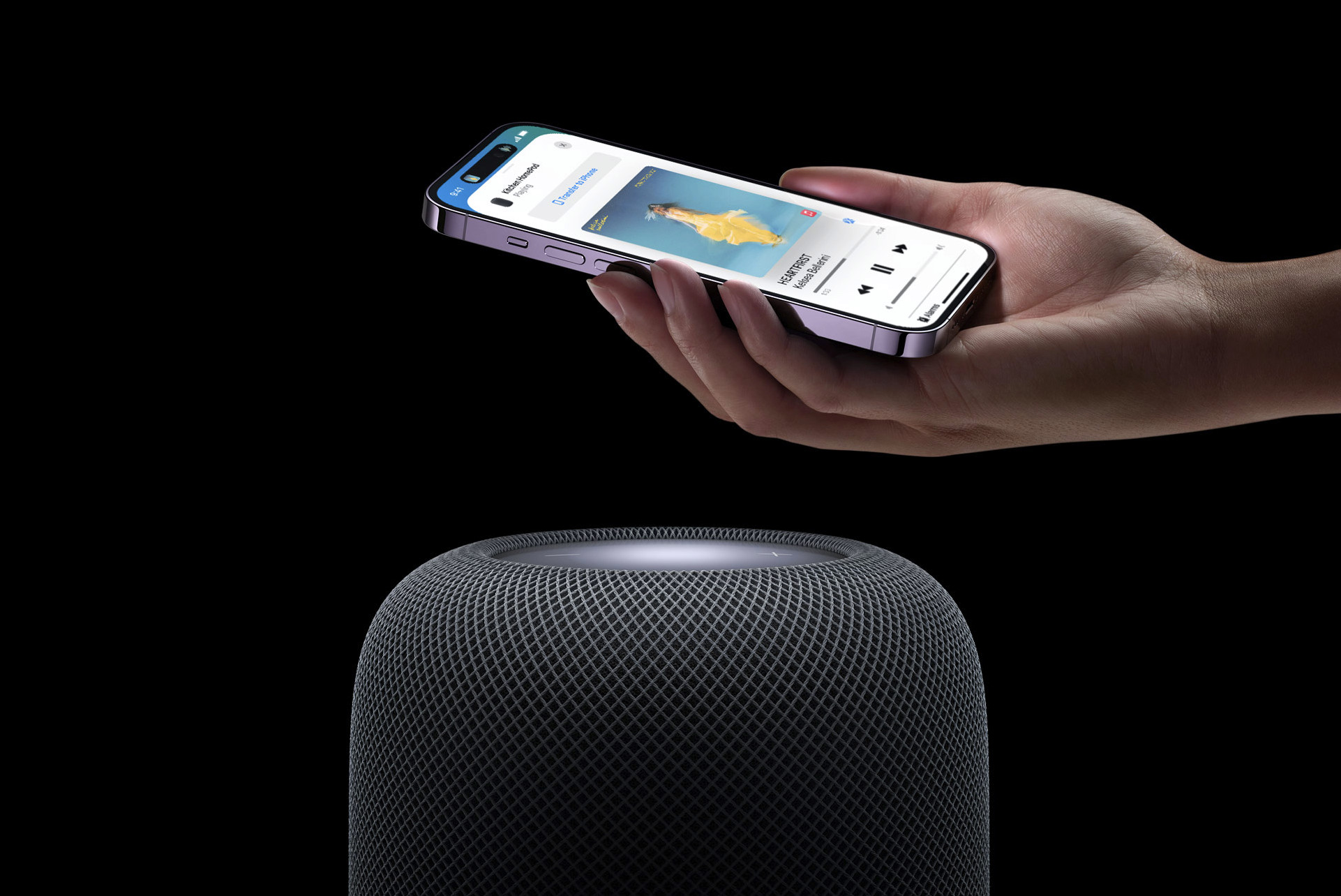
AirPlay behavior is another area where HomePod problems after iOS 26 are widely reported. Users describe music stopping unexpectedly after a few minutes when streamed via AirPlay, even when the source device remains active. Others report that AirPlay connections drop silently, forcing them to manually restart playback or reselect the HomePod as the audio output.
A recurring complaint involves AirPlay devices changing without user input. Some users report that music suddenly switches from a HomePod to a different speaker, Apple TV, or iPhone after Siri misinterprets a command or responds to background conversation. In multi-room setups, this behavior becomes particularly disruptive, as audio jumps between rooms or devices with no clear indication of why the change occurred.
These AirPlay routing issues appear to affect both direct streaming from iPhone and Mac as well as Siri-initiated playback requests. Users who rely on HomePods as default speakers for Apple TV also report inconsistent behavior, with audio sometimes reverting to the television’s internal speakers instead of remaining paired with the HomePod.
Touch Controls Not Responding or Triggering Unexpected Actions
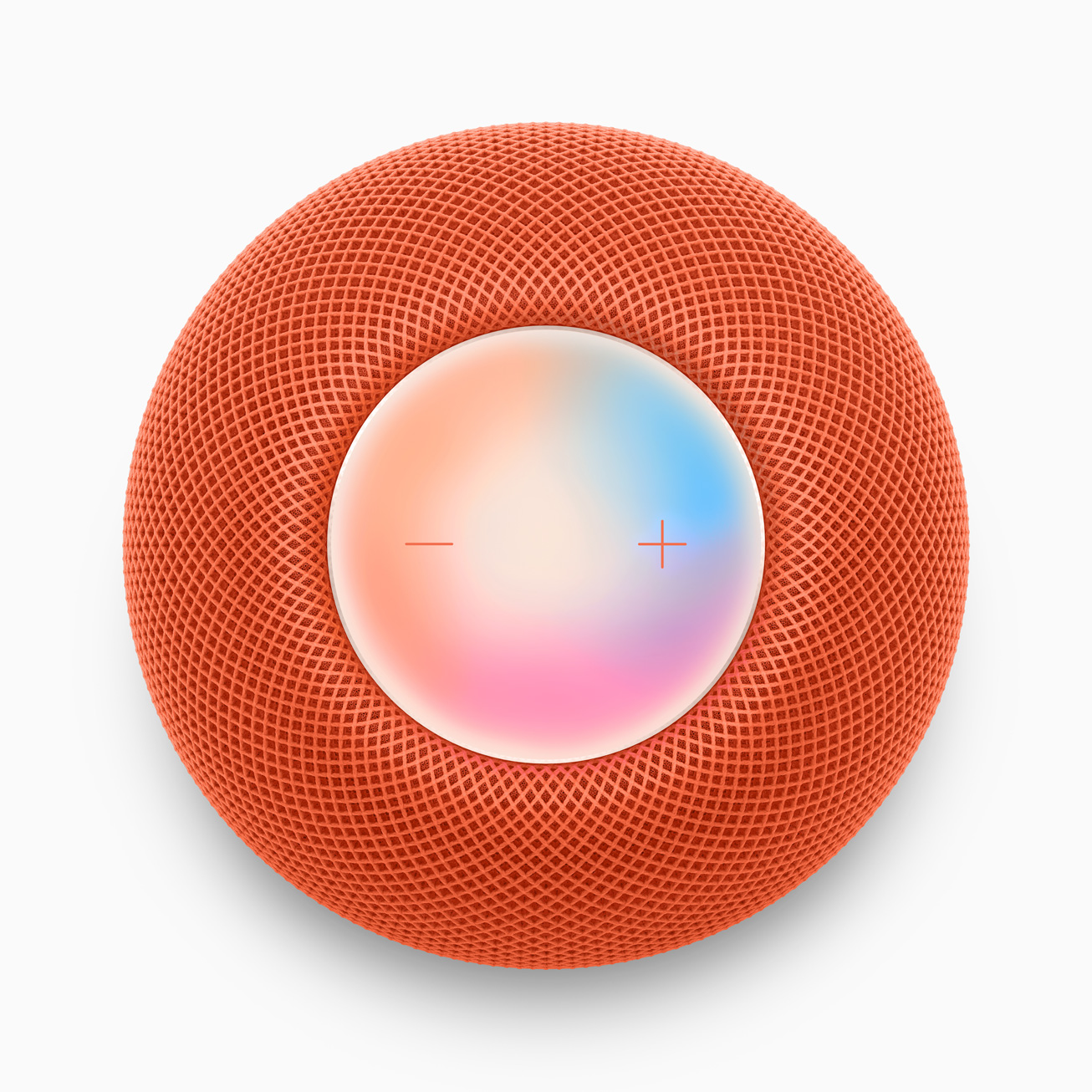
Another category of HomePod problems after iOS 26 involves touch controls on the top surface of the device. Users report that taps to pause, resume, or skip tracks intermittently fail to register. In some cases, the touch surface appears unresponsive for extended periods before suddenly resuming normal function without explanation.
Conversely, some users report the opposite behavior: HomePods responding to touch when no input was given. Complaints include music starting unexpectedly, playback pausing on its own, or Siri activating without a clear trigger. While these issues are less common than connectivity complaints, they appear frequently enough to suggest a software interaction issue rather than isolated hardware failures.
Because the touch surface also controls volume, these responsiveness problems overlap with volume-related complaints, adding to user frustration when attempting basic adjustments.
Volume Changes Without User Control
Volume behavior has emerged as another pain point following the iOS 26 update. Some users report HomePods changing volume levels unexpectedly during playback, either increasing or decreasing without manual adjustment. Others note that volume controls disappear or stop responding when HomePods act as AirPlay receivers, particularly when streaming from Macs or Apple TVs.
In certain cases, users report losing the ability to adjust volume entirely through physical touch, Siri commands, or the Home app, forcing a restart of the HomePod to regain control. This behavior is especially disruptive during media playback, where sudden volume spikes or drops can occur without warning.
Volume issues are often reported alongside AirPlay problems, suggesting a shared underlying issue related to how HomePod Software 26 handles audio state synchronization across devices.
Siri Misinterpretation and Device Switching
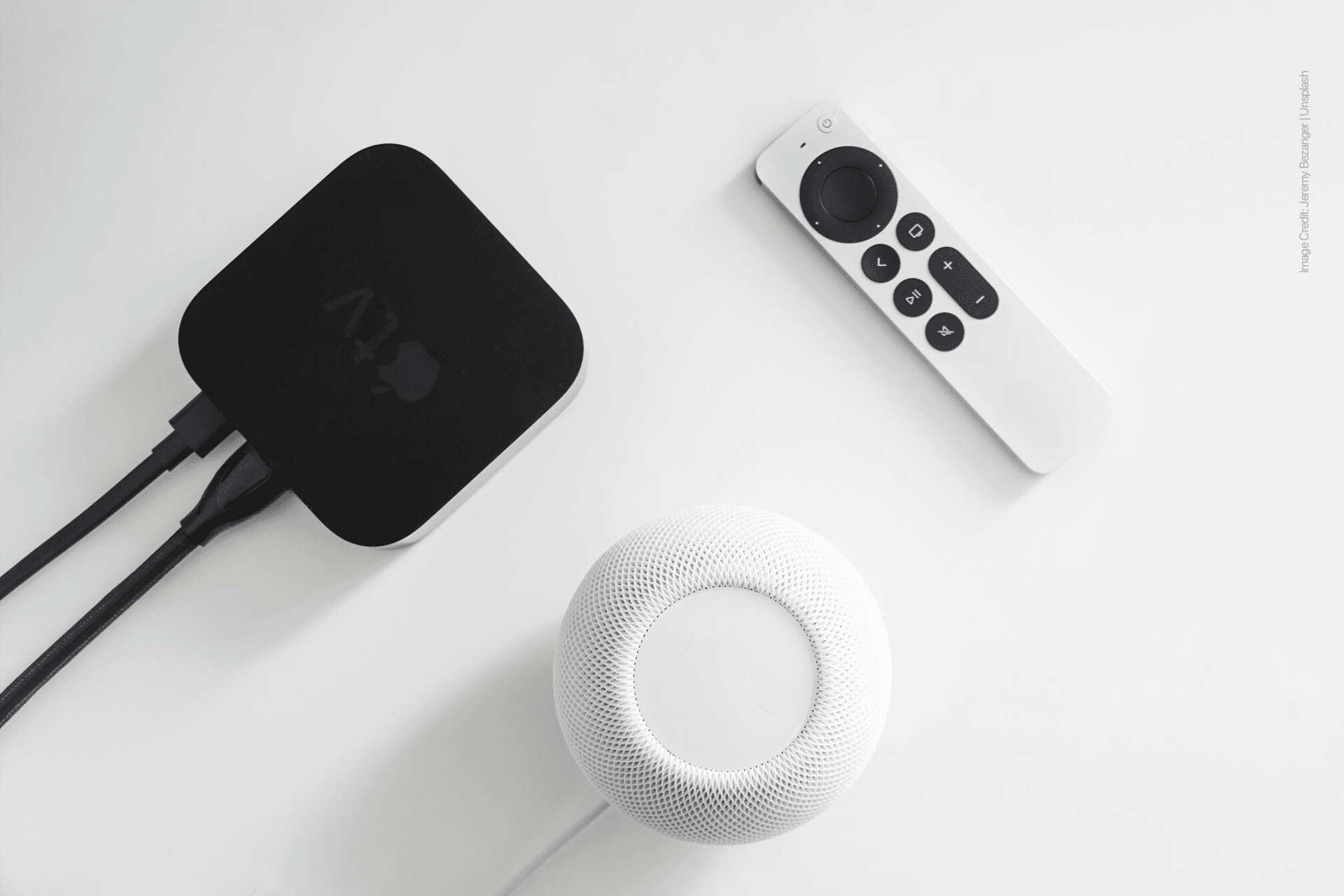
Siri behavior on HomePod has also drawn complaints since the update. Users describe Siri misinterpreting commands and redirecting playback to unintended devices. For example, asking to play music in one room results in audio starting on a different HomePod or an Apple TV, even when the original HomePod was previously active.
In homes with multiple HomePods, Siri’s confusion appears more pronounced. Users report that Siri sometimes treats grouped speakers inconsistently, breaking stereo pairs or changing playback targets mid-session. While Siri misunderstandings are not new, users note an increase in frequency following the iOS 26 update.
This behavior further complicates AirPlay reliability, as Siri-initiated playback is closely tied to the same routing systems affected by the update.
Stability Differences Between HomePod Models
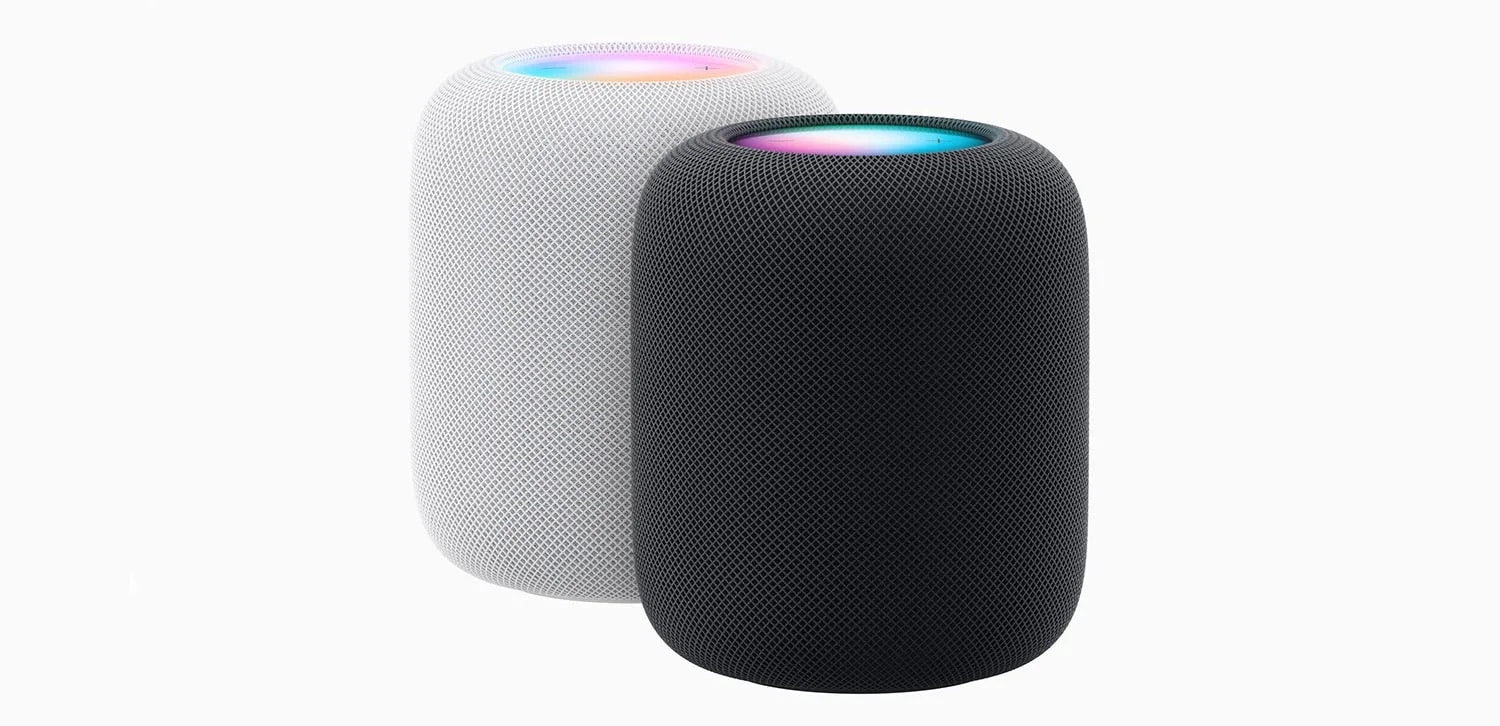
Reports suggest that both original HomePod and HomePod mini models are affected, though HomePod mini complaints appear more frequently, likely due to its wider user base. Stereo pairs and multi-room configurations appear particularly sensitive, with users reporting that grouped speakers lose synchronization or fail to respond as a unit.
Some users indicate that removing HomePods from stereo pairs temporarily improves stability, while others report no improvement. These mixed outcomes reinforce the idea that the issues stem from software coordination rather than individual hardware failures.
Attempts at Troubleshooting
Users report trying standard troubleshooting steps with mixed success. These include restarting HomePods, resetting network equipment, re-adding devices to the Home app, signing out and back into iCloud, and disabling certain HomeKit features. While some users regain stability temporarily, many report the issues returning after hours or days.
Apple’s official support documentation provides general guidance for HomePod troubleshooting, but does not currently acknowledge the specific patterns users describe following the iOS 26 update. As a result, users continue to document their experiences publicly while awaiting further software updates.

Ongoing User Frustration and Software Expectations
The persistence of these HomePod problems after iOS 26 has led to growing frustration among users who rely on HomePods as primary audio devices. Unlike iPhones or Macs, HomePods do not offer alternative interfaces or easy workarounds when core functionality breaks. When connectivity, AirPlay, or volume controls fail, the device’s usefulness drops sharply.
While Apple typically addresses widespread issues through incremental software updates, the number of similar complaints suggests that HomePod Software 26 introduced regressions affecting fundamental audio and networking behavior. Users now closely monitor upcoming point releases for fixes, sharing findings across forums as updates roll out.
For now, HomePod owners experiencing these issues continue to rely on resets, reconfiguration, and temporary adjustments while waiting for a software-level resolution. The consistency of reports across independent platforms suggests that the problems are not isolated incidents, but part of a broader post-update stability challenge tied to iOS 26 and its companion HomePod software.


