

iCloud custom email gives iCloud+ subscribers the ability to use a personal domain name with iCloud Mail, combining Apple’s ecosystem integration with a more professional or personalized email identity. Instead of relying solely on an @icloud.com address, users can send and receive email using a domain they own, such as name@yourdomain.com, while continuing to benefit from Apple’s privacy and syncing features.
Email is still the backbone of digital identity. Even with messaging apps, collaboration tools, and social platforms dominating daily communication, your email address remains the key that unlocks subscriptions, receipts, contracts, billing confirmations, account recoveries, and long-term archives. For many Apple users, @icloud.com works perfectly. But for those who want a more personal or professional presence, iCloud custom email changes the equation.
Owning a domain name has traditionally meant choosing a separate hosting provider, configuring mail servers, managing DNS complexity, and often paying for additional services just to send and receive messages reliably. It introduces fragmentation. Your Apple devices handle daily communication, but your domain email runs elsewhere. That separation creates friction — different login systems, different apps, different privacy policies.
iCloud custom email inside iCloud+ removes that divide. Everything runs within the same ecosystem that already manages your photos, backups, passwords, and device sync.
How to Set Up iCloud Custom Email Domain
Before starting, you must:
- Subscribe to iCloud+
- Own a registered domain name
- Have access to your domain’s DNS settings
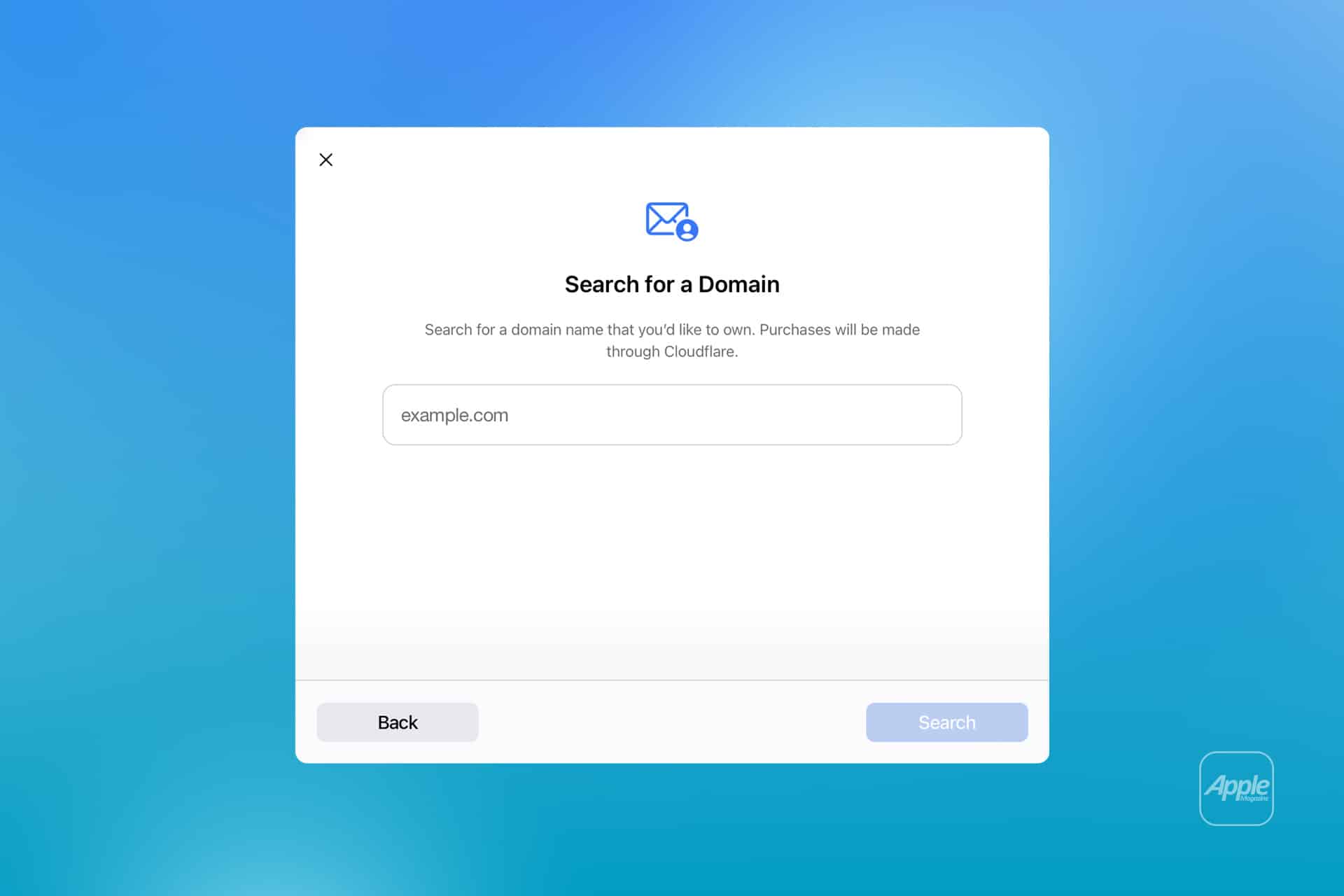
To begin setup:
Settings > [Your Name] > iCloud > iCloud Mail > Custom Email Domain
Or on Mac:
System Settings > [Your Name] > iCloud > Mail > Custom Email Domain
You’ll then choose whether the domain will be used only by you or shared with your Family Sharing group.
iCloud will guide you through adding DNS records at your domain registrar. This typically includes:
- MX records (to route email)
- TXT records (to verify ownership)
- SPF and DKIM records (to authenticate outgoing mail)
Once these DNS changes propagate — which may take several hours — iCloud verifies the domain and activates email routing.

Creating Multiple Email Addresses
After verification, you can create up to three email addresses per person under the custom domain.
For example:
- info@yourdomain.com
- contact@yourdomain.com
- support@yourdomain.com
To add additional addresses:
Settings > [Your Name] > iCloud > Mail > Custom Email Domain > Manage Email Addresses
Each address appears inside the Mail app automatically. When composing a message, you can choose which address to send from by tapping the “From” field.
Using iCloud Custom Email Across Devices
Once configured, your custom domain integrates seamlessly:
- Mail app on iPhone and iPad
- Mail app on Mac
- iCloud.com Mail in a browser
All devices signed into your Apple ID sync the custom domain settings instantly.
Incoming emails arrive just like standard iCloud Mail messages. No separate configuration is required inside the Mail app.
Managing Multiple Domains
iCloud+ allows you to add multiple domains under the same subscription. This is useful for users managing personal and business domains separately.
Each domain can host its own set of addresses, provided DNS verification is completed.
Managing domains is done through:
iCloud.com > Account Settings > Custom Email Domain
From there, you can:
- Add or remove addresses
- Update DNS verification
- Delete an entire domain
Sharing With Family
If Family Sharing is enabled, members can create their own addresses under the shared domain.
Each person receives private access to their assigned addresses. Shared access does not expose personal inboxes between family members.

Privacy and Security
iCloud custom email benefits from Apple’s end-to-end encryption where applicable and built-in spam filtering. Mail Privacy Protection and Hide My Email remain available.
DNS authentication through SPF and DKIM improves deliverability and reduces the chance of outgoing messages being flagged as spam.
Transitioning From Another Email Host
If moving from a third-party provider, you may need to migrate existing mail. This can be done through Mail on Mac using account import tools or via IMAP transfer from the previous host.
After DNS records switch, all new mail routes through iCloud.
iCloud custom email combines domain ownership with Apple’s ecosystem simplicity. Once configured, managing multiple addresses becomes straightforward, and your personal or professional identity integrates cleanly across every Apple device you use.