


iMac AirPlay receiver enables users to transform their Mac into a wireless display, extending the functionality of Apple’s ecosystem through seamless screen mirroring and media streaming. Introduced with macOS Monterey, this feature allows an iMac or compatible Mac to receive AirPlay content from an iPhone, iPad, or another Mac, eliminating the need for cables while maintaining high image quality and low latency. Whether sharing presentations, streaming videos, or expanding a workspace, AirPlay to Mac delivers a flexible and intuitive experience across Apple devices.
The ability to use an iMac as an AirPlay receiver redefines the role of the Mac within the ecosystem. Instead of serving solely as a productivity device, it becomes a versatile display capable of hosting mirrored content, extended desktops, and multimedia playback. This capability is particularly valuable for professionals, educators, and creatives who require additional screen space or wish to share content effortlessly during meetings, classrooms, or collaborative environments.
Beyond convenience, iMac AirPlay receiver reflects Apple’s commitment to continuity and integration. The feature leverages wireless connectivity, Apple Silicon performance, and advanced display technologies to provide a smooth and responsive experience. Users can project content from their iPhone or iPad to a larger Mac display in seconds, enhancing productivity, collaboration, and entertainment without interrupting workflow.
How iMac AirPlay Receiver Enhances Productivity and Collaboration
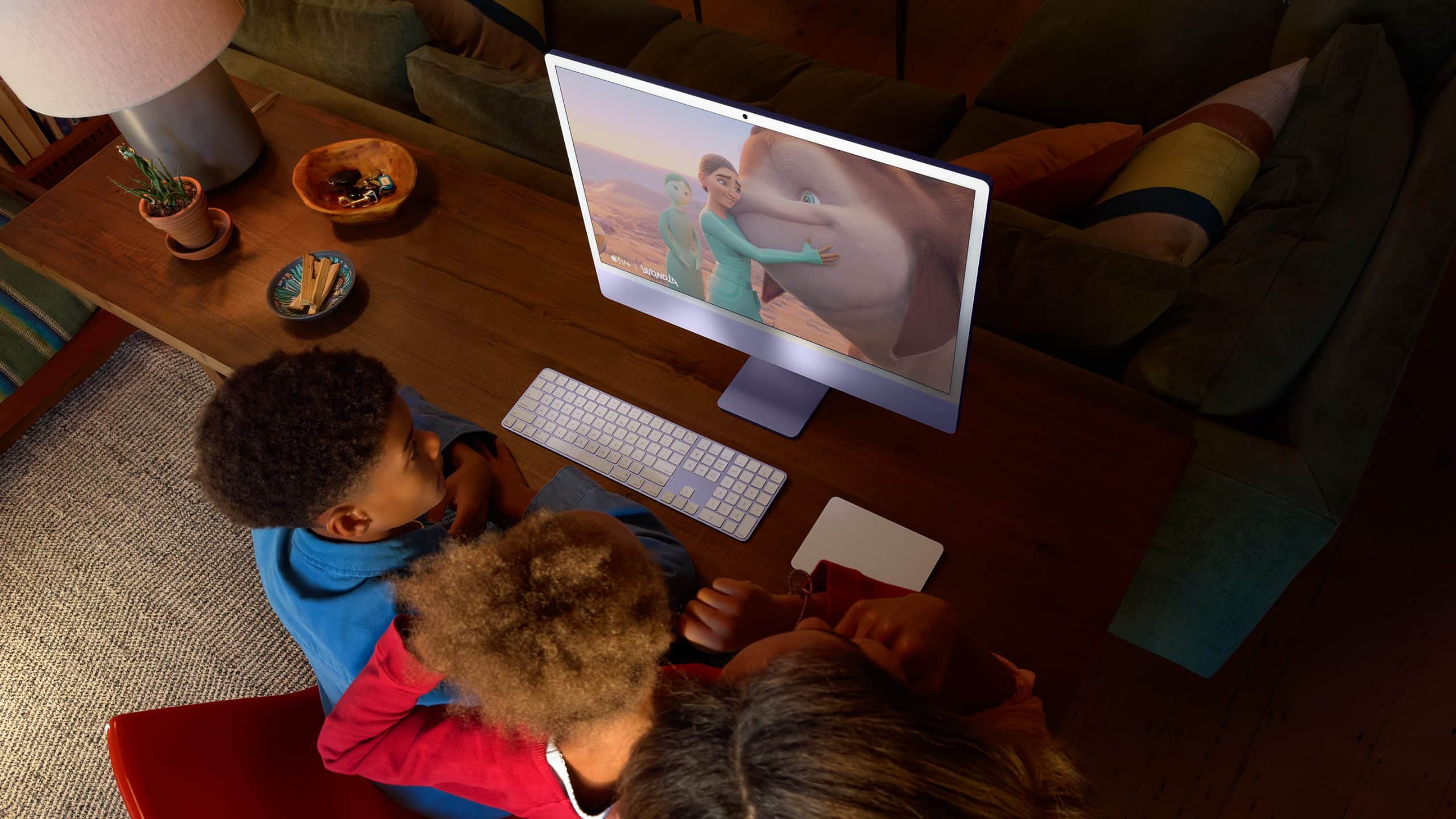
iMac AirPlay receiver expands the Mac’s versatility by allowing it to function as a secondary display or presentation screen. Professionals can mirror their iPhone or iPad during meetings, educators can share lessons wirelessly in classrooms, and designers can preview mobile layouts on a larger canvas. The feature provides an efficient alternative to cables and adapters, simplifying screen sharing in both personal and professional settings.
For multitasking workflows, AirPlay to Mac enables users to extend their desktop from one Mac to another, creating a dual-screen setup without physical connections. This capability is especially beneficial for remote work, research, and content creation, where additional display space enhances efficiency and organization. By integrating seamlessly with macOS, the feature maintains consistent resolution, color accuracy, and responsiveness across devices.
In creative environments, photographers and videographers can mirror their iPhone cameras to an iMac for real-time previews, while developers can test applications on multiple screens simultaneously. The flexibility of iMac AirPlay receiver demonstrates Apple’s emphasis on cross-device synergy, ensuring that each product enhances the capabilities of the entire ecosystem.

How to Enable iMac AirPlay Receiver on macOS
Setting up an iMac or Mac as an AirPlay receiver is straightforward and requires only a few steps within macOS settings.
System Settings > General > AirDrop & Handoff > AirPlay Receiver > Turn On
Enabling AirPlay receiver allows the Mac to accept wireless streaming and screen mirroring from compatible Apple devices. Users can choose who is allowed to AirPlay to the Mac, such as current users, anyone on the same network, or everyone.
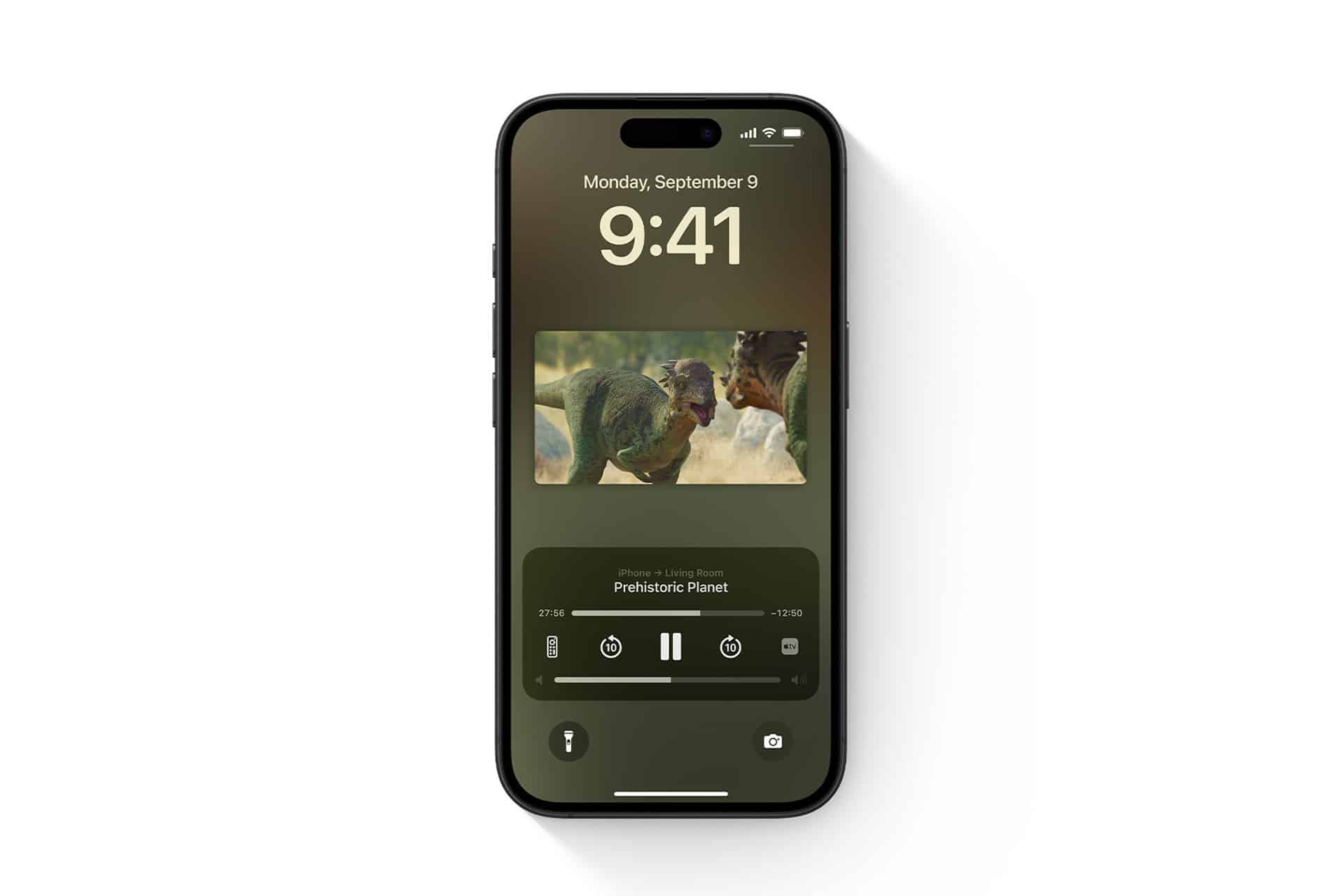
iPhone or iPad > Control Center > Screen Mirroring > Select Mac
From an iPhone or iPad, open Control Center and tap Screen Mirroring to select the Mac from the available devices. The mirrored content will appear instantly on the Mac display.
Mac > Control Center > Screen Mirroring > Select Mac
To extend or mirror a desktop from another Mac, access Screen Mirroring from Control Center and choose the destination Mac. This creates a wireless multi-display environment without cables.
System Settings > Displays > Use as Separate Display or Mirror Display
After connecting, users can configure the Mac to mirror the original screen or function as an extended display, offering flexibility for presentations, multitasking, and creative workflows.

Compatibility and Performance Considerations
iMac AirPlay receiver is supported on Macs running macOS Monterey or later, including iMac models from 2019 and newer, as well as Macs powered by Apple Silicon. Compatibility extends to iPhone and iPad devices running recent versions of iOS and iPadOS, ensuring seamless integration across the Apple ecosystem.
Performance depends on network stability and proximity between devices. For optimal results, devices should be connected to the same Wi-Fi network with strong signal strength. Apple’s advanced wireless technologies and efficient system optimization minimize latency and preserve image quality, delivering smooth video playback and responsive screen mirroring.
Security and privacy remain integral to the AirPlay experience. Users can control access permissions, require authentication codes, and limit connectivity to trusted devices. These safeguards ensure that content sharing remains secure while maintaining the convenience of wireless connectivity.
A Wireless Display at the Center of the Apple Ecosystem
iMac AirPlay receiver transforms the Mac into a central hub for wireless display and collaboration, reinforcing Apple’s vision of a unified and interconnected ecosystem. By enabling seamless screen mirroring and media streaming, the feature enhances productivity, creativity, and communication across devices.
From sharing presentations in professional settings to streaming content at home, the ability to turn an iMac into an AirPlay display highlights the versatility of macOS and the strength of Apple’s continuity features. As Apple continues to refine wireless technologies and ecosystem integration, AirPlay to Mac remains a powerful tool for extending the functionality of Apple devices and simplifying everyday workflows.