Image Playground is Apple’s built-in space for creating AI-generated images that feel personal, playful, and safe to use inside everyday conversations and creative boards. In iOS 26, Image Playground becomes more refined, faster, and more closely integrated with Messages and Freeform, turning quick ideas into visuals without leaving the app you’re already using.
Rather than replacing professional tools, Image Playground focuses on expression. It’s designed for moments when you want to visualize an idea, add personality to a message, or explore a concept visually in seconds.
What Is Image Playground in iOS 26
Image Playground is part of Apple Intelligence. It lets you generate images from simple text descriptions using Apple’s generative models, with results styled to match Apple’s visual language.
In iOS 26, Image Playground supports:
- Image generation from text prompts
- Multiple visual styles
- Seamless use in Messages
- Visual brainstorming in Freeform
- On-device intelligence combined with Private Cloud Compute
The experience stays lightweight and approachable, even for users who have never used AI image tools before.

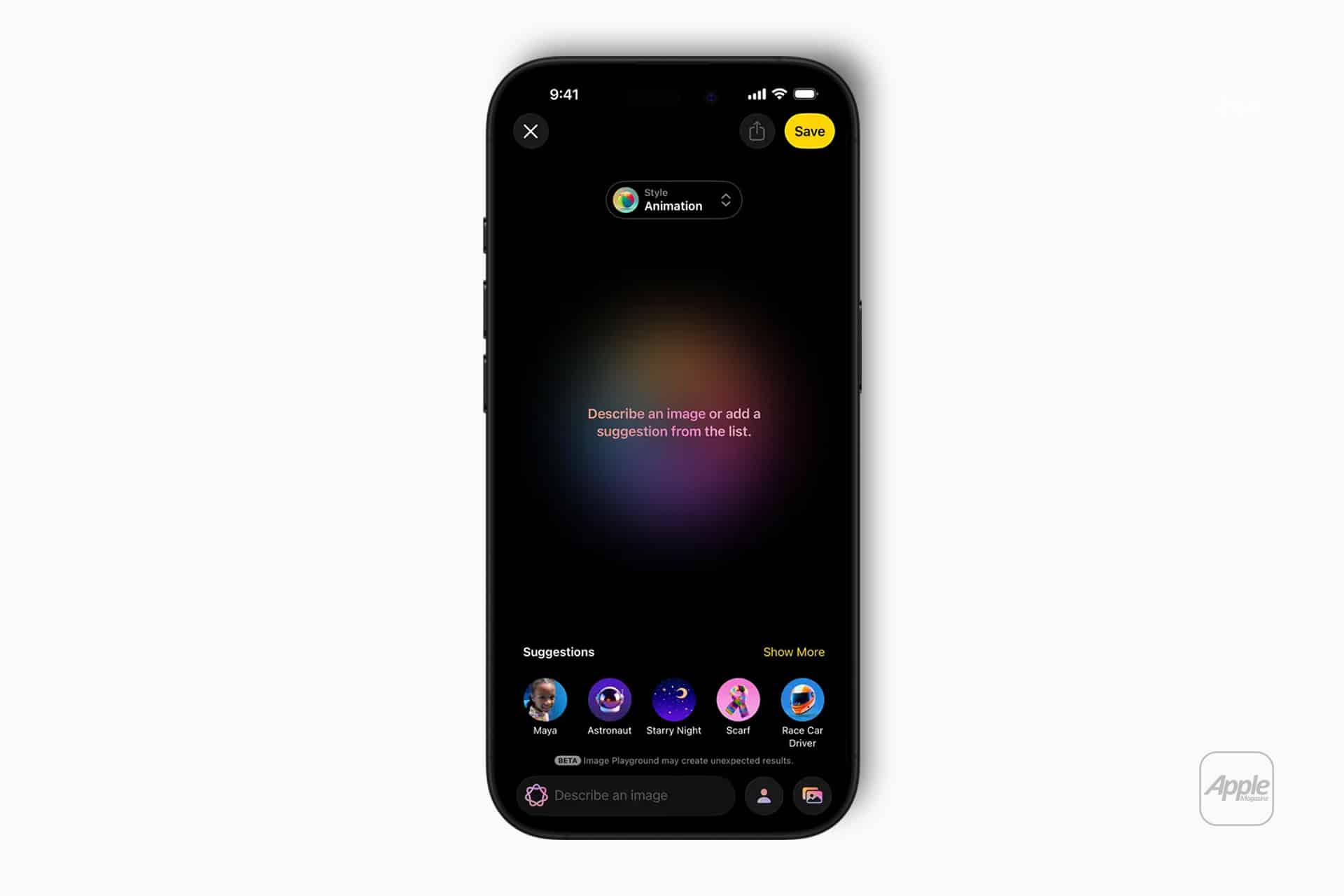
How to Use Image Playground in Messages
Image Playground is built directly into Messages, making image creation feel like an extension of texting.
Workflow
Messages > Open a conversation > Tap the “+” menu > Image Playground
From there, you can describe the image you want. Image Playground generates visuals you can send instantly, edit, or regenerate.
This works well for:
- Visual jokes and reactions
- Explaining ideas quickly
- Creating themed images for conversations
- Adding personality without stickers
Images scale naturally inside Messages, keeping conversations fluid rather than cluttered.
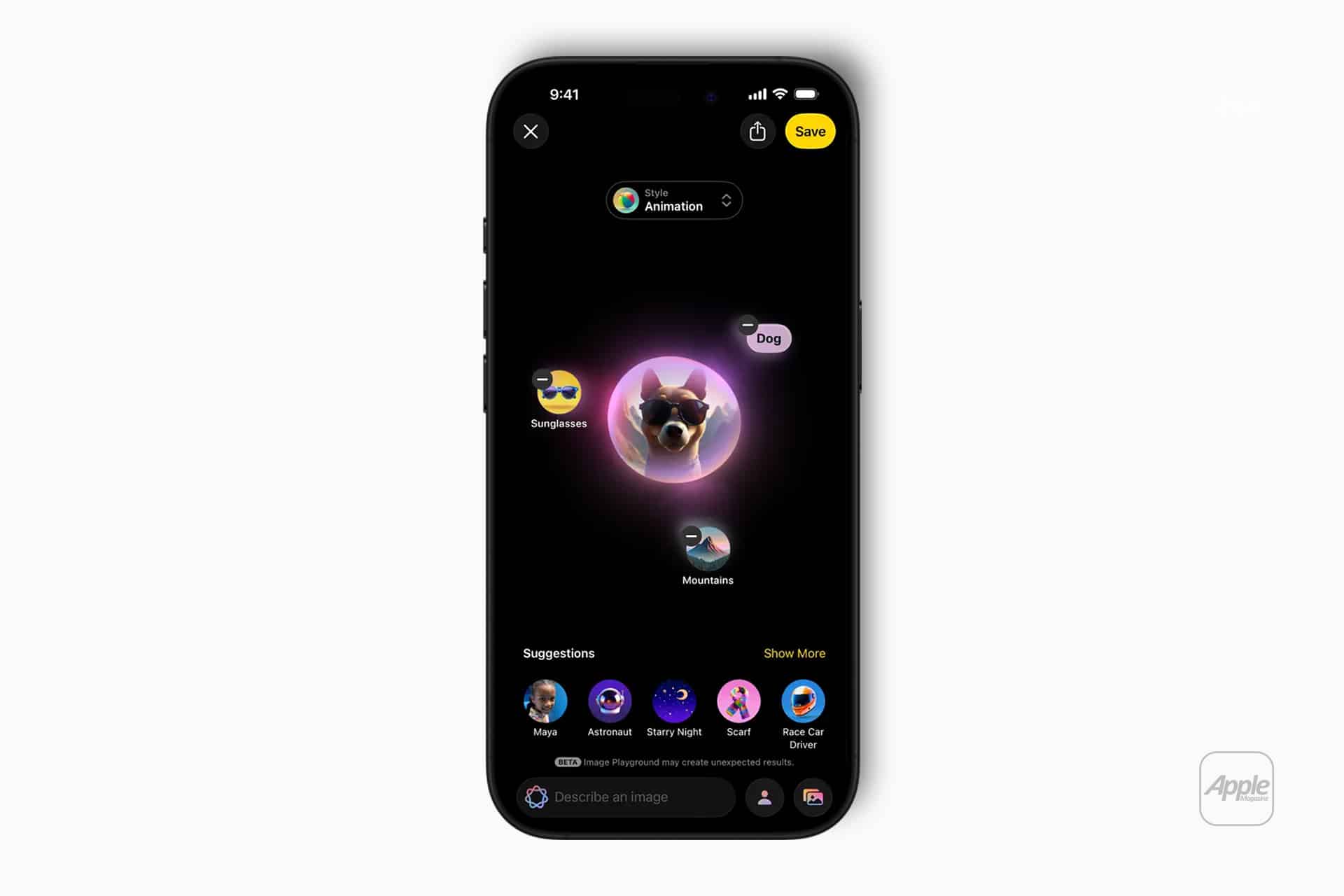
How to Use Image Playground in Freeform
Freeform turns Image Playground into a visual thinking tool. Instead of sending images, you place them on a canvas and build around them.
Workflow
Freeform > Open or create a board > Add > Image Playground
You can generate images for:
- Brainstorming concepts
- Mood boards
- Storyboarding
- Visual planning
- Creative collaboration
Images remain editable and movable, making Freeform a flexible space for exploration rather than final output.
Choosing Styles and Refining Results
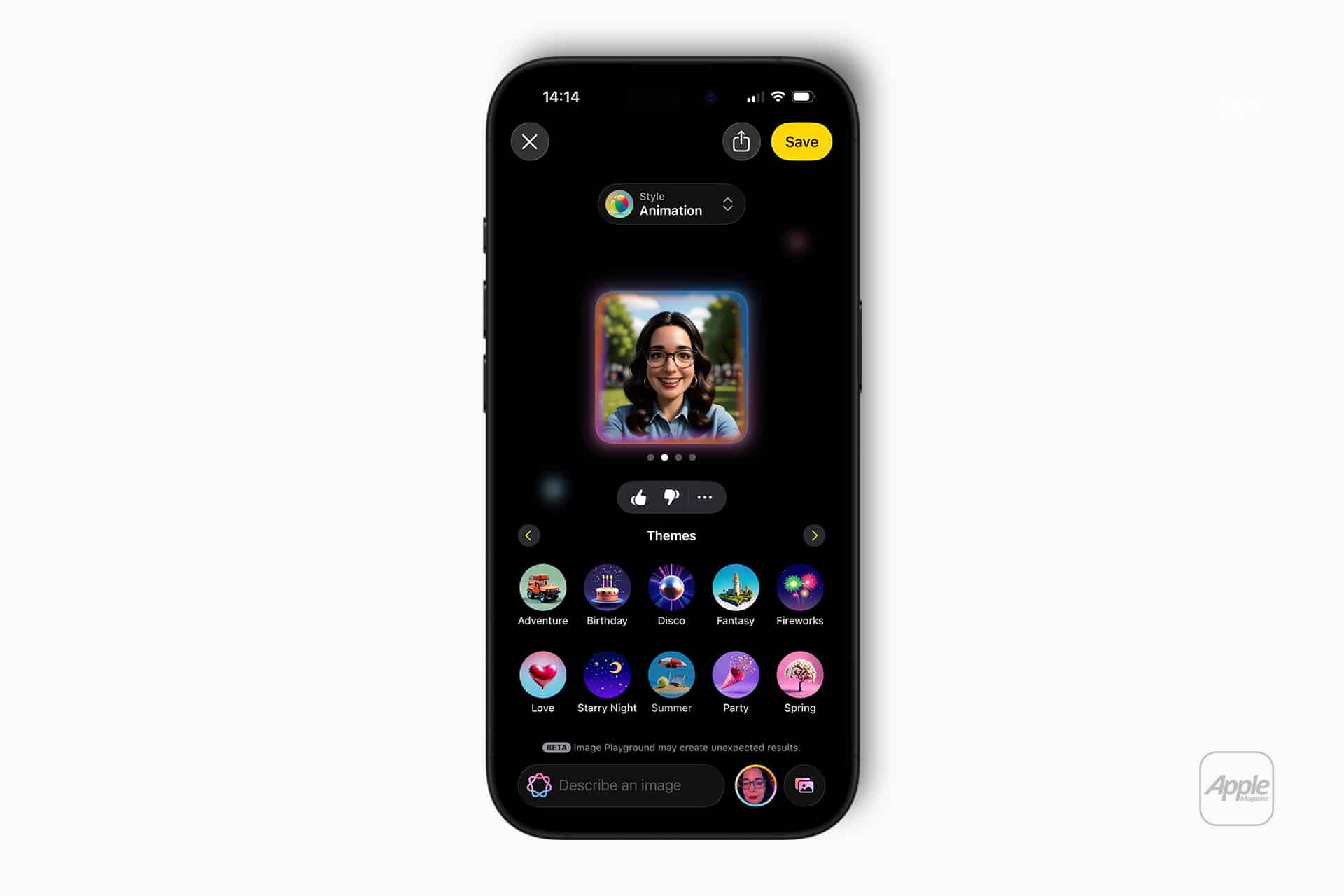
Image Playground in iOS 26 offers multiple visual styles, helping guide the look of generated images. You can regenerate results or tweak descriptions until the image fits your intent.
Short, clear prompts usually work best. Describing the subject, mood, and basic style is often enough to get usable results.
Because Image Playground is tightly integrated into the system, the visuals feel consistent with Apple’s design language rather than random or overly stylized.
Privacy and Apple Intelligence
Image Playground follows the same privacy principles as the rest of Apple Intelligence. Image generation prioritizes on-device processing, with Private Cloud Compute used only when necessary.
Images aren’t used to build advertising profiles, and prompts aren’t stored for marketing purposes. This keeps creative exploration lightweight and personal.
What Image Playground Signals for 2026
While iOS 26 refines Image Playground’s current role, Apple’s confirmed partnership with Google Gemini points to a larger evolution ahead.
With Gemini integration expected to arrive in a future iOS release, potentially showcased at WWDC 2026 alongside iOS 27, Image Playground could gain:
- More advanced prompt understanding
- Improved realism and detail control
- Faster iteration and refinement
- Stronger context awareness across apps
- Deeper integration with writing and planning tools
This would allow Image Playground to move beyond playful generation into a more capable creative assistant, without losing its simplicity.
Image Playground 2026 isn’t about replacing designers or illustrators. It’s about removing friction between an idea and a visual.
By living inside Messages and Freeform, Image Playground becomes part of daily communication and thinking. You don’t open a tool to “do AI.” You simply express an idea, and the system responds visually.
As Apple Intelligence evolves and Gemini integration comes into play, Image Playground looks positioned to grow naturally, staying approachable while quietly becoming more powerful.